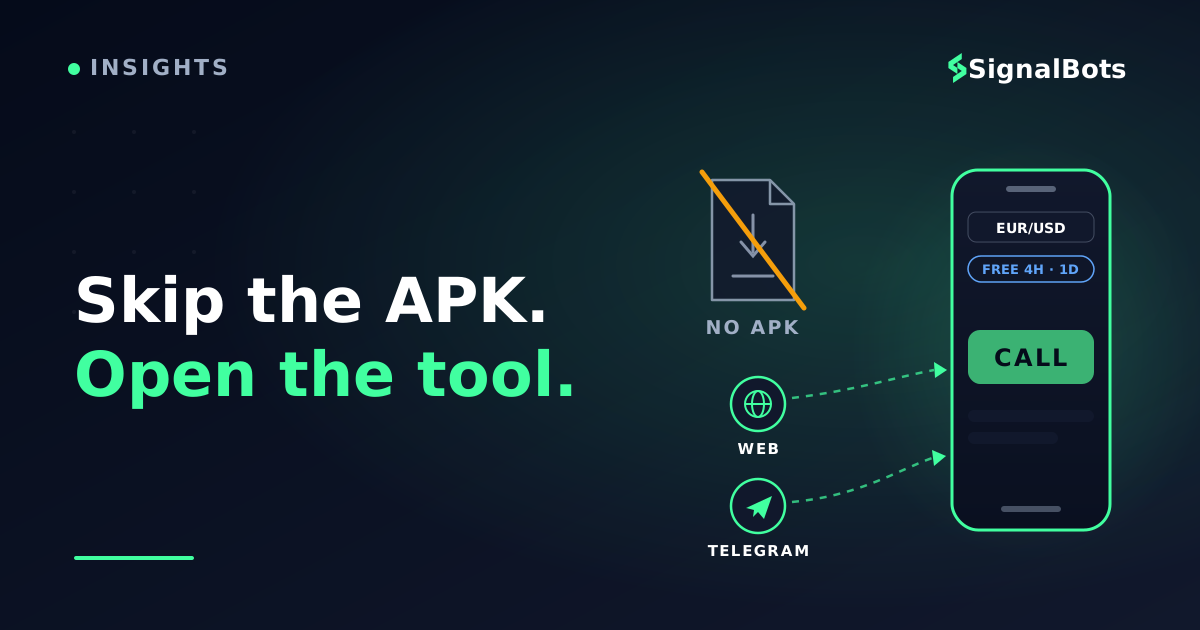
The official AI signal reader runs in your phone's browser and inside Telegram, free CALL / PUT / NO TRADE reads on 4H and 1D, no account needed. There is no Android APK, and you don't need one.
You saw Chinese Bot AI Pro in a video, went looking for the APK, and found everything except the tool itself. Here is the answer that search never surfaces: there is no APK, and you don't need one. This guide gets the real thing running on your phone in the next few minutes, then settles the other half of your search: what's free, and what a Premium licence actually unlocks.
Key Takeaways
There is no Chinese Bot Pro APK: the official tool ships as a responsive web app and a Telegram Mini App (@chinese_ai_pro_bot), both built for phones.
You can be reading free CALL / PUT / NO TRADE signals on the 4H and 1D timeframes within a minute, no account, no install, Android or iPhone.
A Premium licence unlocks every intraday timeframe from 5S to 2H plus priority reads; activation is a free account and one message to support.
Skipping sideloaded trading APKs also skips their baseline risks: unvetted updates, broad permissions and credential exposure.
Table of Contents (10 min read)Contents
Is there a Chinese Bot Pro APK? The short answer
No. Chinese Bot AI Pro has no Android APK, no iOS build, and no installable package of any kind. The official tool ships two ways, and both are built for your phone:
The responsive web version: the AI binary options signal reader runs directly on its product page, in any mobile browser.
The Telegram Mini App: the same engine inside Telegram, at @chinese_ai_pro_bot.
Both run the identical AI core: you pick a broker, a pair and a timeframe, and it returns one of three reads: CALL, PUT or NO TRADE. The 4H and 1D timeframes are free for everyone, with no account, email or API key required; every faster intraday timeframe is unlocked by a Premium licence, covered further down.
One thing is worth saying plainly before anything else: because we publish no APK, any file named "Chinese Bot Pro APK", whatever version number it claims, did not come from us. That matters for your security, and it's exactly where the next section starts.
Why there's no APK, and why that's better on your phone
Skipping the APK was a design decision, not a missing feature. For a tool whose entire job is reading fresh price action, a web-first build gives your phone three things an installed file can't:
Nothing to install or update. The page always runs the latest engine. There is no "latest version" to chase, because there is no version gap, reload and you're current.
It runs on anything. Android, iPhone, tablet, laptop, if it has a browser or Telegram, it runs Chinese Bot AI Pro. No OS requirement, no storage cost, no permissions screen.
One engine everywhere. The web version and the Telegram Mini App read from the same AI core, so you never wonder whether your copy is the outdated one.
There's a quieter benefit too. Trading APKs sideloaded from outside the official app stores (any of them, from anyone) carry a baseline set of risks worth taking seriously:
Unvetted updates. A sideloaded file updates whenever its distributor decides, with no store review standing between you and whatever changed.
Broad permissions. Trading-themed APKs commonly ask for access far beyond what a signal reader needs to do its job.
Credential exposure. An installed app can present any login screen it likes. Everything you type into it is a matter of trust.
None of that is a comment on any particular file or site; it's the general reality of sideloading, and it applies to every trading APK equally. A tool that never asks you to install anything removes the entire category of risk in one move.
How to use Chinese Bot AI Pro on your phone
Two paths, one engine. Pick whichever matches where you already spend your screen time, or set up both, since they share the same free tier and the same licence.
Option 1: the web version, straight from your browser
The fastest route from this article to a live signal screen is the Chinese Bot AI Pro web version. It runs on the page itself, nothing to download, and free reads need no account.
Do it now
From your browser to a live read in four taps
1
Open the tool page
Load the web version in any mobile browser. No sign-up, no install, free reads need no account, email or API key.
2
Pick your broker
Choose the platform you trade on: Quotex, Pocket Option and the rest of the supported short-expiry brokers.
3
Choose pair and timeframe
Scan any of the 60+ markets, real and OTC. On the free tier, select the 4H or 1D candle.
4
Read the verdict
The engine returns CALL, PUT or NO TRADE, and says NO TRADE when its indicators disagree, instead of guessing.
The whole setup is the absence of a setup: open, pick, read.
The free tier covers real-market and OTC pairs alike, so a Saturday read on a synthetic weekend price works exactly like a Tuesday one. If your phone browser can load this article, it can run the tool.
Option 2: the Telegram Mini App (@chinese_ai_pro_bot)
If Telegram is where you first saw this tool, you can keep the entire workflow inside it. The Mini App is the closest thing to the native app you originally searched for. It opens full-screen inside Telegram, with nothing to install:
Open Telegram and search for @chinese_ai_pro_bot: the official bot.
Tap Start, then launch the Mini App from the bot's menu.
Read the same screen: identical brokers, pairs, timeframes and free 4H/1D reads as the web version, without leaving Telegram.
Prefer signals that come to you instead of reads you request? That's a different habit served by a different tool: the binary options Telegram signal channels push calls into your chat list, while the Mini App answers on demand.
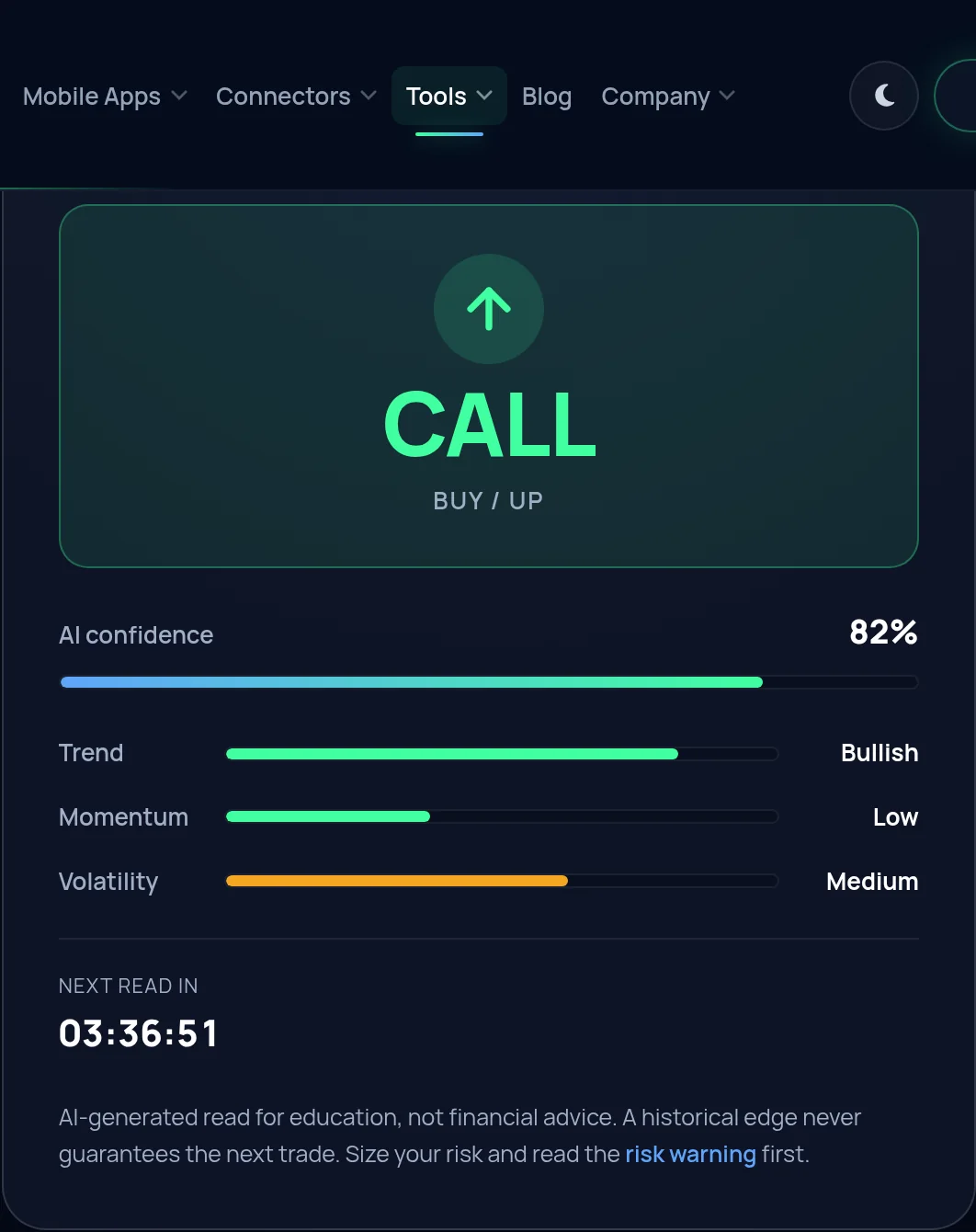
What the web version answers with: one verdict for the exact broker, pair and candle you picked, with the confidence and the three meters under it. The read in this capture is the one the engine returned at that moment; yours will differ.
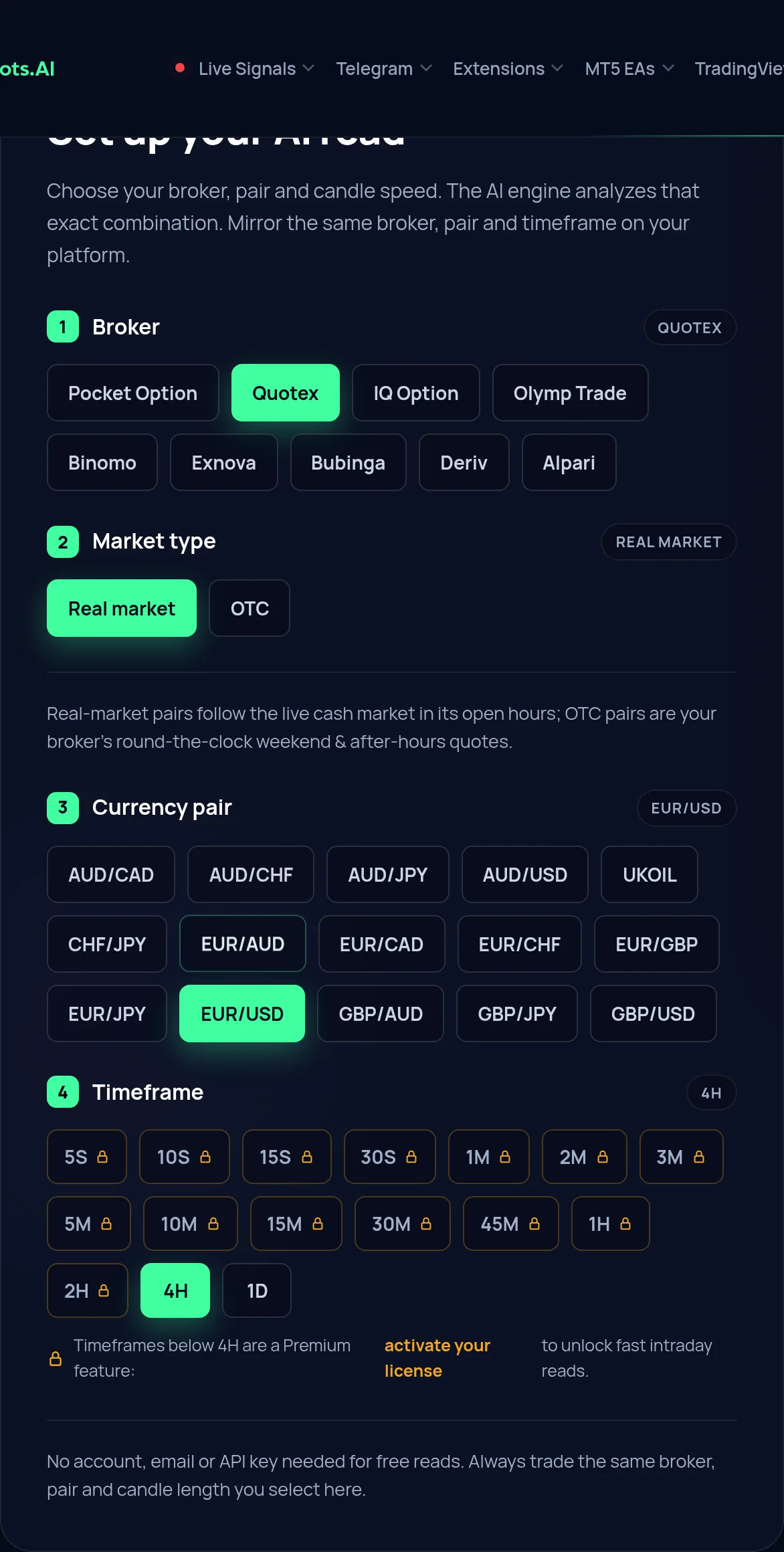
The half above the verdict is where the work happens. You are choosing the
combination the engine reads, and the card is stamped with it, so a read can
always be traced back to the ticket it belongs to.
Four controls, in order: broker, real market or OTC, the pair, and the candle length. The 4H and 1D chips are free on every broker; the faster ones carry a padlock until a licence is active.
There is no wrong door here. The engine behind both surfaces is identical, and activation uses your account email and Telegram ID together, so a Premium licence follows you to either one. The choice is purely about where you want the screen to live:
Web version
Telegram Mini App
Where it runs
Any mobile or desktop browser
Inside the Telegram app
Install needed
None: it runs on the page
None: uses the Telegram you already have
Free tier
4H and 1D reads, no account needed
Same 4H and 1D reads
Notifications
You check in when you choose
Lives where your alerts already land
Best for
Bigger screens and bookmark-and-check traders
Traders who spend all day in Telegram
Same engine, two doors. Pick the one that matches where your attention already lives.
Still unsure? Default to this: open the web version right now, it's one tap, and add the Mini App the first time you catch yourself wanting a read mid-conversation in Telegram.
Free vs Premium: what you get and how activation works
The "free download" half of your search deserves a straight answer too. There is no file to pay for: the pricing lives in the licence, and the free tier is genuinely free:
Free
Premium licence
Timeframes
4H and 1D candles
Every intraday timeframe, 5S to 2H
Markets
All 60+ pairs, OTC included
Same full market list
Brokers
All supported platforms
All supported platforms
Account
None needed for reads
Free SignalBots account
Reads and alerts
Standard read queue
Priority reads and instant alerts
The free tier is real: Premium changes speed and timeframe depth, not access.
The Premium licence is an account-bound license: it attaches to your SignalBots login, not to a device or a file, which is why there is still nothing to download after you upgrade. Premium also moves your requests to the priority scanning queue, cutting signal latency on every read, and turns on instant alerts.
Activation takes three steps:
Create a free SignalBots account and sign in.
Message support with your account email and your numeric Telegram ID.
Refresh the tool once support confirms: the fast timeframes unlock in place, on both the web version and the Mini App.
The browser extensions that place the trade for you
Chinese Bot AI Pro reads the market and hands you the verdict; you still
place the trade. If what you actually wanted from an APK was something that
acts on the signal, that is a different product line: a browser extension bound
to one broker, which runs on the trading page itself. There is one per binary
broker for the real market, and a separate OTC build for the weekend book.
The four below are the real-market ones. Each is a browser extension rather
than an Android app, for the same reason the reader already met on this page:
the trading platform runs in a browser, so the robot lives where the platform
does. Auto-trading places real orders with real money, so read the risk warning
and start on a demo balance.
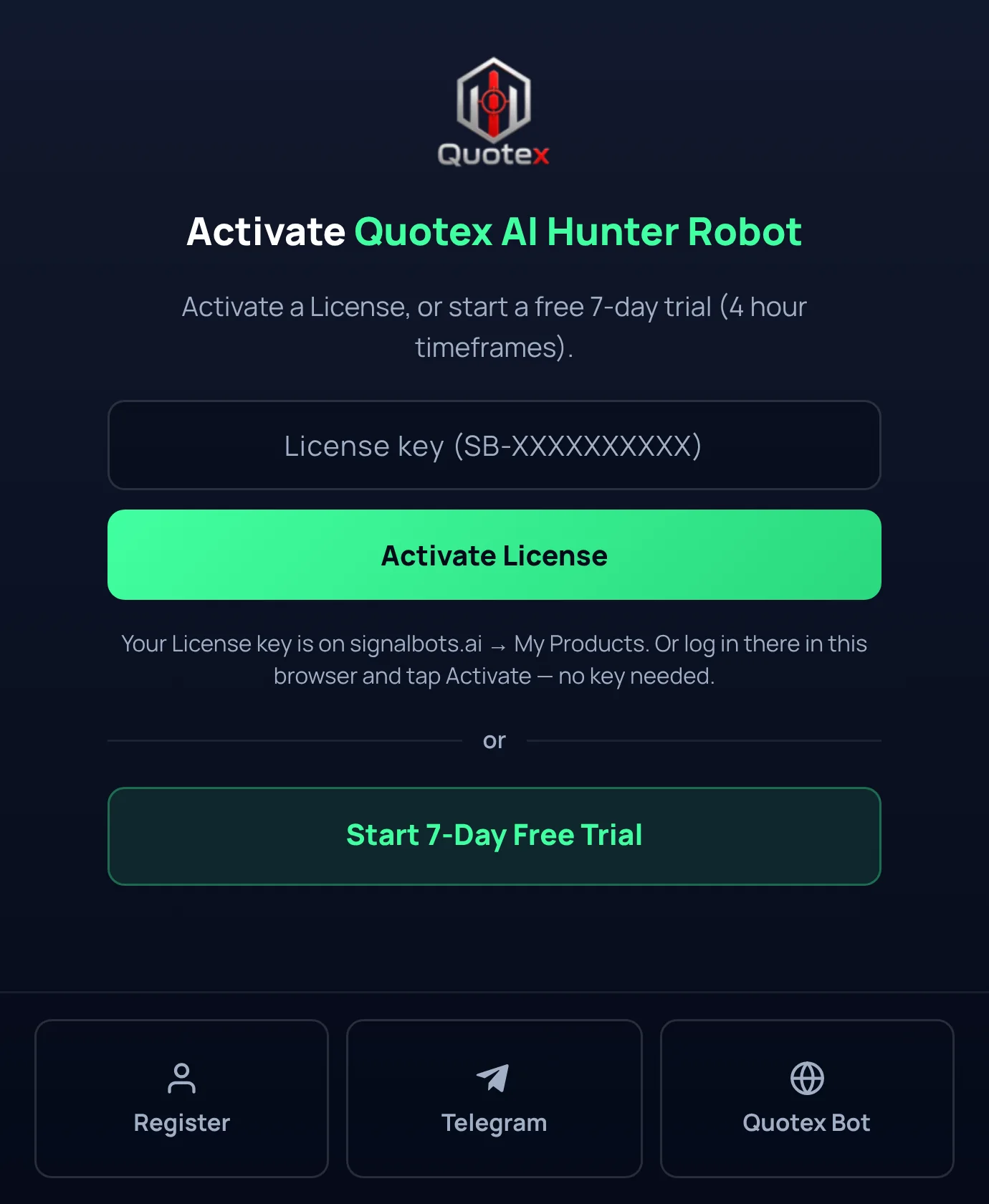
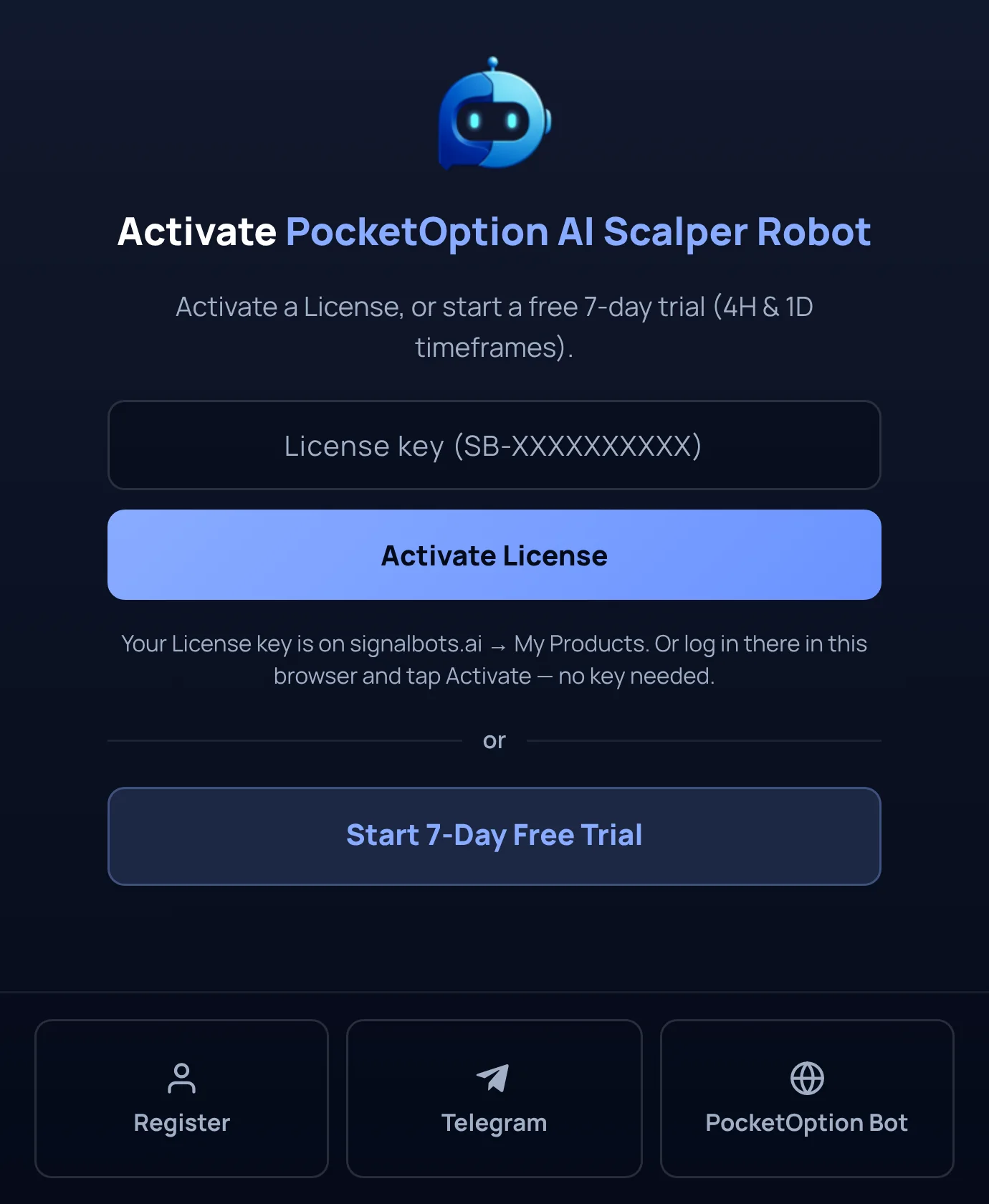
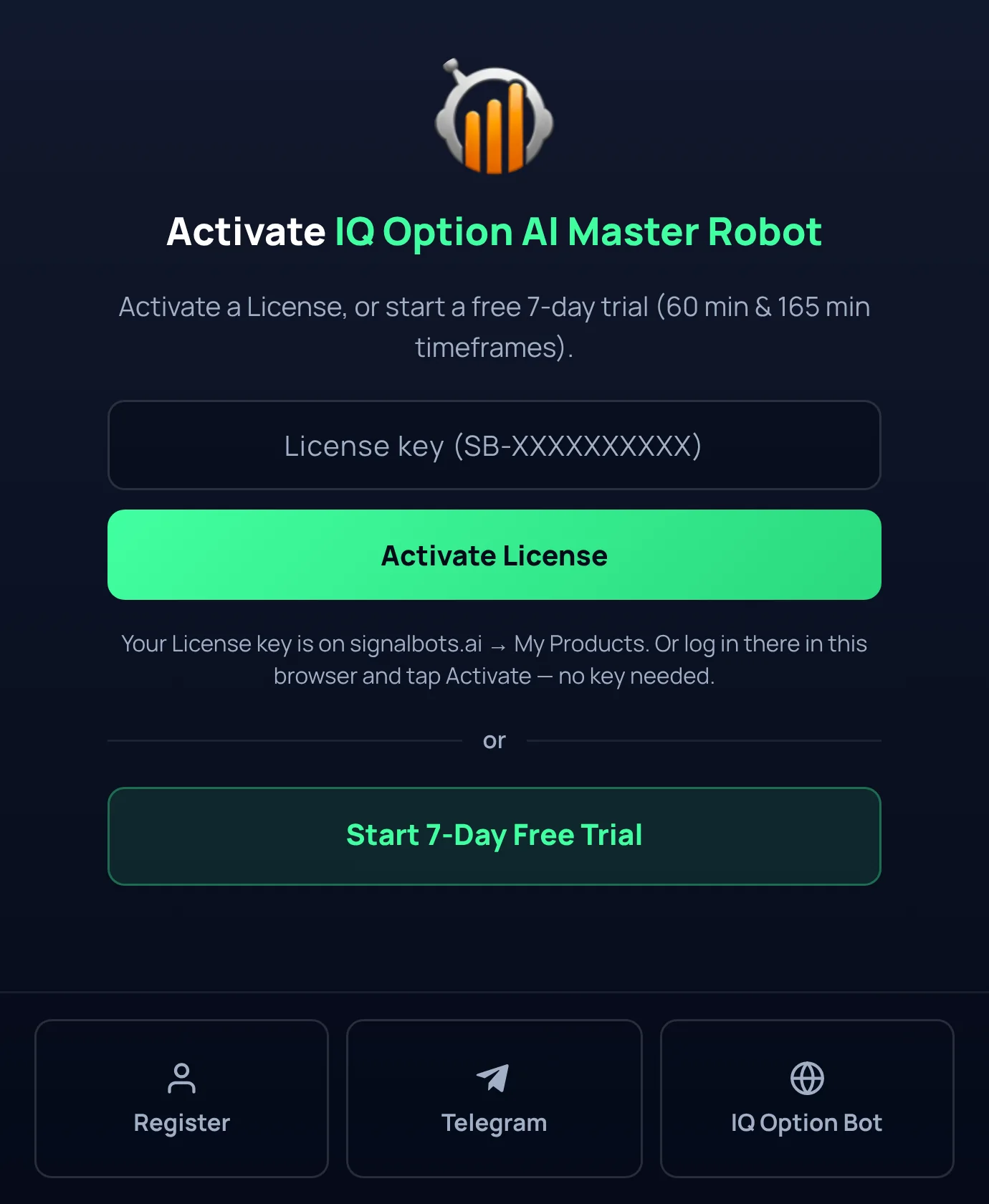
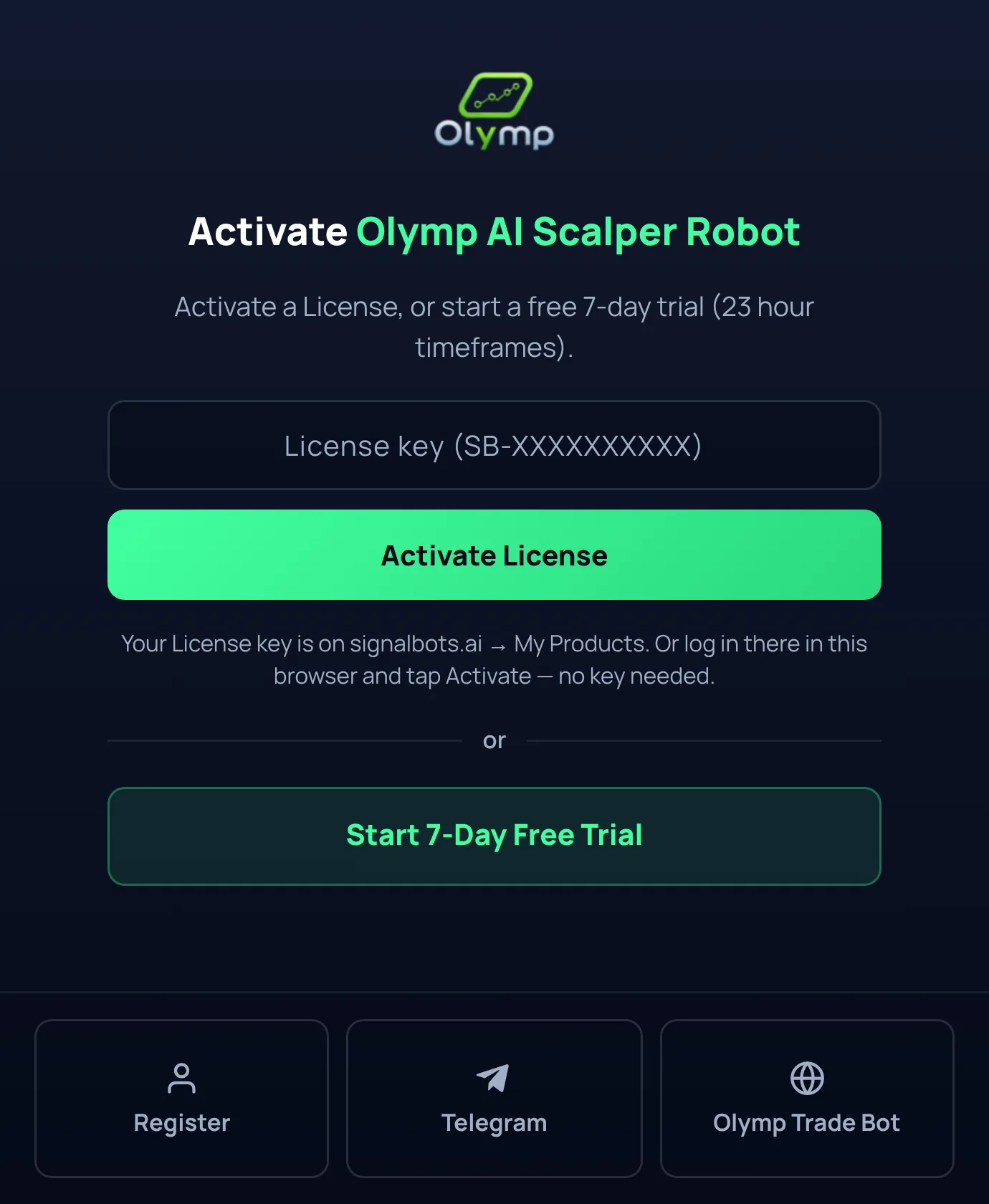
Quotex AI Hunter Robot, as it opens before activation: a licence key field, or a free trial on the 4H candle.
Each extension is tied to the broker it names, because it reads that
platform's own prices and places orders through that platform's own interface.
Pick the one you already trade on rather than the one with the schedule you
like: a robot on a broker you do not use has nothing to trade.
FAQ
Does Chinese Bot AI Pro work on iPhone?
Yes. Because there is no APK, there is also no Android-only limitation: the web version runs in Safari or any iOS browser, and the Mini App runs inside Telegram for iOS. The free 4H/1D tier and the Premium licence behave identically on both platforms.
Is the Telegram Mini App identical to the web version?
Functionally, yes: same AI engine, same supported brokers, same 60+ markets, same free and Premium timeframes. The only difference is the wrapper: one lives at a URL, the other inside Telegram. A read you'd get on one is the read you'd get on the other.
How long does Premium activation take?
Activation is a manual step handled by the support team directly in your chat: you send your account email and Telegram ID, they confirm in the conversation, and you refresh the tool to see the intraday timeframes appear. The exact steps are in the Free vs Premium section above.
Which brokers does it read?
Nine short-expiry platforms: Pocket Option, Quotex, IQ Option, Olymp Trade, Binomo, Exnova, Bubinga, Deriv and Alpari. The engine treats them all the same. Pick yours in the broker selector on either surface. So if your search was broker-scoped ("chinese bot pro quotex apk"), the answer is the same: no APK, and Quotex is fully covered in both the web version and the Mini App.
I found a "Chinese Bot Pro APK" file on a download site. Is it the real tool?
We publish no APK, so no installable file contains this tool, whatever version number it advertises. The genuine engine runs in exactly two places: the official web page and @chinese_ai_pro_bot on Telegram. The why-there's-no-APK section above covers the general risks that make sideloaded trading APKs worth avoiding altogether.
Is there any SignalBots app I can actually install for binary options?
Yes, a different product. The binary options mobile signal app is a separate, installable signals app with an official store listing. Chinese Bot AI Pro itself stays web-and-Telegram by design, but if you specifically want an icon on your home screen for binary signals, that is the official way to get one.
You came in
“hunting for a Chinese Bot Pro APK to get AI reads on your phone”
and ended at
the tool already runs on your phone, in the browser and inside Telegram.
Skip the download. Open the tool instead.
Free CALL / PUT / NO TRADE reads on the 4H and 1D timeframes, no account, no install, on Android and iPhone alike.
The Binary Options Desk is the SignalBots editorial team for fixed-time and OTC trading coverage. We research and write the guides that explain expiry timing, payout structure and disciplined entry across the major brokers.

Discussions 0
Leave a comment