Binary Brokers → MetaTrader 5

Your Binary Broker's OTC Pairs
live inside MetaTrader 5

Binary brokers' OTC markets rarely reach a real charting platform. Stream your binary broker's OTC feed straight onto MT5 charts and read it with the full MetaTrader toolkit: custom indicators, saved templates and the Strategy Tester.

Live OTC price feed Your indicators & EAs Backtest OTC history
Browse binary options connectors

Pick your platform

Pick your binary broker. Each connector streams that broker's OTC pairs onto live MT5 charts you can analyze your own way.

Connectors stream price data for analysis only; trading still carries substantial risk. Review our Risk Warning before you start.

Four OTC brokers

Binary Options MT5 Connectors for Four OTC Brokers

Binary options MT5 connectors are available for four OTC brokers: Pocket Option, Quotex, Olymp Trade and IQ Option. Each binary broker has its own connector, which streams that broker's OTC feed onto live MetaTrader 5 charts you can analyse your own way. Binary brokers' OTC markets rarely reach a real charting platform, so this is how the pairs you trade stop living only inside the broker window and turn into candles you can study. Open the connector for the broker you already use to see how it sets up. Connectors stream price data for analysis only, and trading still carries substantial risk of loss.
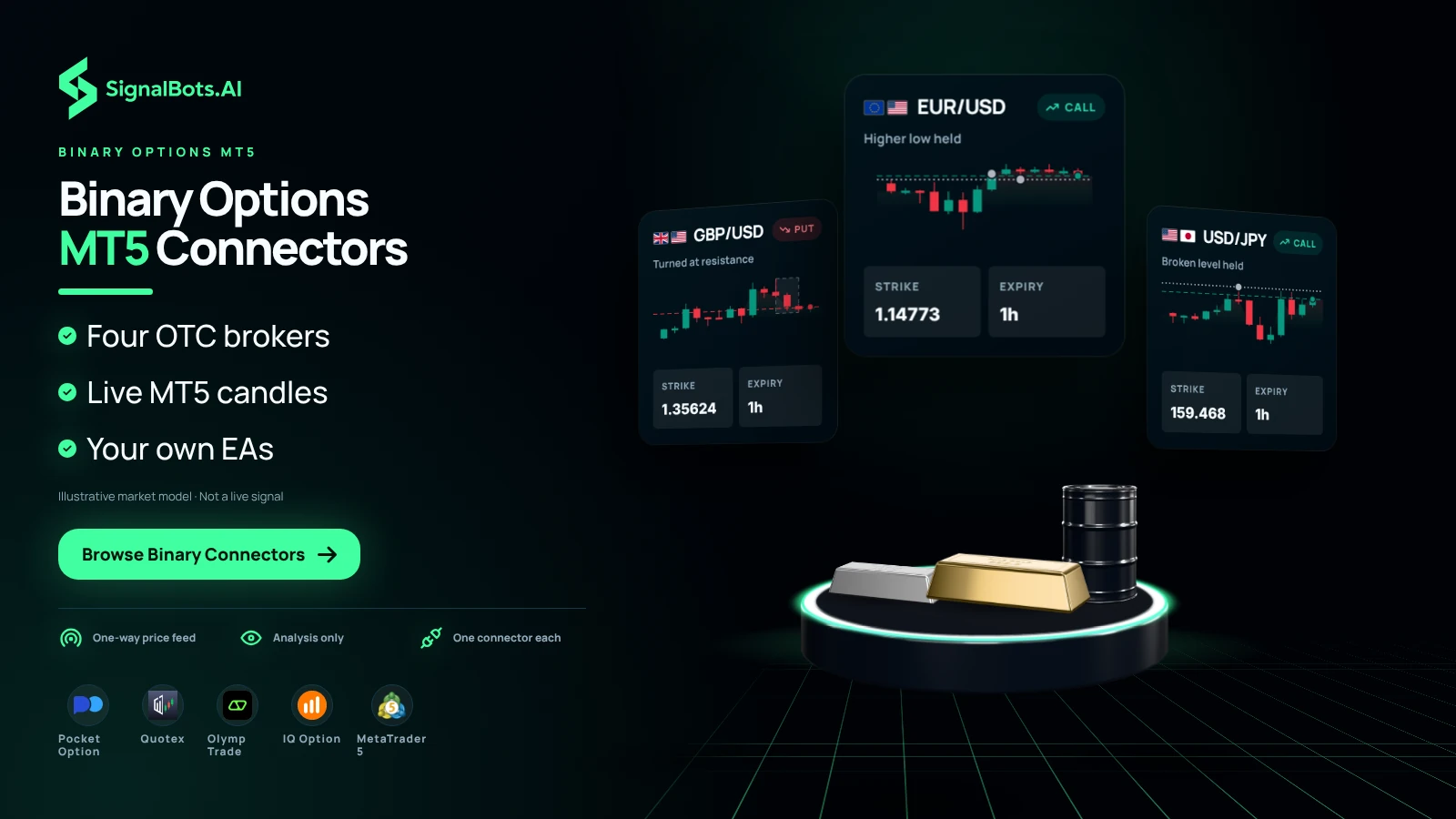
Three binary tickets on currency pairs, each a CALL or PUT with its strike and expiry, fan out over the stage, while the coverage strip names Pocket Option, Quotex, Olymp Trade, IQ Option and MetaTrader 5.
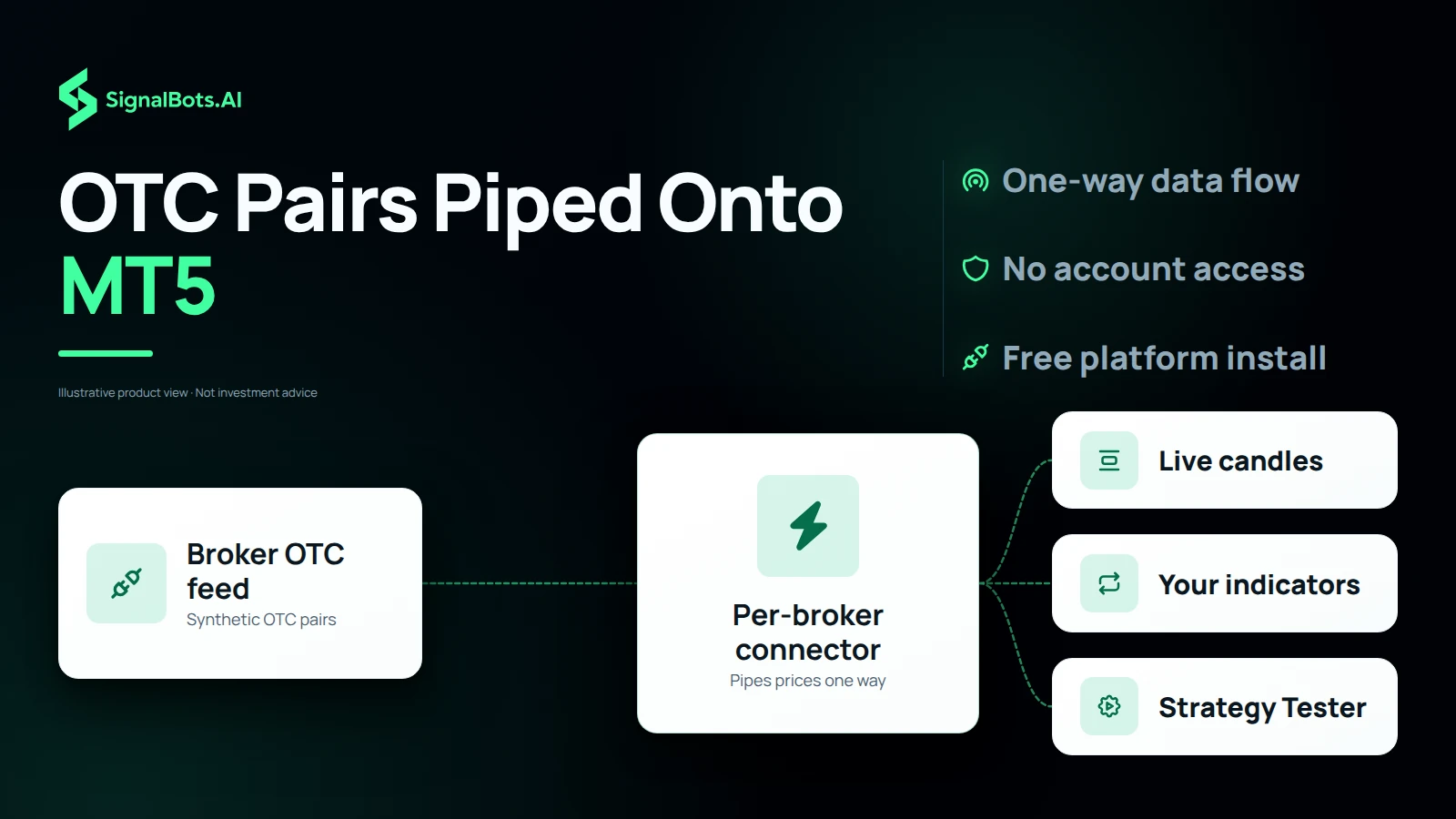
The broker's OTC feed flowing one way through a per-broker connector into three MT5 destinations: candles, the trader's indicators and the Strategy Tester, with nothing flowing back.

How the feed travels

Binary Broker OTC Pairs Piped One Way onto MT5 Charts

Binary brokers run synthetic OTC pairs whenever the real market is closed. The connector for your broker pipes those live OTC prices one way, from broker to MT5, so they land as candles on a real chart you can analyse like any other instrument, and it never reaches back into your account. Many traders search for binary options MT4, but these connectors feed MetaTrader 5, which you can install free from MetaQuotes or from any MT5 broker. No extra trading account is required just to chart the feed.

Your MT5 toolkit

Custom Indicators, Saved Templates and EAs on OTC Charts

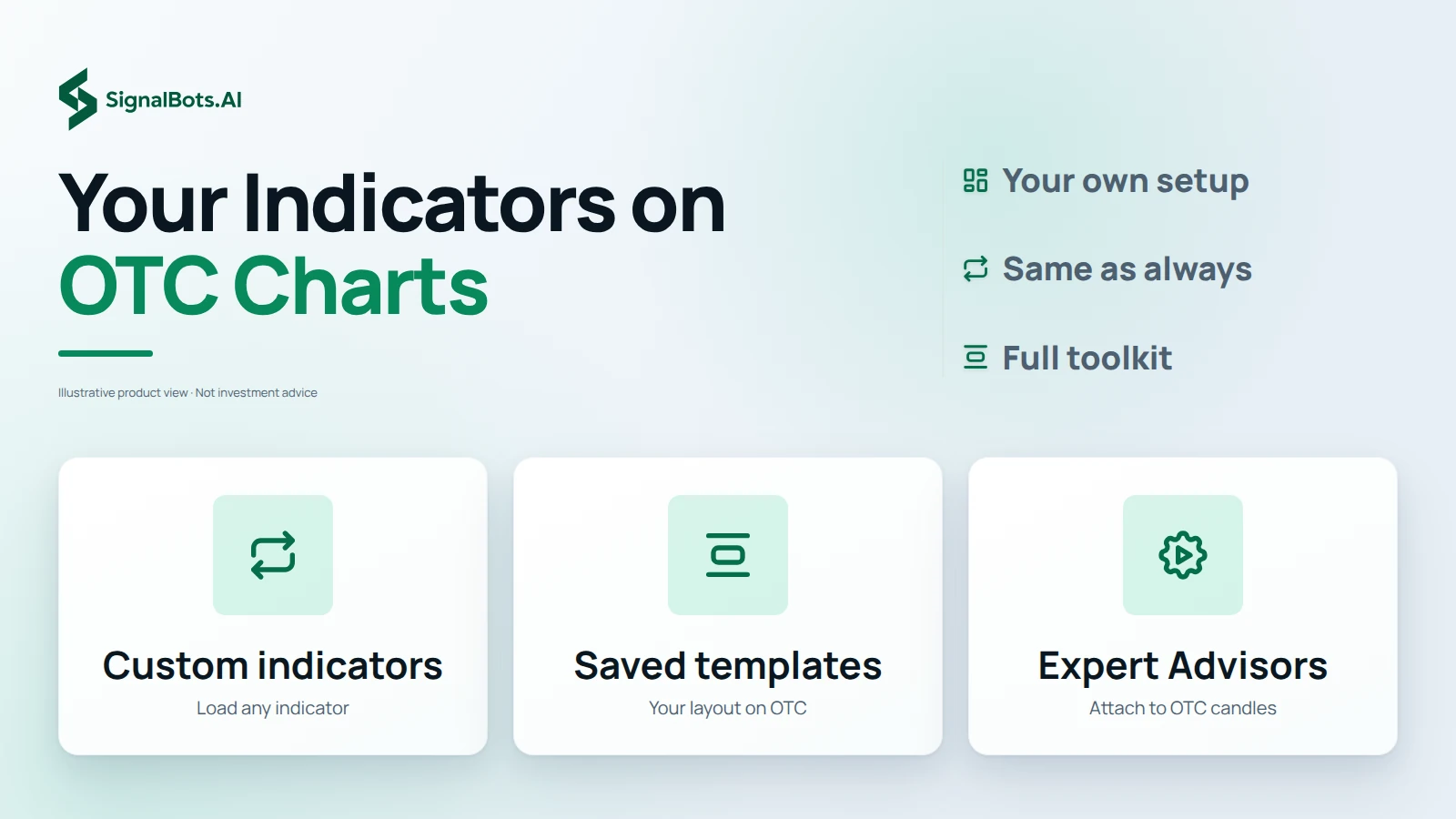
Every MT5 indicator, template and Expert Advisor works on the OTC chart exactly as it does on forex, so your setup comes with you instead of staying behind on your currency charts. Load the custom indicators you rely on, apply a saved template so the OTC pair opens in your usual layout, and attach an Expert Advisor to its candles the same way you would on any other symbol. That is the full MetaTrader toolkit you already know, now pointed at a binary broker's OTC pairs so you can read them the way you read forex.

Three tiles side by side: custom indicators, saved templates and Expert Advisors, each with a short note that it works on the OTC chart as it does on forex.
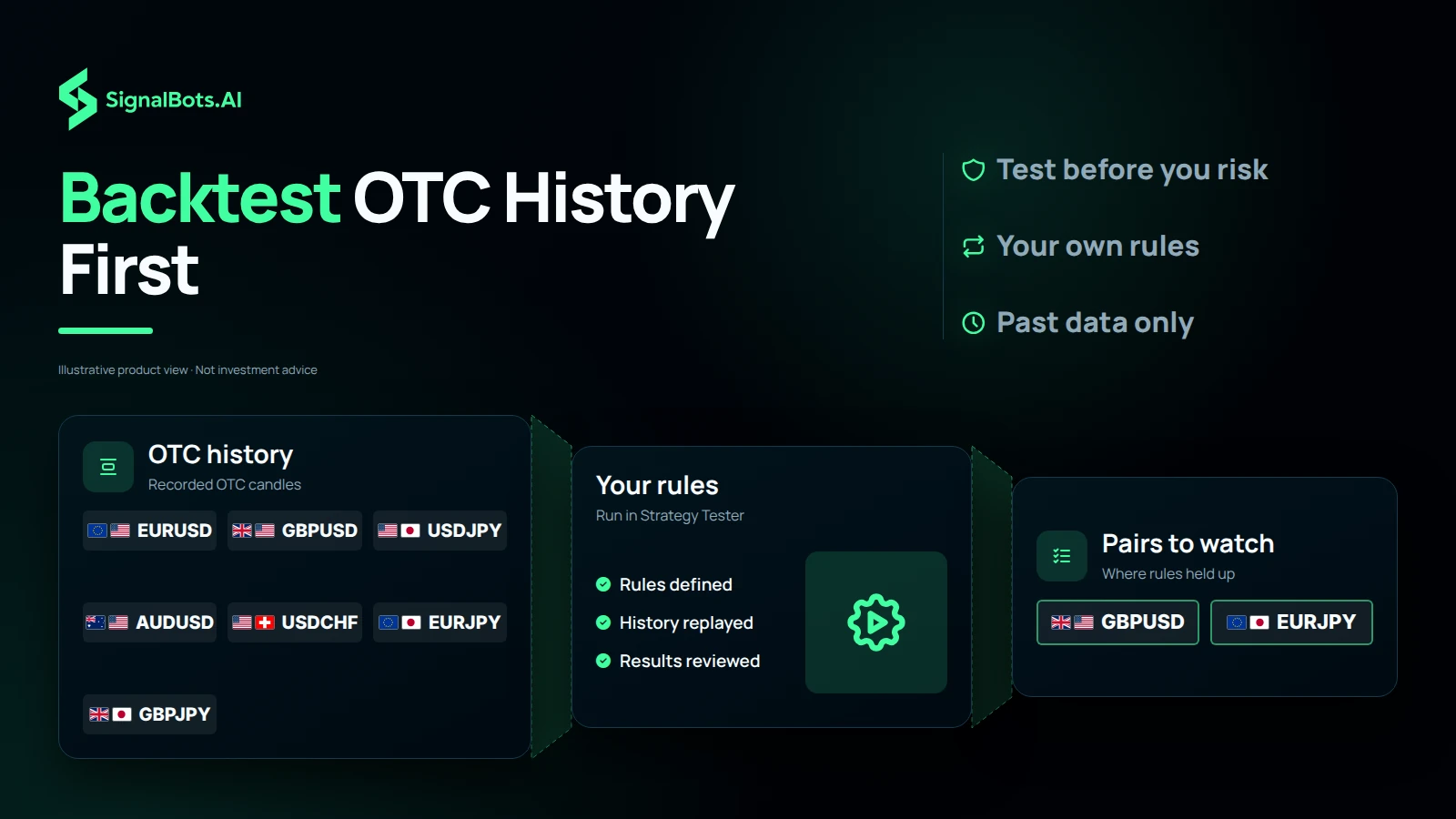
A watchlist of currency pairs passing through recorded OTC history and the trader's own Strategy Tester rules, narrowing to two pairs worth watching.

Test before you trade

Backtest OTC History in the MT5 Strategy Tester First

Once the OTC feed sits on an MT5 chart, you can run it through the Strategy Tester and build or validate a strategy against real OTC history before you risk a cent. Choose the currency pairs you follow, set the rules your setup has to meet, and let the tester replay how those rules behaved on past candles. Pairs where the rules held up earn a place on your watch list, and the rest drop off it. A backtest is historical evidence only and says nothing certain about the next trade, and trading carries risk of loss.

Pick the right tool

MT5 Connector or Browser Extension for Binary Trades

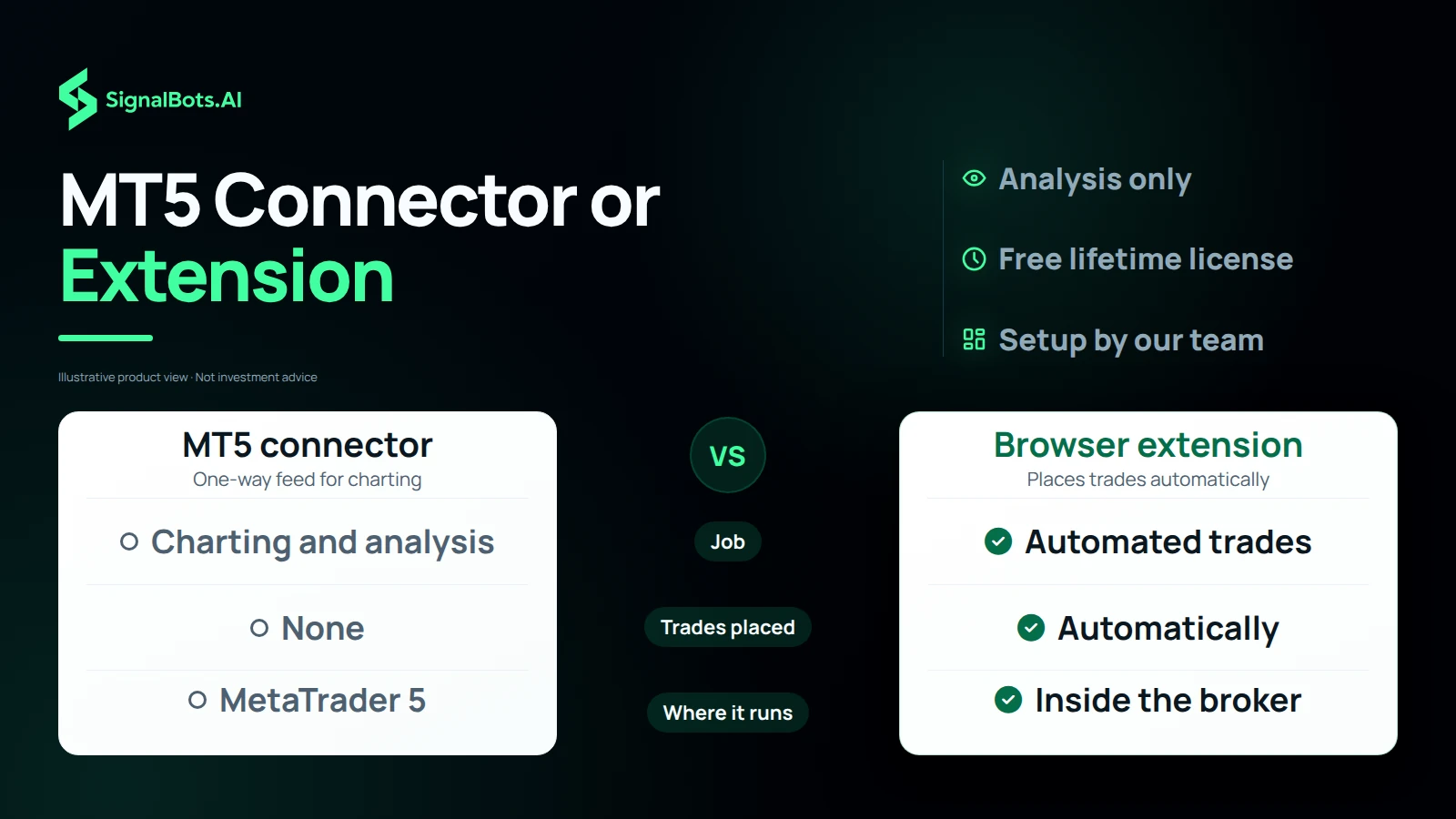
The MT5 connector and our in-broker browser extension do different jobs, so choose by what you want done. The connector is one-way, broker to MT5, for charting and analysis only: it never places binary trades and never reaches into your account, so every call or put stays yours to enter. When you want trades placed automatically, pair it with the browser extension, which works inside the broker. Each connector ships with a free lifetime license, and our 24/7 team sets it up on your machine once you message them. Trading still carries risk of loss, so read the Risk Warning first.

Two columns compare the MT5 connector (charting and analysis, places no trades, runs in MetaTrader 5) with the browser extension (places trades automatically, runs inside the broker).

Frequently Asked Questions

Which binary brokers can I connect?

Pocket Option, Quotex, Olymp Trade and IQ Option: each has its own connector that streams that broker's OTC feed onto MetaTrader 5. Open the one you trade to see how it sets up.

What exactly is the OTC feed?

Binary brokers run synthetic OTC pairs whenever the real market is closed. The connector pipes those live OTC prices onto a real MT5 chart so you can finally analyze them like any other instrument.

Does the connector place binary trades for me?

No. The OTC feed is one-way, broker to MT5, for charting and analysis only; it never reaches into your account. Pair it with our in-broker browser extension when you want trades placed automatically.

Can I backtest OTC history?

Yes. Once the feed is on an MT5 chart you can run it through the Strategy Tester and build or validate a strategy against real OTC history before you risk a cent.

Can I use my own indicators and templates?

Yes, every MT5 indicator, template and Expert Advisor works on the OTC chart exactly as it does on forex. Your setup comes with you.

Do I need MetaTrader 5 installed?

Yes. MT5 is free from MetaQuotes or any MT5 broker; the connector simply feeds your charts. No extra trading account is required to chart the feed.

How do I get a connector?

Each connector ships with a free lifetime license: message our 24/7 team and we'll set it up on your machine. Trading still carries risk; read our Risk Warning first.