CoinEx Charts inside MetaTrader 5

See CoinEx's Spot and Futures markets on real MT5 charts, analyse them with your own indicators and templates, and get our live signals right on the chart — streamed from public market data, with no API key and no access to your exchange account.

Step-by-Step Setup

Get the CoinEx MT5 connector in 2 steps

Follow the steps in order — open an eligible account the right way, then unlock your free connector license.

Step 1 of 2

CoinEx Sign Up

Which describes you?

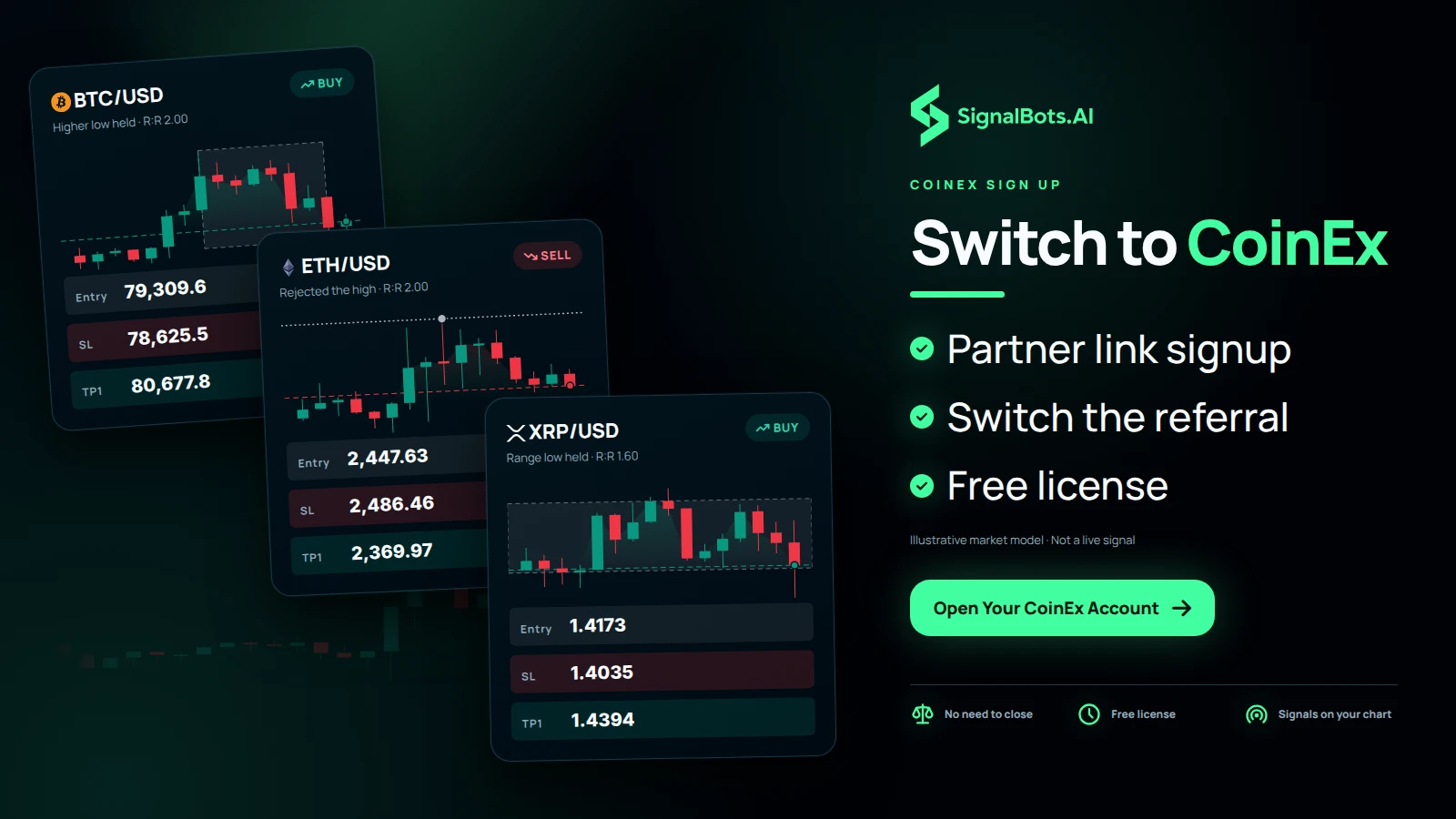
Already have an account? Move your referral

Switch your existing CoinEx account under our partner ID by changing its referral — no need to close it. The guide shows each step so your account qualifies for the free connector license.
How it works

Your CoinEx markets,
live on a real MT5 chart

The connector streams CoinEx's public Spot and Futures prices into MetaTrader 5 as live candles — chart and analyse them with the full MetaTrader toolkit, and read our signals on the same screen. There's no API key and no account connection: it reads public market data only, so your funds and keys never leave CoinEx.

  1. Live prices in

    CoinEx's public Spot and Futures prices stream into MetaTrader 5 as live candles — no API key, no account login required.

  2. Analyse with your toolkit

    Read the Spot and Futures charts with your own indicators, templates and Expert Advisors — and watch our signals plot alongside them. MT5 is for charting; you trade on CoinEx.

  3. Your account stays yours

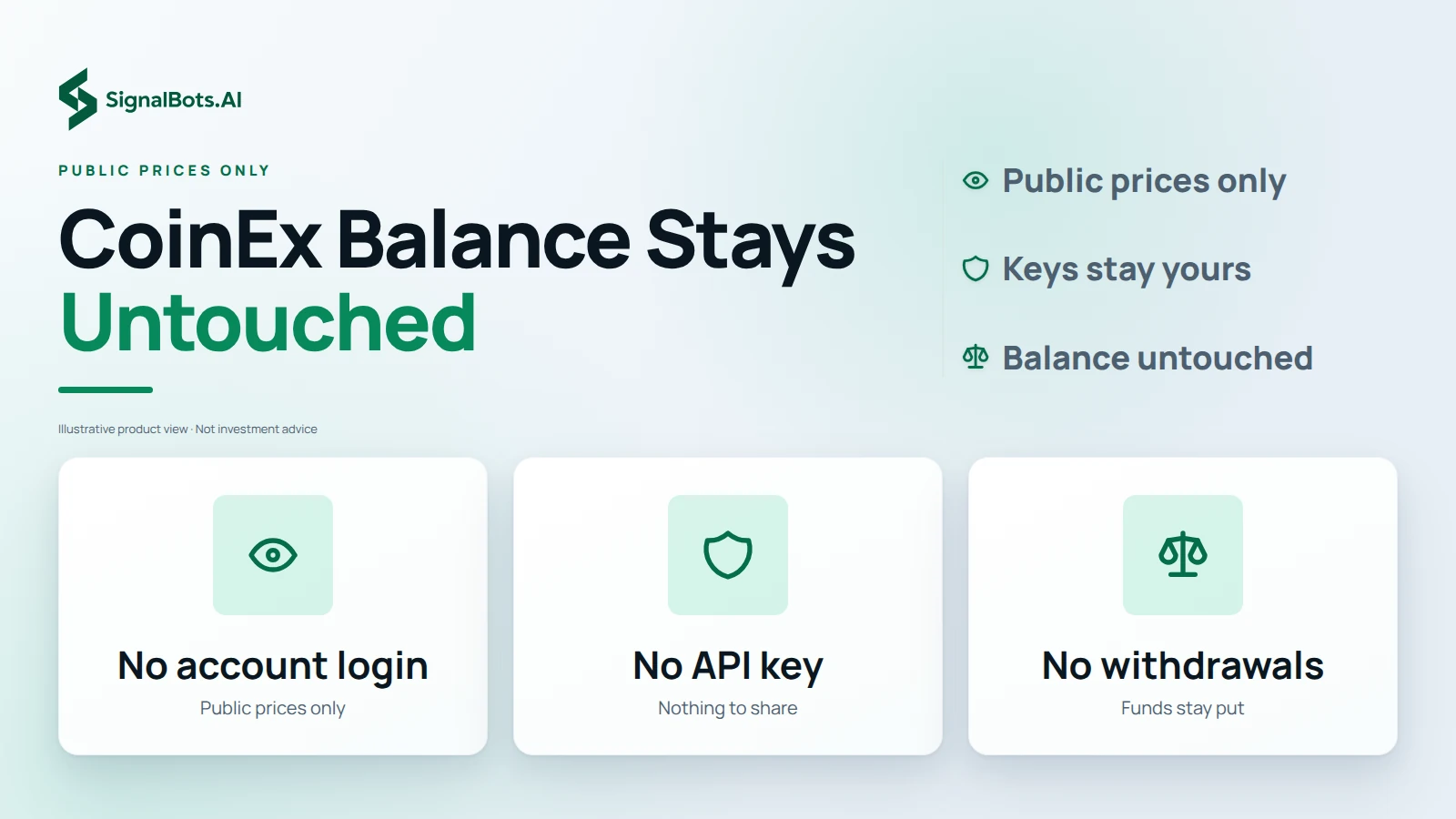
    We never connect to your CoinEx account — only public prices flow in. Your balance, keys and withdrawals stay entirely in your hands.

No API key, no account access — the connector reads public CoinEx market data only, so it can never trade or move your funds. Trading carries risk; read the Risk Warning.

Why bridge to MT5

Your MT5 toolkit — plus our signals — on CoinEx crypto

  • Our signals on your chart

    Our live trading signals plot straight onto CoinEx Spot and Futures charts in MetaTrader 5 — read them right next to your own analysis.

  • A Screener for every symbol

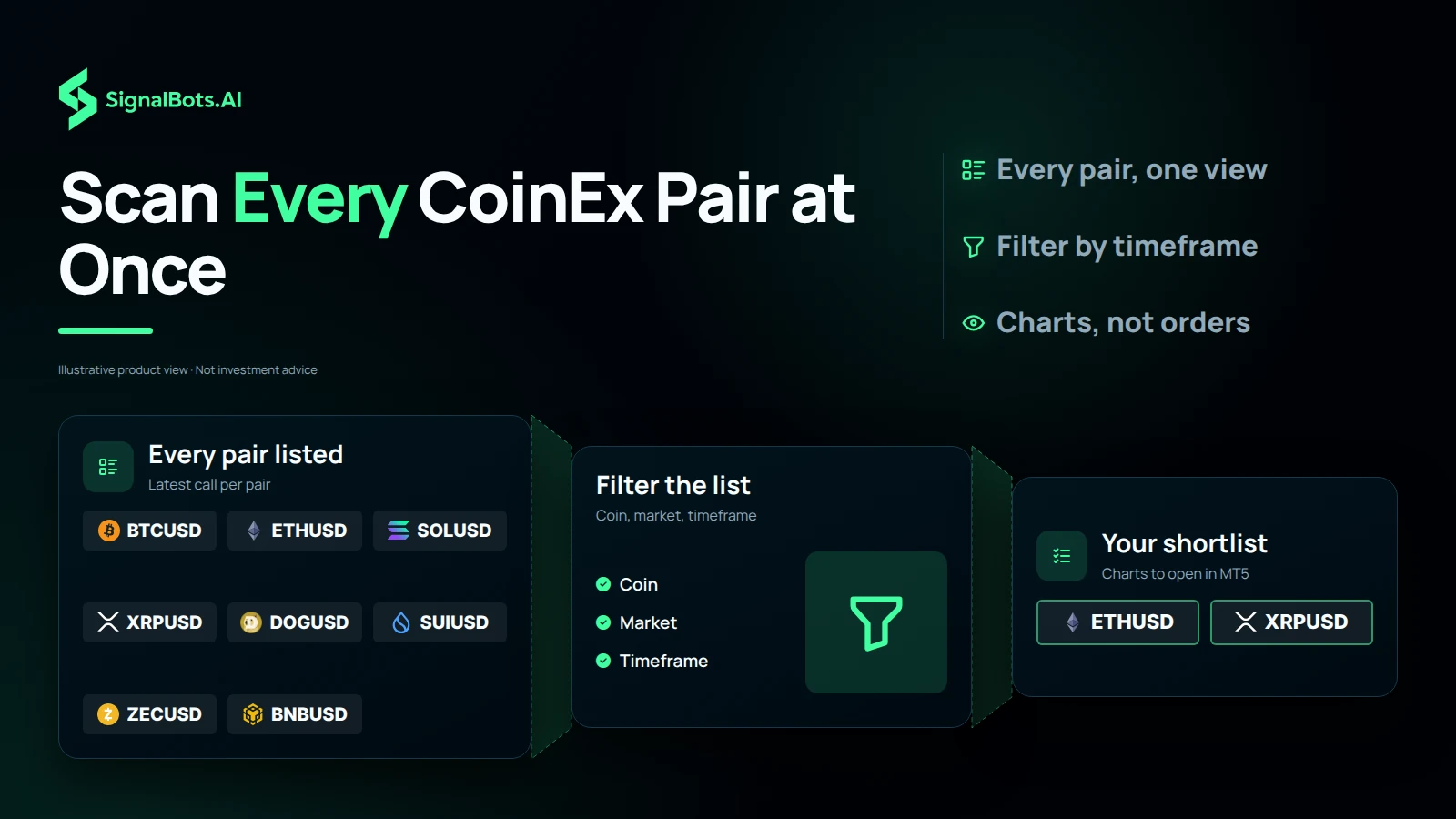
    A built-in Screener lists our latest signals across every CoinEx pair at once — filter by coin, market and timeframe to find the setup you want.

  • Pro charting

    Multi-timeframe MT5 candles, drawing tools and templates on every CoinEx Spot and Futures pair.

  • 50+ indicators

    Run your full MetaTrader indicator stack — moving averages, RSI, custom builds — straight on crypto.

  • Run your EA on crypto

    Load an Expert Advisor onto CoinEx candles to scan setups and alert you the moment your rules line up.

  • Backtest before you risk

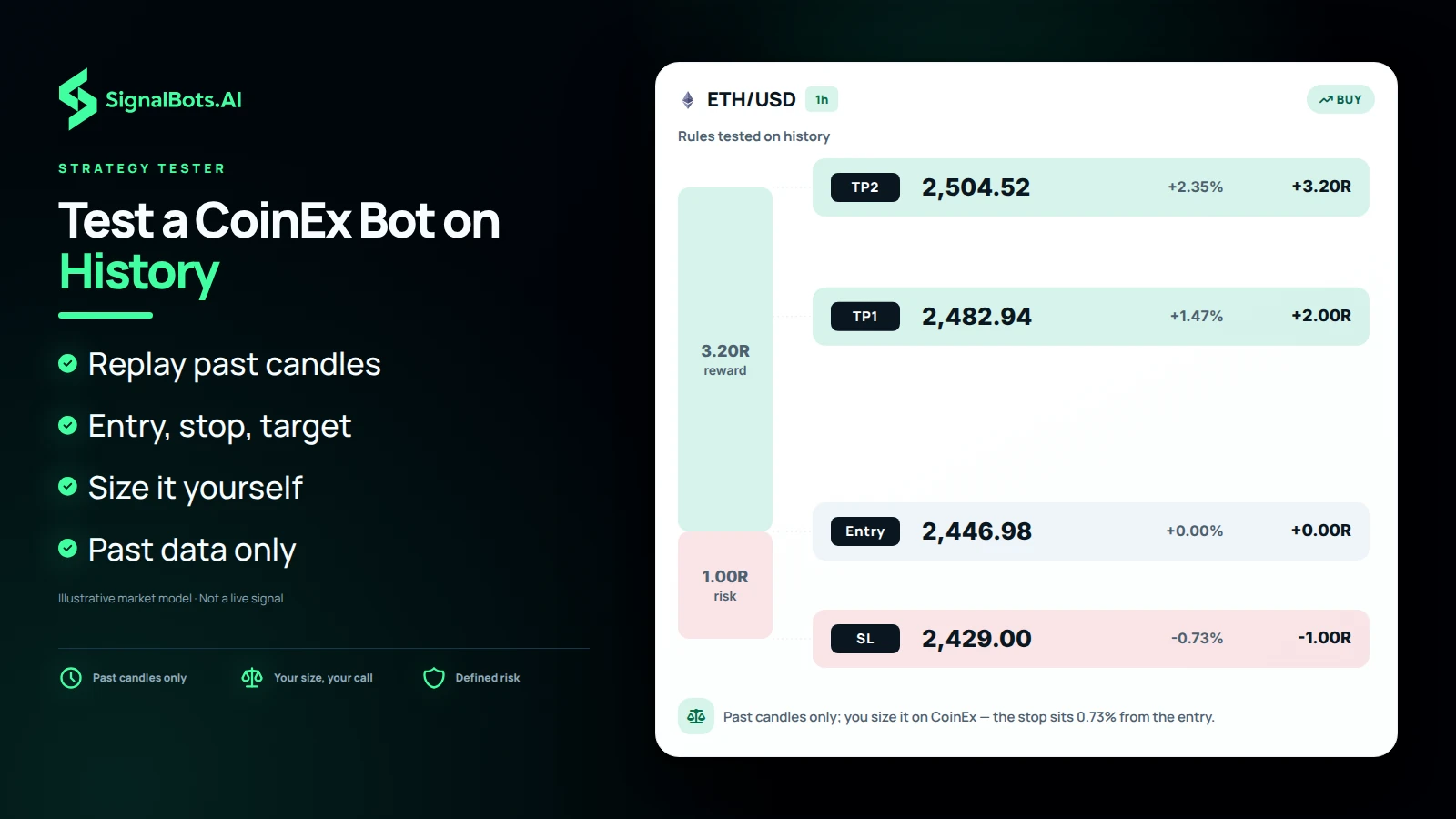
    Use the MT5 Strategy Tester on CoinEx history to validate a setup before you trade it on the exchange.

  • One EA, every exchange

    Connect more exchanges and a single EA reads them all from one MT5 terminal — no per-venue rebuild.

  • 24/7 coverage

    Crypto never closes — keep charting and running alerts on CoinEx around the clock.

CoinEx connector

Frequently Asked Questions

Will the CoinEx connector place trades?

No. It streams CoinEx Spot and Futures into MetaTrader 5 for charting; trades stay on CoinEx and stay yours.

Will I get SignalBots signals on CoinEx?

Yes. Our live signals appear on the CoinEx charts in MetaTrader 5, and the Screener shows every pair's latest call in one filterable view.

Can my CoinEx balance be touched?

No. The feed reads public CoinEx prices and never touches your account, so there's nothing we can trade or withdraw.

What CoinEx markets come into MT5?

Spot and Futures pairs, drawn as live MetaTrader 5 candles for your own toolkit.

Do EAs work on the CoinEx feed?

Yes — load any Expert Advisor onto the CoinEx chart to scan setups and alert you instantly.

Can I backtest CoinEx history?

Yes. The MT5 Strategy Tester runs over CoinEx candles so you can test first. Backtests are historical only; read the Risk Warning.

Is CoinEx live 24/7?

It is. Crypto trades non-stop, so your CoinEx charts and alerts stay on around the clock.

What do I install to run it?

Just a standard MetaTrader 5 install. Support links it to the CoinEx feed during setup.

Does the CoinEx connector cost anything?

No — it's free for life. Message our 24/7 support to activate your license.

Can CoinEx run beside other exchanges?

Yes. Connect more venues and a single MetaTrader EA reads CoinEx and the others together.

Add SignalBots as a preferred source on Google Add SignalBots as a preferred source on Google