






Activate your free license
Activate your free lifetime license and switch on every AI strategy, no credit card and no trial countdown. Message support from the button below and they will confirm it in minutes.
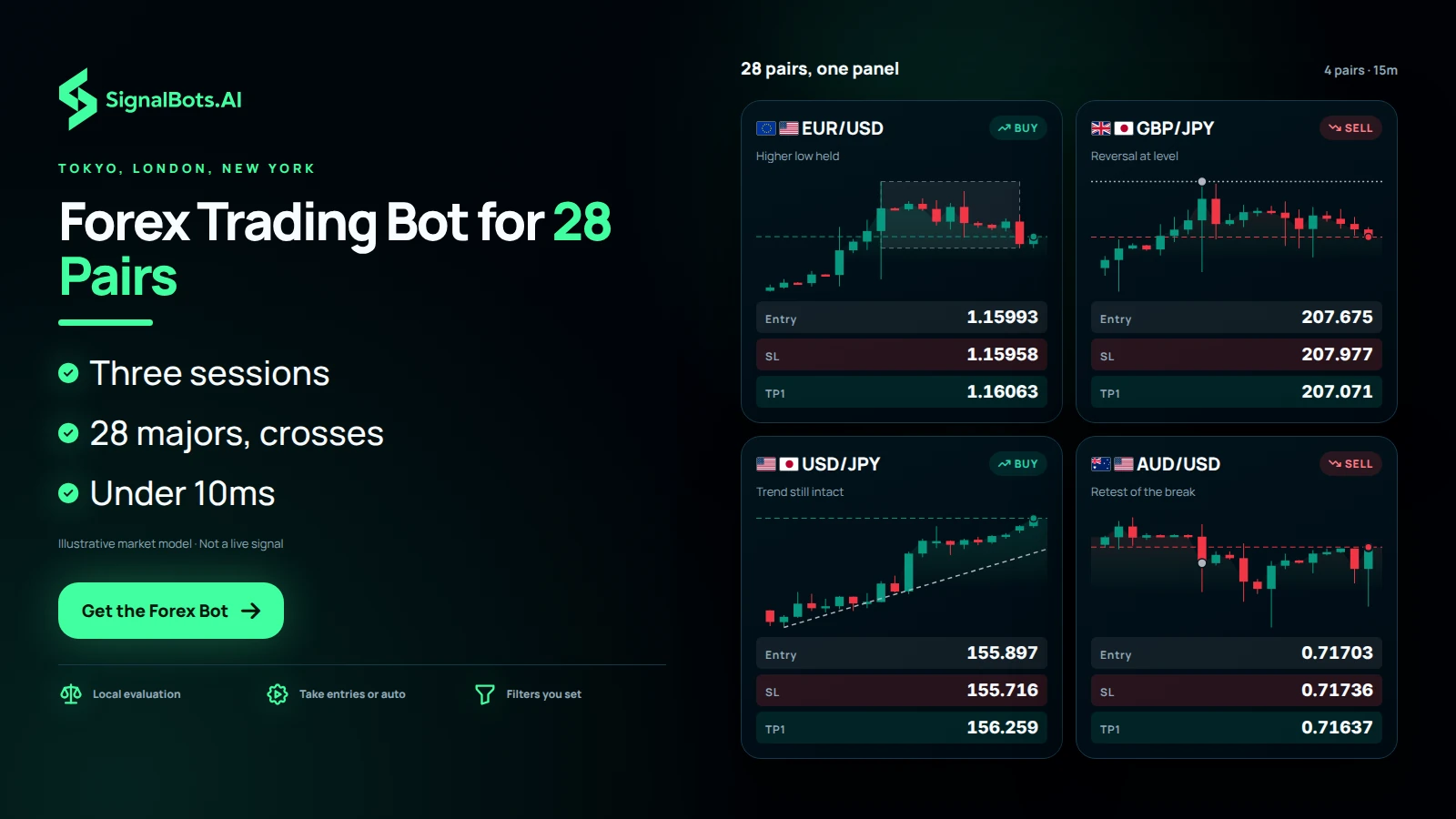
Turn your browser into a forex trading bot. The Live AI reads 28 major and cross pairs tick by tick through the Tokyo, London and New York sessions, flags only the BUY and SELL setups that pass your filters, and reacts in under 10 milliseconds, faster than any manual click. Take the entries yourself, or let the bot auto-trade them for you.
Activate your free license, then follow the guide for your browser to install the extension and start reading live Forex signals.
Activate your free lifetime license and switch on every AI strategy, no credit card and no trial countdown. Message support from the button below and they will confirm it in minutes.
Add the Forex AI Trading Bot to Chrome and dock the live signal panel straight into your Forex chart. Read every AI call and let auto-trade fire the setups for you.
Install the Forex AI Trading Bot Firefox add-on, dock the live signal panel into your Forex chart, and let auto-trade place the setups for you.
Three-session forex bot
Currencies reprice from the Tokyo open through London to New York, and a forex trading bot exists to watch the sessions you cannot sit through. Installed in Chrome or Firefox, this extension reads 28 major and cross pairs tick by tick, from the USD majors to the EUR, GBP, AUD, NZD, CAD and CHF crosses. Only BUY or SELL setups that clear your filters reach the panel, and the reaction takes under 10 milliseconds while your broker tab is open. Click the entries you like yourself, or hand the bot Auto-Trade on the pairs you keep switched on.
Check it yourself
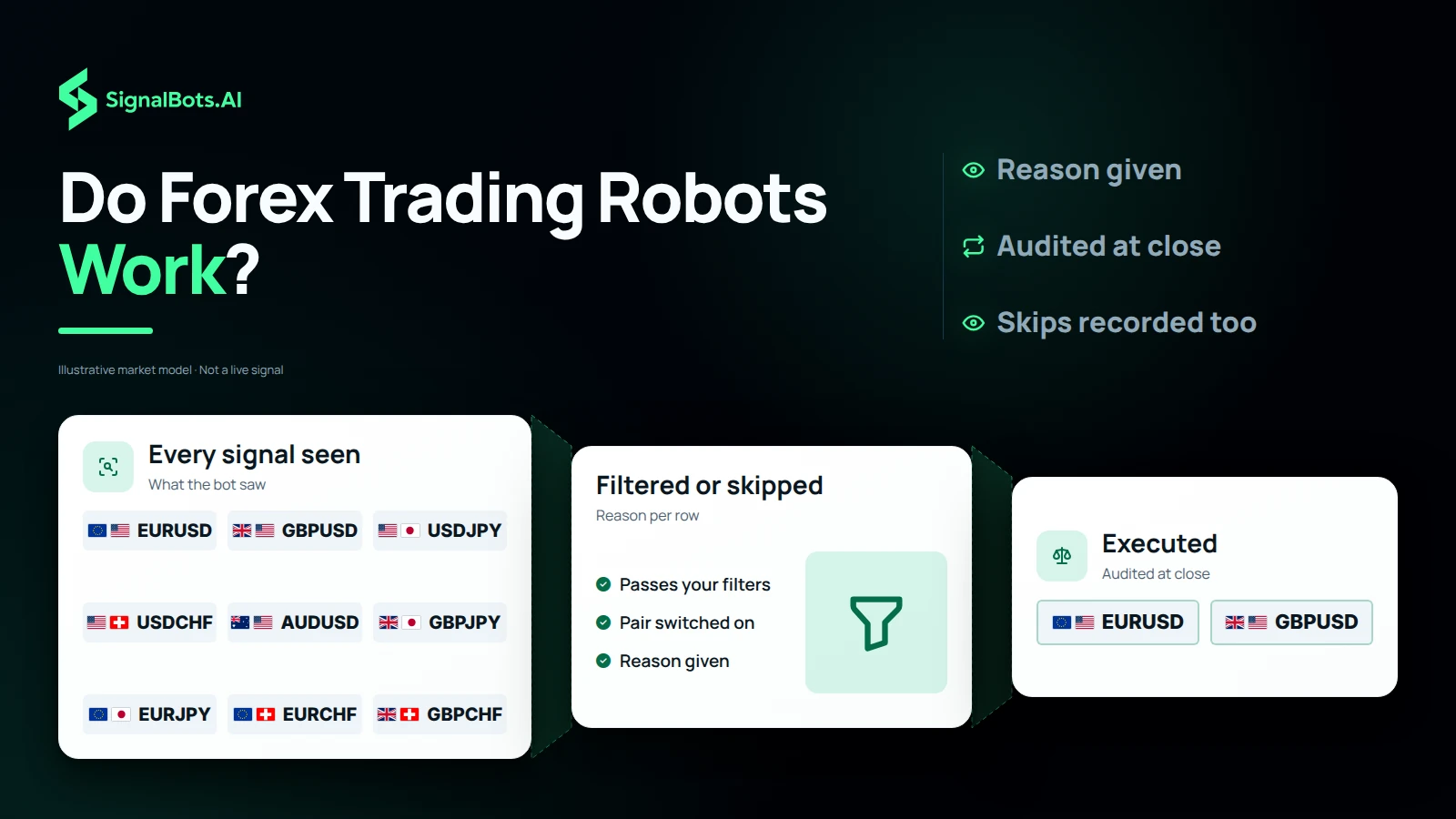
Whether forex trading robots really work is something you should test rather than take on trust, and the signal log is where you test it. Every FX signal the bot saw sits there as executed, filtered or skipped, and each row carries the exact reason behind the decision. Go through a whole London session trade by trade once it closes, and check whether the skips match the rules you would have applied yourself. That tells you about discipline, not future profit: past performance does not predict results, and trading forex CFDs carries substantial risk of loss.
Allowed use
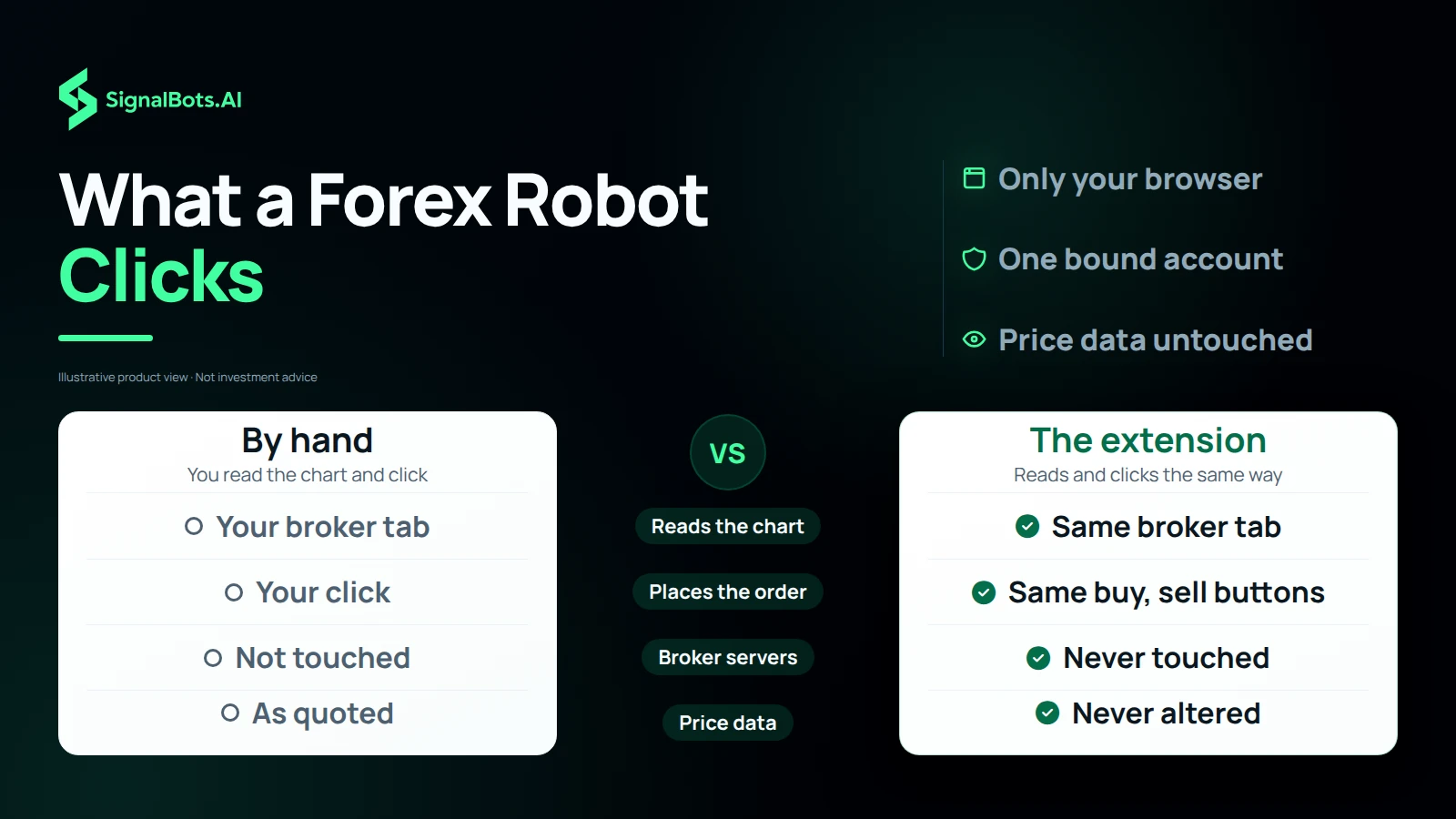
A forex robot raises a fair question: what is it doing inside your account? This one works only where you already are. It reads the same chart you see in your broker tab and clicks the same buy and sell buttons you would, and it never touches the broker's servers, never alters price data and never runs anything outside your own browser. Your license is bound to one broker account, so logging into another account in the same browser triggers an account mismatch alert, and the bot refuses every order until you switch back. None of this lowers the risk of loss that comes with leveraged forex trading.
Beyond the browser
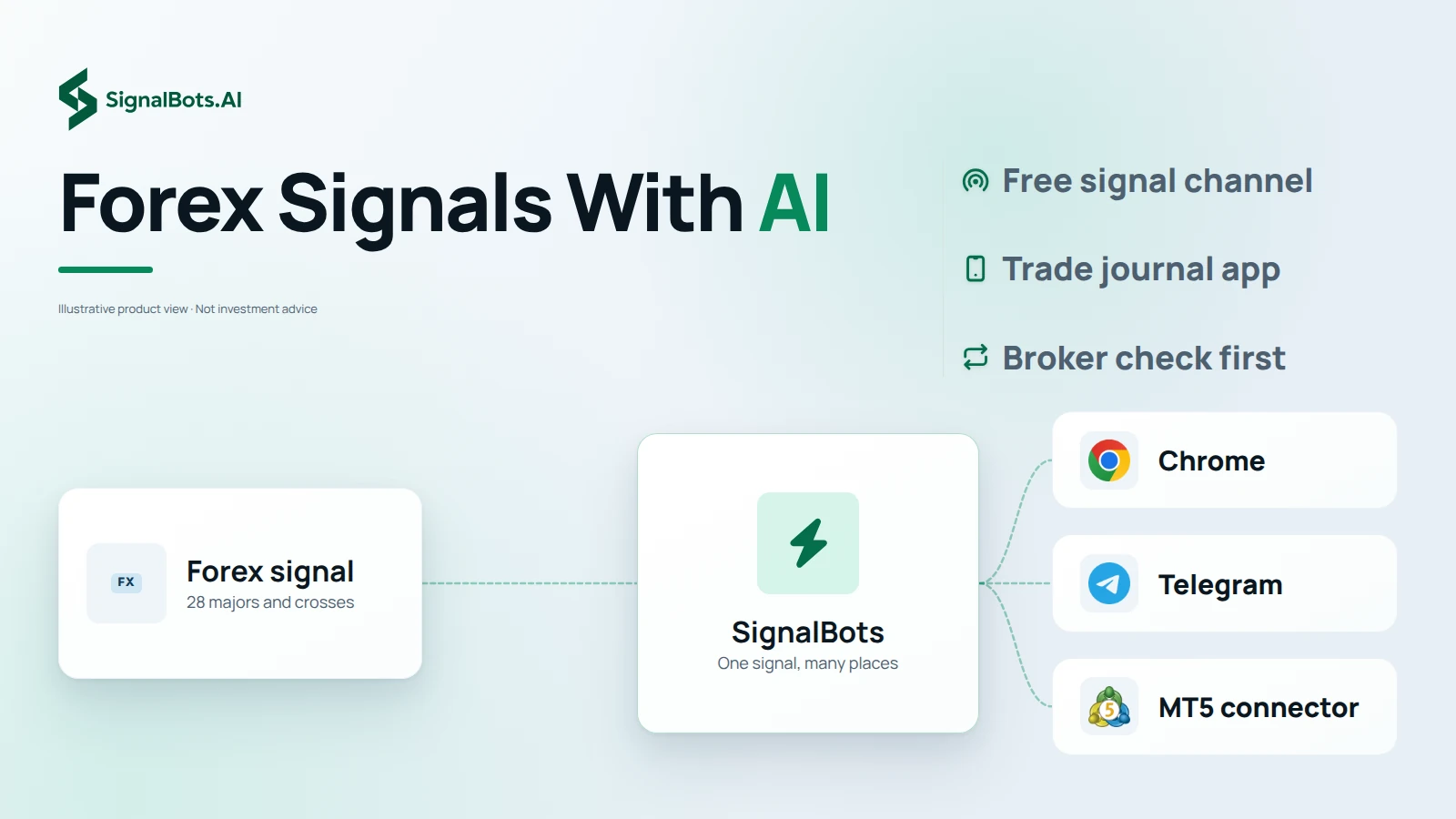
You will not always be at the browser, so the same forex signals with AI follow you elsewhere. In Chrome or Firefox the extension docks into your broker's web platform, built and tested against our partner forex brokers first, and support confirms compatibility before you install anything. The forex Telegram channel carries signals with entry, SL and TP, free to join, with a free VIP tier through 24/7 support. The mobile app on iOS and Android carries signals and a trade journal for $9, or free with a lifetime license. The live on-site feed and MT5 complete the set.
Timeframe fit
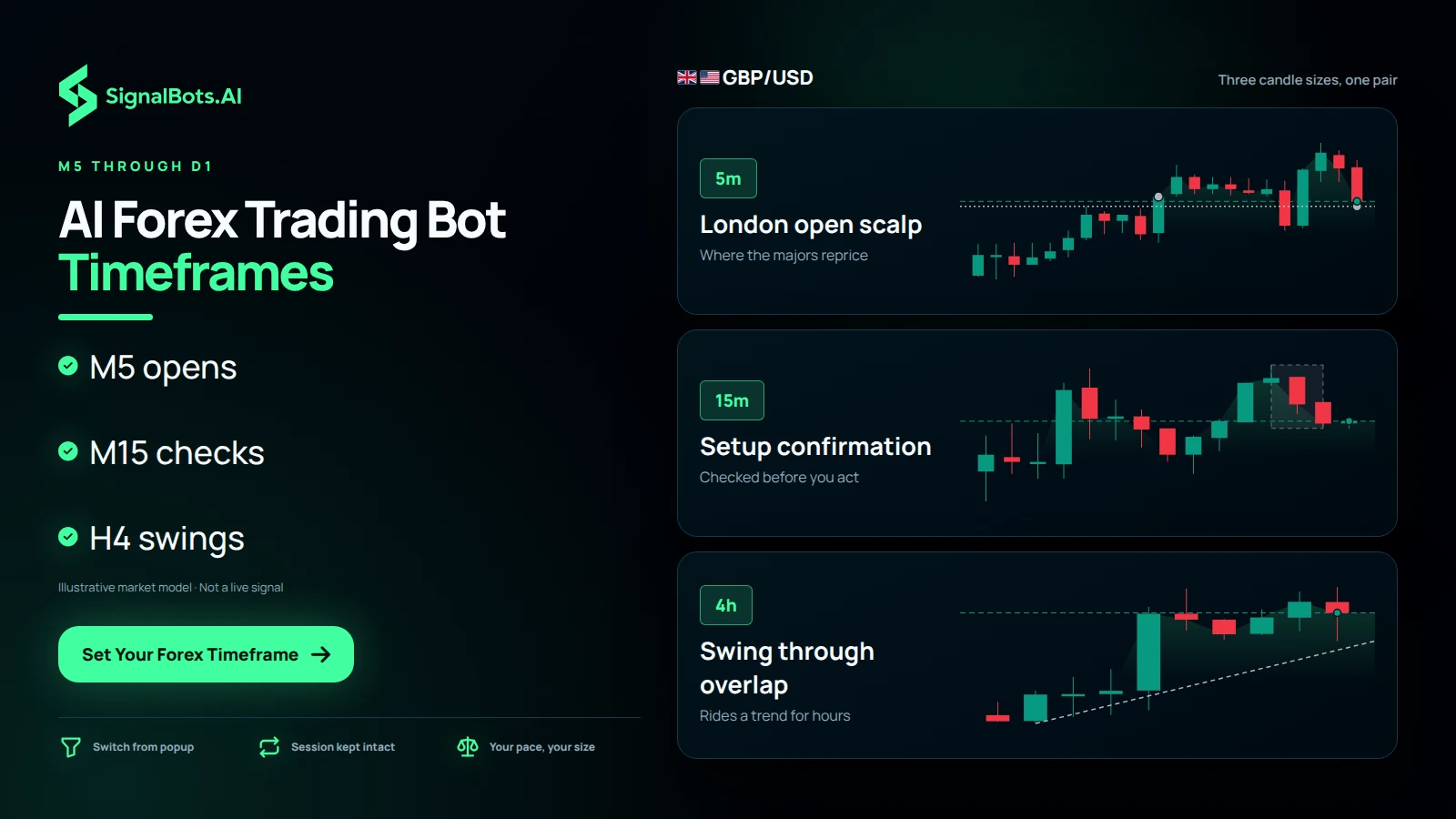
An AI forex trading bot helps only when its candle size matches the time you have at the screen. The panel runs M5 through D1, and most FX traders use it in layers. M5 suits session-open scalps at the London and New York opens, when most of the majors' repricing happens. M15 to M30 gives a setup its confirmation before you act. H1 to H4 fits swings that ride a trend through the overlap, for traders who check in a few times a day. Switch from the popup at any point without losing your session, and keep in mind that no timeframe removes the risk of loss.
Every signal comes from the pairs board you configure: the majors plus the EUR, GBP, AUD, NZD and CAD crosses retail brokers quote around the clock. Filter the list to find the pairs you trade.
No markets match your search.
Forex punishes the trader who chases every candle across every session. Every control in this panel (from the under-10ms local reaction to a signal log that explains every skip) is built to keep an FX trader consistent from Tokyo to New York.
A major pair repricing into a session open is a race measured in milliseconds. The panel reads the chart, scores every strategy, and fires a BUY or SELL before the next tick prints: evaluation runs locally in your browser, with no round-trip between signal and click.
Run the panel on your broker's demo balance through a full week of sessions (Tokyo drift, London open, New York overlap), then flip one toggle to go live. Same strategies, same guard rails, nothing to re-configure.
Open an account with one of our partner forex brokers and the extension unlocks free for life. Prefer to pay once instead? A single $50 payment buys a lifetime license, no monthly fee, no card on file, and updates ship to your install automatically.
Fast Trades scalps the London open, Turbo Breakout rides the New York overlap, and Master AI adapts when the Asian session goes quiet. Swap mid-session in one click: every strategy carries a backtested win rate.
Trade the pairs you know best: EUR/USD, GBP/JPY, USD/JPY, plus 25 more majors and crosses. Muted pairs vanish from the bot for the session, so one popup setting shapes the whole feed.
M5 for session-open scalps, M15–M30 for setup confirmation, H1–H4 for swings that ride a trend through the overlap. Switch any time from the popup without losing your session.
Open the signal log and every FX signal the bot saw is there (executed, filtered, or skipped), each row tagged with exactly why the bot decided what it did. Audit a whole London session trade by trade at the close.
Your license is bound to one broker account. Switch to a different account in the same browser and the panel raises an Account Mismatch alert: the bot refuses every order until you switch back.
Ran the panel on my broker's demo balance for a full trading week, EUR/USD and GBP/USD only, Auto-Trade off. Reading the signal log each evening, every entry and every skip with its reason, is what convinced me to message support for the license.

I only trade the first two hours of London. Fast Trades on M5 with everything but four pairs muted fits that window exactly: the feed stays quiet the rest of the day instead of tempting me into the New York chop.

Most bots I tried were tuned for London volatility and overtraded the Tokyo session. Master AI actually slows down when the yen pairs drift: fewer signals, better ones. I keep Auto-Trade off and use it as a second opinion on USD/JPY.

EUR crosses on M5 alone gave me too many false starts around the overlap. Running the panel on M15 for confirmation while I watch M5 myself filtered most of them out, and switching timeframes from the popup keeps my session settings intact.

I keep separate broker accounts for swing and scalp. Logged into the wrong one on a Monday and the panel blocked the first Auto-Trade with an Account Mismatch alert instead of firing into the wrong balance. That single block justified the setup time.

Support walked me through the partner broker signup and activated my lifetime license the same day, no card, no subscription. The panel has run every session since on my whitelisted majors without ever asking for my broker password.

Past performance is not indicative of future results. Trading forex CFDs involves substantial risk; review the full Risk Warning before enabling any automated execution.
Yes. The extension only reads the same chart you already see in your broker tab and clicks the same buttons you would. It never touches the broker's servers, alters price data, or runs anything outside your own browser. Trading forex CFDs still carries substantial risk; review the Risk Warning before you enable Auto-Trade.
28 markets: the USD majors plus the EUR, GBP, AUD, NZD, CAD and CHF crosses your broker quotes around the clock. You choose which pairs stay on from the popup whitelist; muted pairs disappear from the feed for the session.
The extension docks into your broker's web platform in Chrome or Firefox. It is built and tested against our partner forex brokers first. Message our 24/7 support with the broker you use and they will confirm compatibility before you install anything.
The engine runs whenever your broker tab is open: Tokyo, London and New York. The three strategies are tuned differently: Fast Trades suits the London open, Turbo Breakout the New York overlap, and Master AI adapts to quieter tape, so you can match the strategy to the session you actually trade.
Yes, Demo is the default the day you install. Run the panel on your broker's demo balance for as long as you like, audit the signal log, and flip the same toggle to live only when you trust what you see.
Two routes: open an account with one of our partner forex brokers through our 24/7 support team and the lifetime license is free, or buy a lifetime license outright for a one-time $50. No subscription and no card on file either way.
Both, and you choose. Out of the box the panel only lists setups. You click the ones you want. Turn on Auto-Trade and it fires every confirmed setup with the trade size you set, and every action lands in the signal log either way.
The panel runs M5 through D1. Most FX traders confirm on M15–M30 and reserve M5 for the London and New York opens, where the majors do most of their repricing. You can switch timeframes mid-session without losing your settings.
Watch Forex signals update live on the site
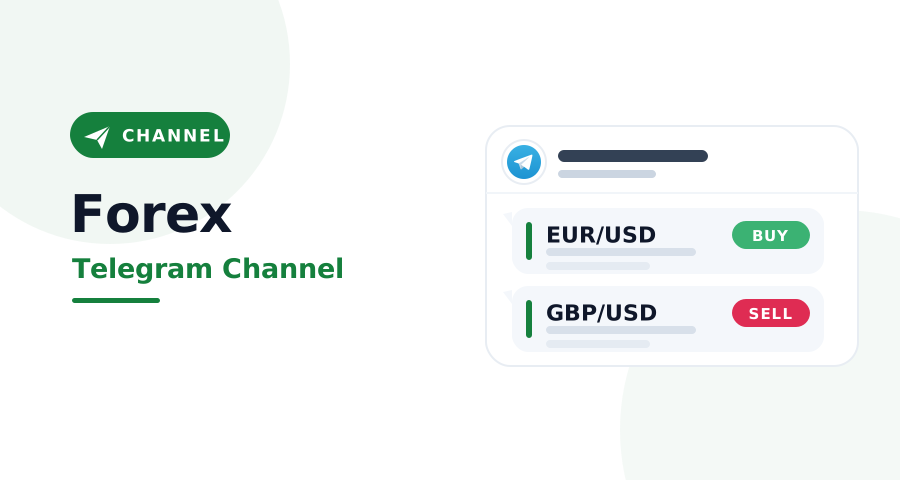
Forex signals in Telegram with entry, SL and TP
Forex signals and a trade journal on your phone
Hand your audience the free Forex auto-trader: the AI fires every signal for them, so they keep trading and you keep earning on every trade.
X = your commission from one baseline trader ($500 deposit, $50k monthly volume). Illustrative only: your real payout scales with the broker’s IB rate and your referrals’ actual trading.
SignalBots operates as an Introducing Broker and Master IB. Commission is paid on your referrals’ trading activity, not on recruitment. Trading carries substantial risk. See our Risk Warning.
EUR/USD
GBP/JPY
Live Signals
Entry 1.1642
SL 1.1610
Entry 199.85
SL 200.55
Forex signals across 28 pairs, automated execution
tools, and a signal log you can audit, all running
locally inside your own browser.
Want to use the bot without paying? Message our 24/7 support team via Telegram or Viber. Our experts will guide you step-by-step on how to unlock your free lifetime license through our exclusive broker partnership program.
Replies usually arrive within minutes during business hours.