

Auto Trading Robot
for Binary Options Brokers
Skip the manual click. The SignalBots Chrome & Firefox extension acts as an algo bot that takes live signals and executes them on your binary options broker, with built-in risk caps, daily loss limits, and a full audit log.
Pick your broker
4 brokers supported, each with a dedicated weekday and OTC extension. Pick the market you trade and jump straight to the matching install page.

Quotex

IQ Option

Olymp
Signals into trades
Binary Trading Bot That Clicks Your Broker's Buttons for You
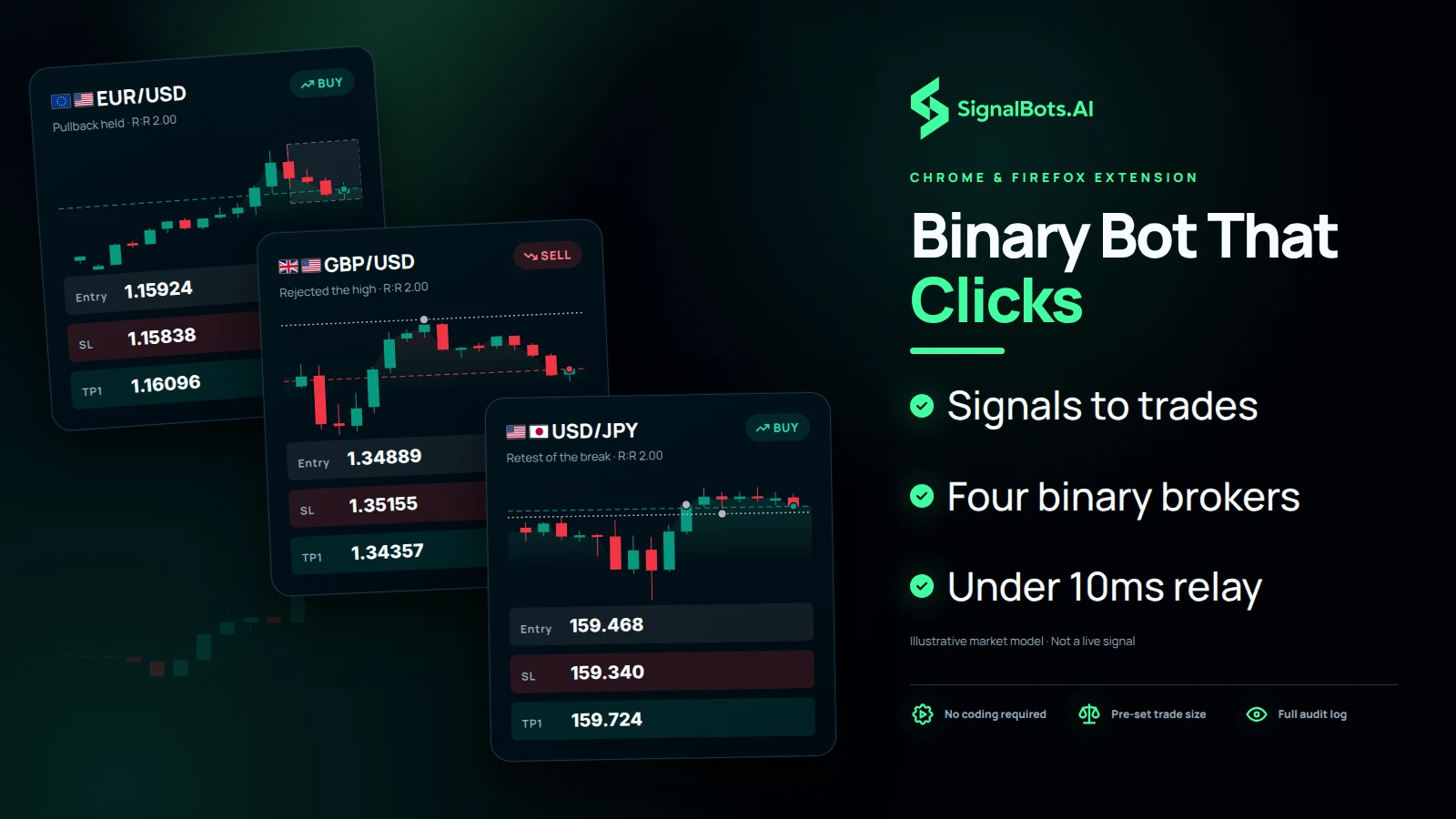
A binary trading bot watches a signal stream and places the trades on your binary options broker, so you no longer click each one yourself. The SignalBots extension is that bot. It lives inside Chrome or Firefox, sits beside your broker tab and presses the broker's normal buy and sell buttons the way you would, just faster. Pocket Option, Quotex, IQ Option and Olymp each get a dedicated weekday bot and a separate OTC bot, and there is nothing to code, compile or host. You pre-set the trade size, expiry and direction, and every order lands in a full audit log.
Signal to order
How a Binary Options Robot Gets a Signal Into Your Broker Tab
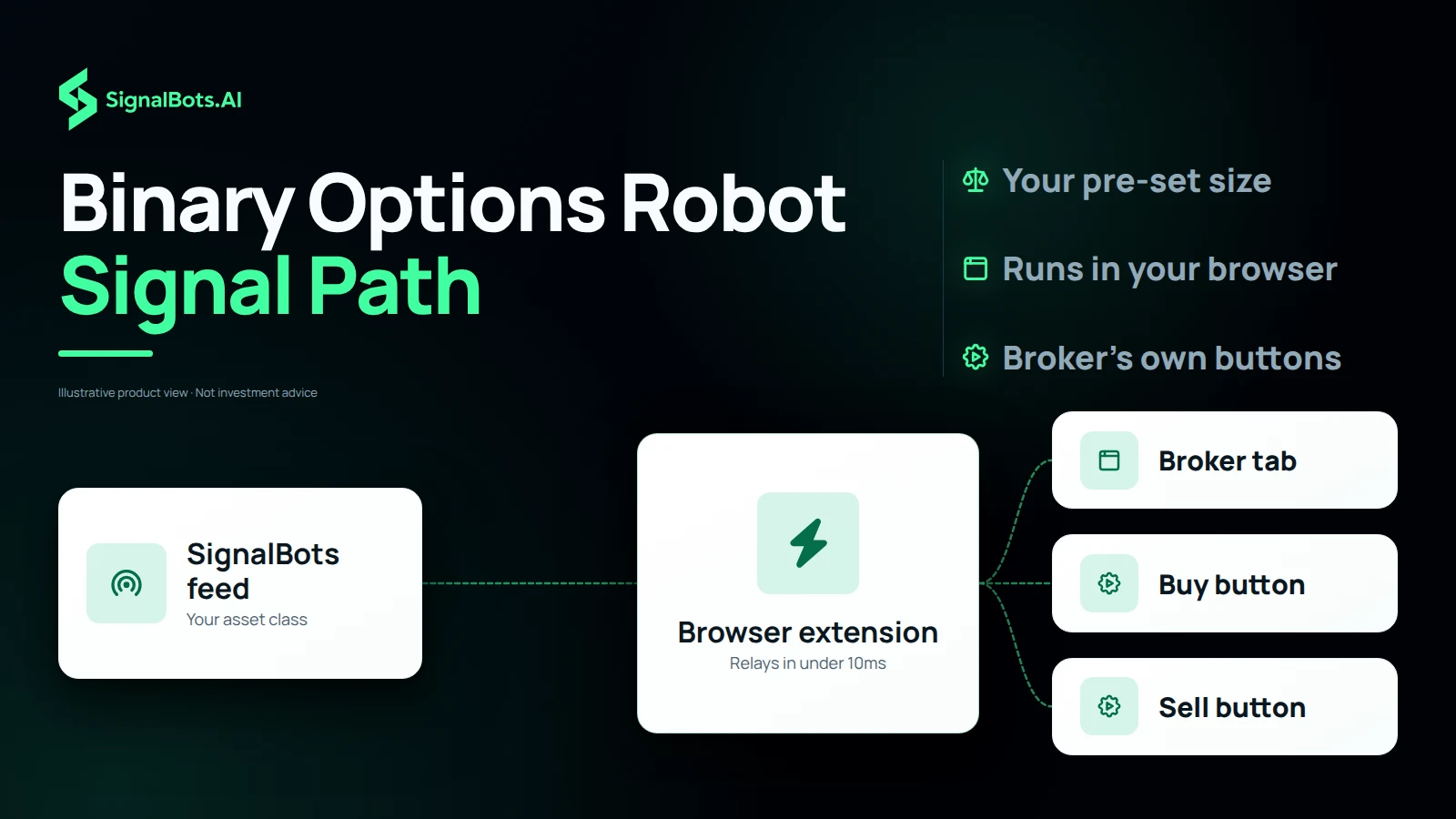
A binary options robot is only as quick as the path between a signal and your click, and that path has three steps. First, the extension subscribes to the SignalBots feed for the asset class you trade. Second, when a signal fires, it relays to your broker tab in under 10ms. Third, the bot places the order at the trade size, expiry and direction you pre-set, using the broker's own buttons. Those milliseconds measure the relay inside your browser, not how your broker fills the order, so on a fast chart the price you get can still differ from the signal.
Weekday or OTC
OTC Signal Bot or Weekday Bot for Pocket Option, Quotex and More
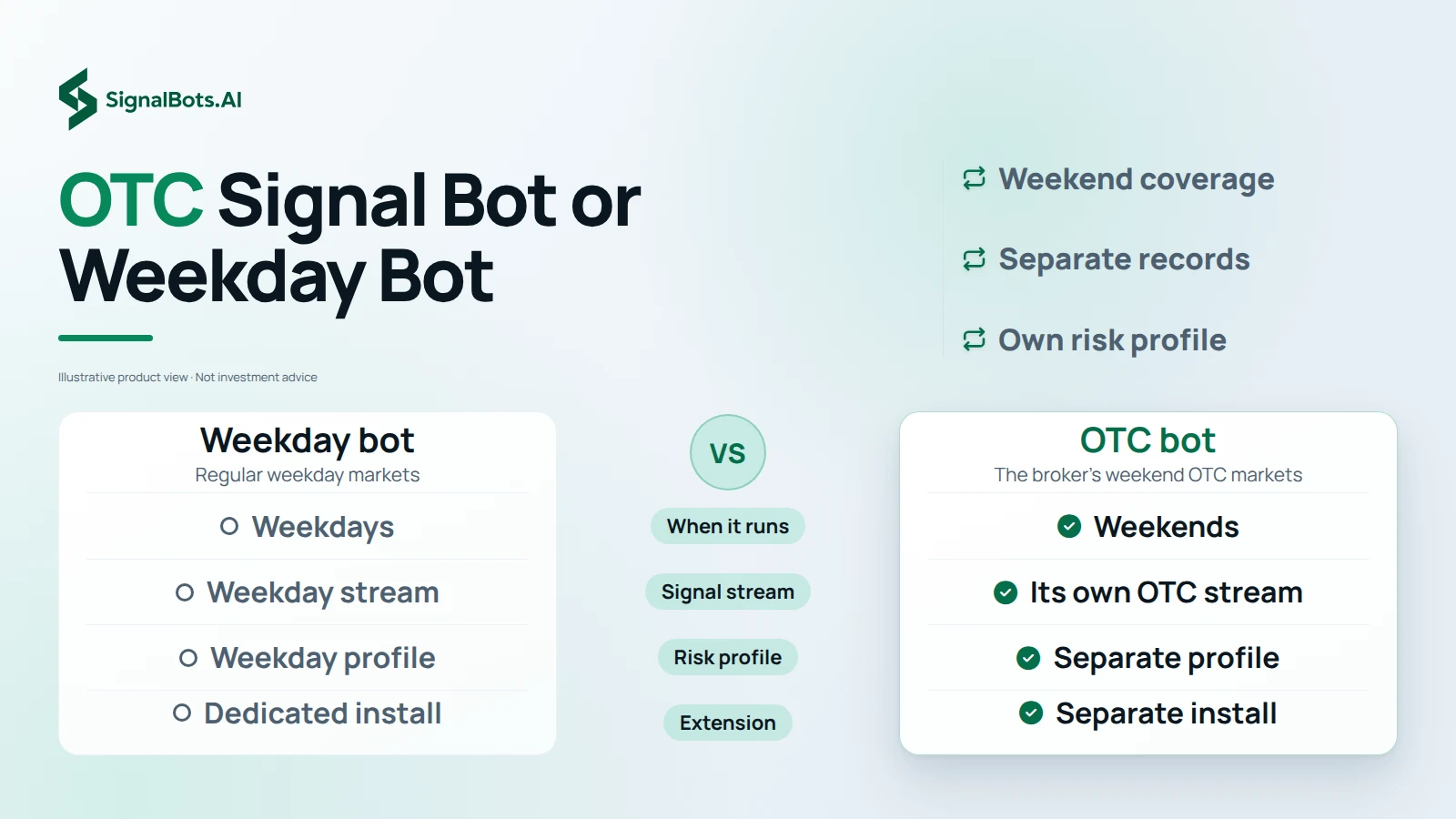
Forex markets close at the weekend, yet binary brokers keep quoting their own OTC markets, so every supported broker gets two separate bots. The weekday bot follows the regular weekday markets. The OTC signal bot is tuned for the broker's weekend OTC markets and runs on its own signal stream with its own risk profile, which keeps weekday and weekend performance independent and auditable. Pocket Option, Quotex, IQ Option, Olymp Trade, Binomo and ExpertOption all carry both versions. Trade on Saturdays and Sundays and you need the OTC version; trade only during the week and the weekday bot covers you.
Risk caps you set
Binary Options Auto Trading With Daily Loss Limits Built In
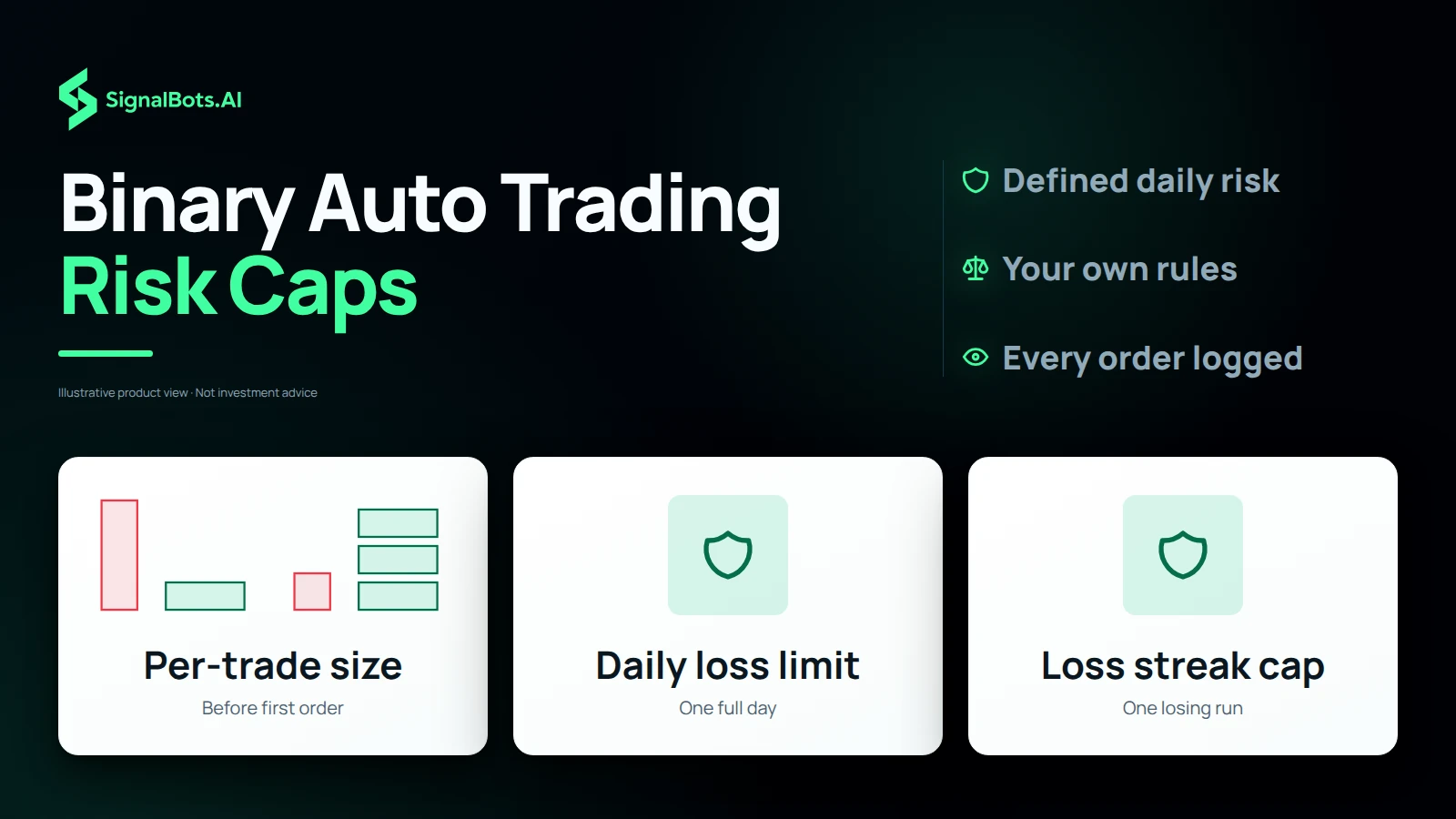
Binary options auto trading holds up only when rules surround the signals, because a bot that fires every alert with no caps loses money fast. The extension ships with strict risk caps you set before the first order: a per-trade size, a daily loss limit and a cap on max consecutive losses. Once installed, you pick your broker page, enter your trade size and daily loss cap, and the bot takes signals inside those bounds. Caps do not remove the risk of loss that comes with every binary trade; they make how much you stake a decision you take in advance.
Beyond binary brokers
Trading Bot Extension for Forex, Crypto, Gold, Oil and Indices
If you trade more than binary options, SignalBots also ships a broker-neutral trading bot extension for each major market, and you jump straight to the one for your asset class. The Forex bot reads 28 majors and crosses with tick-by-tick BUY and SELL calls. The Crypto bot scans the top coins 24/7 for momentum shifts. Gold & Silver watches XAU/USD and XAG/USD levels, WTI & Brent flags crude oil breakouts in under 10ms, and US Stocks scores large-cap gaps and trends. The US Indices bot covers the S&P 500, Nasdaq and Dow, while Global Indices adds the DAX, FTSE and Nikkei. Start with the market you already trade.
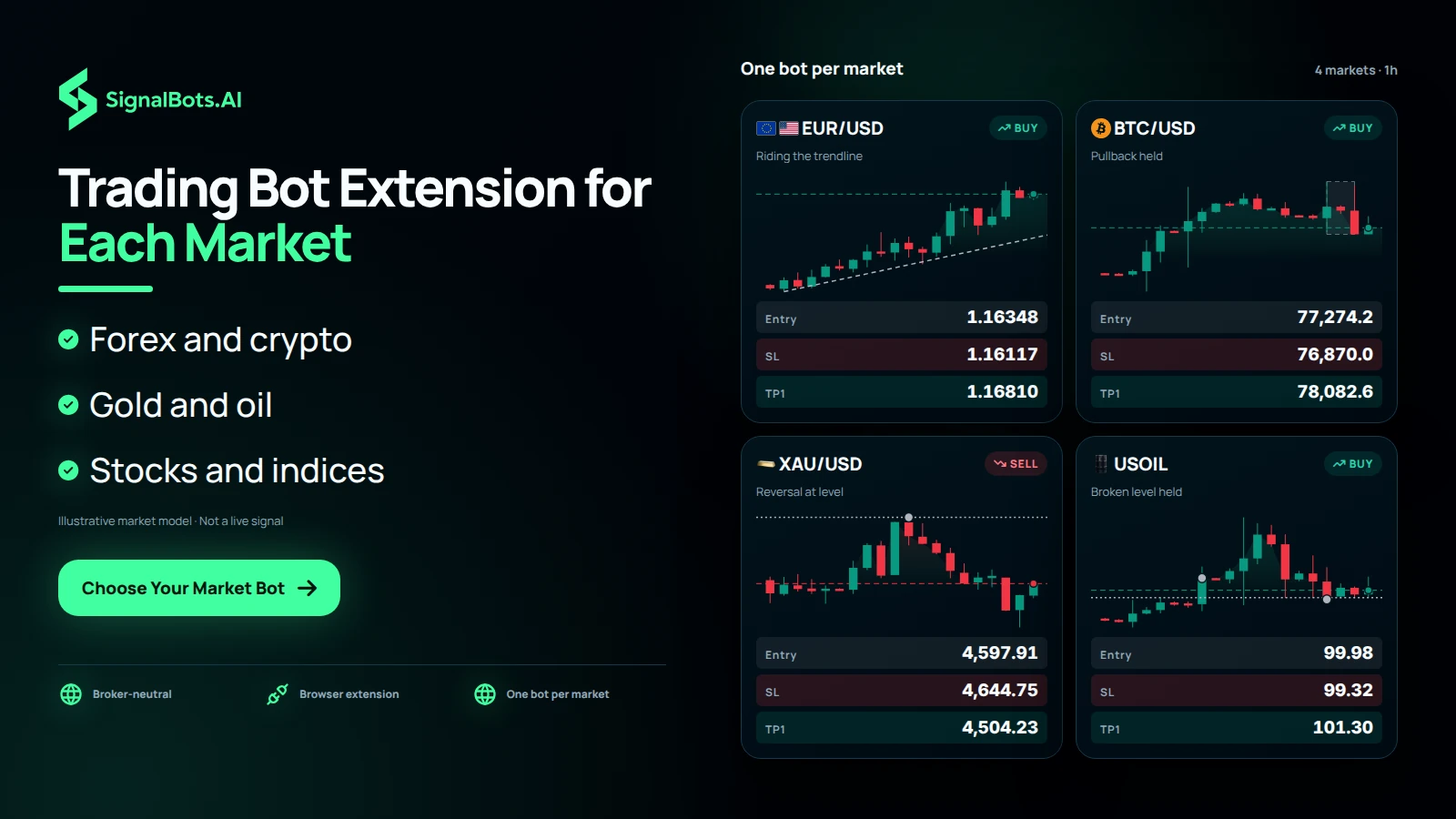
Trade every market with an AI bot
Beyond binary brokers, SignalBots ships a broker-neutral Chrome & Firefox trading bot for each major market. Pick your asset class and jump straight to its extension.
Frequently Asked Questions
What is an auto trading bot for binary options?
It's software that watches a signal stream and places trades on a binary options broker for you, so you don't have to click each one yourself. The SignalBots extension is the bot. It lives inside Chrome or Firefox, sits next to your broker's trading panel, and fires trades the moment a signal arrives, with your risk caps and direction filters applied.
How do these trading bots work?
Three steps. The extension subscribes to the SignalBots feed for the asset class you trade. When a signal fires, it relays in under 10ms to your broker tab. The bot then places the order at the size, expiry, and direction you've pre-set, and stops trading the moment your daily loss limit or trade count is hit.
Do binary options trading bots actually work?
Bots are only as good as the signals they execute and the risk rules around them. A bot that auto-fires every alert with no caps loses money fast. SignalBots ships with strict risk caps (per-trade size, daily loss limit, max consecutive losses) and a published backtested win rate per asset class, so the outcome is auditable, not a black box. Past performance does not guarantee future results.
Are trading bots legal to use on binary options brokers?
Yes, in most jurisdictions, with one nuance: some brokers' terms restrict autonomous bots that bypass the trading UI. The SignalBots extension is different. It runs inside your own browser and clicks the broker's normal buy/sell buttons the same way you would, just faster. Your account, your session, your trades. Check your broker's terms and your local regulator before using any automation.
Do I need to know how to code to use a trading bot?
No. There's nothing to code, compile, or host. Install the extension from the Chrome Web Store or Firefox Add-ons, sign in, pick your broker page, and set your trade size and daily loss cap. The bot is ready to take signals from that point on.
Which binary options brokers are supported?
The extension supports Pocket Option, Quotex, IQ Option, Olymp Trade, Binomo, and ExpertOption, each with a dedicated weekday version and a separate OTC (weekend) version. Pick your broker from the grid above to jump to its install page and configuration guide.
Can I auto-trade on weekends when forex markets are closed?
Yes. Every supported broker has a separate OTC bot tuned for the broker's weekend (OTC) markets. The OTC version uses its own signal stream and risk profile, so weekday performance and weekend performance stay independent and auditable.
Do I have to share my broker password with the extension?
No. The extension never asks for your broker password and never sees it. It runs inside the broker tab you're already logged into in your own browser, so your credentials, session, and withdrawals stay entirely under your control. There is nothing to hand over and no remote server signing in as you.