Active
1
Engine signals, last 4h
Binary options signal app · Free & licensed
 Meeru AI Bot Pro
Pick a pair and an expiry, tap Generate Signal, and get one read for that exact trade: CALL, PUT or NO TRADE, with a strength score and a countdown to expiry. It runs on Pocket Option, Quotex and seven more brokers, on real-market and OTC pairs.
Educational reads, not advice. Trading carries a risk of loss: read our risk warning.

Meeru AI Bot Pro
Live AI · market open
Active
1
Engine signals, last 4h
Signals move here when their expiry runs out. Check each one against your broker’s chart.
Licensed to Not activated Get a licence
Tap Generate Signal to start
Pick a pair and an expiry above. Each read runs here until its candle closes.
Educational reads, not financial advice. Trading carries a risk of loss: read the risk warning.
The app has three controls and one button. The controls say what to read and the button asks for the read. Your running signals sit in the Active list, and the ones that ran out wait behind the Recent tile.
It answers one question before you place a trade: on this broker, this pair and this expiry, which way does the engine read the next candle, and how firmly? Most traders open it at one of three moments.
The screenshots are this page’s own app, captured at the settings each step names. Anything a step does not name stays where the page loads it: Pocket Option, real-market pairs, EUR/USD and the 4H expiry. Four marks tell you what to look at.
Direction, strength and countdown are computed for the candle running when you tap, so the values in these pictures are the reads that existed at capture time. What does not change is where each answer appears and what it means.

What this means for you: read line 1 before the direction. Acting on a signal made for another pair, expiry or broker is the most common way a clean read turns into a losing ticket.

What it is. The platform the read is made for. Brokers quote the same pair slightly differently, and their OTC books differ more.
What switching it does. Tap the badge, then a name; arrow keys and Enter work too. It stamps every new signal with that broker, swaps the OTC pair list to that broker’s own book, and decides whether your licence unlocks the fast expiries there.
What this means for you: change the badge whenever you change platforms. A read made for another broker’s quotes is a read of another market.

What it is. Real-market pairs follow the cash market in its open hours. OTC pairs are your broker’s own round-the-clock quotes, which is what you trade on weekends.
What switching it does. The pair list is refilled from the other book and the header status follows it. While the cash market is closed, Generate Signal on a real-market pair tells you to switch instead of inventing a read.
What this means for you: match this to the book your ticket fills on. A real-market read is the wrong instrument for a weekend OTC trade.

What it is. The pair list holds what your broker and market allow. The expiry chips set the candle the engine reads, which is also the expiry to buy.
What tapping does. The app asks the engine for that one combination and adds the answer to Active. Tapping again on the same combination only highlights the signal already running, because the read belongs to the candle, not the tap.
The Active tile is not your count. The green tile at the top counts the binary signals our signal engine issued across the market in the last four hours. Your own signals are the ones in the Active list.
What this means for you: set the expiry to the one you are about to buy. Reading a daily candle and buying a one-minute option is how a good read loses.

What it is. The fast expiries are the licensed half of the app. A licence is issued for your SignalBots account and the broker you trade on.
What happens once it is active. Sign in, open the app, and the padlocks disappear for your broker. The Licensed to line shows your account instead of Not activated.
What this means for you: judge the app on the free expiries first. Run the 4H and 1D reads against your own results, and let that decide whether a licence is worth it.

What it is. The Recent tile shows how many signals have run out. Tapping it opens a log of your last twenty: pair, expiry, broker, direction, strength and the UTC time you made it.
What it does not do. It never marks a signal as a win or a loss. The app does not watch your trade, so it cannot know how the ticket closed.
What this means for you: check each expired signal against your broker’s chart. That record, not a number on a banner, is how you judge a signal tool.
Set the broker badge to the broker you are logged into, and the market to the book your ticket fills on.
Pick the same pair and the same expiry you are about to buy, then tap Generate Signal.
Meta line first, then direction, then strength. Treat NO TRADE as an answer and sit that candle out.
The app does not know your balance. Decide the stake first, and use the money management calculator to see what a losing run does to it.
Every signal is what the engine read for the combination you chose, for education rather than advice. No read settles the next trade, so size your risk and read our risk warning first.
It is a binary options signal app that runs in your browser. You pick a pair and an expiry, tap Generate Signal, and it returns one read for that combination: CALL, PUT or NO TRADE, with a strength score and a countdown to expiry. SignalBots rebuilt it on the same engine as Chinese Bot AI Pro. It is not a broker and never touches your funds.
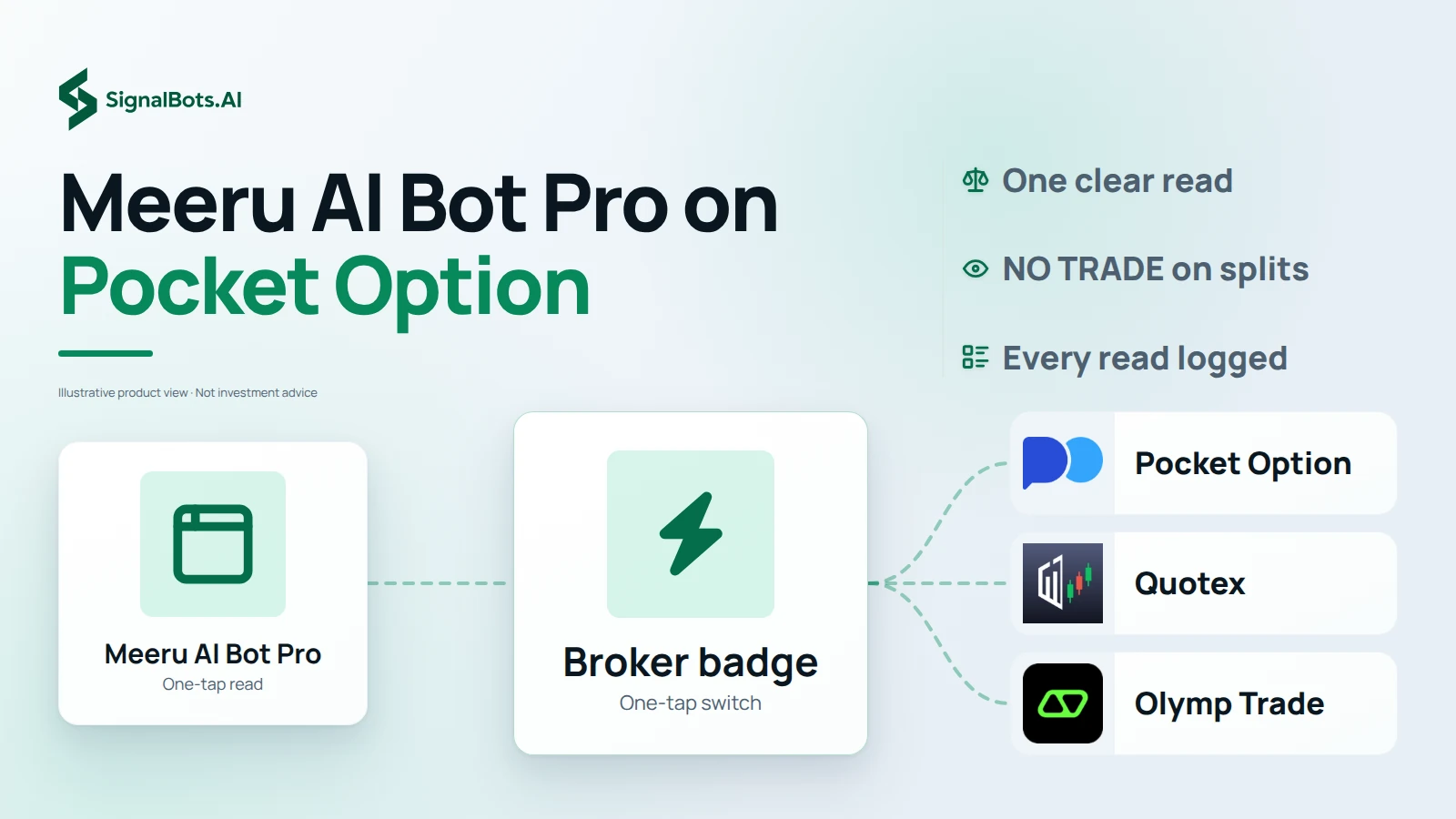
Yes. It opens on Pocket Option, and the broker badge in its header switches to Quotex, IQ Option, Olymp Trade, Binomo, Exnova, Bubinga, Deriv or Alpari. Every signal is stamped with the broker it was made for, so pick the one you are logged into before you tap.
Yes. Switch the market to OTC and the pair list changes to your broker's own round-the-clock quotes. Real-market pairs follow the cash market, which is closed from Friday 21:00 to Sunday 21:00 UTC, so the app points you to OTC while it is shut.
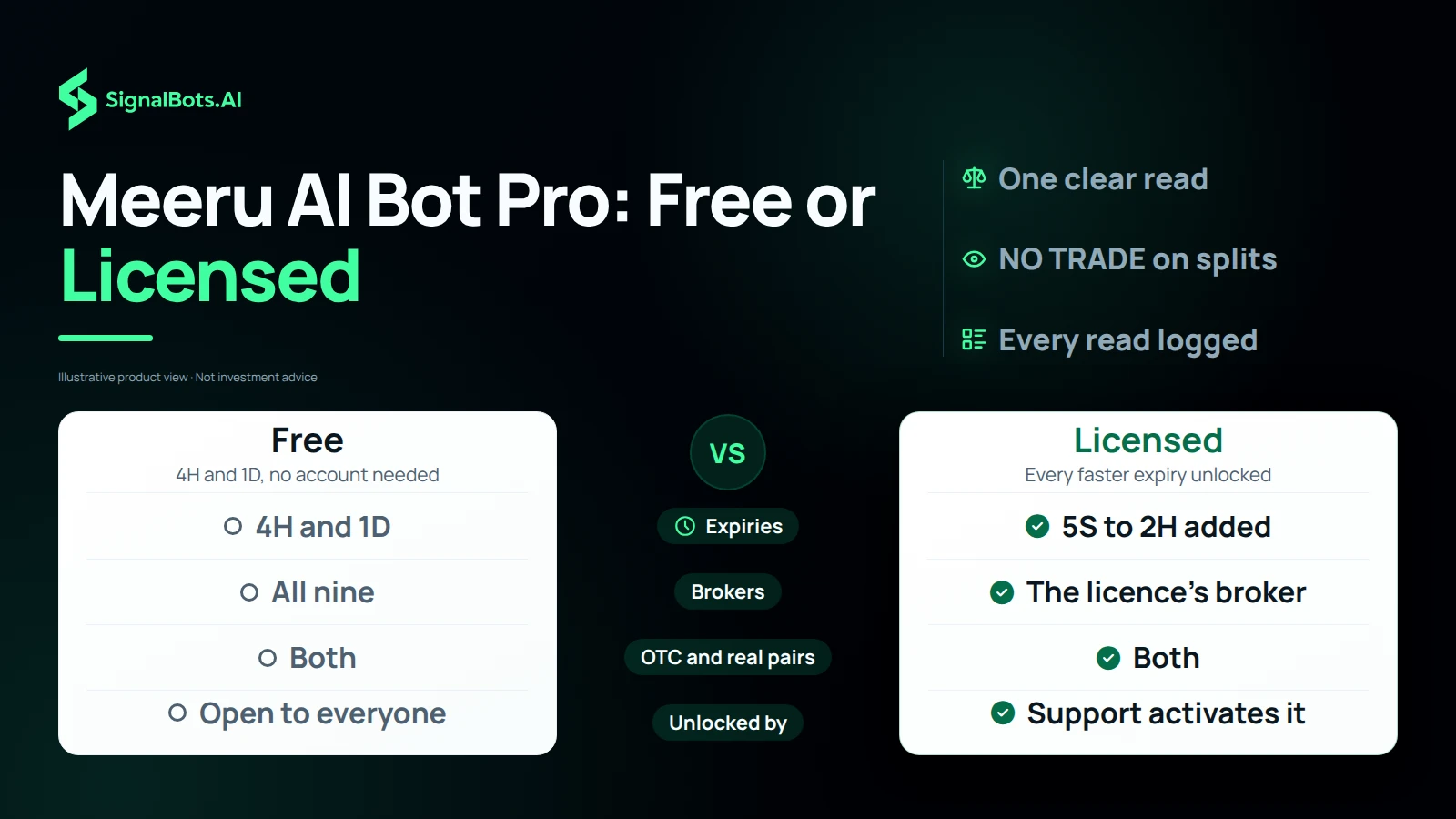
The 4H and 1D expiries are free on every broker, for everyone, with no account. Every faster expiry, from 5 seconds up to 2 hours, needs a Meeru AI Bot Pro licence for the broker you trade on. The locked chips carry a padlock and open the licence panel instead.
Message our support team from the licence panel. They set the licence up on your SignalBots account, and the fast expiries unlock the next time you open the app while signed in. The licence belongs to your account, so it works on your phone and your desktop.
It shows how firmly the inputs behind a read agree with each other. A higher score is a cleaner read. It is never a probability that the trade wins, so size every trade as if the read could be wrong.
The candle the signal read has closed, so the signal leaves Active and moves to Recent Signals with the time it was made. The app does not score it as a win or a loss. Check the result on your broker's chart, and generate a fresh signal for the next candle.
No, and you do not need one. Meeru AI Bot Pro runs right here on this page, in the browser of your phone, tablet or computer. There is no APK to download and nothing to install or keep updated.
No, and you do not need one. Every Meeru AI Bot Pro signal is generated on this page when you tap Generate Signal, for the pair and expiry you pick. A channel could only push someone else's pairs on someone else's timing, so open this page whenever you want a read.
Yes. Short-expiry trading carries a substantial risk of loss and is not suitable for everyone. A Meeru signal is an educational read, not financial advice, and no read settles the next trade. Only risk money you can afford to lose, and read our risk warning first.
One-tap signals
Meeru AI Bot Pro is a signal app for binary options, rebuilt by SignalBots on the same engine as Chinese Bot AI Pro. You pick a pair and an expiry, tap Generate Signal, and the bot returns one read for that exact combination: CALL, PUT or NO TRADE, with a strength score and a countdown to expiry. Each read joins your Active list while its candle runs, then moves to Recent Signals so you can check it against your chart afterwards. It runs in the browser on phone or desktop, with nothing to install. A read is a second opinion before a trade, not a promise, and trading carries risk of loss.
Your broker, your book
Meeru AI Bot Pro opens on Pocket Option, the broker most Meeru users trade on, and the broker badge in its header switches to Quotex, IQ Option, Olymp Trade, Binomo, Exnova, Bubinga, Deriv or Alpari in one tap. Every read is stamped with the broker it was made for. A second switch picks the book. Real-market pairs follow the live cash market in its open hours, while OTC pairs are your broker's own round-the-clock quotes for weekends and evenings. Choose the same broker, book and pair you are about to trade, because a read made for another broker's quotes is a read of another market.
Reading a live signal
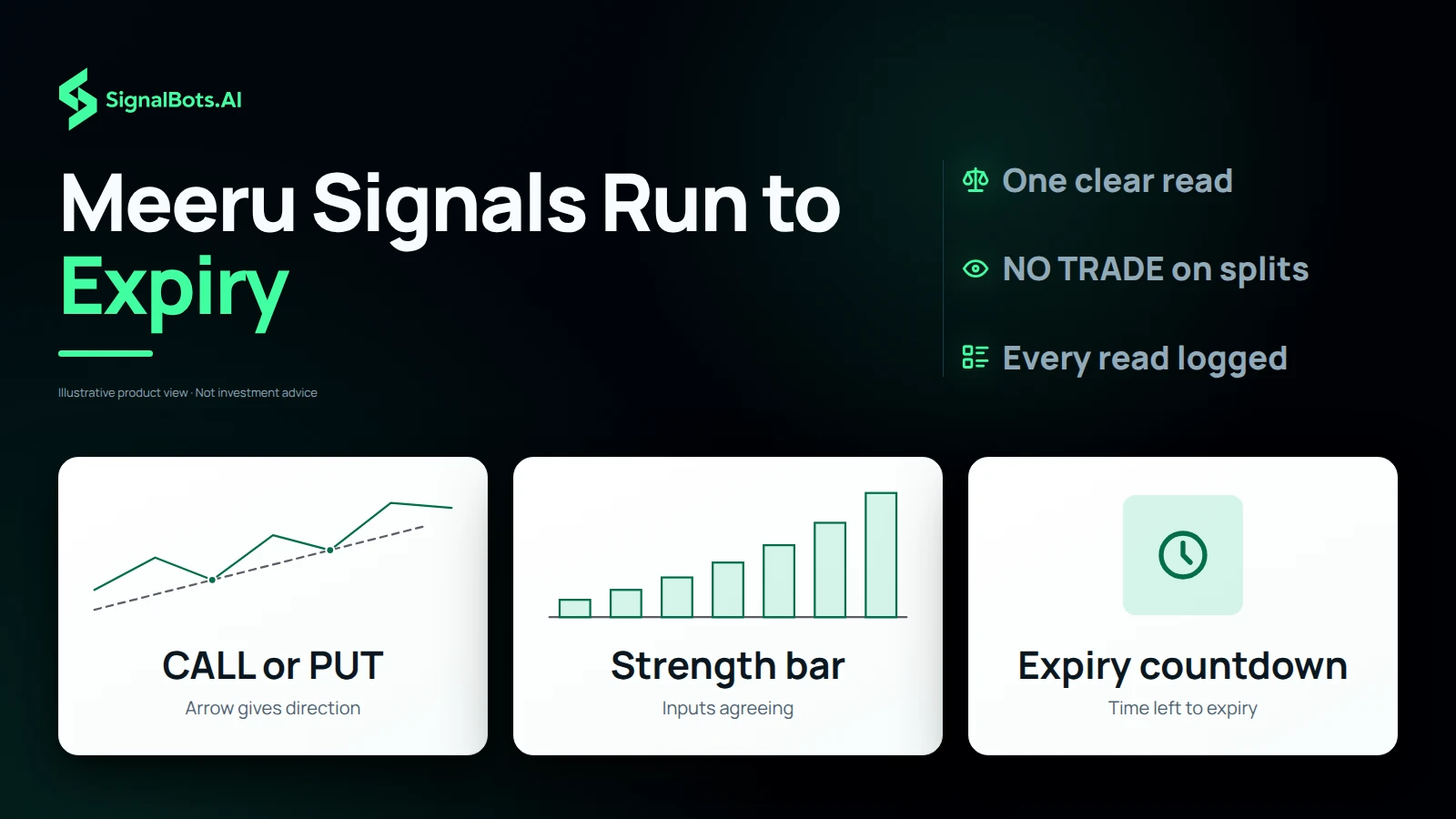
A Meeru signal is built to be read in three seconds. The pair and expiry at the top say what was analyzed. The arrow and the word under it give the direction: CALL in green for up, PUT in red for down. The strength bar shows how firmly the engine's inputs agree, which is agreement, never a probability of winning. The countdown shows how long the candle you read has left; when it reaches zero the signal leaves Active and lands in Recent Signals with the time it was made. Place the trade with the same expiry the card shows, and let a read that has run out go.
Free or licensed
Meeru AI Bot Pro gives every visitor free reads on the 4H and 1D expiries, on every broker and on real-market and OTC pairs alike, with no account needed. A licence unlocks every faster expiry, from 5 seconds up to 2 hours, for the broker it is issued on. There is nothing to pay on this page: you message our support team, they set up your licence, and the fast expiry chips unlock the next time you open the app. The licence belongs to your SignalBots account, so it follows you from phone to desktop. Test the free expiries against your own results first and let them decide.
When to sit out
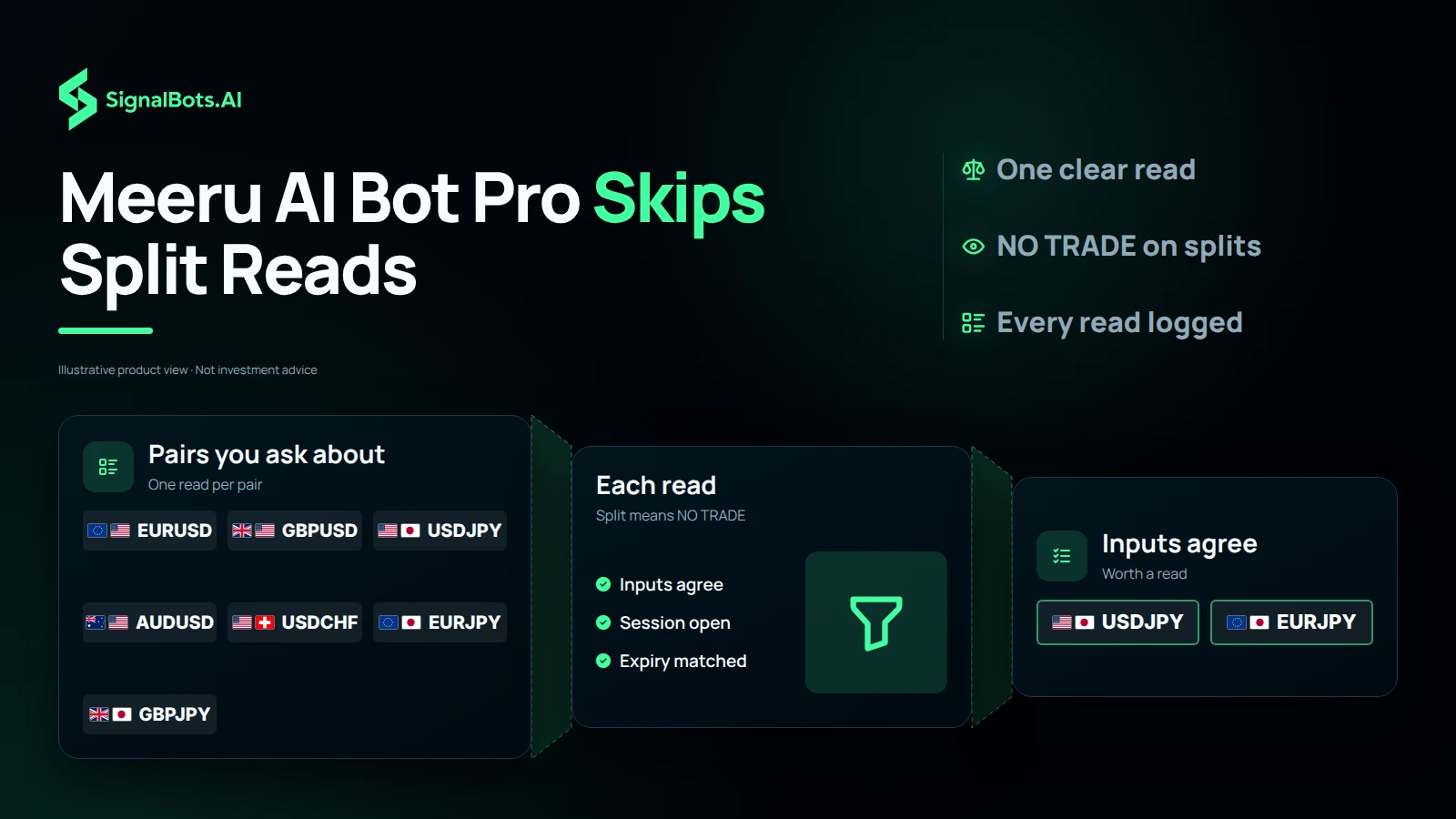
Not every candle deserves a trade, and Meeru AI Bot Pro says so. When the inputs behind a read do not agree, the signal comes back as NO TRADE with a low strength score instead of a forced CALL or PUT. Treat that as an answer: sit that candle out, or try another pair whose session is open. Three habits make the rest of the reads worth more. Match the expiry on the card to the expiry you buy. Trade one pair per read, never a correlated one. Decide your stake before the signal, not after it, and keep it small enough that a losing run is survivable.
Our team sets it up for you in three steps.
Message our support team to get started:
Replies usually arrive within minutes during business hours.