IQ AI BotMaster Robot for every major browser

Turn your browser into a high-performance trading terminal. Stream real-time signals or let the AI bot run fully auto inside Chrome & Firefox.
Your strategy, your risk, your pace.

  • iq option ai bot
  • iq option extension bot
  • binary trading extension
  • digital options bot
  • iq option chrome & firefox extension
Interactive Demo

Try the IQ Option AI Scalper

This is the exact control panel the IQ Option AI Scalper docks into your IQ Option tab. Flip the switches, pick your strategies and timeframes, and watch live signals stream in — no install and no license needed.

IQ Option Bot Connected
Auto Trade Off — setups are listed only
Strategies
Minimum return rate 80%
Setups below this payout are screened out.
Timeframes
Trade amount

Simulated preview for illustration only. The signals, payouts and balances shown here are generated in your browser and are not trading advice. Trading involves risk.

Setup in 5 Minutes

Start Trading in Three Simple Steps

No manual configuration, no broker switching, no credit card.
Just three quick taps and the IQ Option bot starts streaming live signals straight into your IQ Option tab.

Takes ~ 30 sec

Open an IQ Option Account

Sign up in 30 seconds, or attach an existing account to SignalBots. Get 5–10 free trades on us to test the extension.

Free for life

Unlock Your FREE License

Chat with our 24/7 support team — they'll activate your free lifetime license in minutes.

Signals Coverage

Live Signals
Across 40+ Top Markets

Every IQ Option signal comes from one of the most-traded markets in the world — Forex majors and crosses, top indices, gold and oil, and Bitcoin. Filter the list below to find the setups that fit your strategy.

EUR/USD
S&P 500
Gold
Bitcoin
AUD/CAD
AUD/CHF
AUD/JPY
AUD/NZD
AUD/USD
CAD/CHF
CAD/JPY
CHF/JPY
EUR/AUD
EUR/CAD
EUR/CHF
EUR/GBP
EUR/JPY
EUR/NZD
GBP/AUD
GBP/CAD
GBP/CHF
GBP/JPY
GBP/NZD
GBP/USD
NZD/CAD
NZD/CHF
NZD/JPY
NZD/USD
USD/CAD
USD/CHF
USD/JPY
Silver
Brent Oil
WTI Crude Oil
Dow Jones
US 100
CAC 40
FTSE 100
Euro Stoxx 50
Nikkei 225
Built for IQ Option discipline

Eight Disciplines,
One IQ Option Panel

Every choice in this panel — from sub-10ms reactions to never asking for your broker password — is built around protecting the IQ Option weekday trader, not just feeding them signals. Eight things that turn a stream of signals into a discipline.

Core speed

Under-10ms Reactions

IQ Option's platform clocks signals in real time — the panel matches that pace. Chart read, strategy scoring, and CALL/PUT trigger all run inside your browser, so nothing waits on a cloud round-trip.

Local evaluation · broadband-grade
Risk-free start

Demo & Live, One Toggle

Test the panel on IQ Option's free demo first, with the broker covering the simulated balance. When the setup feels right, the same toggle moves you to live — no second install, no remembered settings.

No subscription

Lifetime License

Open IQ Option through our partner link and the extension unlocks for free for life. Already trading elsewhere? A single $50 payment buys the lifetime license outright. No card stored, no auto-renew, ever.

Three Built-in Strategies

Three IQ Option strategies cover the rhythm of a normal day — Fast Trades for the open, Turbo Breakout for momentum windows, Master AI for everything in between. Swap mid-session, no restart required.

Privacy

Never Asks Your Password

You log into IQ Option the normal way in your own browser tab. The extension activates with a SignalBots license key — never a broker password. Your broker credentials stay between you and IQ Option, period.

Six Timeframes, One Selector

M1 for scalps, M5 for rhythm, M15-M30 for setup confirmation, H1-H4 for high-conviction swings on IQ Option weekday pairs. Switch any time from the popup without losing your session.

Privacy

Runs Locally, Only

Every signal the bot evaluates runs inside your browser. No round-trip to a server, no copy of your IQ Option trade data uploaded, no telemetry of your strategy. The decision is local, the latency is local, the audit log is local.

Smart Trade Sizing

Fixed dollars per trade or a percentage of your IQ Option balance — pick once and the panel sticks to it across every Auto-Trade order. Change it from the popup any time without restarting the session.

Trusted by traders

What Traders Are Saying

Cleanest IQ Option panel
I have used.

Two other extensions before this one were noisy or broken on IQ Option. The SignalBots panel sits next to the chart cleanly and the Return Rate filter at 82% kept me out of the low-payout trades the IQ Option board still surfaces. No tuning needed for the first week.

Demo first,
free license after.

Ran the IQ Option panel on Demo for ten days. Win rate held in the low 80s as long as I kept the Return Rate floor at 82%. Then I pinged SignalBots on WhatsApp and got walked through the free lifetime license via their broker partnership — one-time activation, no monthly anything.

Per-trade sizing
set once and forgotten.

Pick the percentage of balance, set it once, and the bot sticks to it for every Auto-Trade on IQ Option. I tuned mine to 3% and never looked at the sizing again. The signal log shows every trade and every skip with the reason — easy to audit my own discipline.

Strategies swap
mid-session.

Switching between strategies on IQ Option without restarting the panel is the feature I did not know I would lean on. Different strategies fit different parts of the day — being able to flip them in one click matters more than I expected.

Account Mismatch caught
a wrong-account moment.

Switched IQ Option accounts on Friday and forgot to switch the panel. The first Auto-Trade got blocked with an Account Mismatch alert — the license is bound to one IQ Option account. Five seconds to switch back instead of a wrong-account entry.

Past performance is not indicative of future results. Trading binary options involves substantial risk; review the full Risk Warning before enabling any automated execution.

Frequently Asked Questions

Is it safe for my IQ Option account?

Yes. The extension never asks for your IQ Option password and only interacts with pages you have open in your own browser, exactly the way you would. It doesn't bypass any platform rule, doesn't tamper with the broker's data feed, and runs entirely on your machine.

Does it work on IQ Option Demo?

Yes. The extension defaults to Demo Mode on first install, so you can let it run against the demo balance before risking real funds. Switch to Live from the popup once you're ready.

Auto-trade or manual confirm?

Both modes are first-class. With Auto-Trade OFF, signals stream into the panel and you click to take them. With Auto-Trade ON, the bot places trades for you using your configured size and filter. Flip between them any time from the popup.

What if I close the IQ Option tab?

The extension is a browser extension, so it runs only while your IQ Option tab is open. Closing the tab or shutting your laptop pauses signal delivery and any auto-trading; everything resumes the moment you reopen the tab and reconnect.

Does it need my password?

No. You log into IQ Option the normal way in your own browser tab, and the extension activates with a SignalBots license key — never a broker password. Your broker credentials stay between you and IQ Option.

How fast is signal-to-click?

End-to-end signal-to-click latency stays under 10ms on a normal broadband connection. The bot evaluates the setup locally in your browser before placing the order, so reaction time doesn't depend on a round-trip to our servers.

Is there a free demo trial?

Yes. Demo Mode is unlocked from the moment you install — the bot runs against the demo balance until you buy a license. Demo Mode locks a subset of assets, timeframes, and strategies, so the live experience opens up the full configuration once activated.

Multiple accounts on one machine?

Each license is bound to one IQ Option account. Trading a different IQ Option account in the same browser triggers an Account Mismatch block and the bot refuses to fire until you switch back to the licensed account. To run a second IQ Option account in parallel, activate a separate license for it.

How do I set trade size?

From the popup. Pick Fixed Amount (dollars per trade) or Percentage of Balance, set your value, and the bot sticks to it for every Auto-Trade order. Change it any time without losing your session.

Is the license one-time or monthly?

One-time. You pay once for a lifetime license that activates the extension on your IQ Option account — there is no monthly fee, no recurring charge, and no subscription to cancel. Updates ship to the installed extension automatically.

Does it run on IQ Option OTC?

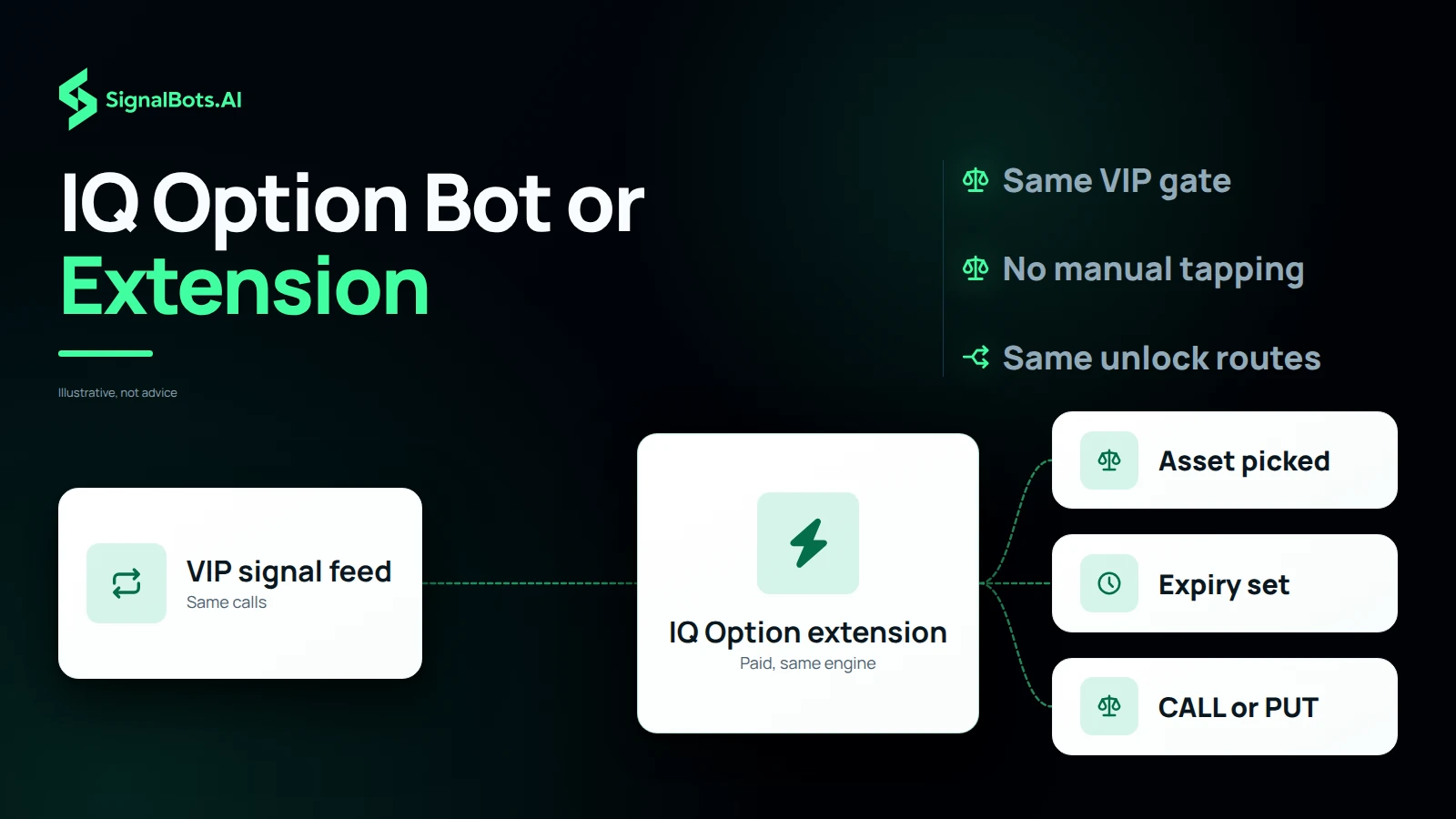
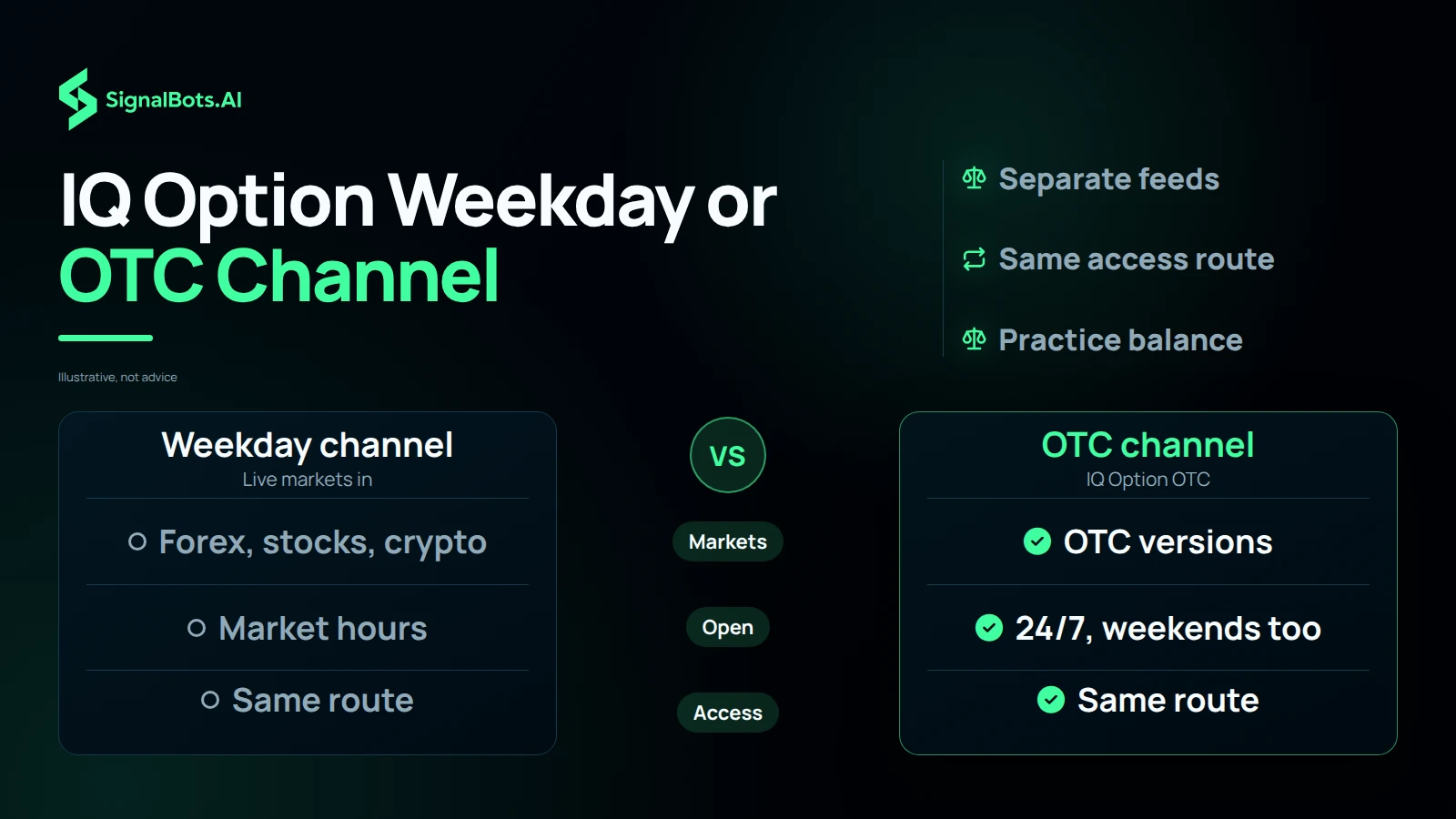
No. This is the default (non-OTC) IQ Option extension — the bot explicitly skips any asset whose name ends in -OTC. IQ Option OTC instruments are handled by a separate, dedicated OTC extension. Run the matching extension for the market you're trading.

Which timeframes are supported?

M1, M5, M15, M30, H1, and H4 on IQ Option — selectable per session from the popup. Most scalpers run M1 or M5 for signal frequency; the longer timeframes filter for higher-conviction setups.

What is the Return Rate filter?

A floor on IQ Option's per-asset return rate — the bot skips any signal where the broker's return rate falls below your floor. Default is 80%. Skipped signals are logged as 'Return rate too low' so you can see the filter at work.

Can I pick which assets it trades?

Yes. Open the popup and toggle the IQ Option assets you want the bot to act on — anything you leave off is ignored. The same applies to timeframes and strategies.

Does it warn on wrong account?

Yes — the license is bound to a specific IQ Option account, so if you switch to a different one in the same browser the panel raises an Account Mismatch alert and blocks the bot until you switch back. This makes a wrong-account trade impossible by accident.

Does it show a live signal log?

Yes. Every IQ Option signal the bot evaluates streams into the panel in real time — executed, filtered, or skipped — with the reason it landed where it did. A 'Clear all signals' button resets the list when you want a fresh view.

Does it run on mobile?

No — desktop browsers only. The Chrome Web Store and Firefox Add-ons don't support full content-script extensions on mobile IQ Option, so the bot is desktop-only for now.

Which browsers are supported?

Chrome and Chromium-based browsers (Brave, Edge, Opera, Vivaldi, Chromium) share the Chrome build. Firefox and modern Firefox forks (LibreWolf, Waterfox, Floorp, Zen Browser) share the Firefox MV3 build via AMO. Runs on Windows, macOS, and Linux.

Which IQ Option domains work?

iqoption.com, iqbroker.com, iq-option.com, iqtrading.com, and exnova.com — the extension auto-detects whichever IQ Option domain you're logged into and attaches to that tab.

Switch Live and Demo without restart?

Yes. Flip the trade-mode toggle in the popup at any time — your IQ Option assets, timeframes, and strategies stay configured, only the balance the bot targets changes. Switching to Live requires an active license.

Is IQ Option Available in Your Country?

IQ Option can't onboard traders from the 113 countries and territories below. If yours isn't listed, you're set — add the SignalBots extension and start trading.

  • Afghanistan
  • Aland Islands
  • Albania
  • American Samoa
  • Anguilla
  • Australia
  • Austria
  • Belarus
  • Belgium
  • Bhutan
  • Bulgaria
  • Cambodia
  • Canada
  • Caribbean Netherlands
  • Comoros
  • Cook Islands
  • Croatia
  • Cuba
  • Cyprus
  • Czechia
  • DR Congo
  • Denmark
  • Equatorial Guinea
  • Eritrea
  • Estonia
  • Ethiopia
  • Faroe Islands
  • Finland
  • France
  • French Guiana
  • Georgia
  • Germany
  • Gibraltar
  • Greece
  • Guadeloupe
  • Guam
  • Guernsey
  • Guinea-Bissau
  • Haiti
  • Hungary
  • Iceland
  • India
  • Iran
  • Ireland
  • Israel
  • Italy
  • Japan
  • Jersey
  • Kiribati
  • Latvia
  • Libya
  • Liechtenstein
  • Lithuania
  • Luxembourg
  • Macao
  • Mali
  • Malta
  • Marshall Islands
  • Martinique
  • Mayotte
  • Micronesia
  • Monaco
  • Montserrat
  • Myanmar
  • Nauru
  • Netherlands
  • Niue
  • Norfolk Island
  • North Korea
  • Northern Mariana Islands
  • Norway
  • Palau
  • Palestine
  • Pitcairn Islands
  • Poland
  • Portugal
  • Puerto Rico
  • Reunion
  • Romania
  • Russia
  • Saint Helena
  • Saint Martin
  • Saint Vincent and the Grenadines
  • Samoa
  • San Marino
  • Sao Tome and Principe
  • Slovakia
  • Slovenia
  • Solomon Islands
  • South Georgia & South Sandwich Islands
  • South Sudan
  • Spain
  • Sudan
  • Svalbard and Jan Mayen
  • Sweden
  • Switzerland
  • Syria
  • Taiwan
  • Timor-Leste
  • Tokelau
  • Tonga
  • Turkmenistan
  • Turks and Caicos Islands
  • Tuvalu
  • U.S. Minor Outlying Islands
  • U.S. Virgin Islands
  • Ukraine
  • United Kingdom
  • United States
  • Vanuatu
  • Vatican City
  • Western Sahara
  • Yemen

EUR/USD

BUY SIGNAL
5m ago
+0.45%

GBP/JPY

SELL SIGNAL
5m ago
-0.23%

SignalBots

Live Signals

ELIR/USD

Entry 1.0845

SL 1.0820

BUY

GBP/USD

Entry 1.2550

SL 1.2680

SELL

The Smart Choice for
Serious Traders &
Investors

Access institutional-grade signals, automated execution
tools, and performance-driven strategies all in one unified
platform.

Activated by our 24/7 support 100% free for life
Activated in minutes
Unlocked by 24/7 support
No payment required