US Stocks Telegram Channel · VIP Signals

US stock signals on TelegramTrade the names that move.

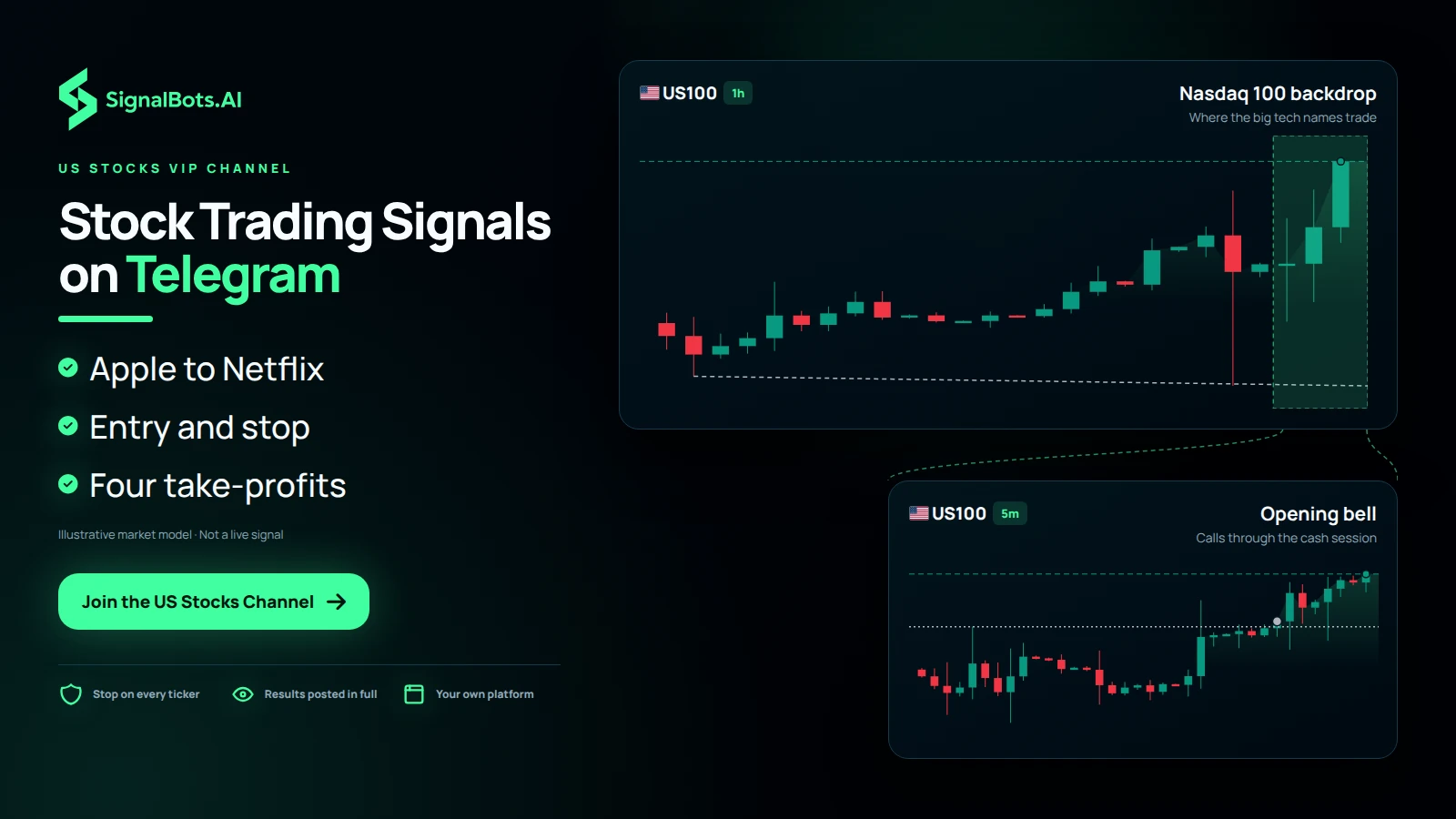
Live BUY and SELL calls on the biggest US tickers — Apple, Nvidia, Tesla, Microsoft and more — each with its entry, stop and target, delivered to a VIP Telegram channel, with every result posted in full in the VIP channel you can scroll.

Join the VIP Channel
Step-by-Step Setup

Get US Stocks VIP signals in 3 steps

Follow the steps in order — open an eligible account the right way, get free VIP access to the channel, then learn how to read and trade the signals.

Step 1 of 3

Sign Up

Broker
Which describes you?

Already on XM? Move your account

Already have a XM account? Move it under our partner link in a few steps so it qualifies for free VIP access — the guide shows the safe way.

Both directions

Breaking out or breaking down —
you get the call.

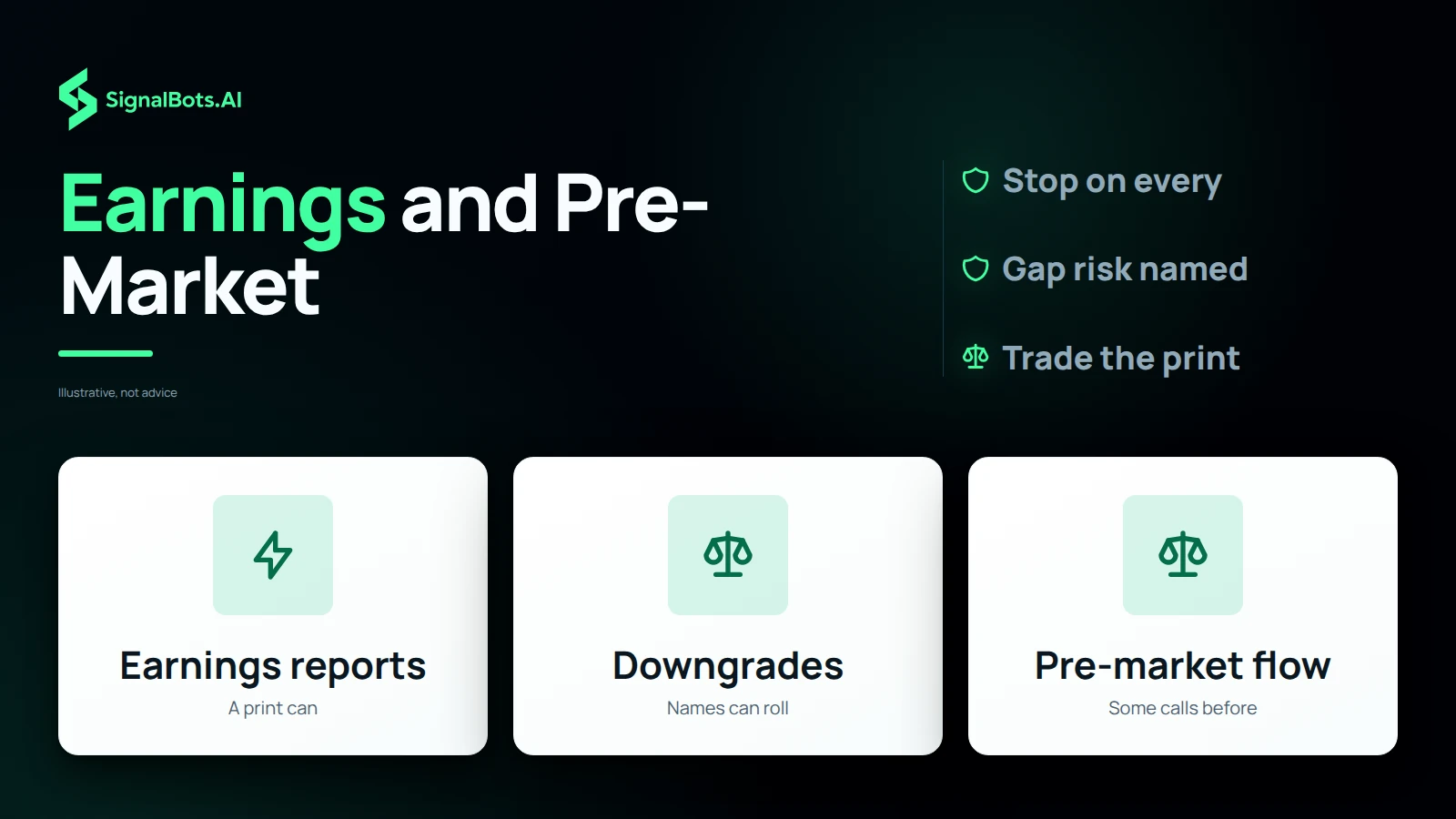
A name gapping up on earnings, another rolling over on a downgrade — the channel calls the side the AI reads on each ticker: a BUY where the move has legs, a SELL where it's topping out. Every call ships an entry, four take-profits and a stop, so you trade the print, not the headline.

Apple BUY
  1. TP4240.20
  2. TP3238.40
  3. TP2236.10
  4. TP1234.30
  5. Entry232.50
  6. SL229.80
Microsoft SELL
  1. SL476.40
  2. Entry470.20
  3. TP1466.80
  4. TP2462.50
  5. TP3458.10
  6. TP4453.40
Works with your broker

Trade US stocks on the broker you use

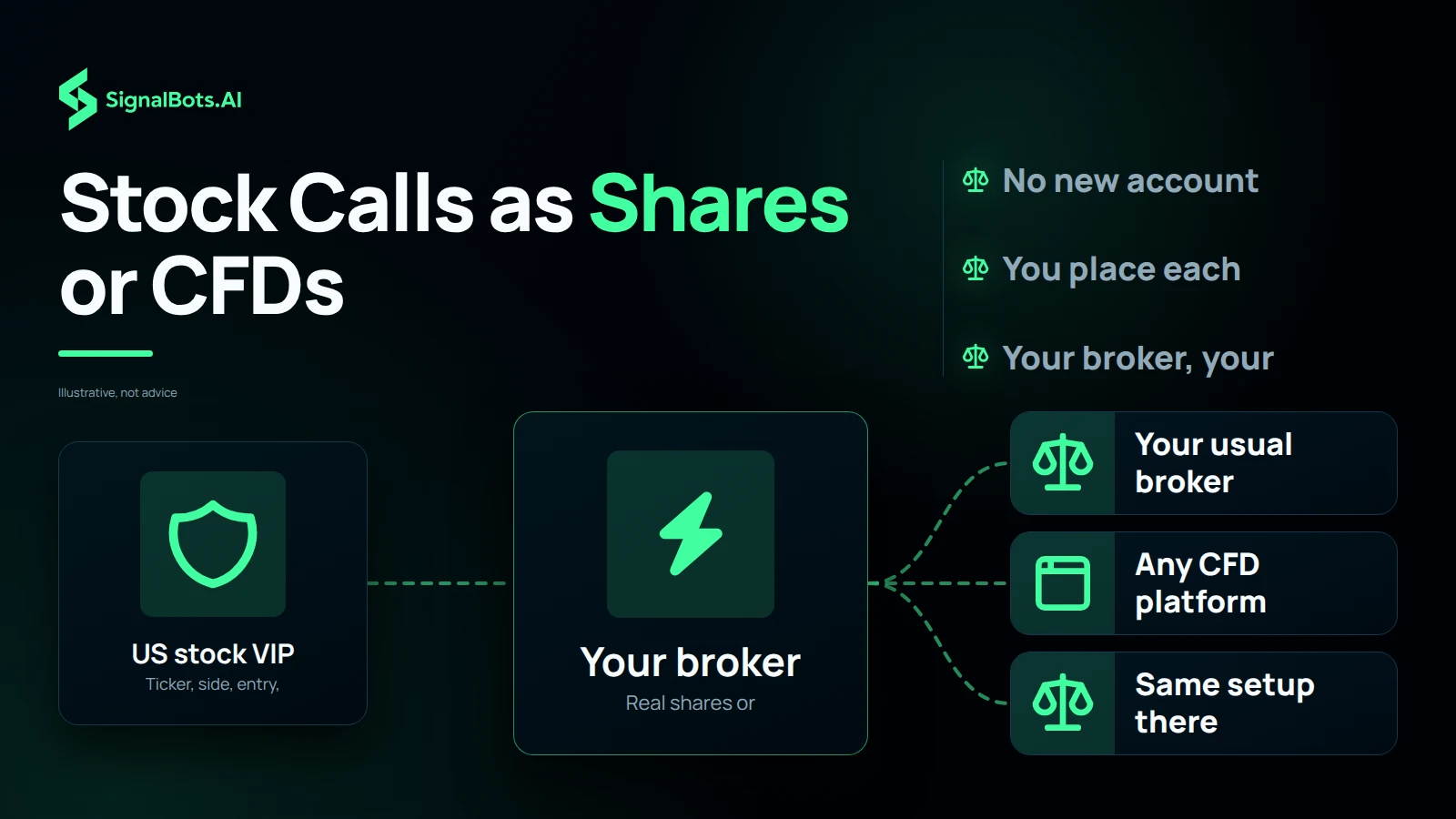
Apple, Nvidia, Tesla and the rest trade as share CFDs on the same brokers you already use for forex and indices — no new account, no switching platforms. Copy each entry, stop and target onto the desk you know.

Channel coverage

Every US name the channel
trades, by sector.

Big tech and AI — Apple, Microsoft, Nvidia, Alphabet, Meta, Intel and AMD — plus the consumer megacaps Amazon, Tesla and Netflix. Switch the tabs to the sector you trade.

Apple
Microsoft
NVIDIA
Alphabet
Meta
Intel
AMD
Amazon
Tesla
Netflix
What you get

Single-name calls to trade,
a record to check.

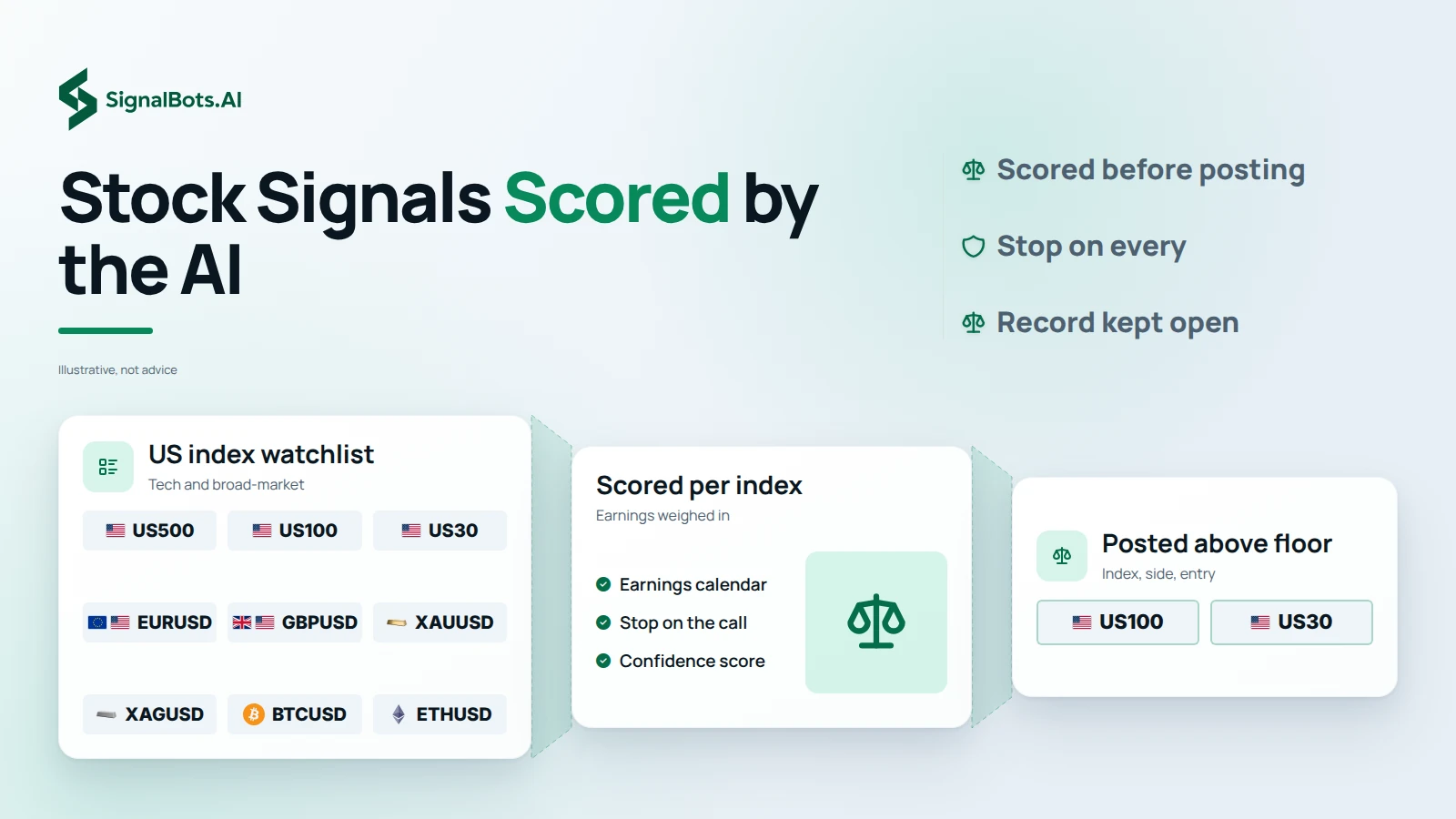
Join the VIP stocks channel and every session brings ready-to-place calls — ticker, direction, entry, stop and target with an AI confidence score. Each closed trade's result is then posted in full in the VIP channel, so the whole run stays open for you to scroll. No DMs, no hidden tiers.

  • Calls you can place in seconds.

    Each signal names the ticker, the side, the entry, stop, target and an AI confidence score — everything you need to copy it onto any broker that lists US shares.

  • Every result, out in the open.

    Win, loss or flat, each closed trade's outcome posts in full in the VIP channel as it settles. Scroll weeks of prints any time.

  • A stop on every ticker.

    No call goes out without a stop. Single stocks can gap hard on earnings or a downgrade, so read the Risk Warning before you trade.

  • Run by a paid engine.

    The same AI behind our paid desk tools scores these stock calls. If its read drifted, those products would fail too — so the track record has to stay straight.

Binary options carry the risk of total loss. Past performance is not indicative of future results. Read the full Risk Warning before joining the channel or placing any trade.

Frequently Asked Questions

How do I unlock the stock signals?

Tap Unlock VIP Signals or — the desk replies on Telegram, WhatsApp or Viber, sets up your access (a monthly plan or one of our free routes), and sends the invite once you're ready.

How transparent are the prints?

Fully. Every VIP call's close lands in the VIP channel the moment it settles — green or red — so you can read the full ticker-by-ticker run and judge it for yourself. We leave the losers up too.

What's in each alert?

The ticker, the side (BUY or SELL), and the entry, stop and target prices, plus the AI's confidence score — a complete setup you place on your own platform.

Which US stocks are in the channel?

The most-traded names — Apple, Microsoft, Nvidia, Alphabet, Meta, Intel and AMD on the tech side, plus Amazon, Tesla and Netflix. The coverage grid above splits them into Tech & AI and Consumer tabs.

How do earnings move the calls?

Earnings are the big one for single stocks — a name can gap 10% on a report. The AI weighs the earnings calendar into every score, and it's exactly why a stop rides on each call, since a print can run a ticker fast.

Do you trade real shares or CFDs?

We post the ticker and the price levels; whether you take them as real shares or as share CFDs is up to you and your broker. The direction and the entry, stop and target hold either way — you just place them on your own instrument.

What about pre-market and after-hours?

Most calls land through the regular US cash session, from the opening bell to the close, with some flow around the pre-market and post-earnings moves. The 24-hour pulse on the page shows how the day breaks down.

How fast does a new call reach me?

It posts the instant the AI clears a setup above its threshold. With Telegram alerts switched on, it's on your screen in seconds — early enough to take the level on the post.

Which broker do I need for US stocks?

Any broker that lists US shares or share CFDs — most forex and CFD brokers carry the big tickers, and so do the major stock brokers. We post the name and the levels; you place the trade and your funds stay with you.

What's the risk on single stocks?

Single stocks are volatile and can gap hard on earnings or news, so a stop may fill worse than its level — and leverage, if you use it, cuts both ways. No channel removes that, and past results don't promise future ones — read the Risk Warning and only trade what you can afford to lose.

EUR/USD

BUY SIGNAL
5m ago
+0.45%

GBP/JPY

SELL SIGNAL
5m ago
-0.23%

SignalBots

Live Signals

EUR/USD

Entry 1.0845

SL 1.0820

BUY

GBP/USD

Entry 1.2550

SL 1.2680

SELL

You've read the prints.
Now unlock VIP.

Start on the VIP channel — every Apple, Nvidia, Tesla and Microsoft call's outcome, in the open, since the channel began. Then unlock VIP: message the support team and they'll walk you through the options and send your invite.

Join the VIP Channel
Add SignalBots as a preferred source on Google Add SignalBots as a preferred source on Google