
Trading Signals on
VIP Telegram Channels
Pick a Telegram channel by the market you trade, or by your binary options broker, and read the entry, stop, target and closed result of every call.






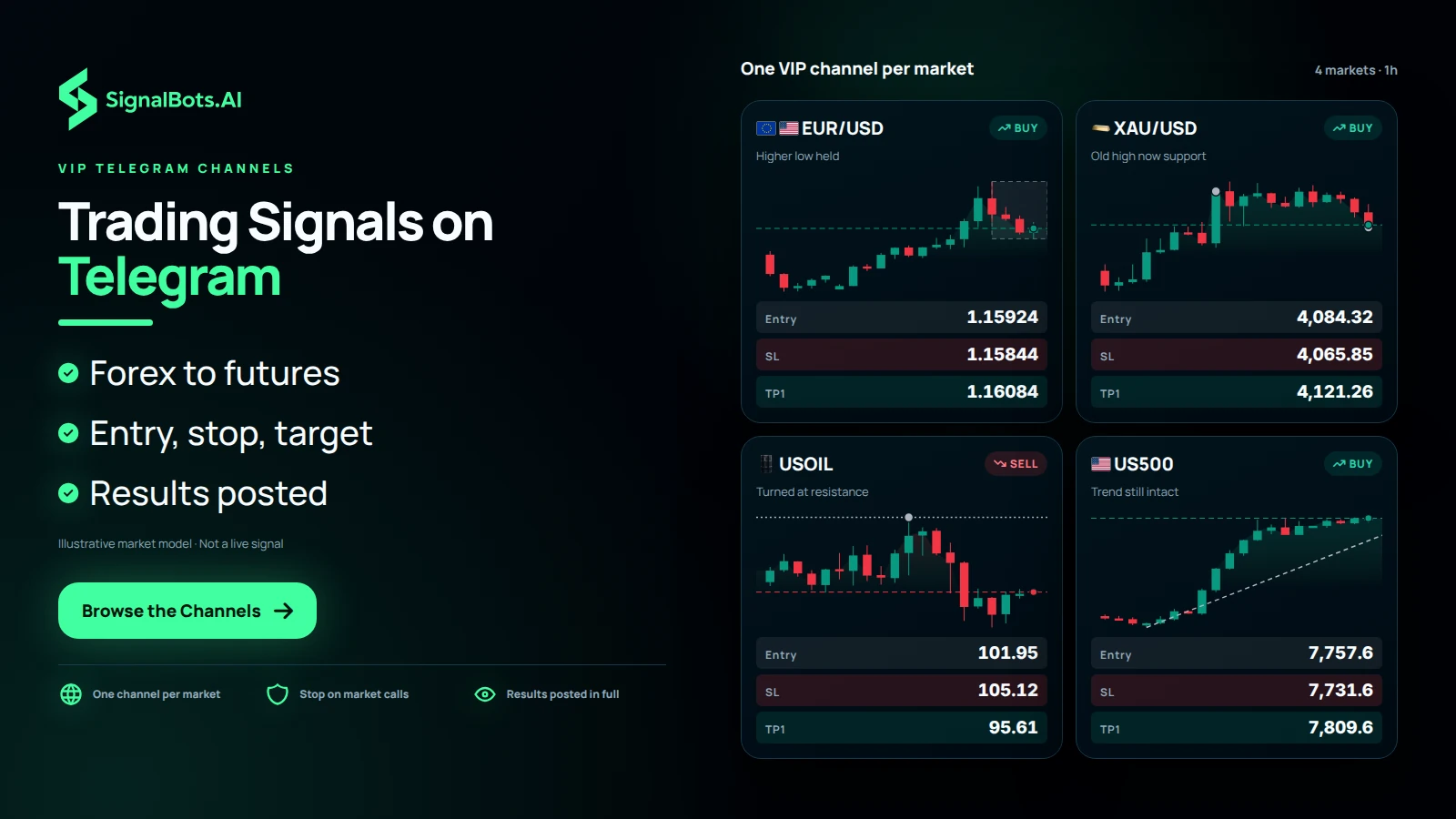
Trading Signals on Telegram, One VIP Channel per Market
Instead of one noisy feed, the trading signals on Telegram are split into VIP channels, one per market, so you join only what you already trade: forex, crypto, gold and silver, oil, the indices, US stocks or CME futures. Every market call is a BUY or SELL with its entry, stop and target, posted the moment it fires and delivered to the phone you already carry. Binary options have their own channels, picked by broker. You skip learning another platform, and every closed result, win or loss, stays in the VIP channel for you to read.
Browse the Channels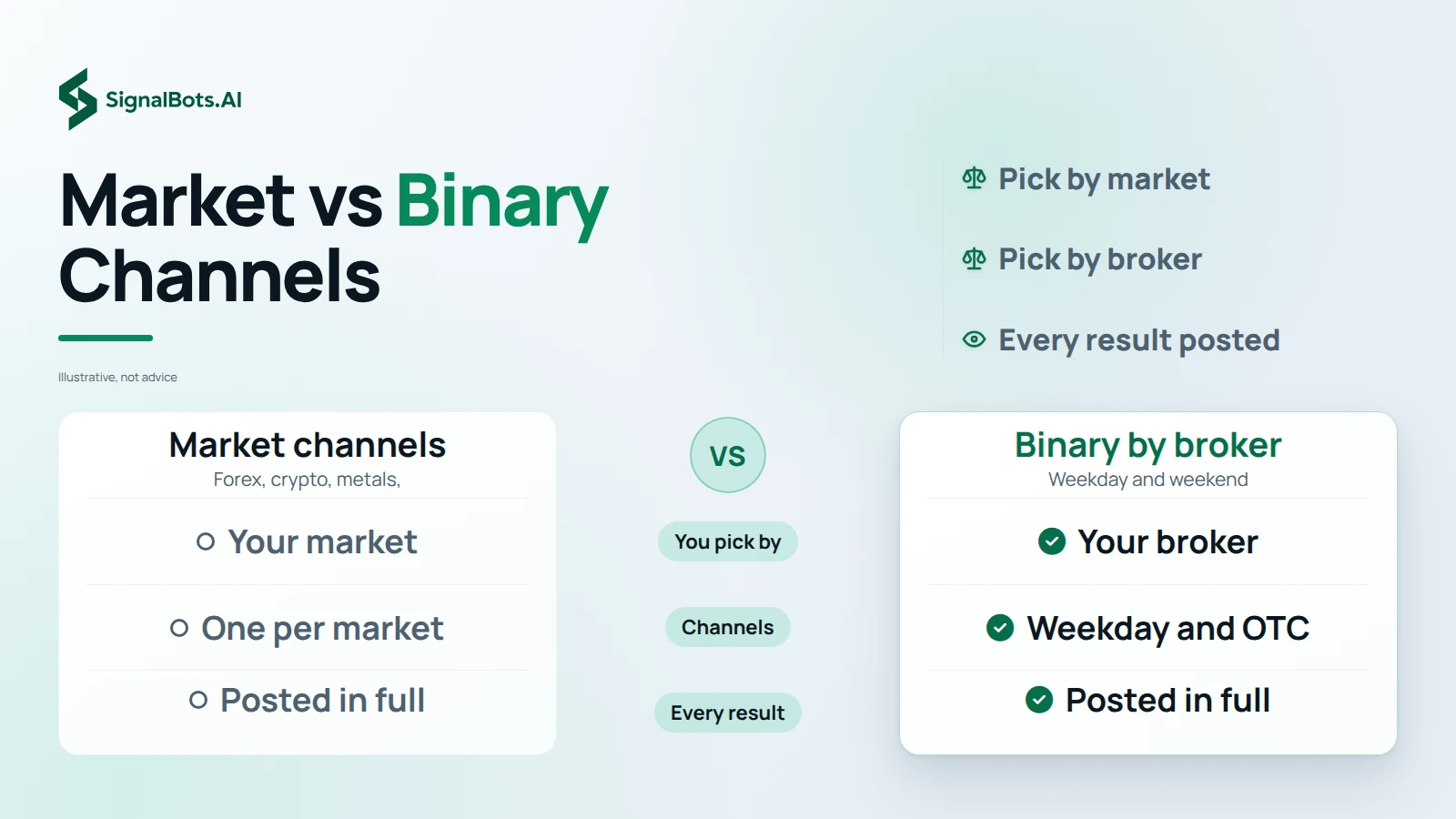
Market Channels and Binary Options Telegram Channels Compared
The two kinds of channel are chosen in different ways. A market channel follows one market, such as forex, crypto, oil or the indices, and each call names the side with an entry, a stop and a target that you place on your own account. Binary options Telegram channels are picked by broker instead: Pocket Option, Quotex and IQ Option each run a weekday channel and a weekend OTC channel, with calls tuned to how that broker trades. A binary trade settles at its expiry rather than at a stop or target, and binary options carry the risk of total loss.
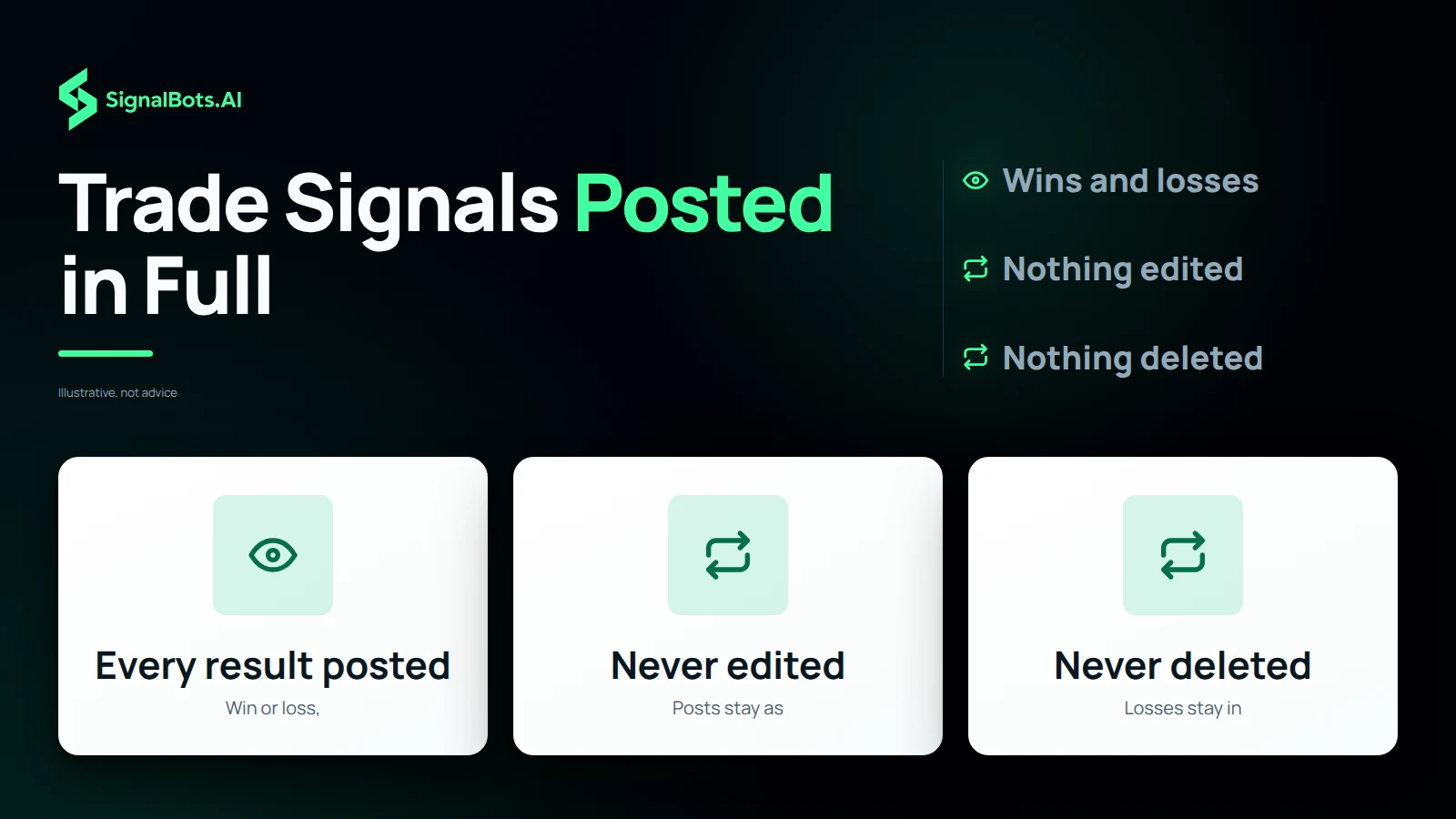
Telegram Trade Signals Posted in Full, Wins and Losses Alike
When a call closes, its result goes into the VIP channel in full, whether the trade won or lost, and the post is never edited or deleted afterwards. That gives you a track record you can scroll for yourself instead of a screenshot of the winners, and the futures channels post every result openly in the same way. Read through the closed calls on the market you trade before you commit, and keep in mind that past results do not predict future ones and that trading carries risk of loss.
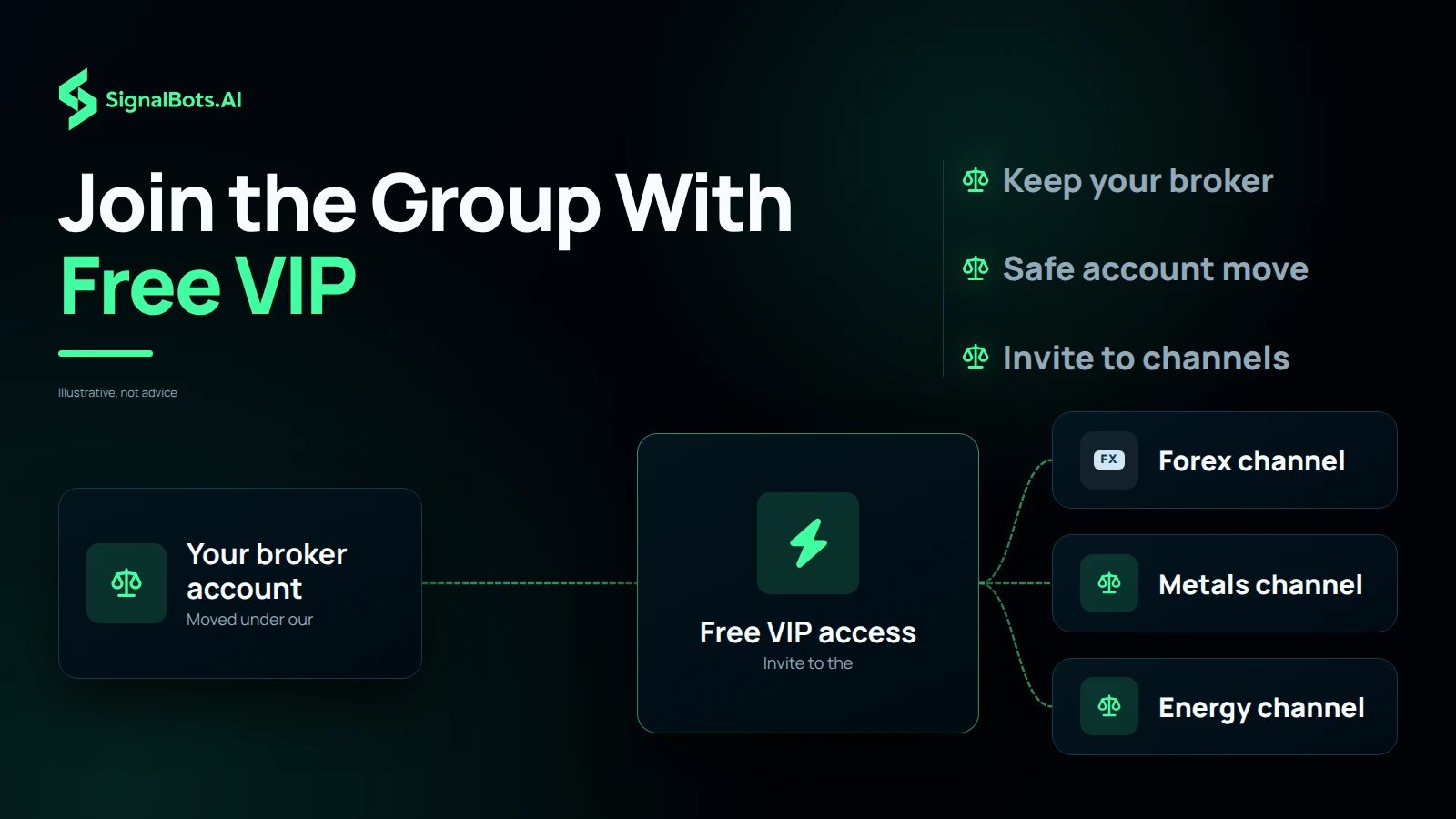
Join a Telegram Trading Signals Group With Free VIP Access
VIP access does not have to start with a payment. If you already hold a broker account, you can move it under our partner link in a few steps so that it qualifies for free VIP access, and the guide shows you the safe way to make the move. Once your account qualifies, the invite opens the VIP channels, with forex, gold and silver, and oil and gas among the markets you can follow. If you would rather not move an existing account, the support desk explains the monthly plan and sends your invite once you are set.
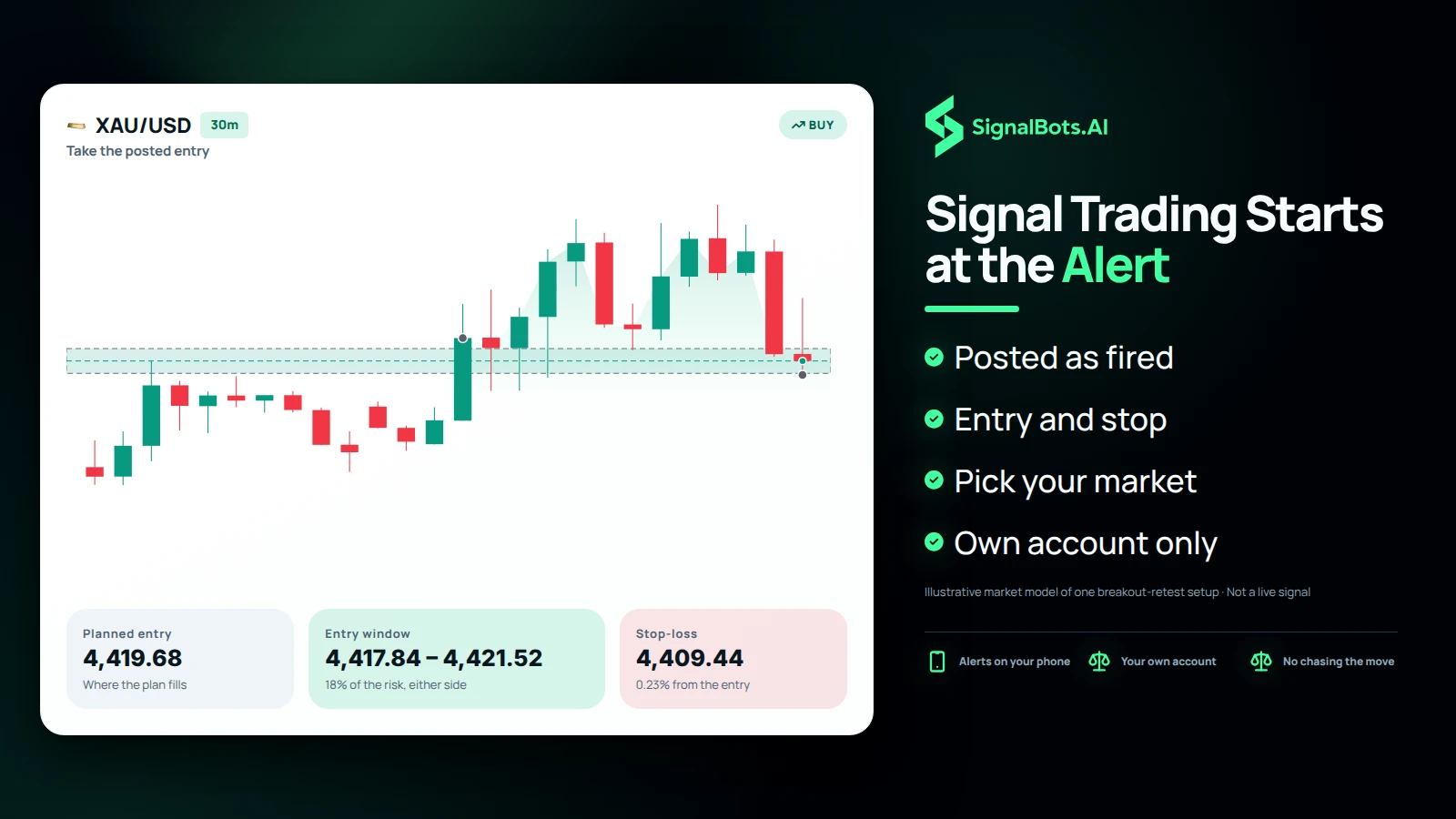
Signal Trading on Telegram Starts When the Alert Lands
Calls go out the moment they fire, so what happens next is on your side. Turn on Telegram notifications for the channel you joined and the alert reaches the phone you already use. Read the side, the entry and the stop, check that price is still close to the posted entry, and place the trade on your own account; if the market has already run away from the level, letting that call pass keeps your plan intact. Start with the channel for the market and hours you trade, and read the Risk Warning first, because trading carries risk of loss.