Quotex Charts inside MetaTrader 5

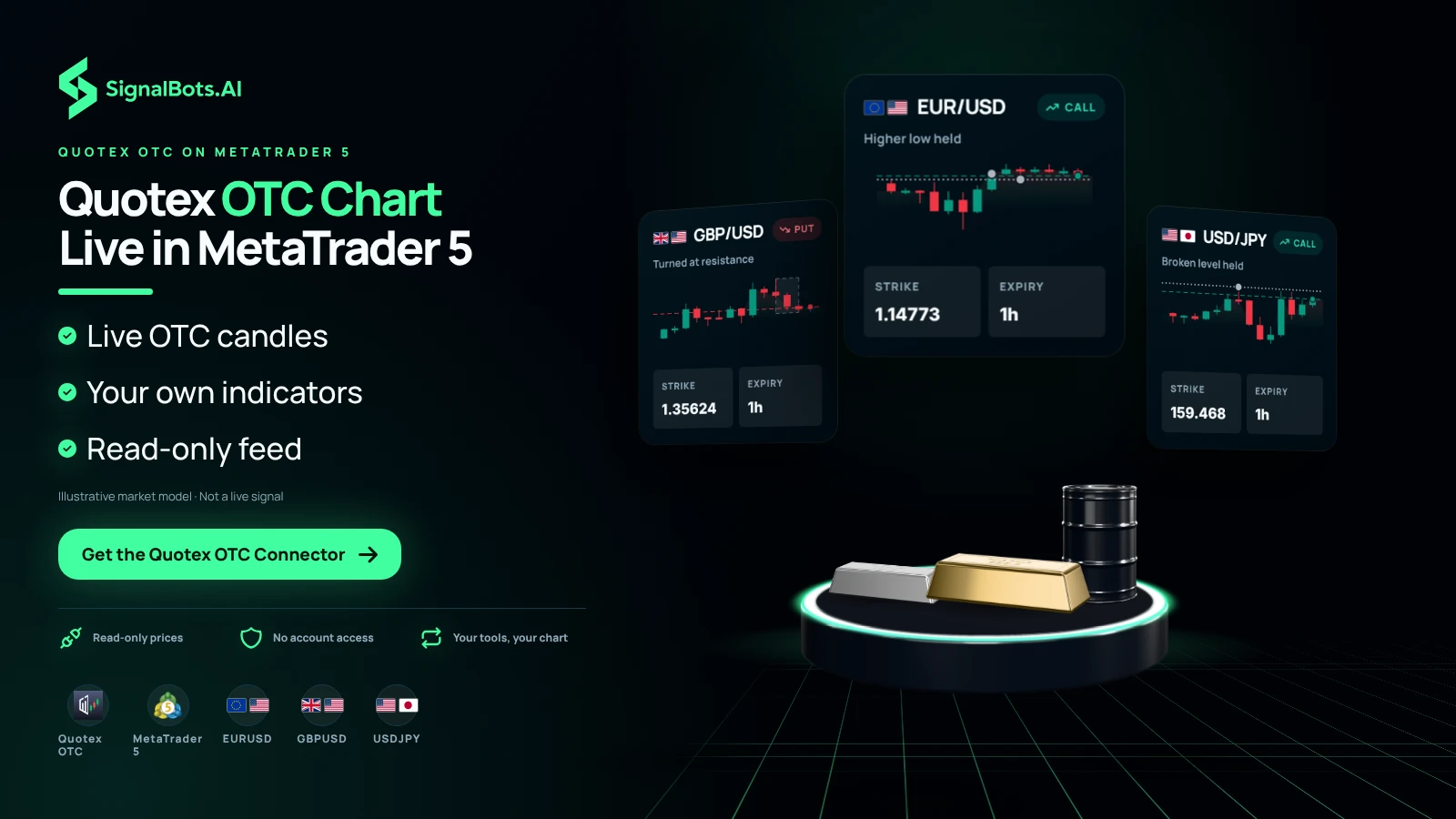
See Quotex's OTC pairs on real MT5 charts, analyse them with your own indicators and templates, and get our live signals right on the chart — read-only, with no access to your broker account.

How it works

Your Quotex OTC feed,
live on a real MT5 chart

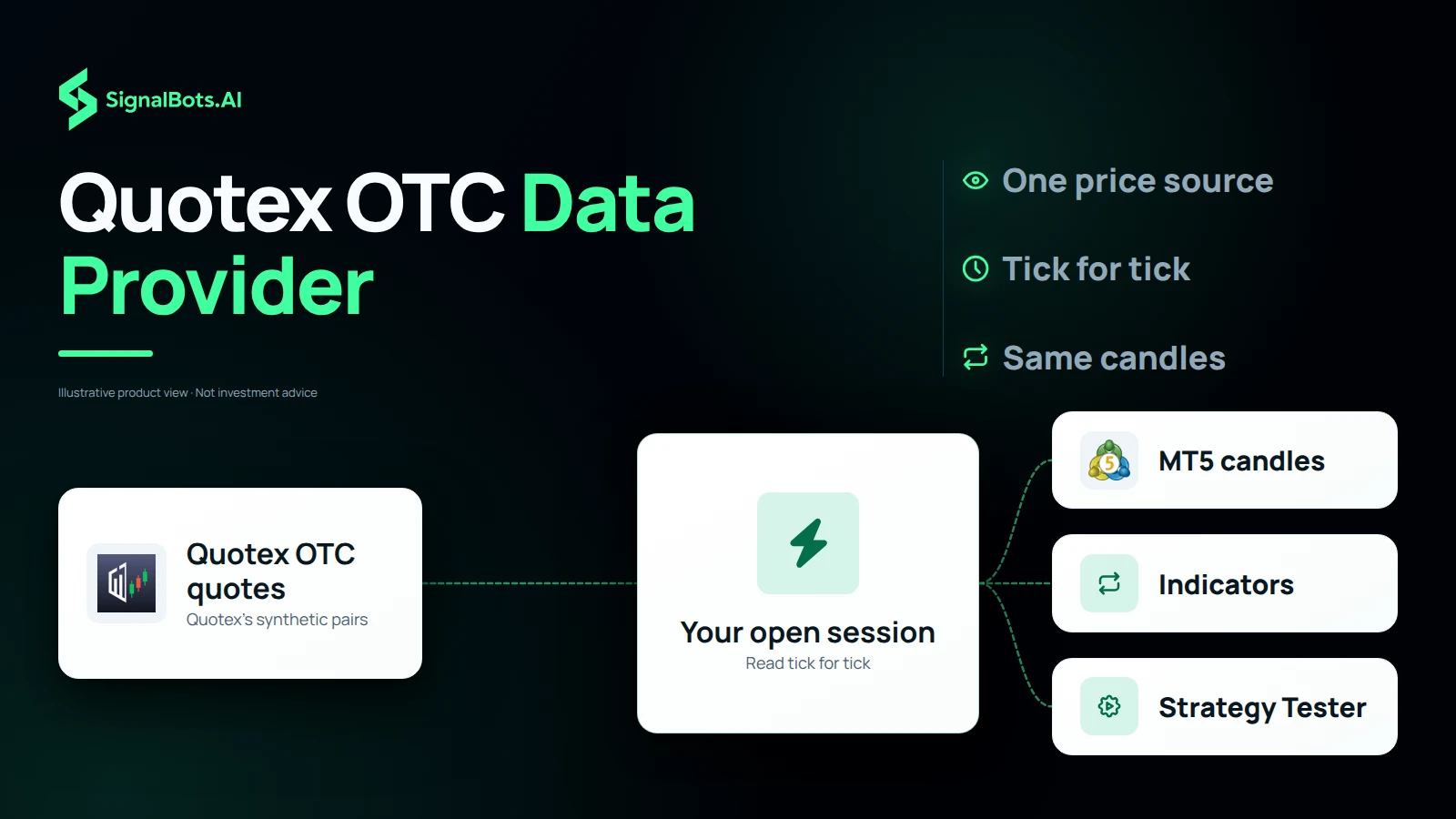
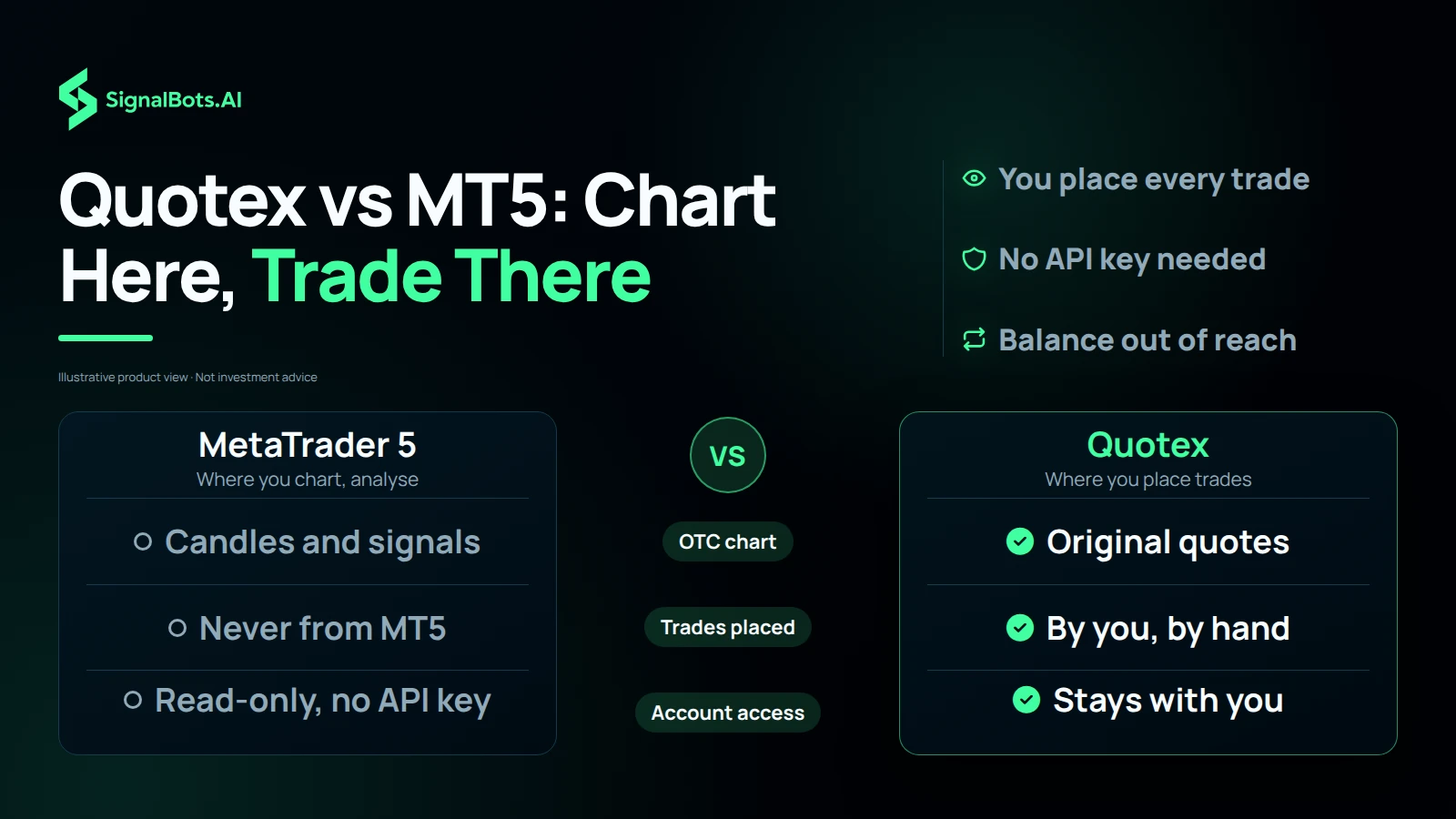
The connector mirrors your Quotex OTC prices into MetaTrader 5 as live candles — chart and analyse them with the full MetaTrader toolkit, and read our signals on the same screen. It only reads prices: you can't place trades from MT5, and we never touch your Quotex account.

  1. Live OTC prices in

    Quotex's OTC feed renders as real MetaTrader 5 candles — the same prices you see in the terminal.

  2. Analyse with your toolkit

    Read the OTC chart with your own indicators, templates and Expert Advisors — and watch our signals plot alongside them. MT5 is for charting; you trade in Quotex.

  3. Your account stays yours

    There's no API key and no login on our side — the feed is read-only, so we can never place an order or touch your Quotex balance.

Read-only by design — no API key, no account access; we can never place a trade or move your funds. Trading carries risk; read the Risk Warning.

Step-by-Step Setup

Get the Quotex OTC connector in 3 steps

Follow the steps in order — open an eligible account the right way, unlock the free connector license, then learn how to read the signals on your MT5 chart.

Step 1 of 3

Quotex Sign Up

Which describes you?

Already have an account? Reset it first

Withdraw your balance, close your current Quotex account, then reopen it through our link so it qualifies for the free license. The guide shows the safe, no-data-lost way.

Why bridge to MT5

Your MT5 toolkit — plus our signals — on Quotex OTC

  • Our signals on your chart

    Our live trading signals plot straight onto the Quotex OTC chart in MetaTrader 5 — read them right next to your own analysis.

  • A Screener for every symbol

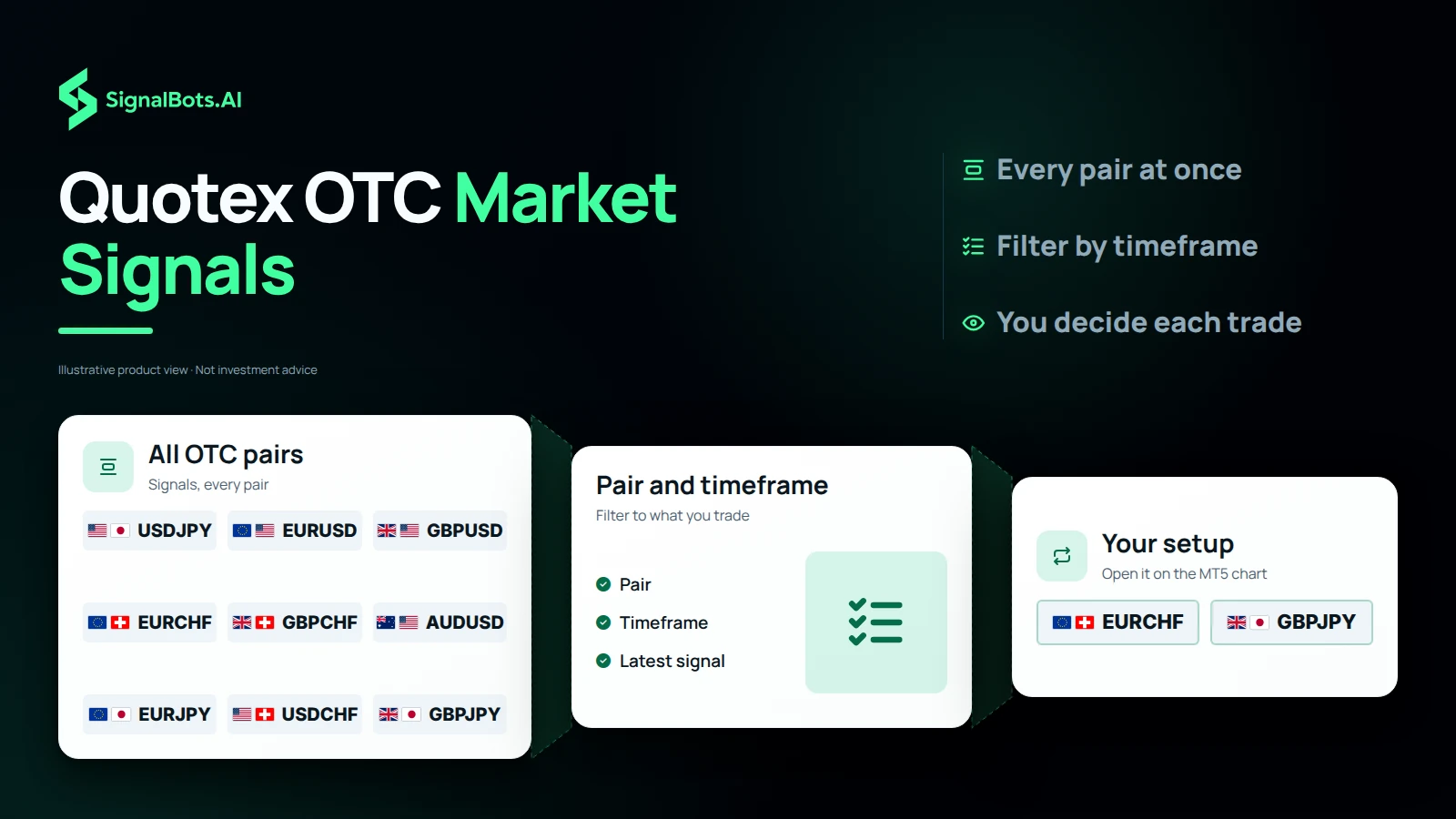
    A built-in Screener lists our latest signals across all OTC pairs at once — filter by pair and timeframe to jump to the setup you want.

  • Pro charting

    Multi-timeframe MT5 candles, drawing tools and templates on OTC pairs the broker never charted properly.

  • 50+ indicators

    Run your full MetaTrader indicator stack — moving averages, RSI, custom builds — straight on OTC.

  • Run your EA on OTC

    Load an Expert Advisor onto OTC candles to scan setups and alert you the moment your rules line up.

  • Backtest before you risk

    Use the MT5 Strategy Tester on OTC history to validate a setup before you trade it in Quotex.

  • One workspace

    Watch your live-broker charts and Quotex OTC side by side in a single MT5 terminal.

  • Off-hours coverage

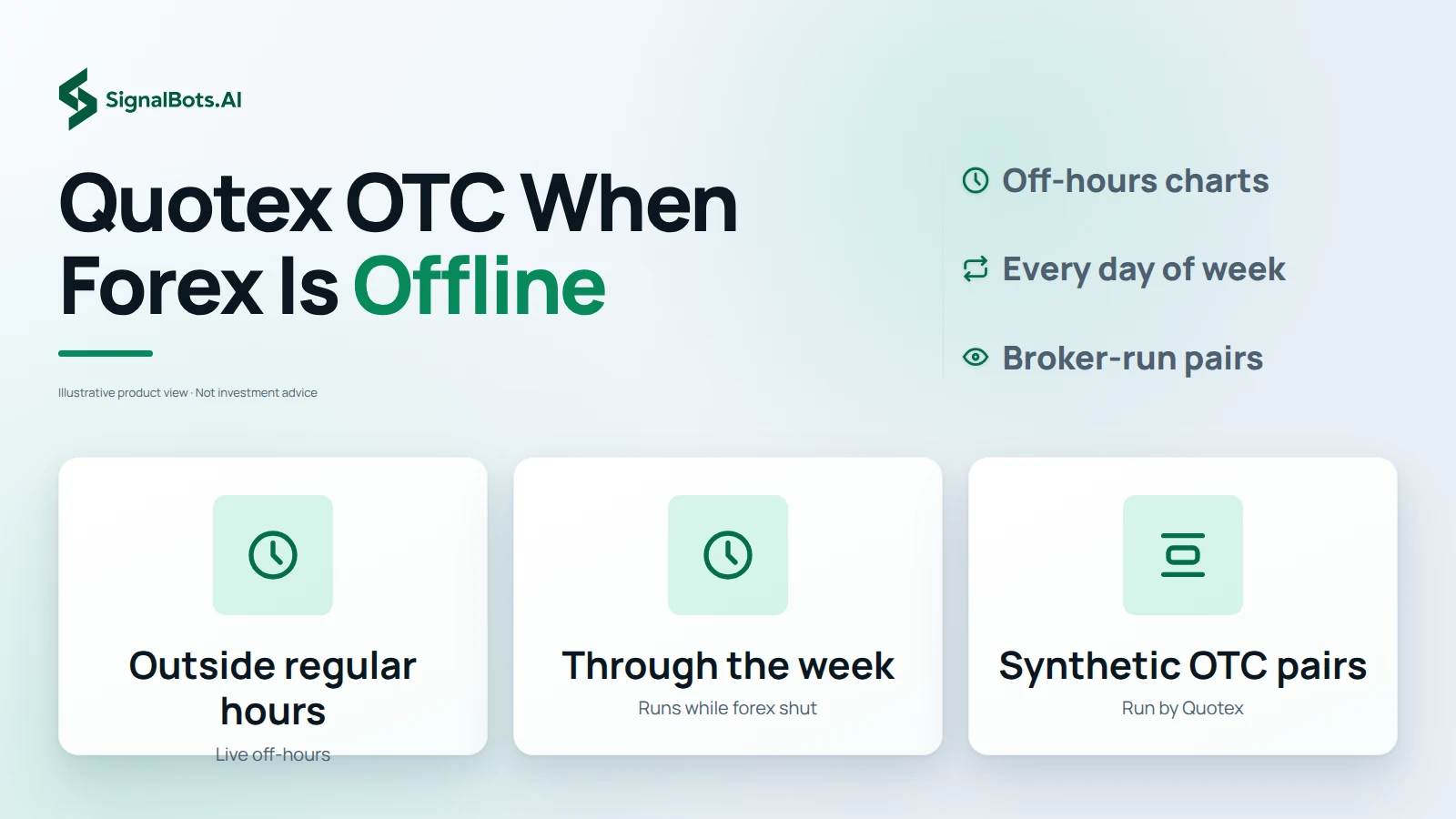
    Chart the OTC pairs that stay open whenever the real markets are closed — around the clock, any day of the week.

Quotex OTC connector

Frequently Asked Questions

Will this connector trade Quotex for me?

No — it's an analysis bridge, not an auto-trader. It feeds Quotex OTC prices into MT5; you place each trade yourself inside Quotex.

Could SignalBots access my Quotex funds?

No. The connector reads prices through your own open Quotex session, never an API key, so withdrawals and balance changes stay impossible for us.

Do the candles match what Quotex shows?

Yes. You're looking at Quotex's own OTC quotes redrawn as MetaTrader 5 candles, tick for tick.

Can I apply my MT5 templates to Quotex OTC?

You can. Any indicator stack, custom build or Expert Advisor you run in MetaTrader works straight on the Quotex OTC chart.

Is backtesting on Quotex OTC possible?

Yes. The MT5 Strategy Tester runs over recorded Quotex OTC history so you can validate an idea first. Past results never guarantee future trades — read the Risk Warning.

What pairs come through from Quotex?

Its OTC synthetic pairs, the ones that stay tradeable on Quotex whenever the live markets are closed.

When is the Quotex OTC feed active?

Whenever standard Forex is offline — outside regular hours and right through the week — Quotex keeps its OTC pairs running and the feed stays live.

Which platform do I need on my side?

A normal MetaTrader 5 install. Support walks you through connecting it to the Quotex OTC stream.

Is there a fee for the Quotex connector?

It's free for life. Reach our round-the-clock support and they'll activate your license in minutes.

Can I keep using the Quotex extension too?

Of course. The browser bot and this MT5 feed are built to run together — chart in MT5, click in Quotex.

Add SignalBots as a preferred source on Google Add SignalBots as a preferred source on Google