




Quotex OTC BotHunter Robot for every major browser

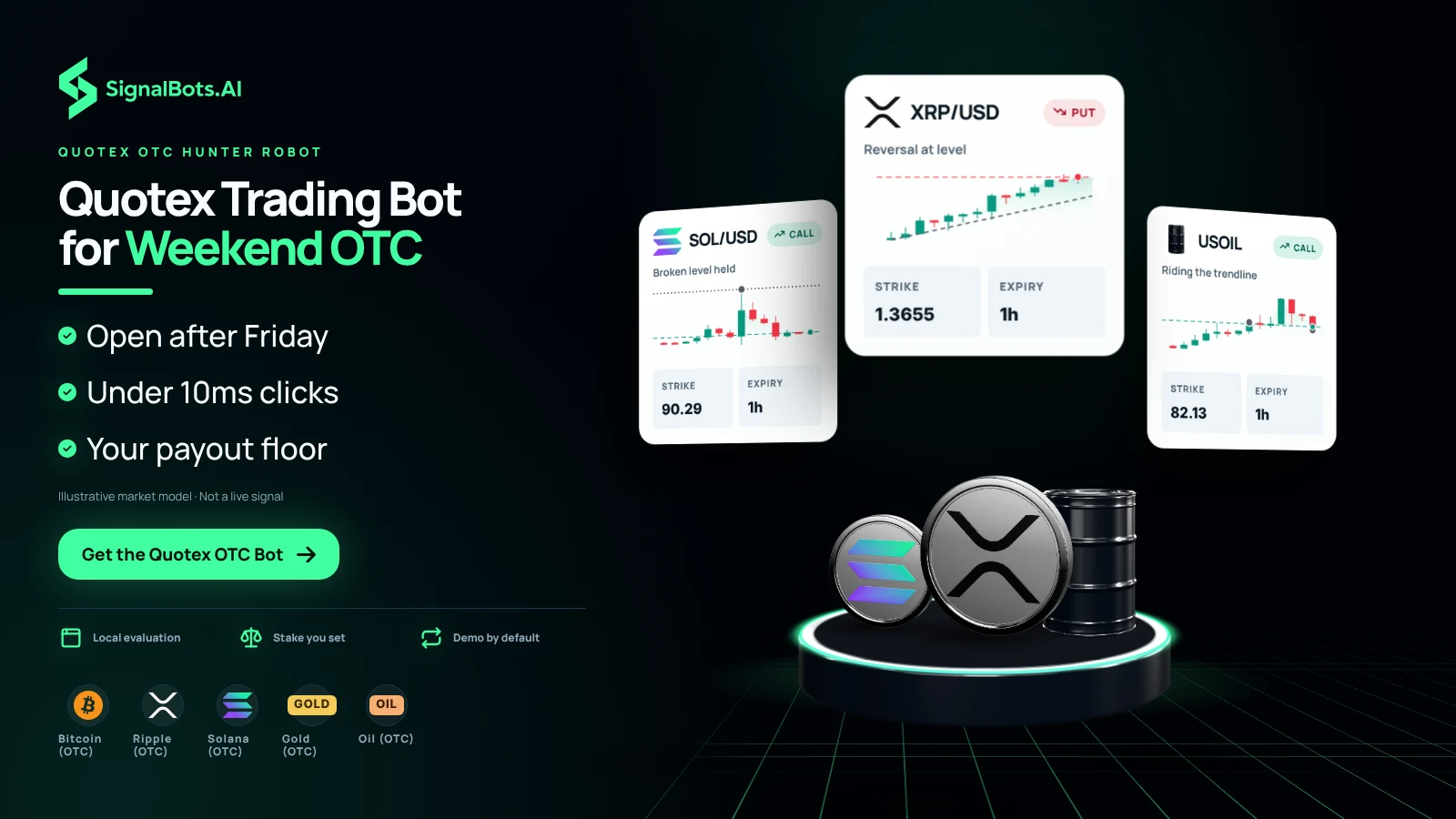
Trade on Quotex every weekend — even when real markets close on Friday. The AI bot watches the price for you and only takes the trades where the payout is high. It clicks in under 10 milliseconds, faster than any human can.
You set how much to risk on each trade, and the bot follows that rule every time.

  • quotex otc bot
  • quotex otc extension
  • weekend otc trading
  • 24/7 binary options bot
  • quotex otc chrome & firefox extension
Interactive Demo

Try the Quotex OTC AI Scalper

This is the exact control panel the Quotex OTC AI Scalper docks into your Quotex OTC tab. Flip the switches, pick your strategies and timeframes, and watch live signals stream in — no install and no license needed.

Quotex OTC Bot Connected
Auto Trade Off — setups are listed only
Strategies
Minimum return rate 80%
Setups below this payout are screened out.
Timeframes
Trade amount

Simulated preview for illustration only. The signals, payouts and balances shown here are generated in your browser and are not trading advice. Trading involves risk.

Setup in 5 Minutes

Start Trading in Three Simple Steps

No manual configuration, no broker switching, no credit card.
Just three quick taps and the Quotex OTC bot starts streaming live signals straight into your Quotex OTC tab.

Takes ~ 30 sec

Open a Quotex Account

Sign up in 30 seconds, or attach an existing account to SignalBots. Get 5–10 free trades on us to test the extension.

Free for life

Unlock Your FREE License

Chat with our 24/7 support team — they'll activate your free lifetime license in minutes.

Signals Coverage

Live Signals
Across 21+ Top Markets

Every signal comes from Quotex's 24/7 OTC feed — exotic USD pairs, a deep crypto bench, oil, and select stocks. Filter the list below to see what fits your strategy.

USD/PKR (OTC)
NZD/CAD (OTC)
USD/BDT (OTC)
NZD/JPY (OTC)
USD/PHP (OTC)
AUD/NZD (OTC)
USD/BRL (OTC)
USD/INR (OTC)
CAD/CHF (OTC)
NZD/USD (OTC)
EUR/NZD (OTC)
GBP/NZD (OTC)
USD/ZAR (OTC)
Bitcoin (OTC)
Polkadot (OTC)
Ethereum (OTC)
Toncoin (OTC)
Ripple (OTC)
Solana (OTC)
UKBrent (OTC)
Intel (OTC)
Built for the weekend session

Eight Disciplines,
One Quotex OTC Panel

Every choice in this panel — from sub-10ms reactions to the four weekend guard rails — is built around protecting the Quotex OTC trader, not just feeding them signals. Eight things that turn a stream of OTC signals into a discipline.

Core speed

Under-10ms Reactions

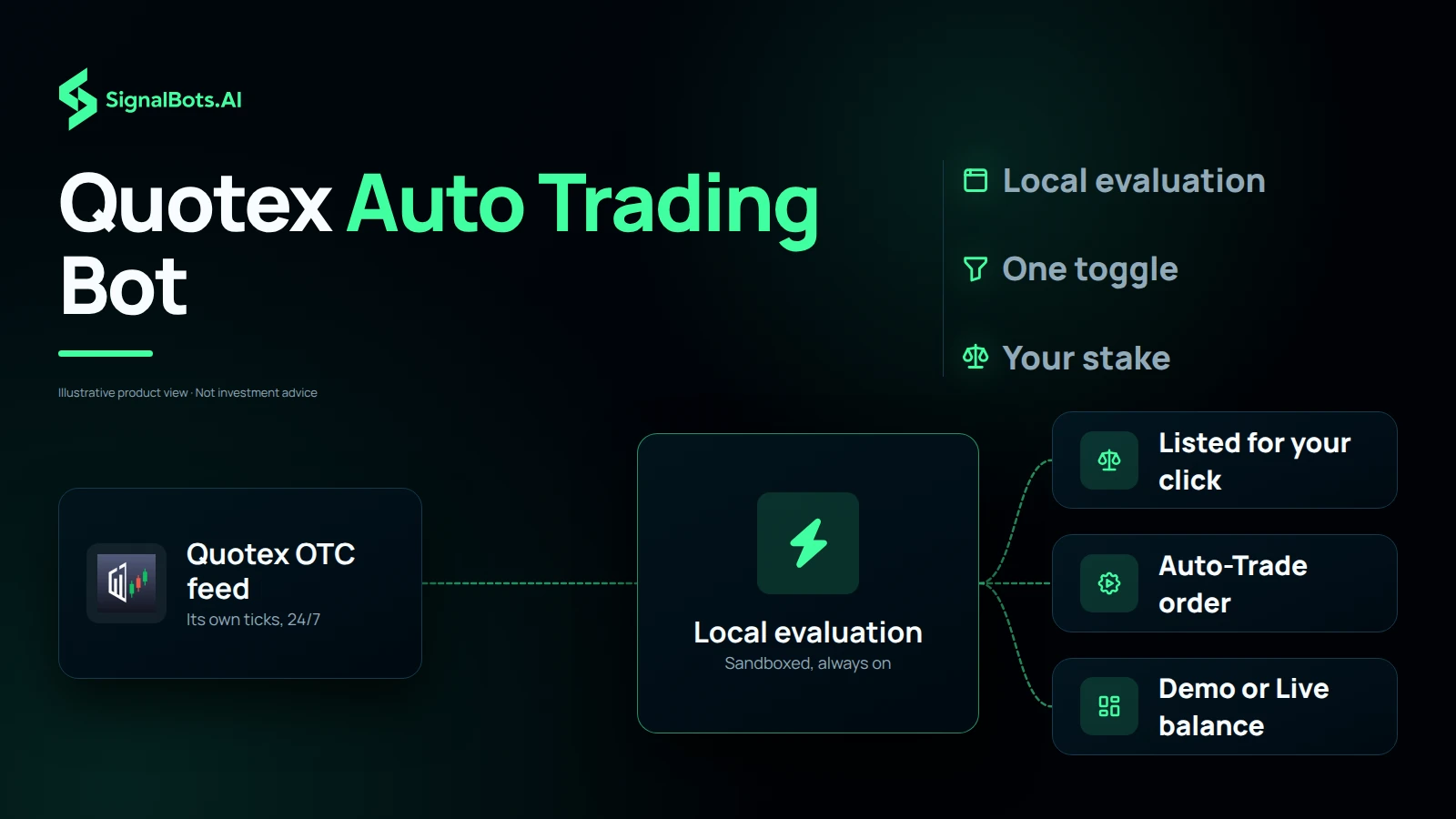
Quotex's -OTC feed prints its own ticks at its own pace — the panel reacts inside ten milliseconds whatever the feed throws out. Local browser evaluation, no subscription, no waiting on a remote API.

Local evaluation · broadband-grade
Risk-free start

Demo & Live, One Toggle

Test an OTC idea on Quotex's demo balance Saturday afternoon, flip the same panel live Sunday once it holds. No re-configuration between the two — same strategy, same risk caps, same log.

No subscription

Lifetime License

Open a Quotex OTC account through our partner program and the extension is free, no card needed. Or pick the lifetime path: one $50 payment and the install is yours with every future update.

Three Built-in Strategies

Each Quotex OTC strategy carries its own fit score against the broker's synthetic feed — pick the one that matches today's rhythm and swap any time. Fast Trades, Turbo Breakout, Master AI, all in one panel.

Higher Floor on OTC

Quotex OTC payouts swing harder than the weekday board. The same filter mechanic runs on the OTC build, but most users raise the floor to 82-85% — one slider does it. Skipped trades show 'Payout below floor' in the log.

Nine browsers

One License, Nine Browsers

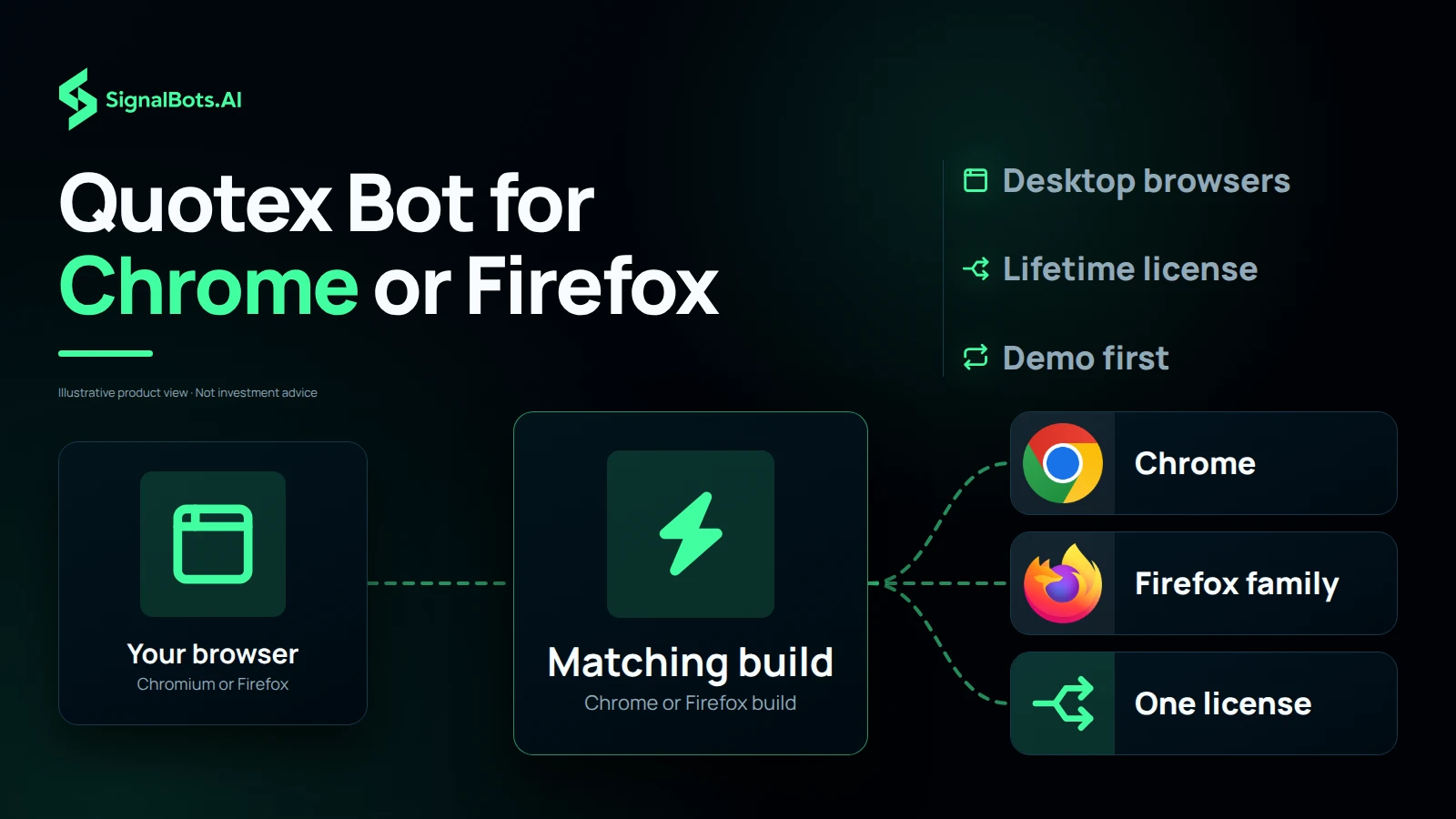
Chrome and every Chromium browser (Brave, Edge, Opera, Vivaldi) share one build. Firefox and modern Firefox forks (LibreWolf, Waterfox, Floorp, Zen) share the other. Pick the browser you trust — your license works the same on all of them, on Windows, macOS, and Linux.

Always-On OTC Connection

A direct, sandboxed line to Quotex's OTC feed — so the bot is ready to trade the moment a setup appears. The latency you see in the panel is the latency you trade with, because evaluation is local.

Guard rails

Weekend Guard Rails

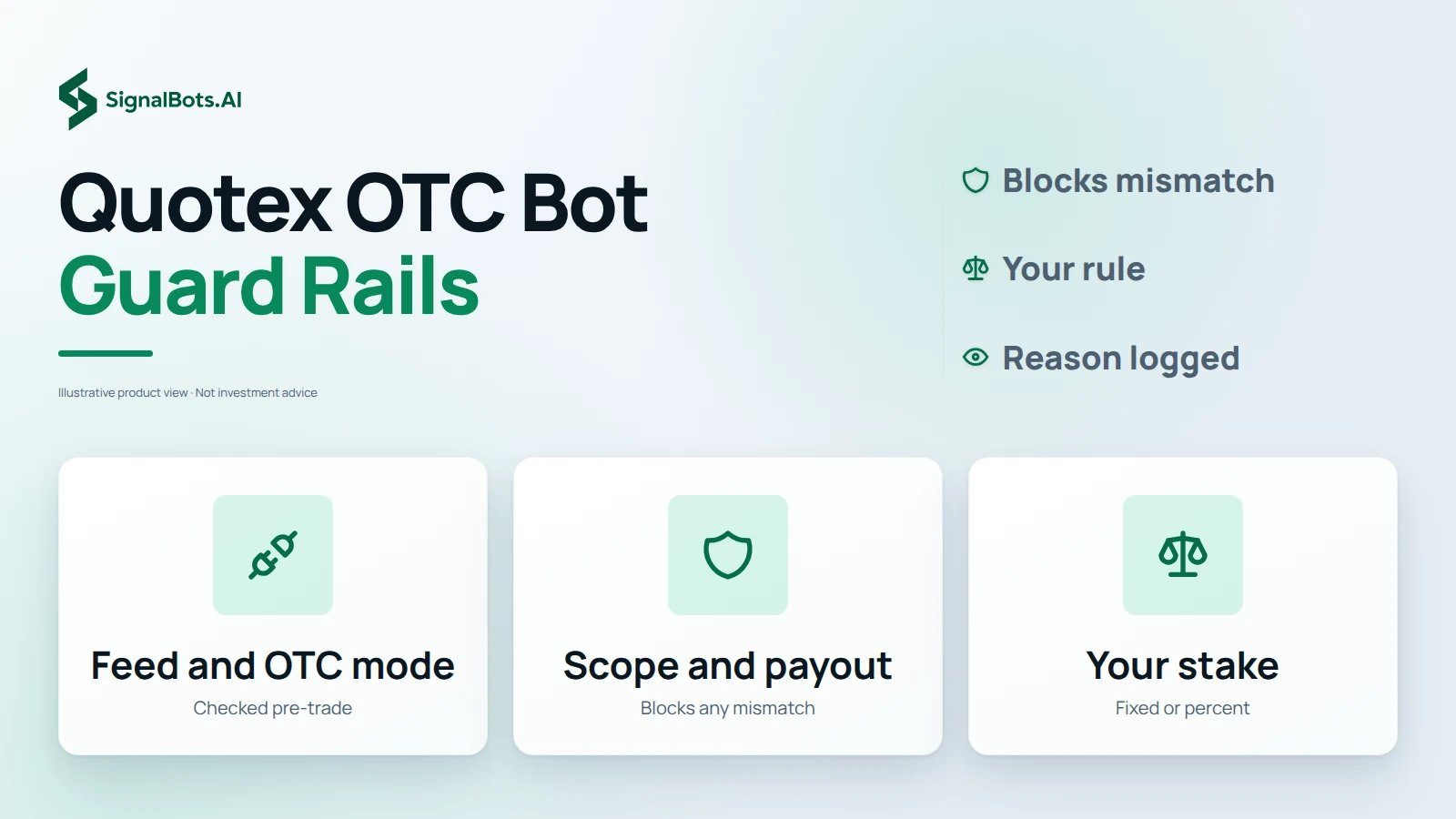
Before any Quotex weekend trade fires, four rails check that the synthetic feed is connected, the account is on OTC mode, the pair sits inside -OTC scope, and the live payout cleared your floor. Any mismatch blocks the trade.

Trusted by traders

What Traders Are Saying

Weekend Quotex OTC
under 10ms.

Quotex's 1-minute OTC entries punish slow clicks even more than the weekday board because the synthetic feed moves on its own clock. The Live AI fires inside the panel under 10ms and shows the OTC payout for each signal before it sends the order. Saturday afternoon trades I never used to take.

Win-Rate filter
tuned for OTC.

Kept the Min Win-Rate filter at 78% on the Quotex OTC extension — slightly higher than my weekday setup because the OTC feed is noisier. Trade count dropped, hit rate held, and my reward-to-risk ratio over a month settled where I wanted it.

Free lifetime license
through partnership.

Asked SignalBots support on Telegram about Quotex OTC pricing and they unlocked the free lifetime license through their broker partnership. Took less than ten minutes, no card, no recurring charge — and I have it running on a weekend now with zero monthly cost.

Auto-reconnect on
weekend Wi-Fi.

My Wi-Fi drops more on weekends than on weekdays. The Quotex OTC panel went Connected → Connecting → Connected on its own twice during a Sunday session without a re-login. I only noticed when I checked the signal log — that's the behaviour I want from a bot.

OTC and weekday
side by side, no overlap.

I run the Quotex weekday extension Monday to Friday and the OTC extension over the weekend on the same Quotex account. The two installs ignore each other's assets by design, so I never have to worry about double-firing on the same instrument.

Past performance is not indicative of future results. Trading binary options involves substantial risk; review the full Risk Warning before enabling any automated execution.

Frequently Asked Questions

What does the Quotex OTC extension actually trade?

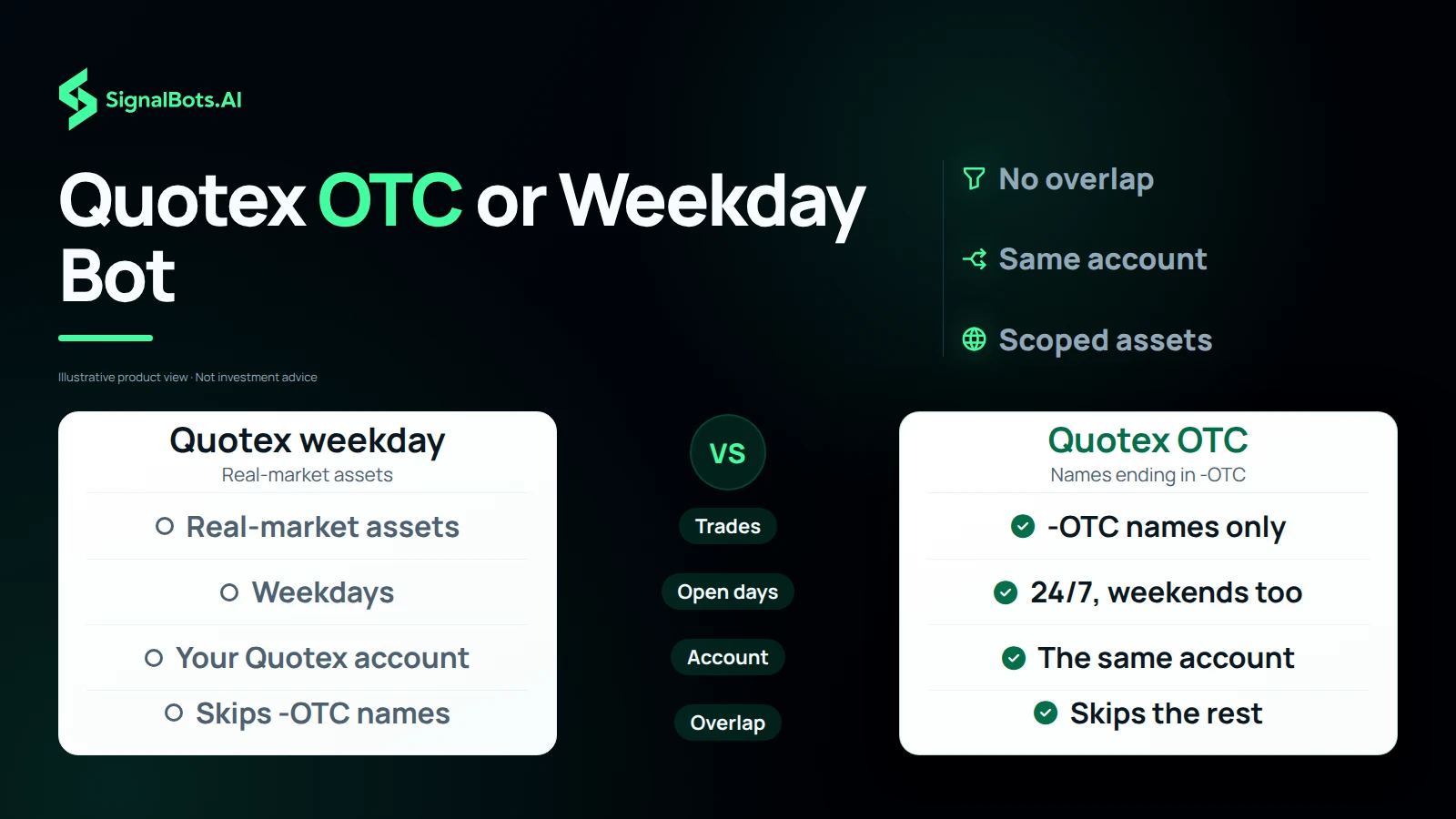
Only Quotex's OTC instruments — assets whose name ends in -OTC. The bot ignores every non-OTC asset on Quotex, including all real-market forex, crypto, and commodities. Run the weekday Quotex extension for those — the two installs don't overlap.

Does it run on weekends?

Yes — that is the entire point. Quotex OTC instruments stay open 24/7, including Saturday and Sunday when real markets are closed. The extension streams signals and trades them the same way the weekday extension does on the real-market board.

Is it safe for my Quotex account?

Yes. The extension never asks for your Quotex password and only interacts with pages you have open in your own browser, exactly the way you would. It doesn't bypass any platform rule, doesn't tamper with the broker's OTC feed, and runs entirely on your machine.

Does it work on Quotex Demo?

Yes. The OTC extension defaults to Demo Mode on first install — you can let it run against Quotex's OTC demo balance before risking real funds. Switch to Live from the popup once you're ready.

Auto-trade or manual confirm?

Both modes are first-class. With Auto-Trade OFF, OTC signals stream into the panel and you click to take them. With Auto-Trade ON, the bot places trades for you on -OTC instruments using your configured size and filter. Flip between them any time from the popup.

What if I close the Quotex tab?

The extension runs only while your Quotex tab is open. Closing the tab or shutting your laptop pauses OTC signal delivery and any auto-trading; everything resumes the moment you reopen the tab and reconnect.

Does it need my password?

No. You log into Quotex the normal way in your own browser tab, and the extension activates with a SignalBots license key — never a broker password. Your broker credentials stay between you and Quotex.

How fast is signal-to-click on OTC?

End-to-end signal-to-click latency stays under 10ms on a normal broadband connection. The bot evaluates each OTC setup locally in your browser before placing the order, so reaction time doesn't depend on a round-trip to our servers.

Is there a free demo trial?

Yes. OTC Demo Mode is unlocked from the moment you install — the bot runs against the OTC demo balance until you buy a license. Demo Mode locks a subset of OTC assets, timeframes, and strategies, so the live experience opens up the full configuration once activated.

Can I run the OTC and weekday extension together?

Yes — they are independent installs that share the same Quotex account. Each one is scoped to its own asset universe (the weekday build skips -OTC assets, the OTC build skips everything else), so they don't fight over the same signals. You need a separate license per extension.

How do I set trade size on OTC?

From the popup. Pick Fixed Amount (dollars per trade) or Percentage of Balance, set your value, and the bot sticks to it for every Auto-Trade order on -OTC instruments. Change it any time without losing your session.

Is the license one-time or monthly?

One-time. You pay once for a lifetime license that activates the OTC extension on your Quotex account — no monthly fee, no recurring charge, no subscription to cancel. Updates ship to the installed extension automatically.

Which OTC timeframes are supported?

Tuned primarily for 1-minute and 5-minute OTC binary options on Quotex, with the timeframe selector in the popup so you can scope Auto-Trade to whichever set you want on the synthetic feed.

What is the Min Win-Rate filter on OTC?

A floor on the AI's historical win-rate per OTC signal — the bot skips any Quotex OTC setup whose modelled win-rate falls below your floor. Default is 70%. Raise it for fewer, higher-conviction trades on the synthetic feed.

Can I pick which OTC assets it trades?

Yes. Toggle the -OTC assets you want from the popup — anything you leave off is ignored. The same applies to timeframes and strategies. Non-OTC assets are always off by design.

Does it warn on wrong account?

Yes — the OTC license is bound to a specific Quotex account, so if you switch to a different one in the same browser the panel raises an Account Mismatch alert and blocks the bot until you switch back. This makes a wrong-account OTC trade impossible by accident.

Auto-reconnect if the OTC feed drops?

Yes. The popup shows a Connecting / Connected / Disconnected banner and the extension retries automatically when the Quotex OTC feed drops. You don't have to re-login manually if the connection briefly hiccups.

Does it run on mobile?

No — desktop browsers only. The Chrome Web Store and Firefox Add-ons don't support full content-script extensions on mobile Quotex, so the OTC bot is desktop-only for now.

Which browsers are supported?

Chrome and Chromium-based browsers (Brave, Edge, Opera, Vivaldi, Chromium) share the Chrome build. Firefox and modern Firefox forks (LibreWolf, Waterfox, Floorp, Zen Browser) share the Firefox MV3 build via AMO. Runs on Windows, macOS, and Linux.

Is Quotex's EUR/USD-OTC the same price as the live EUR/USD on another broker?

No — and that is by design. Every broker that offers OTC instruments builds them in-house, so Quotex's EUR/USD-OTC is a synthetic feed generated by Quotex, separate from the real interbank market and separate from another broker's -OTC version of the same pair. Same goes for GBP/JPY-OTC, BTC-OTC, and every other -OTC instrument on Quotex. Treat each broker's OTC chart as its own market — including the Quotex weekday board for the same ticker.

Is Quotex Available in Your Country?

Quotex can't onboard traders from the 35 countries and territories below. If yours isn't listed, you're set — add the SignalBots extension and start trading.

  • Austria
  • Belgium
  • Bulgaria
  • Canada
  • Croatia
  • Cyprus
  • Czechia
  • Denmark
  • Estonia
  • Finland
  • France
  • Germany
  • Greece
  • Hong Kong
  • Hungary
  • Iceland
  • Ireland
  • Israel
  • Italy
  • Latvia
  • Liechtenstein
  • Lithuania
  • Luxembourg
  • Malta
  • Netherlands
  • Norway
  • Poland
  • Portugal
  • Romania
  • Russia
  • Slovakia
  • Slovenia
  • Spain
  • Sweden
  • United States

EUR/USD

BUY SIGNAL
5m ago
+0.45%

GBP/JPY

SELL SIGNAL
5m ago
-0.23%

SignalBots

Live Signals

ELIR/USD

Entry 1.0845

SL 1.0820

BUY

GBP/USD

Entry 1.2550

SL 1.2680

SELL

The Smart Choice for
Serious Traders &
Investors

Access institutional-grade signals, automated execution
tools, and performance-driven strategies all in one unified
platform.

Activated by our 24/7 support 100% free for life
Activated in minutes
Unlocked by 24/7 support
No payment required