
Open an IQ Option Account
Sign up in 30 seconds, or attach an existing account to SignalBots. Get 5–10 free trades on us to test the extension.
Trade on IQ Option every weekend without lowering your standards. The AI bot checks each signal against the payout level you set, and skips anything below it — so weak trades never get through.
It reacts in under 10 milliseconds, and you stay in control of how much to risk on each trade.
This is the exact control panel the IQ Option OTC AI Scalper docks into your IQ Option OTC tab. Flip the switches, pick your strategies and timeframes, and watch live signals stream in — no install and no license needed.
Waiting for the next setup…
Simulated preview for illustration only. The signals, payouts and balances shown here are generated in your browser and are not trading advice. Trading involves risk.
No manual configuration, no broker switching, no credit card.
Just three quick taps and the IQ Option OTC bot starts streaming live signals straight into your IQ Option OTC tab.
Sign up in 30 seconds, or attach an existing account to SignalBots. Get 5–10 free trades on us to test the extension.
One-click install from the Chrome Web Store or Firefox Add-ons. Desktop browsers only.
Chat with our 24/7 support team — they'll activate your free lifetime license in minutes.
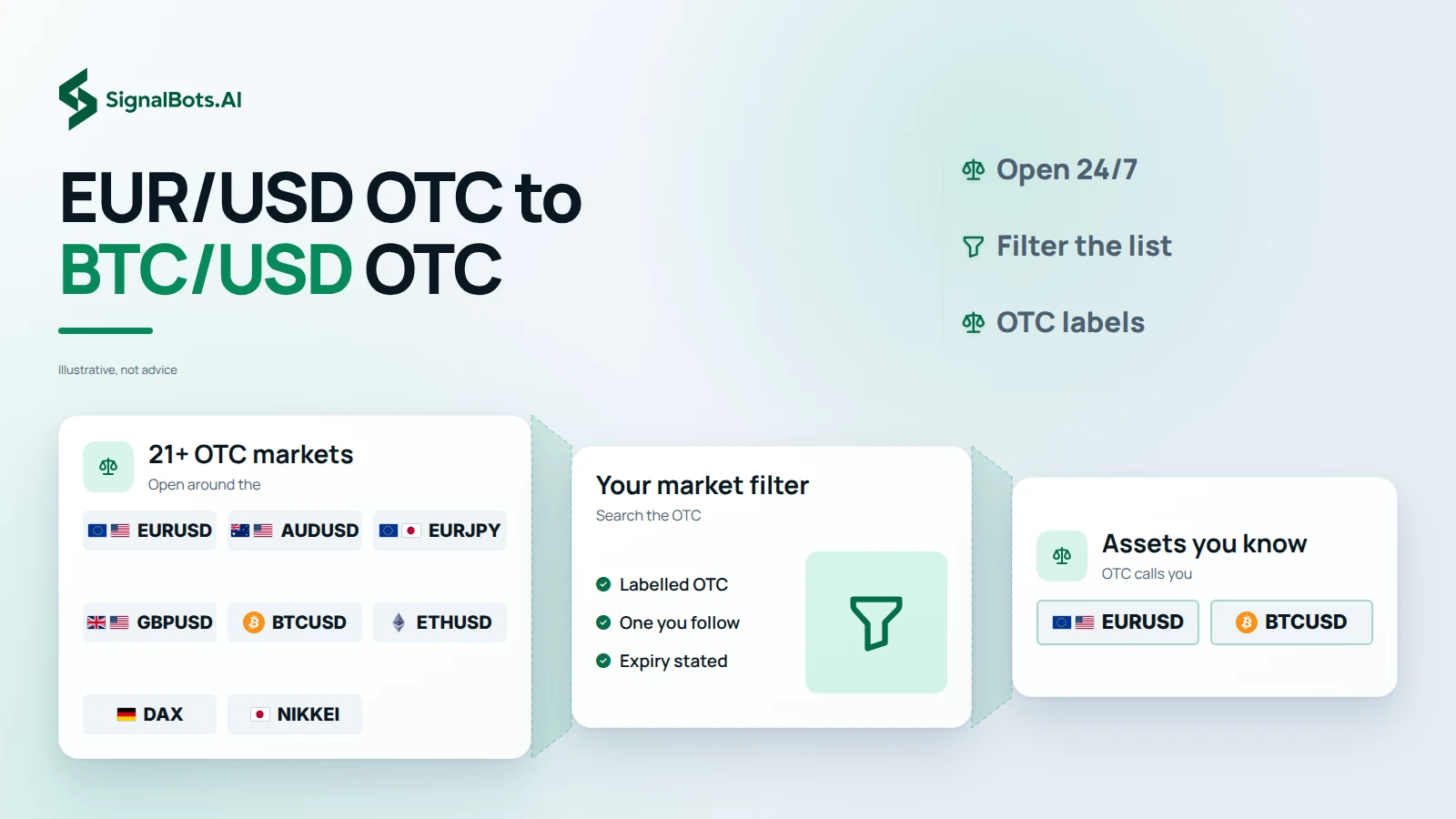
Every signal comes from IQ Option's 24/7 OTC board — FX pairs, stocks, crypto, index CFDs, and energies. Filter the list below to see what fits your strategy.
No markets match your search.
Every choice in this panel — from sub-10ms reactions to a tagged-skip audit log — is built around protecting the IQ Option OTC trader through the weekend, not just feeding them signals. Eight things that turn a stream of OTC signals into a discipline.
IQ Option's OTC instruments stay live around the clock, and so does the panel. Browser-side evaluation keeps signal latency at single-digit milliseconds even on a Sunday afternoon when nobody else is paying attention.
Run the bot on the IQ Option OTC demo balance over a quiet weekend, watch how it handles the synthetic feed, then push it live with one toggle. Strategy and guard rails carry over unchanged.
IQ Option partner clients get the OTC extension free for life — no card on file, no monthly billing. The lifetime license is also there for $50 if you came through a different referral.
Three OTC-tuned strategies on IQ Option's synthetic feed: Fast Trades for scalps, Turbo Breakout for the feed's momentum bursts, Master AI for everything else. Each one scored against today's rhythm before you pick.
Open the popup, switch each IQ Option -OTC instrument on or off. Muted pairs become invisible to the bot for the session — no signals, no Auto-Trade, no log entries. The payout next to each one is the broker quote right now.
No download queue, no email back-and-forth. Ping support on WhatsApp or Telegram; if you qualify for the VIP free path through the IQ Option broker partnership, your lifetime license activates on the same chat. No card, no monthly fee.
Same six expiries you know from the weekday board — M1, M5, M15, M30, H1, H4 — on IQ Option's -OTC instruments. Pick the window that fits the weekend move you want to ride.
Whenever the bot doesn't fire on IQ Option OTC, the log tells you why — payout below floor, strategy off, session limit reached, account mismatch. A Sunday-night audit on the OTC bot is a one-minute read.
Past performance is not indicative of future results. Trading binary options involves substantial risk; review the full Risk Warning before enabling any automated execution.
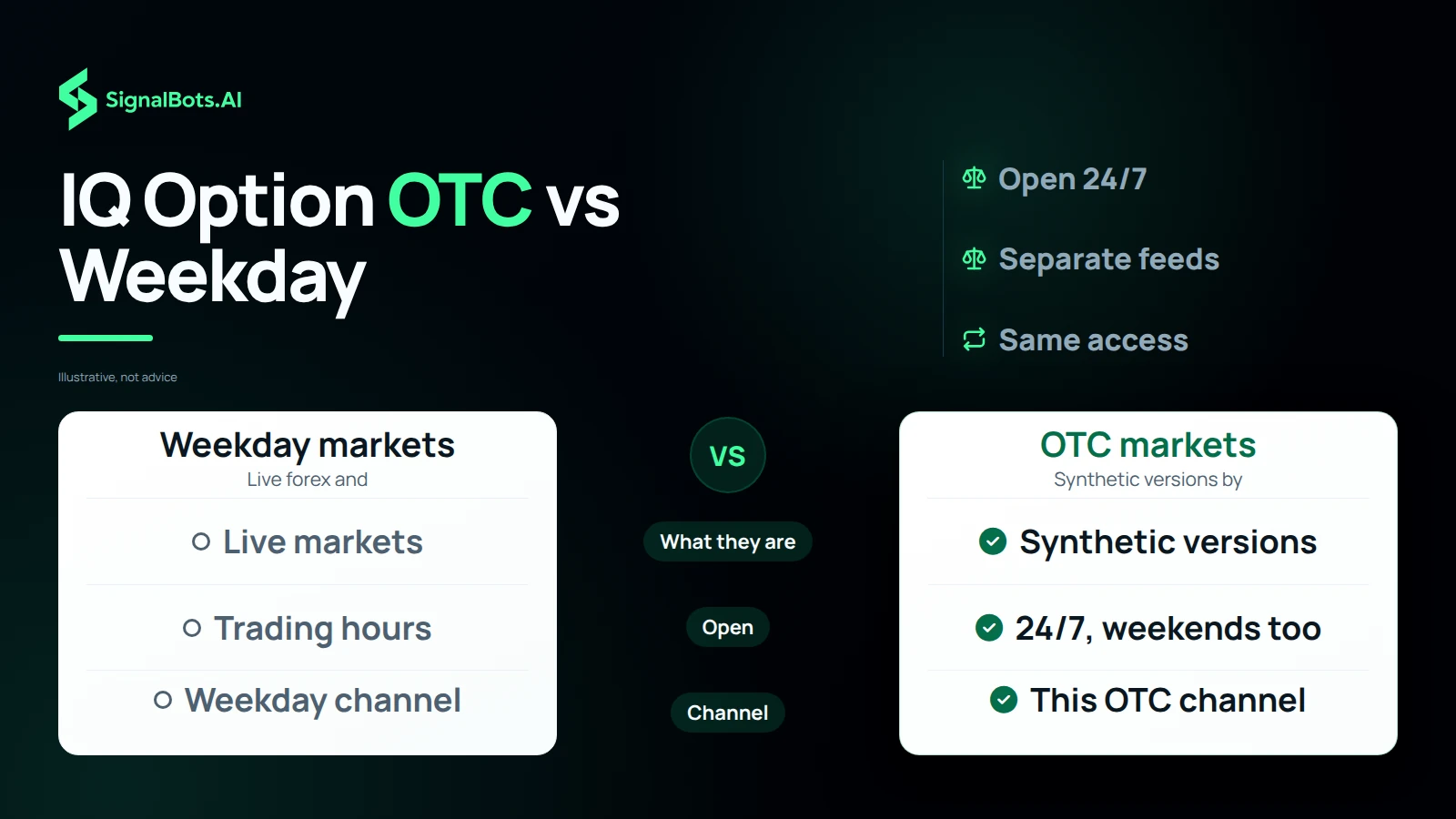
Only IQ Option's OTC instruments — assets whose name ends in -OTC. The bot ignores every non-OTC asset on IQ Option, including all real-market forex, indices, and commodities. Run the weekday IQ Option extension for those — the two installs don't overlap.
Yes — that is the entire point. IQ Option OTC instruments stay open 24/7, including Saturday and Sunday when real markets are closed. The extension streams signals and trades them the same way the weekday extension does on the real-market board.
Yes. The extension never asks for your IQ Option password and only interacts with pages you have open in your own browser, exactly the way you would. It doesn't bypass any platform rule, doesn't tamper with the broker's OTC feed, and runs entirely on your machine.
Yes. The OTC extension defaults to Demo Mode on first install — you can let it run against IQ Option's OTC demo balance before risking real funds. Switch to Live from the popup once you're ready.
Both modes are first-class. With Auto-Trade OFF, OTC signals stream into the panel and you click to take them. With Auto-Trade ON, the bot places trades for you on -OTC instruments using your configured size and filter. Flip between them any time from the popup.
The extension runs only while your IQ Option tab is open. Closing the tab or shutting your laptop pauses OTC signal delivery and any auto-trading; everything resumes the moment you reopen the tab and reconnect.
No. You log into IQ Option the normal way in your own browser tab, and the extension activates with a SignalBots license key — never a broker password. Your broker credentials stay between you and IQ Option.
End-to-end signal-to-click latency stays under 10ms on a normal broadband connection. The bot evaluates each OTC setup locally in your browser before placing the order, so reaction time doesn't depend on a round-trip to our servers.
Yes. OTC Demo Mode is unlocked from the moment you install — the bot runs against the OTC demo balance until you buy a license. Demo Mode locks a subset of OTC assets, timeframes, and strategies, so the live experience opens up the full configuration once activated.
Yes — they are independent installs that share the same IQ Option account. Each one is scoped to its own asset universe (the weekday build skips -OTC assets, the OTC build skips everything else), so they don't fight over the same signals. You need a separate license per extension.
From the popup. Pick Fixed Amount (dollars per trade) or Percentage of Balance, set your value, and the bot sticks to it for every Auto-Trade order on -OTC instruments. Change it any time without losing your session.
One-time. You pay once for a lifetime license that activates the OTC extension on your IQ Option account — no monthly fee, no recurring charge, no subscription to cancel. Updates ship to the installed extension automatically.
M1, M5, M15, M30, H1, and H4 on IQ Option OTC — selectable per session from the popup. Most OTC scalpers run M1 or M5 for signal frequency; the longer timeframes filter for higher-conviction setups on the synthetic feed.
A floor on IQ Option's per-asset OTC return rate — the bot skips any signal where the broker's return rate falls below your floor. Default is 80%. Skipped signals are logged as 'Return rate too low' so you can see the filter at work on the OTC feed.
Yes. Open the popup and toggle the IQ Option -OTC assets you want the bot to act on — anything you leave off is ignored. The same applies to timeframes and strategies. Non-OTC assets are always off by design.
Yes — the OTC license is bound to a specific IQ Option account, so if you switch to a different one in the same browser the panel raises an Account Mismatch alert and blocks the bot until you switch back. This makes a wrong-account OTC trade impossible by accident.
Yes. Every IQ Option OTC signal the bot evaluates streams into the panel in real time — executed, filtered, or skipped — with the reason it landed where it did. A 'Clear all signals' button resets the list when you want a fresh view.
No — desktop browsers only. The Chrome Web Store and Firefox Add-ons don't support full content-script extensions on mobile IQ Option, so the OTC bot is desktop-only for now.
Chrome and Chromium-based browsers (Brave, Edge, Opera, Vivaldi, Chromium) share the Chrome build. Firefox and modern Firefox forks (LibreWolf, Waterfox, Floorp, Zen Browser) share the Firefox MV3 build via AMO. Runs on Windows, macOS, and Linux.
They are two different markets that share only a ticker name. IQ Option's weekday EUR/USD tracks the real interbank price; IQ Option's EUR/USD-OTC is synthesized by IQ Option itself for trading outside market hours. The two charts will not line up, and an EUR/USD-OTC chart on another broker will not line up with IQ Option's either — every broker generates its own OTC feed. The OTC bot acts only on what the IQ Option OTC panel is currently quoting.
IQ Option can't onboard traders from the 113 countries and territories below. If yours isn't listed, you're set — add the SignalBots extension and start trading.
No countries match your search.
Live Signals
Entry 1.0845
SL 1.0820
Entry 1.2550
SL 1.2680
Access institutional-grade signals, automated execution
tools, and performance-driven strategies all in one unified
platform.
Want to use the bot without paying? Message our 24/7 support team via Telegram, WhatsApp, or Viber. Our experts will guide you step-by-step on how to unlock your free lifetime license through our exclusive broker partnership program.
Replies usually arrive within minutes during business hours.