Olymp Trade signals on Telegram

VIP SignalsOlymp Trade Telegram Channel

Read the post. Tap the trade. Done.

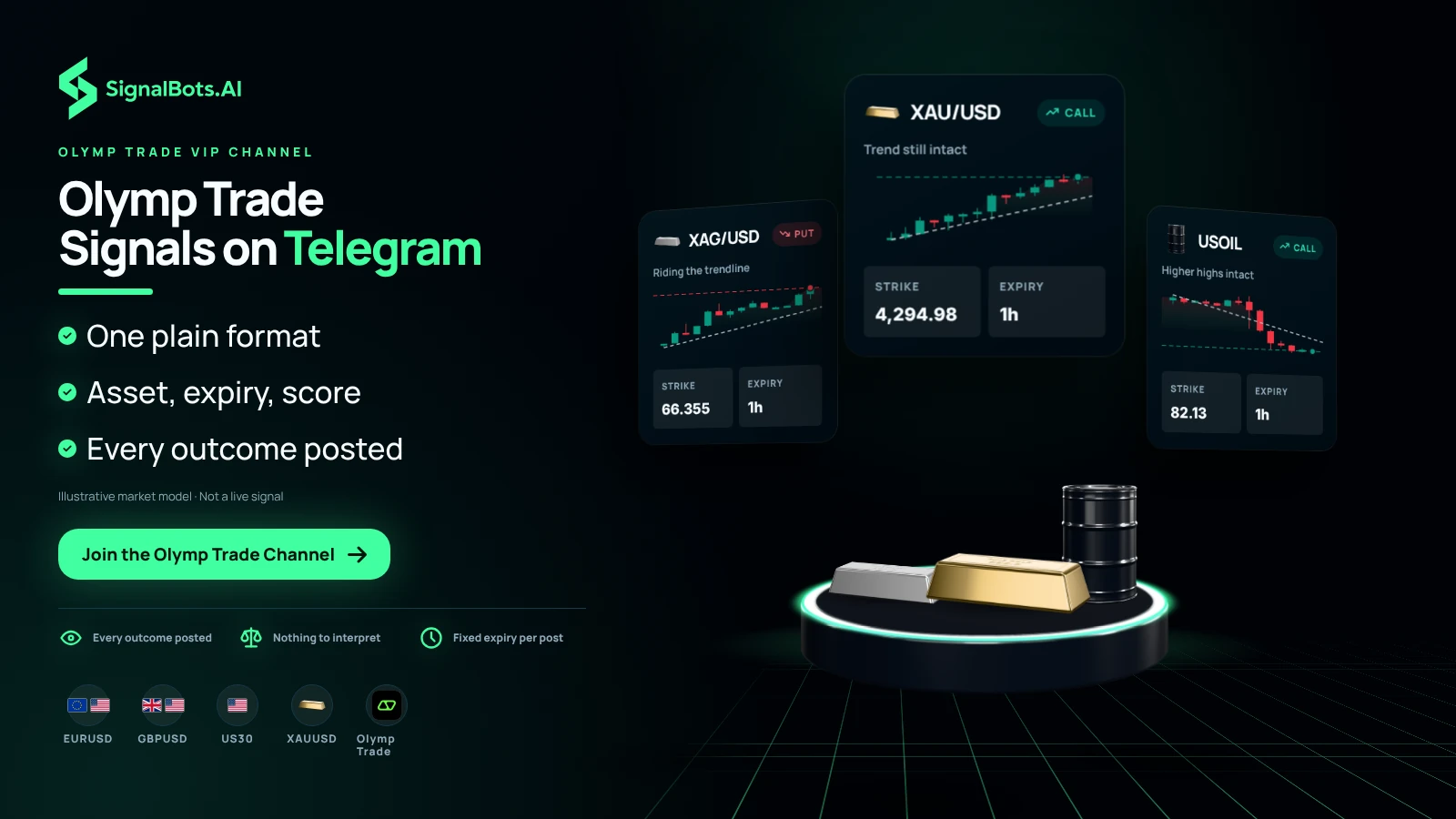
Live CALL and PUT signals for Olymp Trade’s weekday markets — scored by the same AI that powers our extension and sent to a VIP Telegram channel in a format simple enough to copy from your first day, with every outcome posted in full in the VIP channel.

Step-by-Step Setup

Get Olymp Trade VIP signals in 3 steps

Follow the steps in order — open an eligible account the right way, get free VIP access to the channel, then learn how to read and trade the signals.

Step 1 of 3

Olymp Trade Sign Up

Which describes you?

Already have an account? Reset it first

Withdraw your balance, close your current Olymp Trade account, then reopen it through our link so it qualifies for free VIP access. The guide shows the safe, no-data-lost way.

Inside the Channel

What an Olymp Trade VIP Signal
Looks Like — Simple Enough to Copy

Every VIP post lands in the same plain format — asset, direction, expiry, and the AI’s confidence score, nothing to interpret — so even a first-week trader can place it on Olymp Trade in a few taps. The moment the candle closes, the outcome is posted in full for you to check, next to a live 24-hour pulse of how busy the channel has been today.

Post format

Anatomy of a signal

SignalBots · Olymp Trade 22:08
Asset
EUR/USDM1
Direction
BUY
Entry
market
Expiry
1 min
Confidence
78%
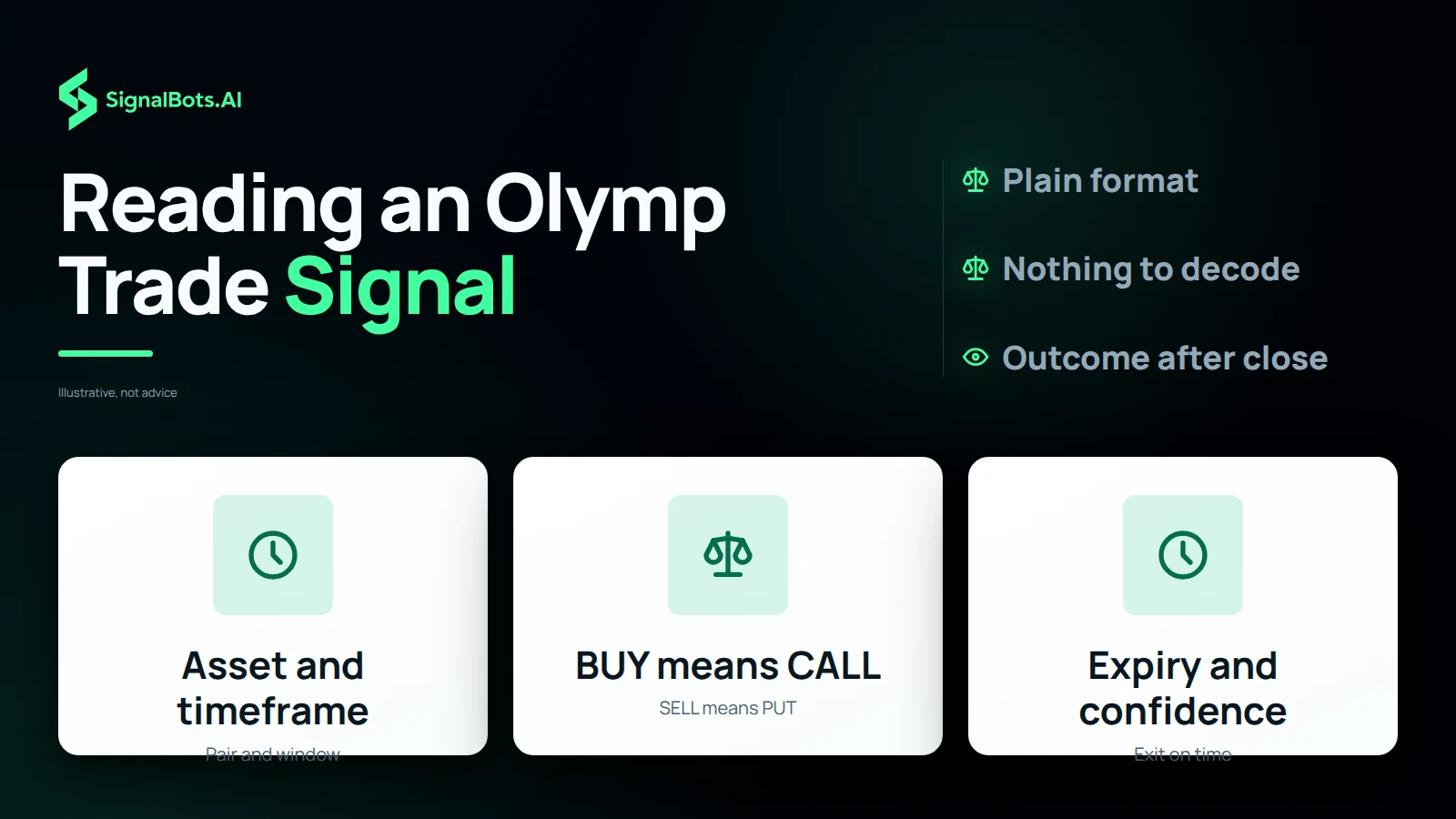
  1. Asset & timeframePair and candle window scored on.
  2. DirectionBUY for CALL, SELL for PUT.
  3. Entry & expiryTake at market, exit on time.
  4. ConfidenceModel score — skip below your floor.
  5. OutcomeWin, loss, or tie — posted in full in the VIP channel the moment the Olymp Trade candle closes.
Join the VIP Channel
Channel coverage

Every market the VIP channel posts
40+ in one feed.

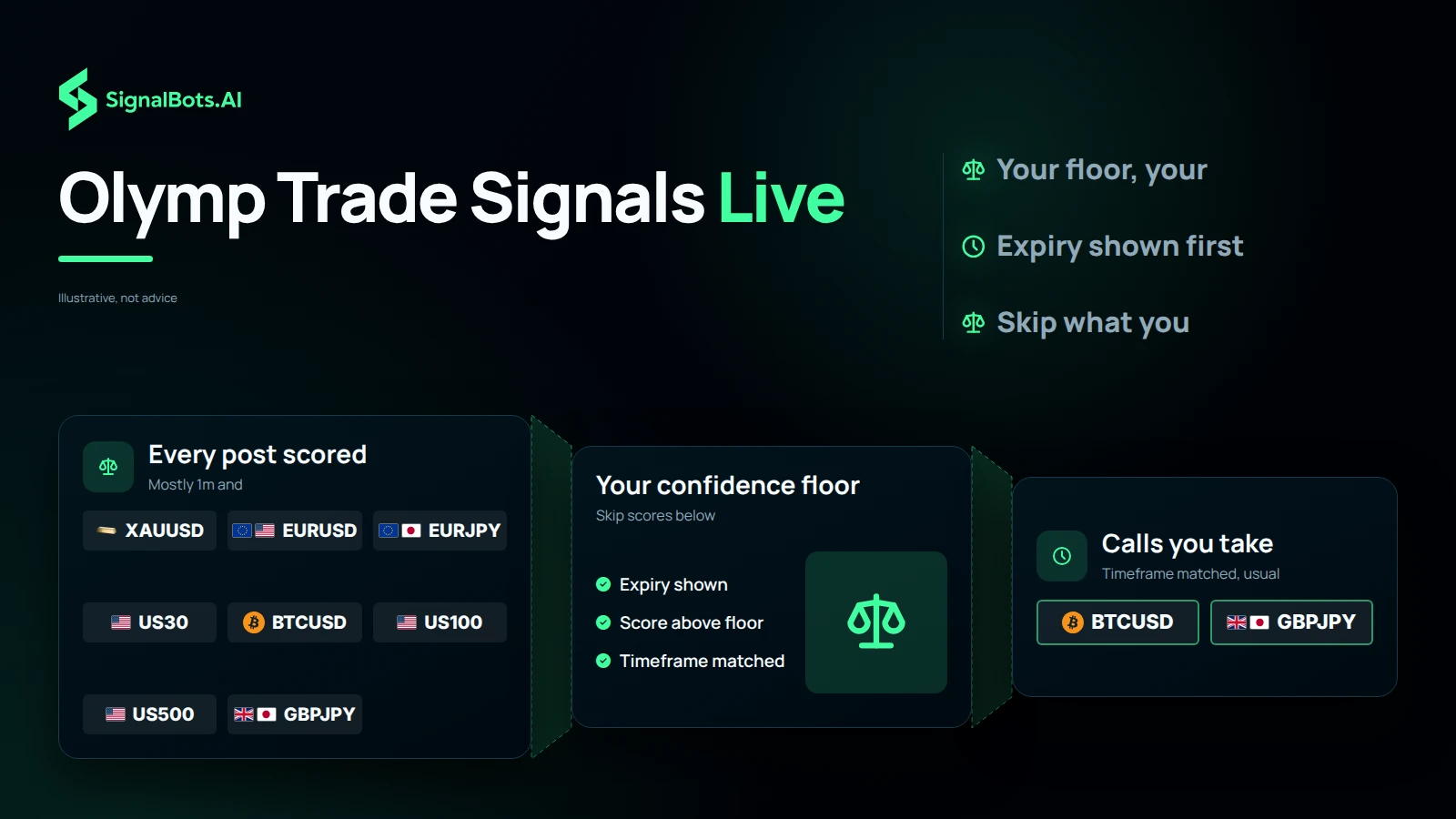
Olymp Trade’s forex majors and crosses lead the channel, with crypto, metals, and its composite indices mixed in — the markets the VIP feed scores all week. Filter the list to find the ones you already trade.

EUR/USD
S&P 500
Gold
Bitcoin
AUD/CAD
AUD/CHF
AUD/JPY
AUD/NZD
AUD/USD
CAD/CHF
CAD/JPY
CHF/JPY
EUR/AUD
EUR/CAD
EUR/CHF
EUR/GBP
EUR/JPY
EUR/NZD
GBP/AUD
GBP/CAD
GBP/CHF
GBP/JPY
GBP/NZD
GBP/USD
NZD/CAD
NZD/CHF
NZD/JPY
NZD/USD
USD/CAD
USD/CHF
USD/JPY
Silver
Brent Oil
WTI Crude Oil
Dow Jones
US 100
CAC 40
FTSE 100
Euro Stoxx 50
Nikkei 225
What you get

Read the proof.
Then decide.

Before you pay a cent, scroll the VIP channel and read every Olymp Trade call we’ve made — wins, losses, and ties, all in the open. No DMs, no hidden tiers, no edited screenshots. Judge the record, then decide.

  • Read every outcome.

    Every Olymp Trade VIP signal closes with its real result in the VIP channel. Scroll weeks of history — wins and losses both — for yourself.

  • Never get DM’d.

    You join from this page and nowhere else. No “VIP manager” messages, no secret tiers — every Olymp Trade call and its outcome stays in the open.

  • Know what’s at stake.

    Every VIP post carries a set expiry, not a hold-forever promise. Binary options can lose 100% on a single trade — read the Risk Warning before you start.

  • Trust a product, not a thread.

    The same engine powers our paid Olymp Trade extension. If the signals lose accuracy, the product breaks — skin in the game.

Region check

Restricted Countries

Olymp Trade welcomes traders from most of the world. The countries below are the exceptions, where local rules mean Olymp Trade can’t open an account. Don’t see yours? You’re good to join the VIP channel and start trading today.

  • Austria
  • Belgium
  • Bulgaria
  • Canada
  • Croatia
  • Cyprus
  • Czechia
  • Denmark
  • Estonia
  • Finland
  • France
  • Germany
  • Greece
  • Hungary
  • Ireland
  • Italy
  • Japan
  • Latvia
  • Lithuania
  • Luxembourg
  • Malta
  • Netherlands
  • Poland
  • Portugal
  • Romania
  • Slovakia
  • Slovenia
  • Spain
  • Sweden
  • United Kingdom
  • United States

Binary options carry the risk of total loss. Past performance is not indicative of future results. Read the full Risk Warning before joining the channel or placing any trade.

Frequently Asked Questions

How do I get VIP access?

The VIP channel is our premium signal product, and we give full access to our VIP traders for free. Open a Olymp Trade account through our link, make your first deposit, and we switch VIP on at no cost to you. Tap Unlock VIP Signals and our team will walk you through every step.

Can I see results before I join?

Yes. Every VIP signal's outcome — win, loss, or tie — is posted on our VIP channel seconds after the trade closes. Scroll back as far as you like and judge the track record yourself. We never edit or delete outcomes.

Which timeframes do you post?

Mostly 1-minute and 5-minute trades — the most popular short binary windows. 15-minute and longer setups appear now and then for higher-confidence calls. Every post shows its timeframe and expiry up front.

How do I place a signal?

Three taps. Open Olymp Trade, pick the asset from the post (for example EUR/USD), match the timeframe and expiry, then tap CALL if it says BUY or PUT if it says SELL, with your usual stake.

Is there an OTC channel?

Yes, on a separate VIP channel — OTC markets behave differently from weekday ones, so we keep that feed apart. See the Olymp Trade OTC channel; access works exactly the same way.

Is it available in my country?

Olymp Trade is used worldwide, but a few countries can't open accounts — check the restricted list above before you sign up. We only deliver signals; we don't hold your funds or onboard you.

How active is the channel?

The feed stays busy through every main trading session. The 24-hour pulse on this page shows how many signals have gone out today, so you always know what to expect before you join.

Do I need experience to follow it?

No. Every post spells out the asset, the direction, and the expiry, so even a first-time trader can copy it in a few taps. Start small, learn the rhythm, and never risk more than you can afford to lose.

Can I follow on my phone?

Yes. The channel runs on Telegram, so signals reach your phone, tablet, or desktop the instant they post. Turn on notifications and you'll catch every setup, wherever you are.

How much can I lose?

On any binary trade, the most at stake is what you put on that one trade — it either pays out at expiry or loses in full. No signal feed removes that risk, and past results don't guarantee future ones. Read the Risk Warning and only trade money you can afford to lose.

Is there a demo I can practice on?

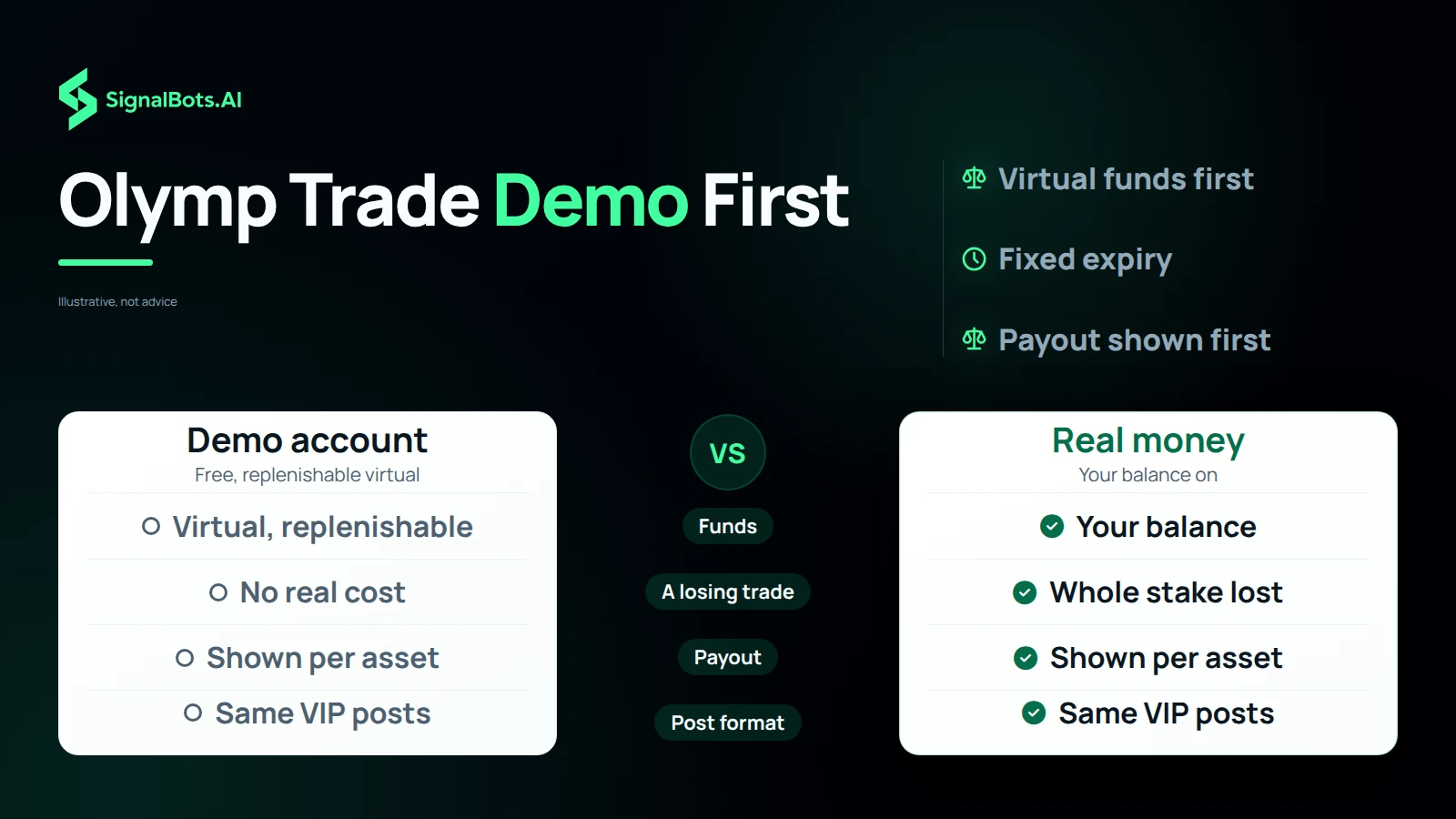
Yes. Olymp Trade gives every account a free demo with replenishable virtual funds. Follow the channel on the demo for a few sessions before trading real money.

Is there a mobile app to trade on?

Yes. Olymp Trade has iOS, Android, and web platforms, so you can place a signal wherever you follow the channel, in a few taps.

Which markets does the channel cover?

Mostly major and minor currency pairs, with some commodities and indices, all tradeable on Olymp Trade. Use the market filter above to see the coverage.

Do payouts change by asset?

Yes. Each asset shows its own payout on Olymp Trade, which can change with conditions. You'll see the live figure before confirming a trade.

EUR/USD

BUY SIGNAL
5m ago
+0.45%

GBP/JPY

SELL SIGNAL
5m ago
-0.23%

SignalBots

Live Signals

EUR/USD

Entry 1.0845

SL 1.0820

BUY

GBP/USD

Entry 1.2550

SL 1.2680

SELL

You’ve seen the proof.
Now unlock VIP.

Start with the VIP channel — every Olymp Trade signal’s outcome, in the open, since the channel began. Then pick how you want VIP: a monthly subscription if you’d rather pay direct, or free via our Olymp Trade broker partnership if you’d rather deposit and let the broker pay us.

Join the VIP Channel

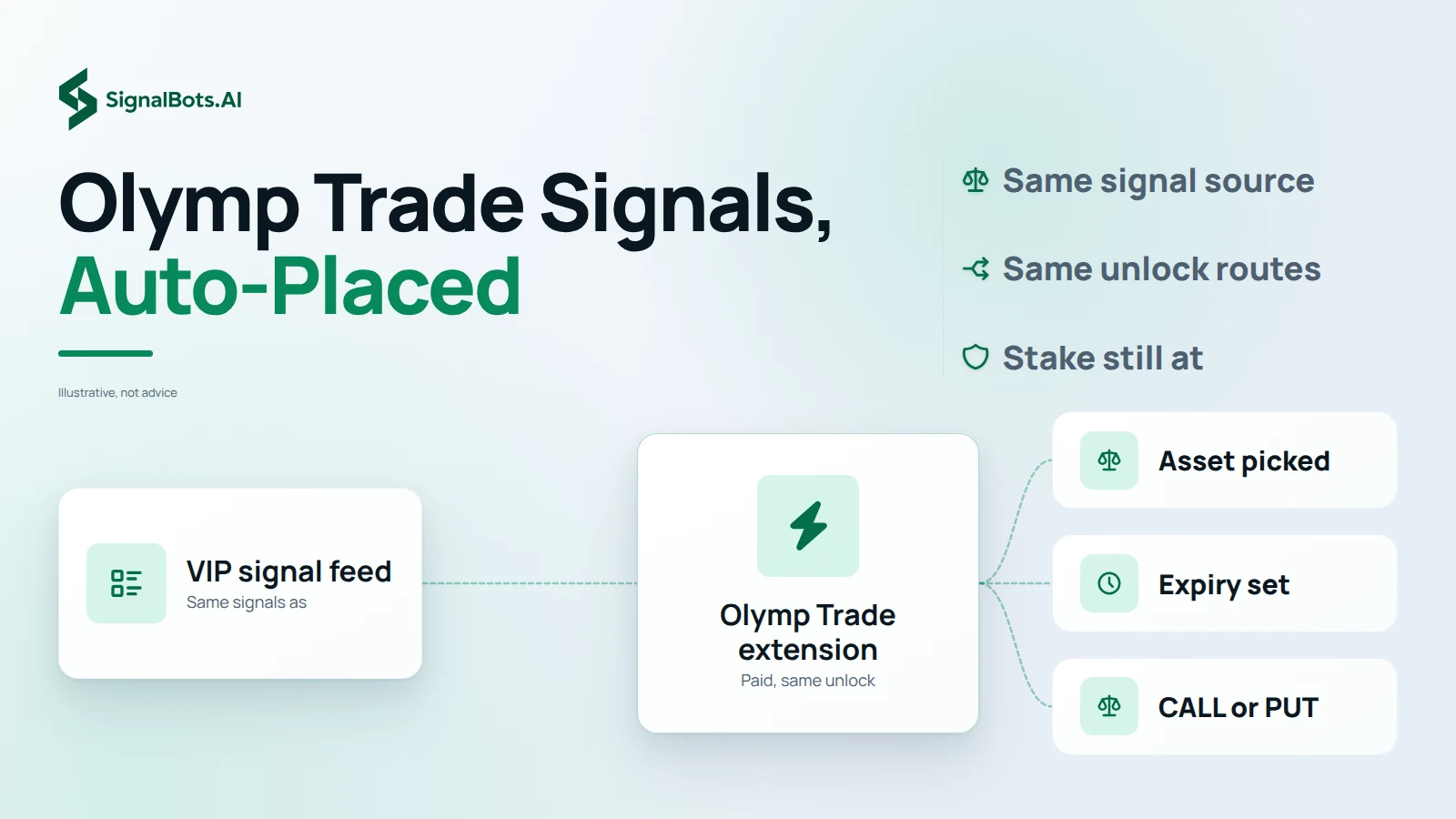
Trading from desktop? Pair VIP with the auto-execute browser extension — same gate, same two routes.

Add SignalBots as a preferred source on Google Add SignalBots as a preferred source on Google