Activate your free PipGems Gauge AI Bot licence
Message our support team and they activate your free licence. It unlocks the fast expiries in the web app and in the browser extension.
Binary options signal app · Free & licensed
 PipGems Gauge AI Bot
Pick your broker, the market and the symbol you trade, choose an expiry and tap Read the gauge. The needle swings across the dial and settles on the read for that trade, from strong sell to strong buy, with the entry and exit time and a countdown. It runs on Pocket Option, Quotex and seven more brokers, on real-market and OTC symbols.
Educational reads, not financial advice. Trading carries a risk of loss: read our risk warning.

PipGems Gauge AI Bot
Market open
EUR/USDPocket Option
Ready
Ready
Pick your setup, then tap Read the gauge.
Licensed to Not activated Get a licence
Educational reads, not financial advice. Trading carries a risk of loss: read the risk warning.
Follow the steps in order. Activate your free licence first, then watch how to use the app on the web or as a Chrome or Firefox extension.
Message our support team and they activate your free licence. It unlocks the fast expiries in the web app and in the browser extension.
Open PipGems Gauge AI Bot on this page, pick your broker, pair and expiry, then tap for a read and place the trade at your broker.
Install PipGems Gauge AI Bot in Chrome and read signals docked beside your broker tab, without switching windows.
Install PipGems Gauge AI Bot in Firefox and read signals docked beside your broker tab, without switching windows.
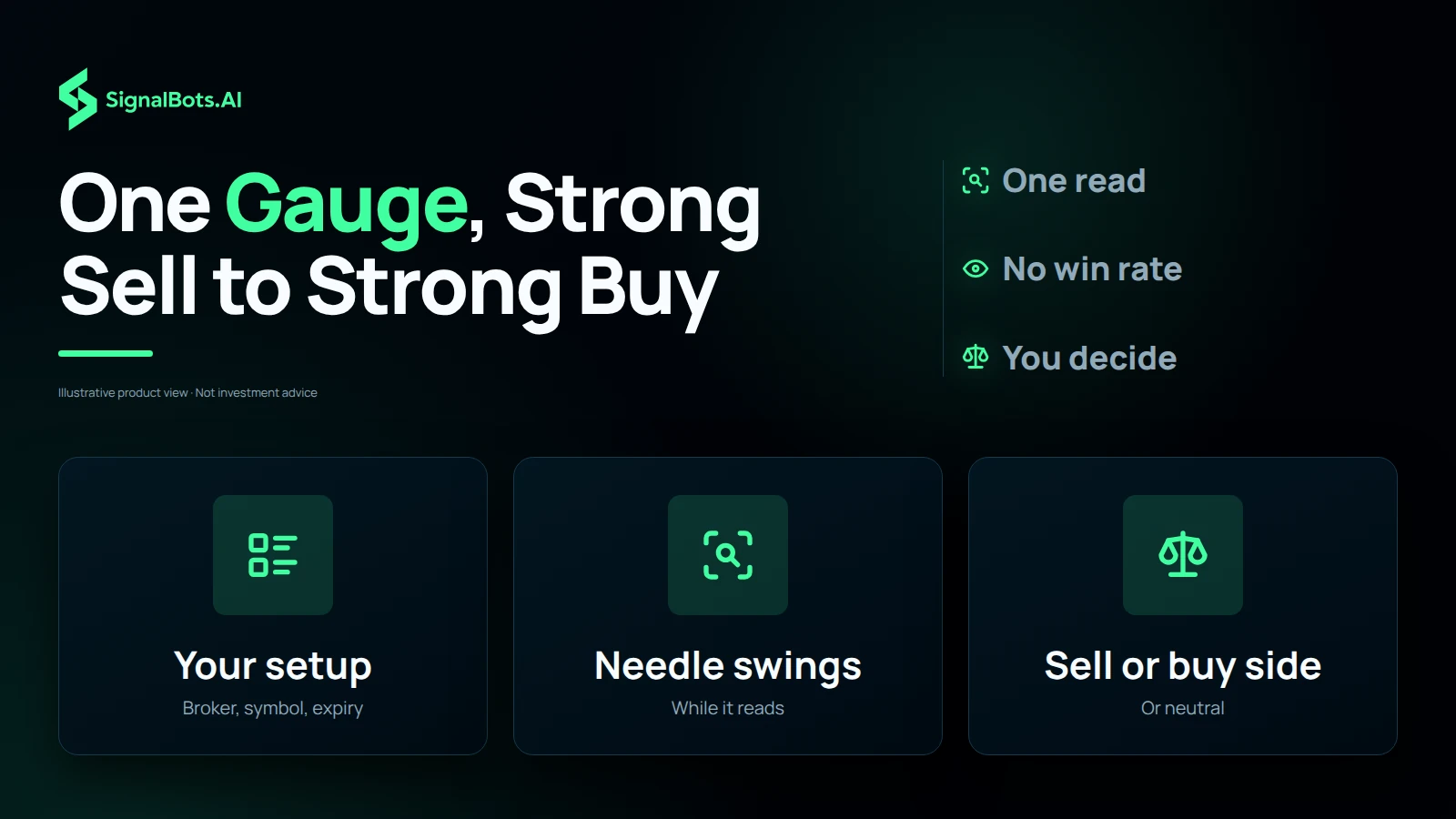
PipGems Gauge AI Bot has four settings and one button. The settings say which broker, market, symbol and expiry to read. Read the gauge swings the needle across the dial while the read is made, and the needle settles on the answer.
It answers one question before you place a trade: on this broker and this symbol, for this expiry, which way is the next move, how firmly, and when do I enter? Most traders open it at one of three moments.
The screenshots are this page’s own app, captured at the settings each step names. Anything a step does not name stays where the page loads it: Pocket Option, real-market symbols, EUR/USD and the 4h expiry. Four marks tell you what to look at.
Direction, strength and the times belong to the candle running when you tap, so the needle in these pictures shows the reads that existed at capture time. What does not change is where each answer appears and what it means.


What this means for you: read the symbol line before the needle. A clean read made for another symbol, broker or expiry is a read of another trade.

What it is. The broker the read is made for. Brokers quote the same pair slightly differently, and their OTC books differ more.
What switching it does. Open the list and pick a name; arrow keys and Enter work too. The card names that broker, the OTC symbol list becomes that broker’s own book, and your licence decides whether the fast expiries open there.
What this means for you: change the broker whenever you change platforms. A read made for another broker’s quotes is a read of another market.

What it is. Real-market symbols follow the cash market in its open hours. OTC symbols are your broker’s own round-the-clock quotes, which is what you trade at the weekend.
What switching it does. The symbol list is refilled from the other book. While the cash market is closed, Read the gauge on a real-market symbol tells you to switch instead of inventing a read.
What this means for you: match this to the book your ticket fills on. A real-market read is the wrong instrument for a weekend OTC trade.

What it is. The expiry is the length of the trade you are about to buy, and the read is made for that candle. The chosen pill is filled amber, the colour of the needle. The fast expiries are the licensed half of the app, issued for your SignalBots account and the brokers you trade on.
What happens once it is active. Sign in, open the app, and the padlocks disappear for your broker. The Licensed to line shows your account instead of Not activated, and the expiry moves to 1m.
What this means for you: judge the gauge on the free expiries first. Run the 4h and 1d reads against your own results, and let that decide whether a licence is worth it.

What it is. The needle wakes from grey to amber and sweeps the whole dial, and the verdict line turns blue, while the app asks our engine for one read of the broker, symbol and expiry you picked. It swings for at least two passes, so the stage is readable even when the answer comes back at once.
What happens next. The needle eases into the zone of the answer, that zone lights up, and the verdict names it. The settings stay as they are. The same button turns into Stop while the read and the trade run; tap it to stop and return the gauge to Ready.
What this means for you: the swing is the wait for the read, not extra analysis. Reading again on the same candle gives the same answer.

What it is. On an expiry under an hour, a trade should get the whole candle it was read for. So when less than half of the running candle is left, the app reads the next candle instead: the pill counts down to its open, and the third box shows the trade’s length until it starts.
What happens next. At zero the pill turns to Live and counts down to the exit. With more than half the candle left, or on an expiry of an hour or more, there is no wait: you enter at once, for what is left of the running candle.
What this means for you: use the countdown to get ready, and place the ticket on the open. Entering during the wait trades the old candle, which is not the one the gauge read.

What it is. The card’s last state. The needle and the verdict stay where they landed, dimmed, so you can compare them with how the candle closed.
What it does not do. It never marks a read as a win or a loss. The app does not see your broker account, so it cannot know how your ticket closed.
What this means for you: compare each ended read with your broker’s chart before the next one. That record, not a number on a banner, is how you judge a signal tool.
Pick the broker you are logged into, and the market your ticket fills on.
Pick the symbol and expiry you are about to buy, then tap Read the gauge.
Check the symbol line, then the needle’s side. If the pill says Opens in, place the ticket on the open, not before. If the needle rests in the neutral zone, skip the candle.
The app does not know your balance. Decide the stake first, and use the money management calculator to see what a losing run does to it.
Every signal is what the engine read for the combination you chose, for education rather than advice. No read settles the next trade, so size your risk and read our risk warning first.
It is a binary options signal app that runs in your browser, built by SignalBots on the same engine as Chinese Bot AI Pro. You pick your broker, the market, a symbol and an expiry, tap Read the gauge, and a needle settles on one dial that runs from strong sell to strong buy. Under the dial you get the entry time, the exit time and a countdown. It is not a broker and never touches your funds.
Yes. Pocket Option is the default, and the Broker list adds Quotex, IQ Option, Olymp Trade, Binomo, Exnova, Bubinga, Deriv and Alpari. Every read is made for the broker you pick, so choose the one you are logged into before you tap.
Look at which side the needle points to. The red half on the left is sell, a put. The green half on the right is buy, a call. The grey zone at the top is neutral, which means there is no clear direction and no trade. The further the needle swings from the middle, the stronger the read: the outer red and green zones are marked Strong sell and Strong buy.
The read's strength, which shows how firmly the inputs behind it agree with each other. A read of 80% or more lands in the strong zone at the edge of the dial, and a weaker read stays nearer the middle. Strength is never a probability that the trade wins, so size every trade as if the read could be wrong.
Because the dial already carries the whole answer, and a vote count would only repeat it in a noisier way. The row under the verdict shows what you act on instead: when to enter, when the trade closes and how much time is left.
Yes, on OTC. Switch the market to OTC 24/7 and the symbol list changes to your broker's own round-the-clock quotes. Real-market symbols follow the cash market, which is closed from Friday 21:00 to Sunday 21:00 UTC, so on a weekend visit the app opens on OTC by itself.
On expiries under an hour, a trade should get the whole candle it was read for. When less than half of the current candle is left, the app reads the next candle instead and the pill counts down to its open. Then it turns to Live and counts down to the exit. When more than half is left, or the expiry is an hour or longer, you enter straight away.
They count our own signal engine's binary options signals, the ones published on our binary signals page. Signals today is how many it issued since 00:00 UTC, and Live now is how many are still running. They are the same for every visitor, and they are not a count of your own reads.
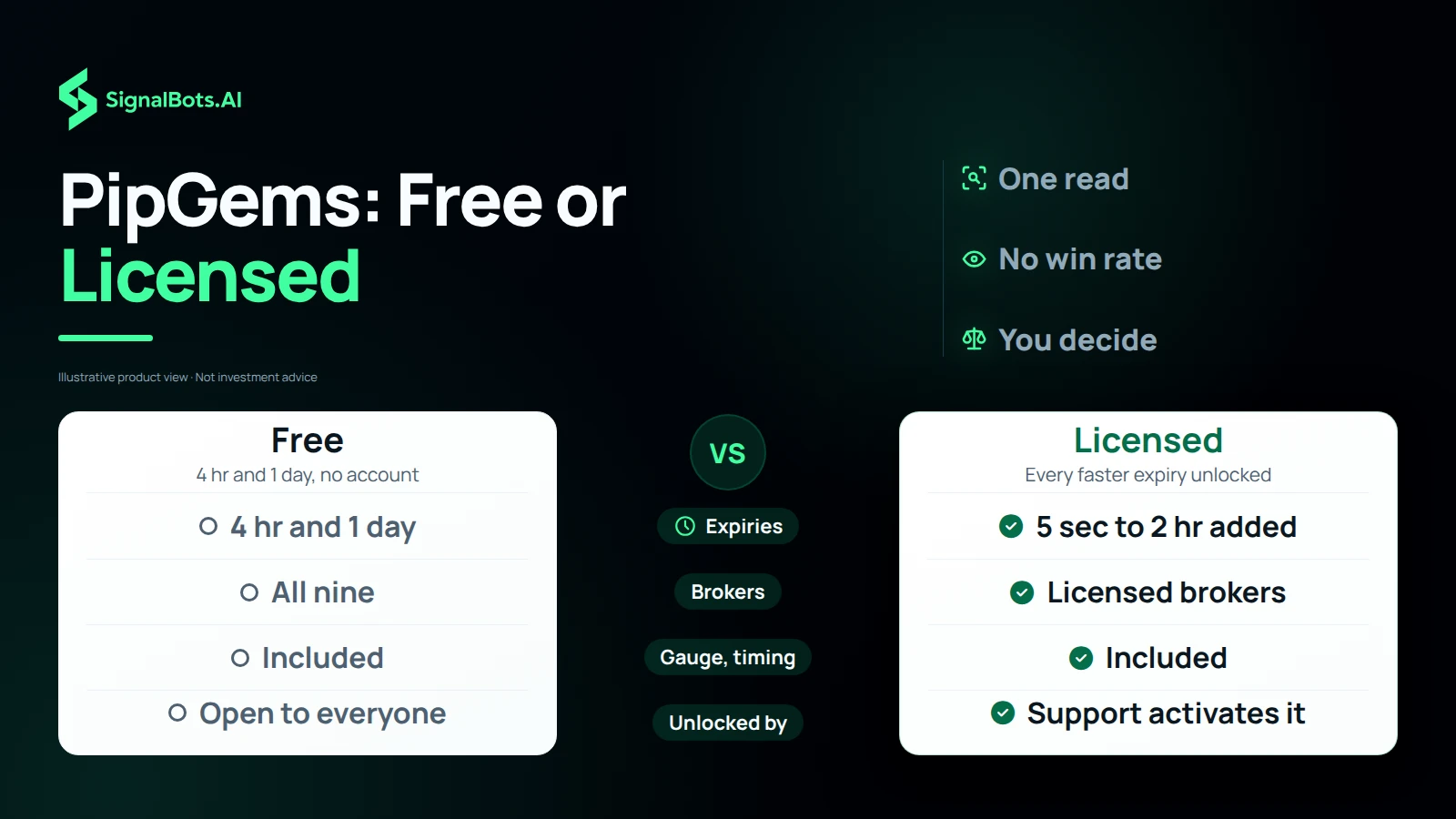
The 4 hr and 1 day expiries are free on every broker, for everyone, with no account. Every faster expiry, from 5 seconds up to 2 hours, needs a PipGems Gauge AI Bot licence for the broker you trade on. The locked expiries carry a padlock and open the licence panel instead.
Message our support team from the licence panel. They set the licence up on your SignalBots account, and the fast expiries unlock the next time you open the app while signed in. The licence belongs to your account, so it works on your phone, your desktop and the browser extension.
No. PipGems Gauge AI Bot runs right here on this page, in the browser of your phone, tablet or computer. There is nothing to install or keep updated. If you prefer a window beside your broker, the same app is also a browser extension.
No. The app does not see your broker account, so it cannot know how your ticket closed. When a signal ends, the pill says Ended and the verdict stays on the card, dimmed; check the result on your broker's chart before you take the next one.
Yes. Short-expiry trading carries a substantial risk of loss and is not suitable for everyone. A read is an educational signal, not financial advice, and no read settles the next trade. Only risk money you can afford to lose, and read our risk warning first.
One dial, one answer
Pick your broker, the market, the symbol and the expiry, then tap Read the gauge. The needle swings across the dial while PipGems asks our engine for one read, then settles on it: the red half is sell, the green half is buy, and the further it swings the stronger the read. A read of 80% or more lands in a strong zone. When the candle has no clear direction, the needle rests in the grey neutral zone instead of guessing.
Your broker, your book
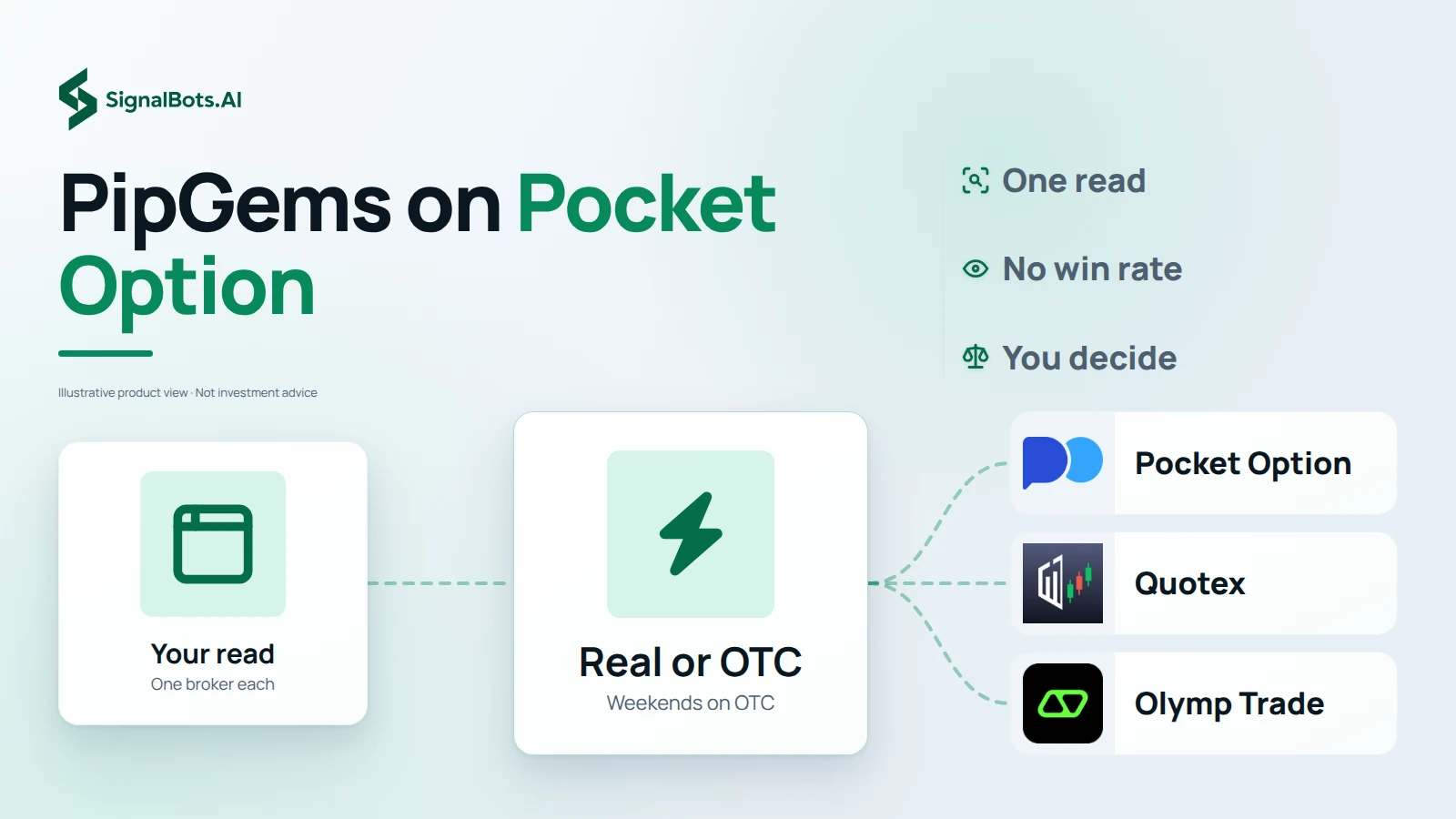
PipGems opens on Pocket Option, and the Broker list adds Quotex, IQ Option, Olymp Trade, Binomo, Exnova, Bubinga, Deriv and Alpari. The gauge card names the broker you pick, and every read is made for that broker. Switch the market to OTC and the symbol list becomes that broker's own round-the-clock quotes, which is what you trade at the weekend.
Timed to the candle
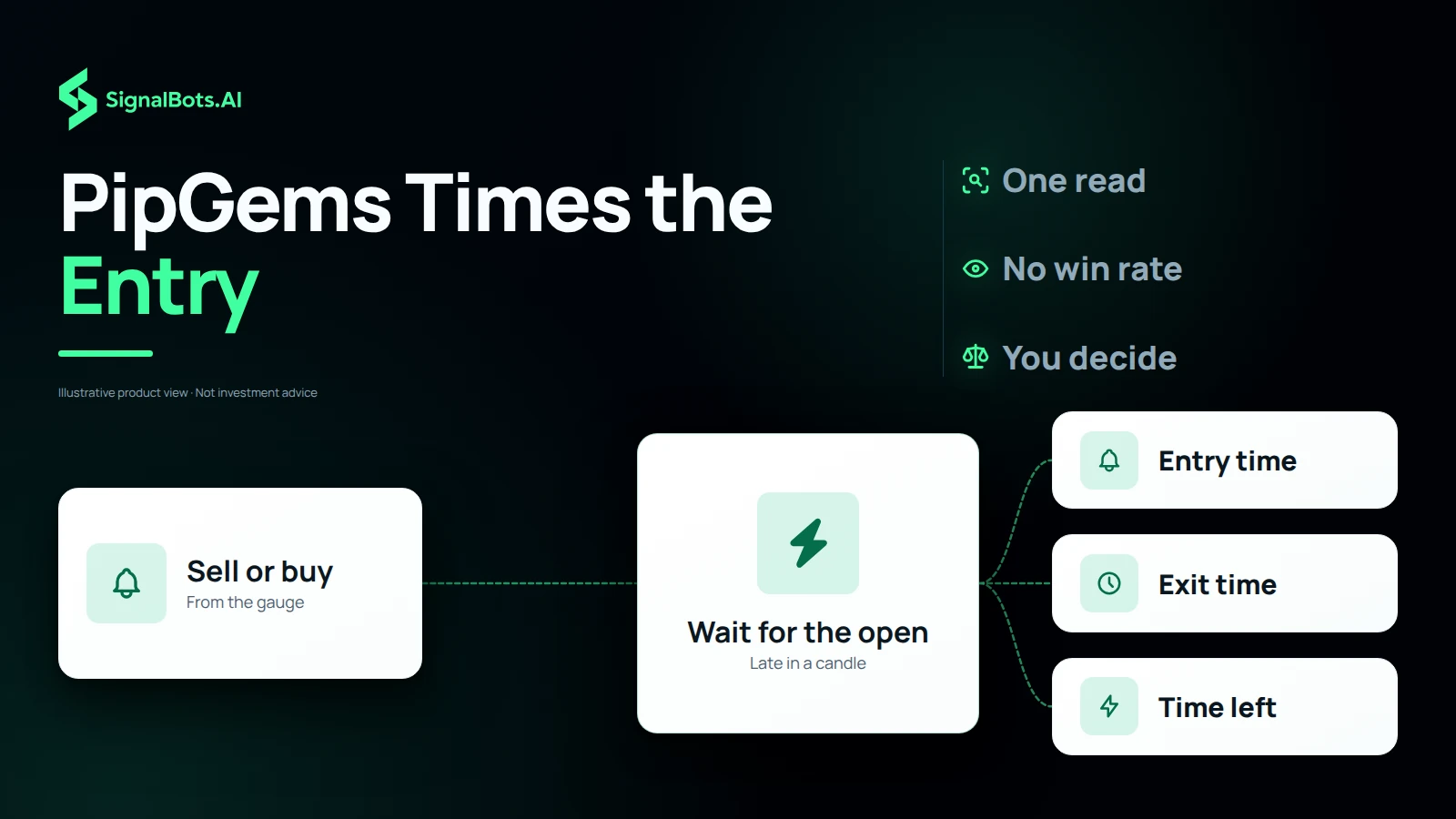
On an expiry under an hour, a trade should get the whole candle it was read for. So when less than half of the running candle is left, PipGems reads the next candle and the pill counts down with Opens in. Then it turns to Live, with the entry and exit times on your own clock and the time left in the trade. On an expiry of an hour or more there is no wait: you enter at once.
Free or licensed
Every broker, symbol and market is open to everyone on the 4 hr and 1 day expiries, with no account. A PipGems Gauge AI Bot licence adds every faster expiry, from 5 seconds to 2 hours, on the brokers it covers. The gauge, the timing and the countdown are the same on both. Our support team activates the licence on your SignalBots account, and the padlocks disappear the next time you open the app signed in.
When the needle rests on neutral
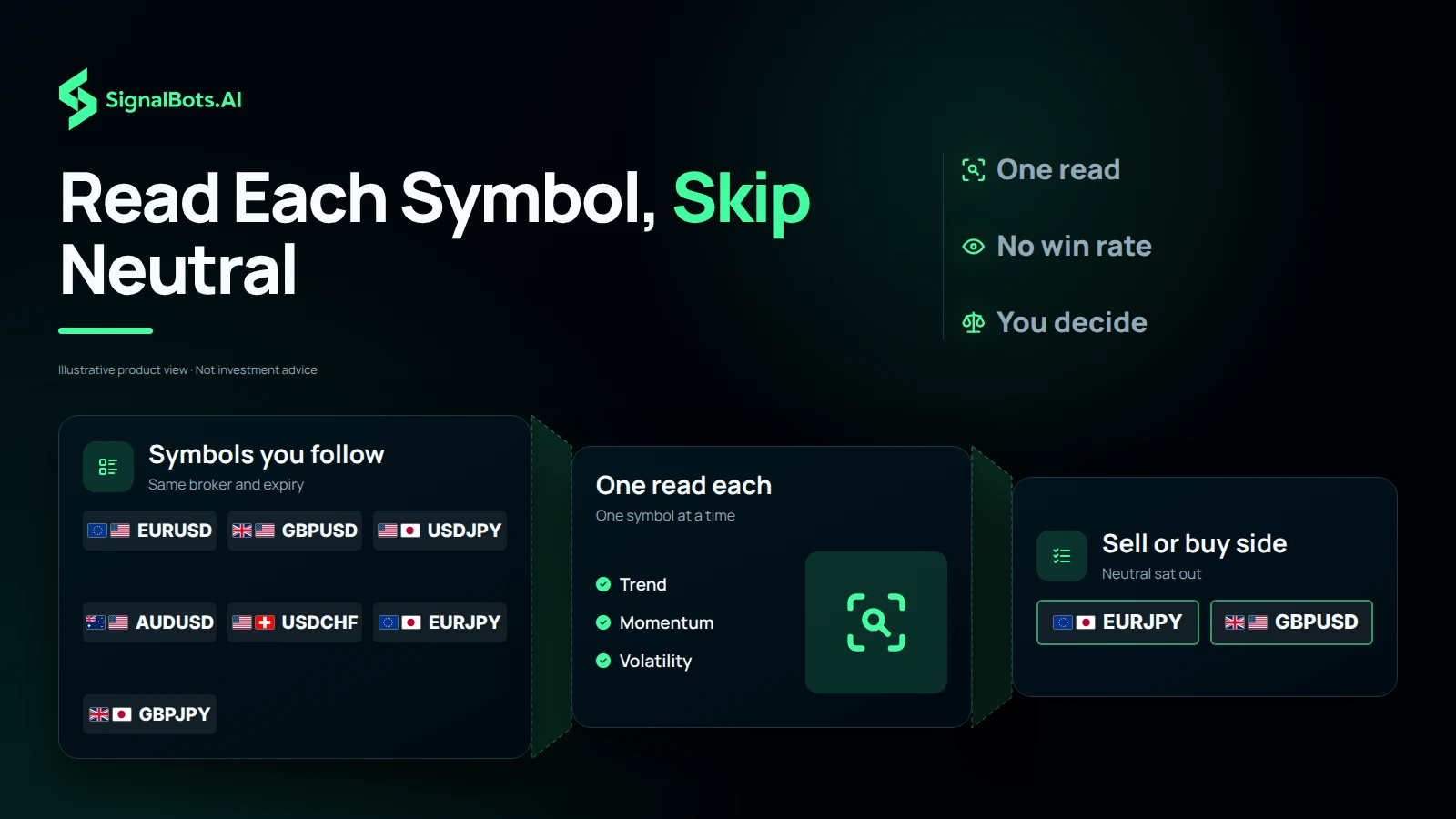
PipGems reads one symbol per tap, so a trader who follows a few pairs reads each one in turn on the same broker and expiry. Some land on the sell or buy side; the ones whose candle has no clear direction rest on neutral, and those are the candles to sit out. The app never scores a read as a win or a loss and shows no price or chart: check each one against your broker's chart before the next.
Our team sets it up for you in three steps.
Message our support team to get started:
Replies usually arrive within minutes during business hours.