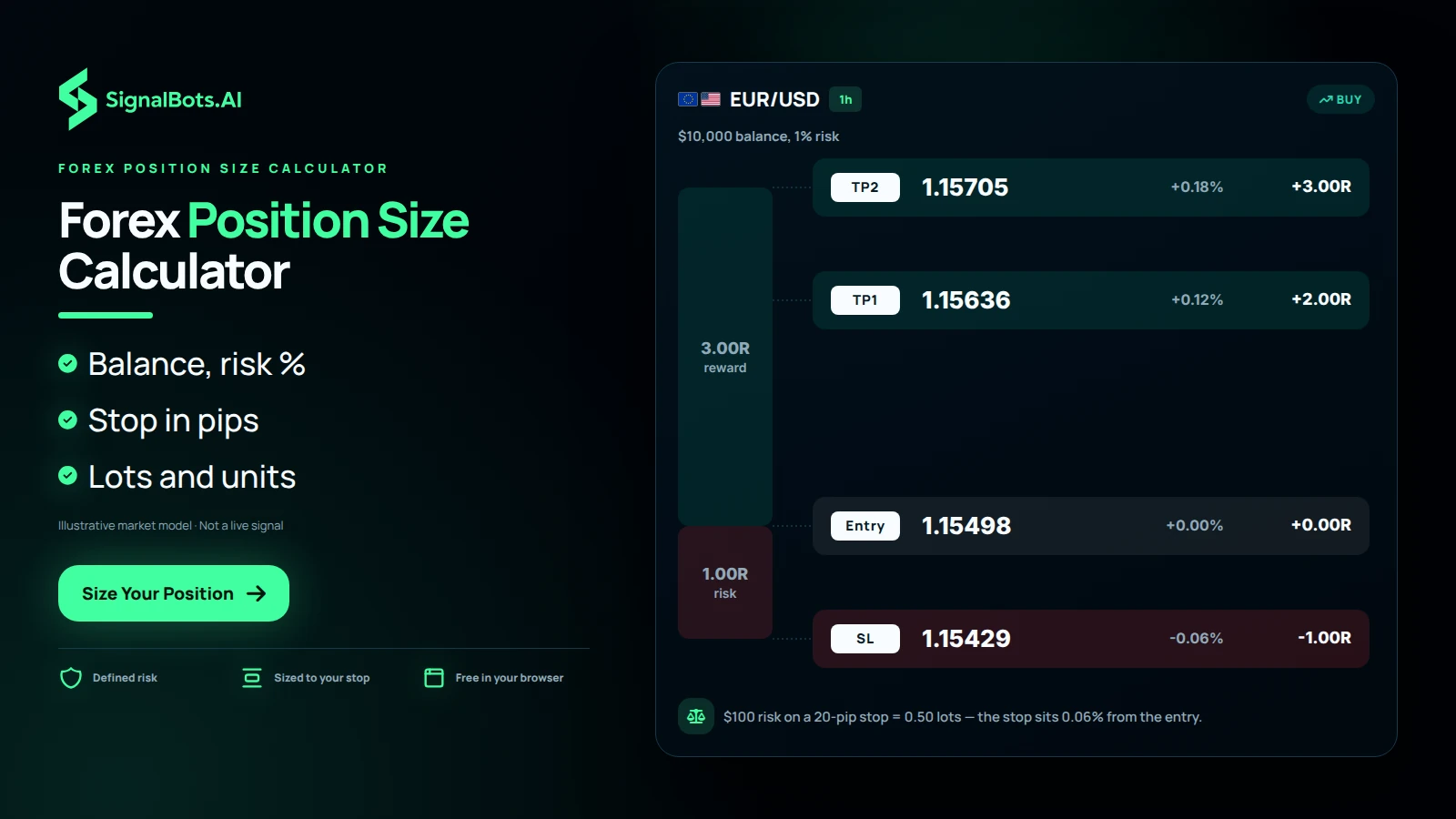
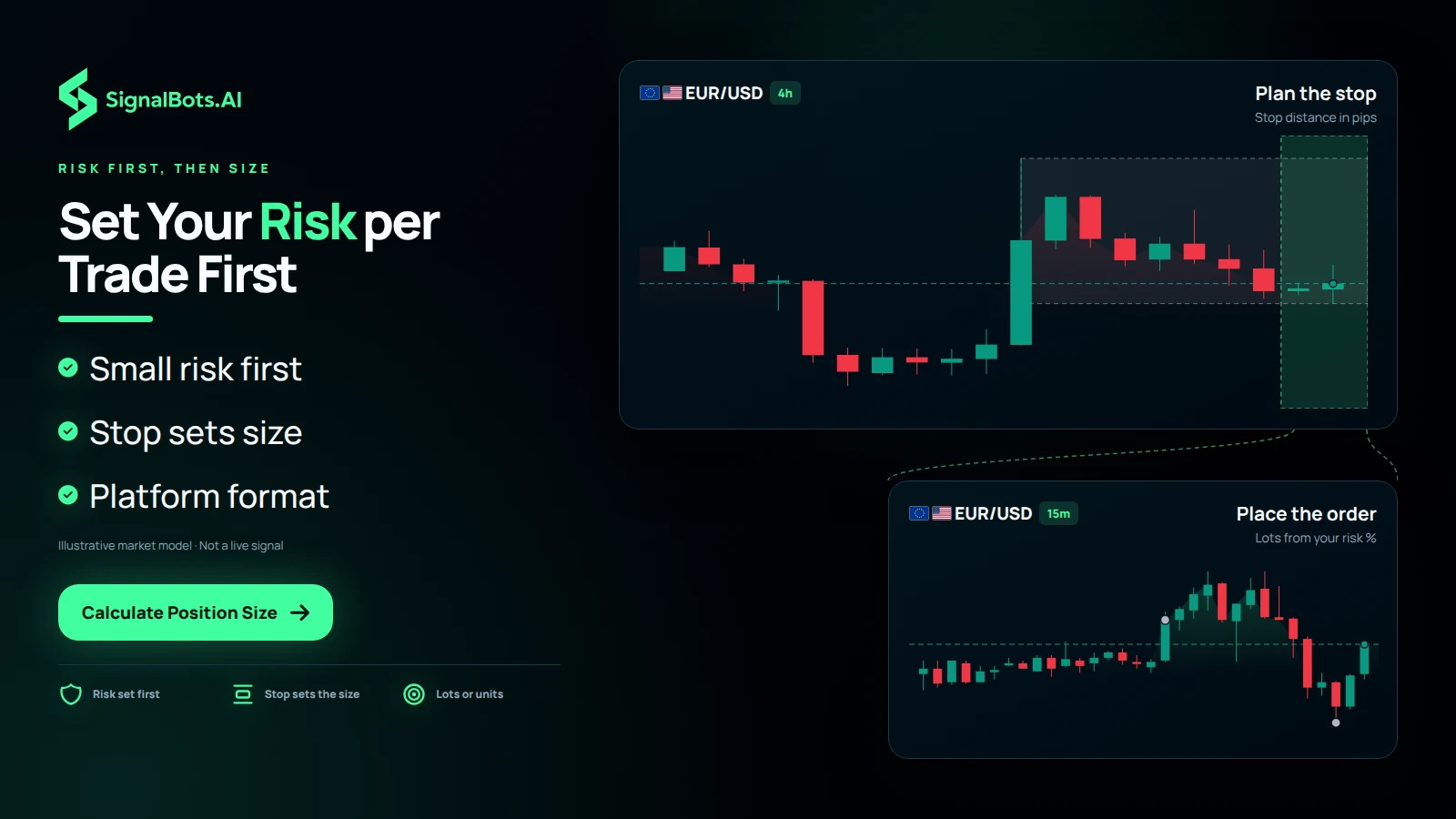
Find the exact lot size that keeps every trade inside your planned risk. Set your balance, risk percent, and stop-loss, and get the position size in seconds.
The total capital in your trading account.
How much of your balance you're willing to lose on this trade.
Distance from entry to your stop, measured in pips.
Value of one pip per standard lot ($10 for most USD-quoted pairs).
Recommended Position Size0.50 lots
Risking $100.00 on a 20-pip stop sizes your trade at 0.50 standard lots.
A guided tour: what each setting does to your lot size
Four inputs, four outputs. Change one input at a time and watch which outputs follow it. Two of these settings decide how much money is at stake. The other two only decide how large the trade must be to put that money at stake, and telling the pairs apart is most of the skill.
The calculator answers one question before you click buy or sell: how many lots can I trade here without losing more than I planned to lose? Three moments send traders to it.
Before every entryOnce the stop is drawn on the chart, the lot size is the last decision left, and it is the one that fixes what a loss costs.
When the stop movesA wider stop on the same idea only costs more if you keep the same lot. Re-size, and the loss stays where you planned it.
When you trade a new pairA yen cross is not worth the same per pip as a dollar-quoted major, so the same lot there risks a different amount.
The screenshots below are the calculator on this page, captured at the settings each step names. Every other input stays at the page default: a $10,000 balance, 1.0% risk per trade, a 20-pip stop and a $10.00 pip value per standard lot. Four marks tell you what to look at.
The one setting this step changes
An output that moves because of it
An output that stays put, which is worth knowing too
In step 1, a numbered output, explained in the list under the picture
1
Before you touch anything
Read the result panel from top to bottom
The default run: a $10,000 balance, 1.0% risk, a 20-pip stop and a $10.00 pip value. The numbers match the list below.
The panel says one thing four ways, and each way is what some order ticket asks for.
Recommended position size (0.50 lots). The size to type into the ticket on a platform that asks for standard lots. The line under it restates the whole calculation: risking $100.00 on a 20-pip stop sizes your trade at 0.50 standard lots.
Risk amount ($100.00). The cash the stop costs if price reaches it. This is the figure your trading plan is actually written in. The lot size is only the way you deliver it.
Units (50,000). The same position counted in units of the base currency, for tickets that ask for a notional amount rather than a lot.
Mini lots (5.00). The same position in tenths of a standard lot, for accounts quoted in mini or micro lots. 0.50 lots, 50,000 units and 5.00 mini lots are one trade described three ways, and $100.00 is what that trade costs when it fails.
What this means for you: read the risk amount before the lot size. The lot is what you type, but the risk amount is what you have to live with, and it is the only output your plan should have an opinion about.
2
Setting: risk per trade
This is the only input that changes what a loss costs
Risk per trade moved from 1.0% to 2.0%. Nothing else changed.
Risk amount
$100.00$200.00
Position size
0.50 lots1.00 lots
Units
50,000100,000
What it is. The share of the account you accept losing if this trade reaches its stop. It is a rule you set once, not a dial you turn because a setup looks convincing.
What moving it does. Every output moves together, and they move by the same multiple. One step from 1.0% to 2.0% takes the risk amount from $100.00 to $200.00 and the position from 0.50 lots to 1.00 lots, or 100,000 units. Slide it down to 0.5% instead and the same trade is 0.25 lots risking $50.00. At the slider’s top setting of 5%, it is 2.50 lots risking $500.00, and each stopped trade in a row costs that much again.
What this means for you: choose this number once, write it into your plan, and leave the slider alone for the rest of the session. If you find yourself raising it for a particular setup, you are not sizing a trade, you are predicting one.
3
Setting: account balance
Shrink the account, and the whole plan shrinks with it
Account balance moved from $10,000 to $2,500. The risk percent was not touched.
Risk amount
$100.00$25.00
Position size
0.50 lots0.13 lots
Units
50,00012,500
What it is. The money in the account today, after the last withdrawal and the last losing week. Not the opening deposit, and not the figure you hope to reach.
What moving it does. A quarter of the balance gives a quarter of everything: $25.00 of risk, 0.13 lots, 12,500 units, 1.25 mini lots. Because the risk percent is a percentage, the calculator already does what most traders forget to do by hand, which is to trade smaller after the account has fallen. Enter $25,000 instead and the same plan becomes 1.25 lots risking $250.00.
One detail matters on a small account: the headline rounds to two decimals, so it prints 0.13 lots while the units tile prints the exact 12,500. Size from the units or mini-lot tile when the lot is that small.
What this means for you: re-enter the balance at the start of every session rather than once a month. A percentage rule only protects you if the number it is a percentage of is current.
4
Setting: stop-loss distance
Widen the stop, and the lot shrinks so the loss does not
Stop-loss moved from 20 pips to 60 pips. The risk amount is marked as the output that stays put.
Position size
0.50 lots0.17 lots
Units
50,00016,667
Risk amount
$100.00unchanged
What it is. The distance from your entry to the price that says the idea was wrong, counted in pips. It comes off the chart, not from the size you already wanted.
What moving it does. Three times the stop gives roughly a third of the lot: 0.17 lots, 16,667 units, 1.67 mini lots. The risk amount does not budge from $100.00, and that is the whole point of the tool. A 40-pip stop lands between the two at 0.25 lots. A 10-pip scalping stop goes the other way, to 1.00 lots.
That last one deserves a second look. Both stops show $100.00 of risk here, but only while the stop fills at the price you set. Ten pips leaves little room for that through a spread widening, and the larger lot behind it makes every extra pip of slippage cost far more.
What this means for you: place the stop from the chart first, then let this field decide the lot. Moving the stop closer to fit a bigger position is the one habit this calculator exists to break.
5
Setting: pip value per standard lot
A cheaper pip buys a bigger lot, not a bigger risk
Pip value moved from $10.00 to $6.75 per standard lot. The risk amount is marked as the output that stays put.
Position size
0.50 lots0.74 lots
Mini lots
5.007.41
Risk amount
$100.00unchanged
What it is. What one pip is worth on one standard lot of the pair in front of you. The quick-reference table further down this page gives the usual bands: $10.00 on dollar-quoted majors, roughly $6.50 to $7.00 on yen pairs, roughly $7.50 to $10.00 when the dollar is the base currency, and a figure that moves with the quote rate on crosses.
What moving it does. Enter $6.75 and the position grows to 0.74 lots, or 74,074 units, while the risk amount stays at $100.00. The trade is bigger because each pip on that pair costs you less, so it takes more of them to reach the same loss. At $7.50 the answer is 0.67 lots. Go the other way, to a cross worth $13.50 a pip, and the same $100.00 buys only 0.37 lots.
What this means for you: set this per pair, not once per session. If your platform shows the pip or tick value on the order ticket, copy that figure in rather than the table’s band.
A one-minute routine before the next entry
Run the four settings in this order and the calculator becomes a pre-trade check.
Enter today’s balance
The number in the account right now, not the opening deposit. Everything below is a percentage of this.
Set the risk percent from your plan
Read the risk amount tile, and ask whether you would take that loss five times in a row without changing how you trade. If not, lower the slider first.
Take the stop off the chart
Measure the distance to the level that would prove the idea wrong, and type that. Do not adjust it to make the lot size look better.
Match the pip value to the pair
Use the ticket’s own figure where your platform shows one, or the band from the reference table below for the pair type you are trading.
Check the size before you send the order
Type the lot, unit or mini-lot figure your ticket asks for, then confirm the ticket’s own risk display agrees with the risk amount here.
Every figure above is a scenario built from the inputs you typed. It says what one stopped trade would cost at those settings, and nothing about whether the trade will win.
The Math
How Position Size Is Calculated
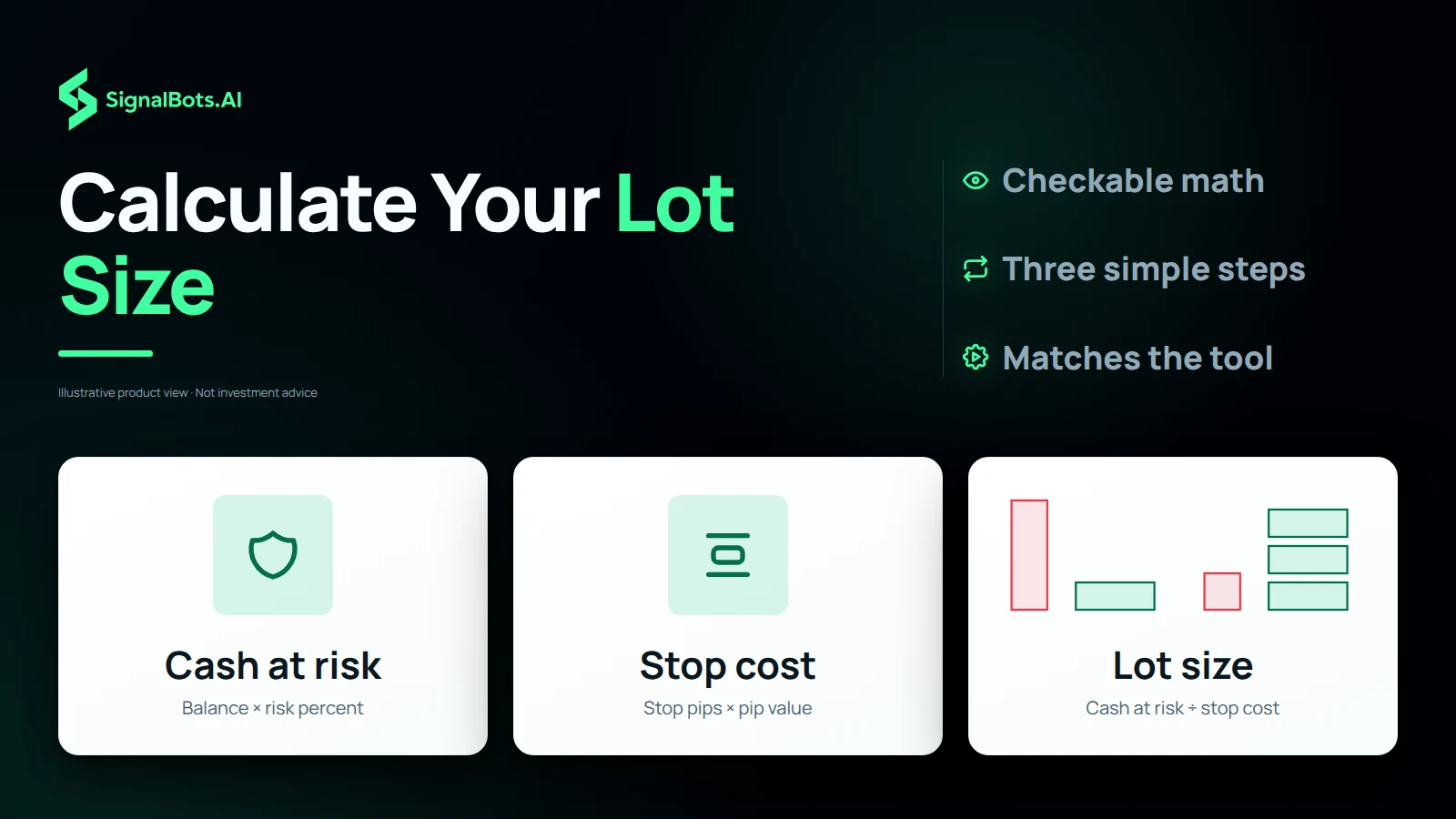
First, work out the cash you're risking: balance times your risk percent. Then divide that by the cost of your stop-loss, which is the stop distance in pips multiplied by the pip value of one standard lot. The result is your lot size.
Many traders cap risk at 1–2% of their balance per trade. Keeping it small means a string of losses won't significantly damage your account, giving your strategy room to play out over many trades.
What pip value should I enter?
For most USD-quoted pairs like EUR/USD, one pip is worth about $10 per standard lot. JPY and cross pairs differ, so check your broker's contract specs and enter that exact figure for accurate sizing.
What's the difference in lot sizes?
A standard lot is 100,000 units, a mini lot is 10,000 (0.1 lots), and a micro lot is 1,000 (0.01 lots). This tool shows both standard lots and units so you can place the order in your platform's format.
Why size by stop-loss distance?
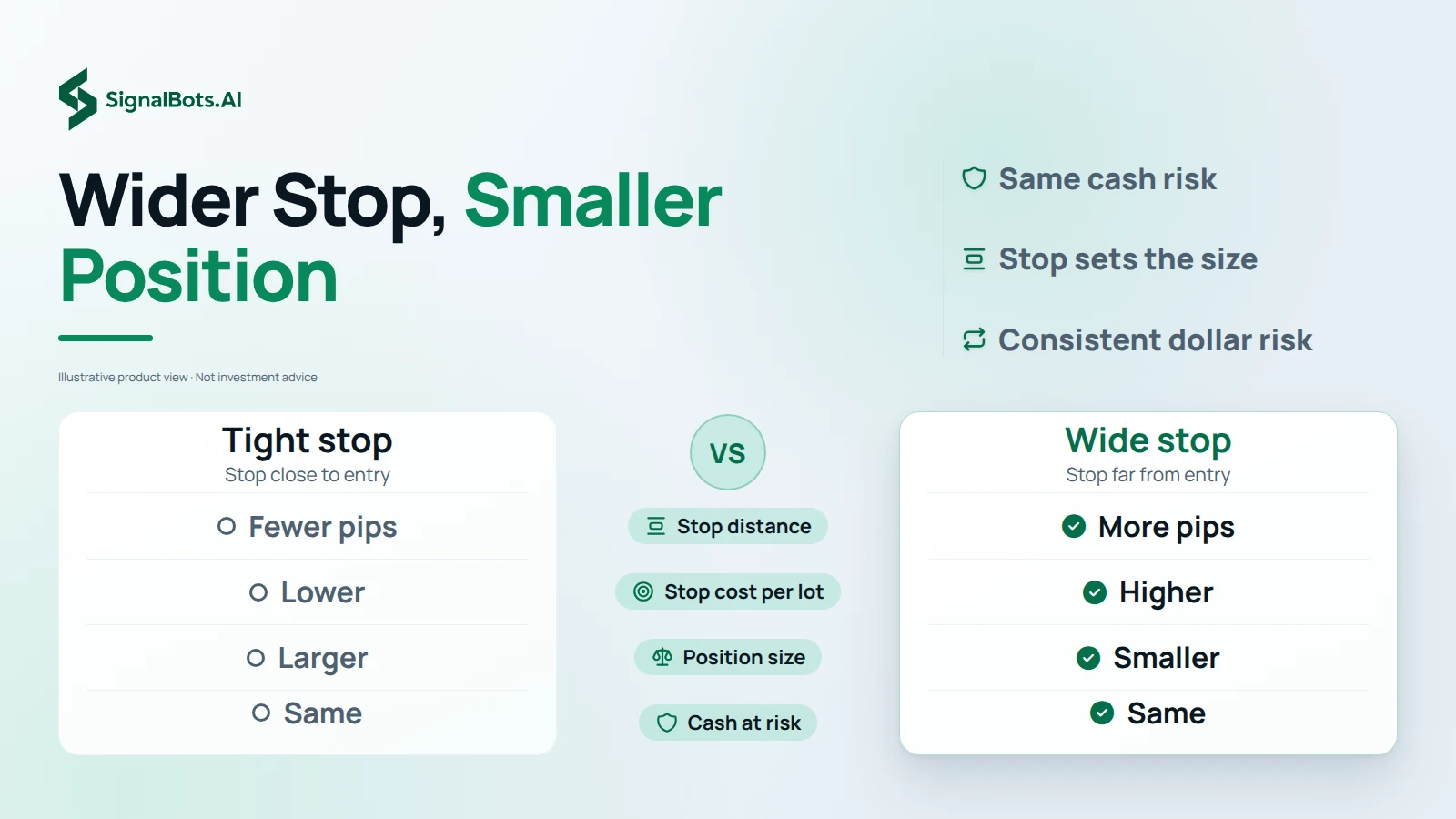
A wider stop needs a smaller position to keep the same cash risk, and a tighter stop allows a larger one. Sizing from the stop keeps your dollar risk consistent no matter how far away your stop sits.
Risk-based sizing
Get the Exact Lot From a Forex Position Size Calculator
A forex position size calculator answers one question before the order goes in: how many lots can you trade so that a stop-out costs only what you planned? You enter your account balance, your risk per trade as a percent, your stop-loss in pips and the pip value of one standard lot, and it returns the position size in standard lots and in units. With the default $10,000 balance, 1% risk and a 20-pip stop, that is $100 at risk and 0.50 lots. It is free and runs in your browser. Trading carries risk of loss, so the result sizes a planned loss rather than preventing one.
Pip value by pair
Pip Value per Standard Lot on GBP/JPY, USD/CHF and EUR/USD
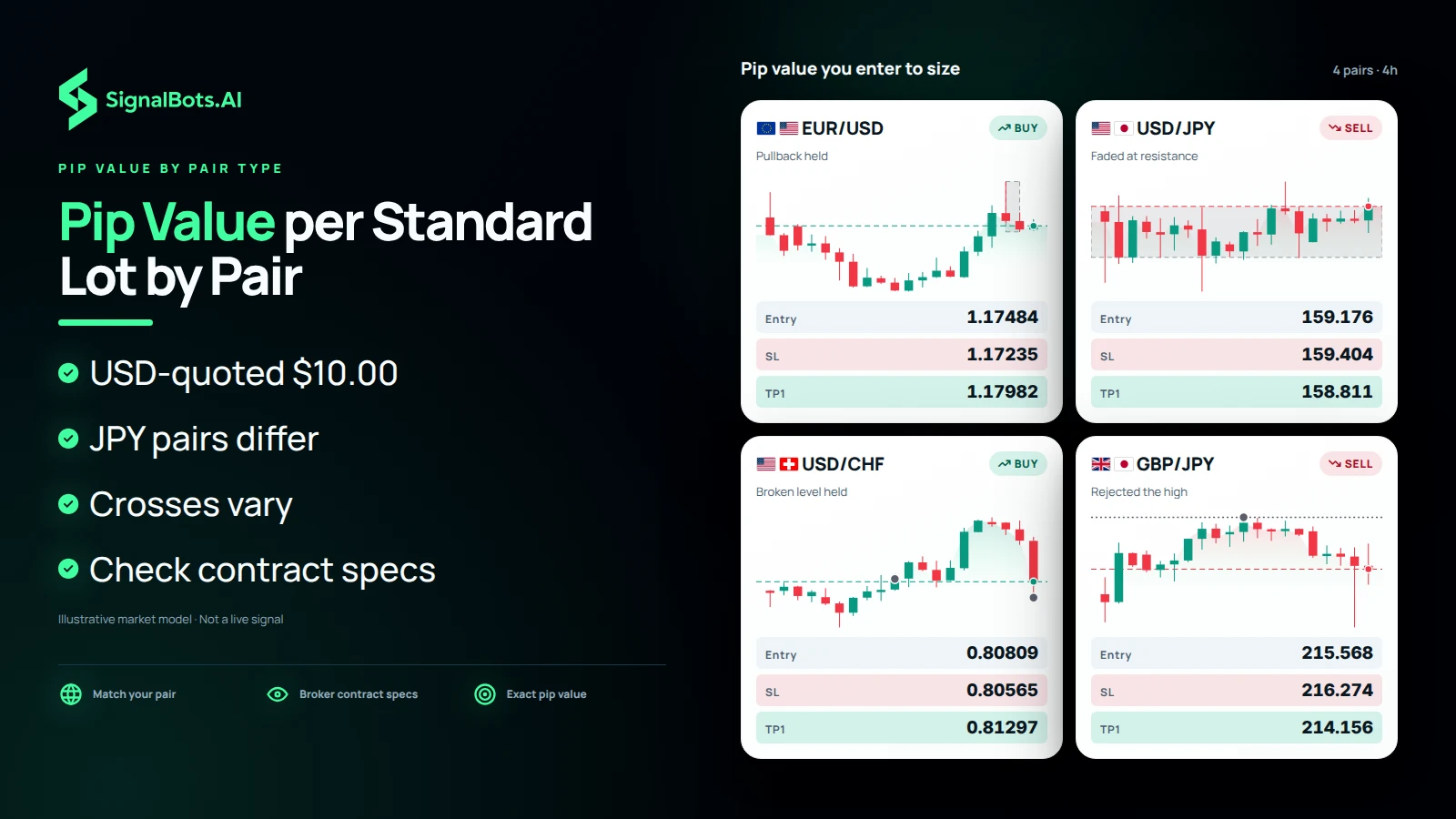
The pip value per standard lot you type in decides the lot size, so it has to match your pair. On USD-quoted majors such as EUR/USD, GBP/USD and AUD/USD, one pip is worth $10.00 on a standard lot. JPY pairs like USD/JPY and EUR/JPY sit around $6.50 to $7.00, pairs with USD as the base currency, such as USD/CHF and USD/CAD, run about $7.50 to $10.00, and cross pairs like EUR/GBP and GBP/JPY vary with the quote rate. Because JPY and cross pairs differ, check your broker's contract specs and enter that exact figure, otherwise the trade is sized on the wrong number.
How Do I Calculate My Lot Size From Balance, Risk and Stop?
To calculate your lot size by hand, work in two steps. First find the cash at risk: account balance times your risk percent. Then find the stop cost: stop-loss pips multiplied by the pip value of one standard lot. Divide the first by the second and you have lots, so the formula reads Lots = (Balance × Risk%) ÷ (Stop-Loss pips × Pip Value per Lot). On the page's own example, $10,000 × 1% is $100, 20 pips × $10 is $200, and $100 ÷ $200 gives 0.50 lots, which is 50,000 units. The calculator runs this same arithmetic, so you can check any result it shows.
A Wider Stop Means a Smaller Position at the Same Risk
Sizing from the stop-loss distance keeps your dollar risk consistent no matter where the stop sits. A wider stop needs a smaller position to hold the same cash risk, and a tighter stop allows a larger one, because the stop cost per lot grows with every extra pip. So you choose the stop your trade needs first, then let the calculator shrink or grow the lot size to fit, instead of moving the stop to suit a size you already wanted. Many traders cap risk at 1 to 2% of their balance per trade so a string of losses won't significantly damage the account. Trading carries risk of loss either way.
Risk first, then size
Set Your Risk per Trade First, Then Let the Stop Decide Size
Before you size the next trade, fix the input that should not change with your mood: your risk per trade. Keep it small, since many traders cap it at 1 to 2% of their balance, then place the stop-loss where the trade needs it and let the stop distance decide the lot size. Enter the pip value from your broker's contract specs, read the result in standard lots and units, and place the order in your platform's format. After that, the other free calculators check the margin that size ties up or what one pip is worth on your pair. Trading carries risk of loss, so the plan limits a loss rather than removing it.
Related Tools
More Calculators for Your Trading
Free, instant, and browser-based. Keep planning the rest of your trade with these.
No switching accounts, no relearning a platform. Whichever Forex broker you already trust, SignalBots plugs straight in with extensions, robots, connectors and live signals tuned to it.