




Open a Pocket Option Account
Sign up in 30 seconds, or attach an existing account to SignalBots. Get 5–10 free trades on us to test the extension.
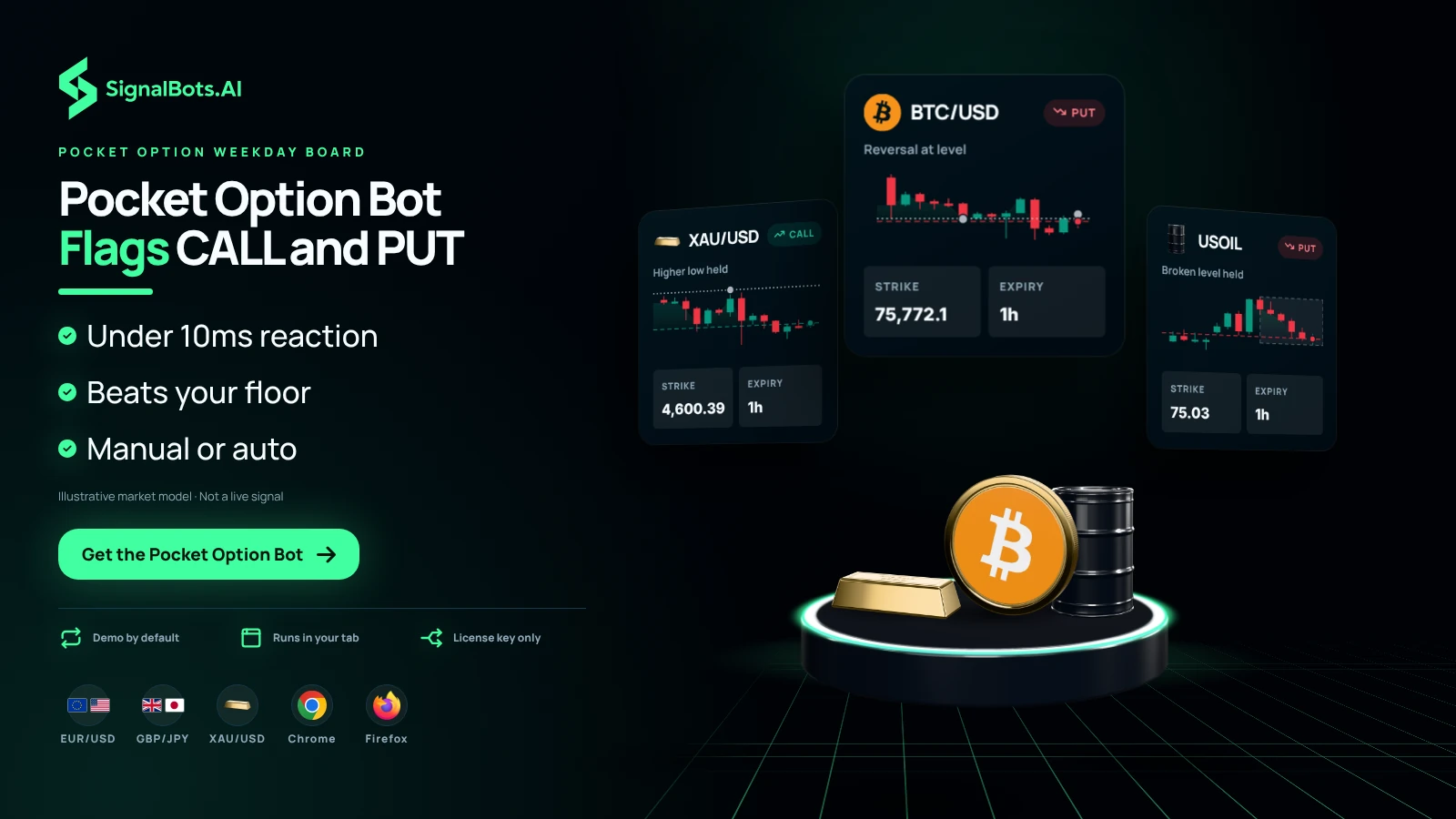
Turn your browser into a Pocket Option trading bot. The Live AI scans the board in real time, surfaces only the CALL and PUT signals that beat your payout floor, and reacts in under 10 milliseconds — faster than any manual click. Take the entries yourself, or let the bot auto-trade them for you.
Watch the algo read a live Pocket Option chart in real time — it tracks price tick by tick, marks the levels its strategies care about, and fires a CALL or PUT the moment a setup lines up. The same engine runs inside your browser extension on every trade.
This is the exact control panel the PocketOption AI Scalper docks into your PocketOption tab. Flip the switches, pick your strategies and timeframes, and watch live signals stream in — no install and no license needed.
Waiting for the next setup…
Simulated preview for illustration only. The signals, payouts and balances shown here are generated in your browser and are not trading advice. Trading involves risk.
No manual configuration, no broker switching, no credit card.
Just three quick taps and the Pocket Option bot starts streaming live signals straight into your PocketOption tab.
Sign up in 30 seconds, or attach an existing account to SignalBots. Get 5–10 free trades on us to test the extension.
One-click install from the Chrome Web Store or Firefox Add-ons. Desktop browsers only.
Chat with our 24/7 support team — they'll activate your free lifetime license in minutes.
Every Pocket Option signal comes from one of the most-traded markets in the world — Forex majors and crosses, top indices, gold and oil, and Bitcoin. Filter the list below to find the setups that fit your strategy.
No markets match your search.
Every choice in this panel — from the under-10ms reaction to the four guard rails — is built around protecting the trader, not just feeding them signals. Eight things that turn a stream of signals into a discipline.
Pocket Option weekday signals are a click race — every candle is a fresh decision window. The panel reads the chart, scores every strategy, and fires a CALL or PUT before the next tick prints. Evaluation runs locally in your browser, so no upstream round-trip slows you down.
Spin up a Pocket Option demo balance for an afternoon, try the panel on the weekday board, then flip a single toggle to go live. Same strategies, same guard rails, same signal log — nothing to re-configure.
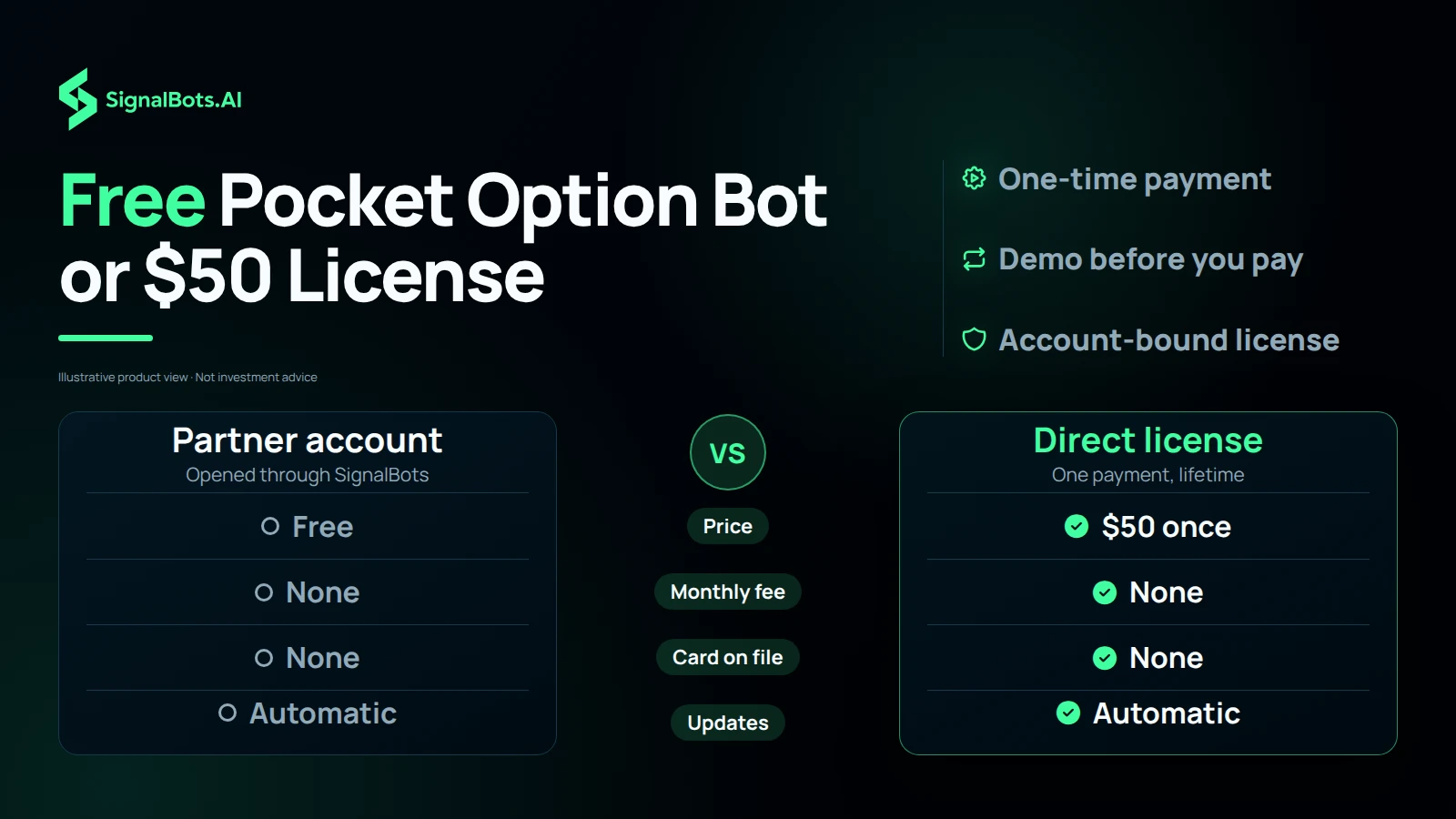
Get the Pocket Option extension free by opening your account through our broker partnership, or buy a lifetime license direct for a single $50 payment. Either way, no monthly fee, no card on file, and updates ship to your install on their own.
Fast Trades fits the European weekday open, Turbo Breakout rides the US session pulse, and Master AI adapts when the tape goes quiet. Swap mid-session in one click — each strategy carries its own backtested win rate.
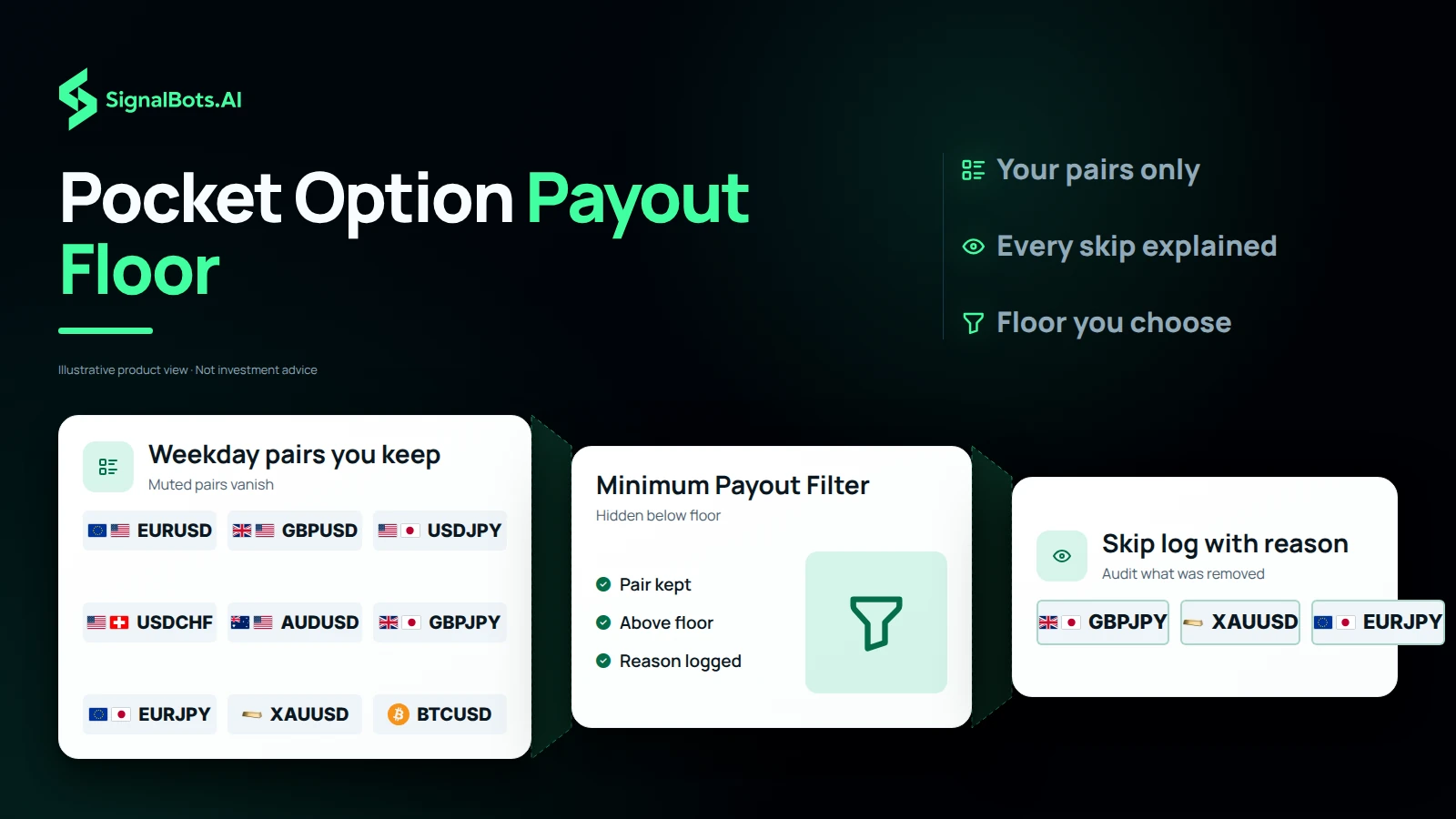
Hide every Pocket Option weekday signal whose broker payout falls below your floor. Default sits at 78%; raise it to tighten expectancy at the cost of fewer trades — every skip lands in the log with its reason.
Trade the Pocket Option weekday pairs you know best — EUR/USD, GBP/JPY, XAU/USD, plus 80+ more. Muted pairs vanish from the bot for the session, so a single popup setting shapes the whole feed.
M1 for scalps, M5 for rhythm, M15–M30 for setup confirmation, H1–H4 for high-conviction swings. Switch any time from the popup without losing your session.
Your Pocket Option license is bound to one account. Switch to a different Pocket Option account in the same browser and the panel raises an Account Mismatch alert — the bot refuses every order until you switch back.
Past performance is not indicative of future results. Trading binary options involves substantial risk; review the full Risk Warning before enabling any automated execution.
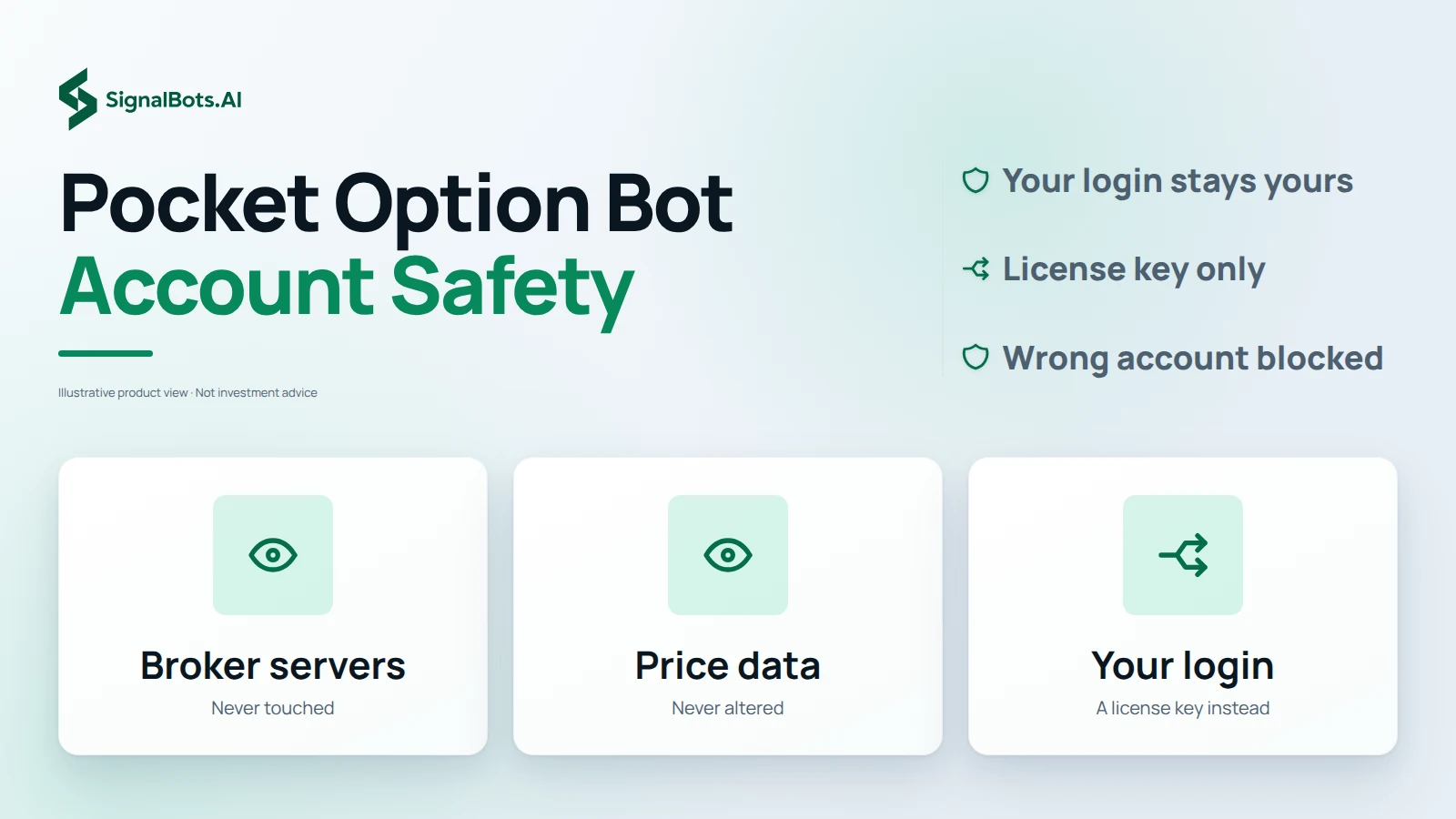
Yes. The extension only reads the same Pocket Option screen you already see and clicks the same buttons you would — it never touches the broker's servers, alters price data, or runs anything outside your own browser tab, so you stay in control of every setting. Binary options still carry substantial risk; review the Risk Warning before you enable Auto-Trade.
The AI is a real, working signal engine — it reads live Pocket Option prices and flags CALL and PUT setups by the same logic every time, with no hidden 'win button'. What it cannot do is remove risk: binary options are high-risk and past results never guarantee future ones. Treat it as a disciplined assistant, test it in Demo Mode first, and read the Risk Warning before trading live.
Pocket Option is an established binary options broker that has operated since 2017 and is used by traders worldwide. Availability and regulation vary by country, so check the rules where you live before opening an account. Our extension is an independent tool that runs on top of your own Pocket Option account — it does not change who you trade with.
A bot can help by enforcing your filters and reacting faster than a manual click, but no tool can promise a profit — binary options carry substantial risk and you can lose your stake. We publish backtested and historical win rates, not guarantees. Start in Demo Mode, size your trades conservatively, and read the Risk Warning before going live.
Yes. The extension never asks for your Pocket Option password and only interacts with pages you have open in your own browser, exactly the way you would. It doesn't bypass any platform rule, doesn't tamper with the broker's data feed, and runs entirely on your machine.
No. You log into Pocket Option the normal way in your own browser tab, and the extension activates with a SignalBots license key — never a broker password. Your broker credentials stay between you and Pocket Option.
Both modes are first-class. With Auto-Trade OFF, signals stream into the panel and you click to take them. With Auto-Trade ON, the bot places trades for you using your configured size and filter. Flip between them any time from the popup.
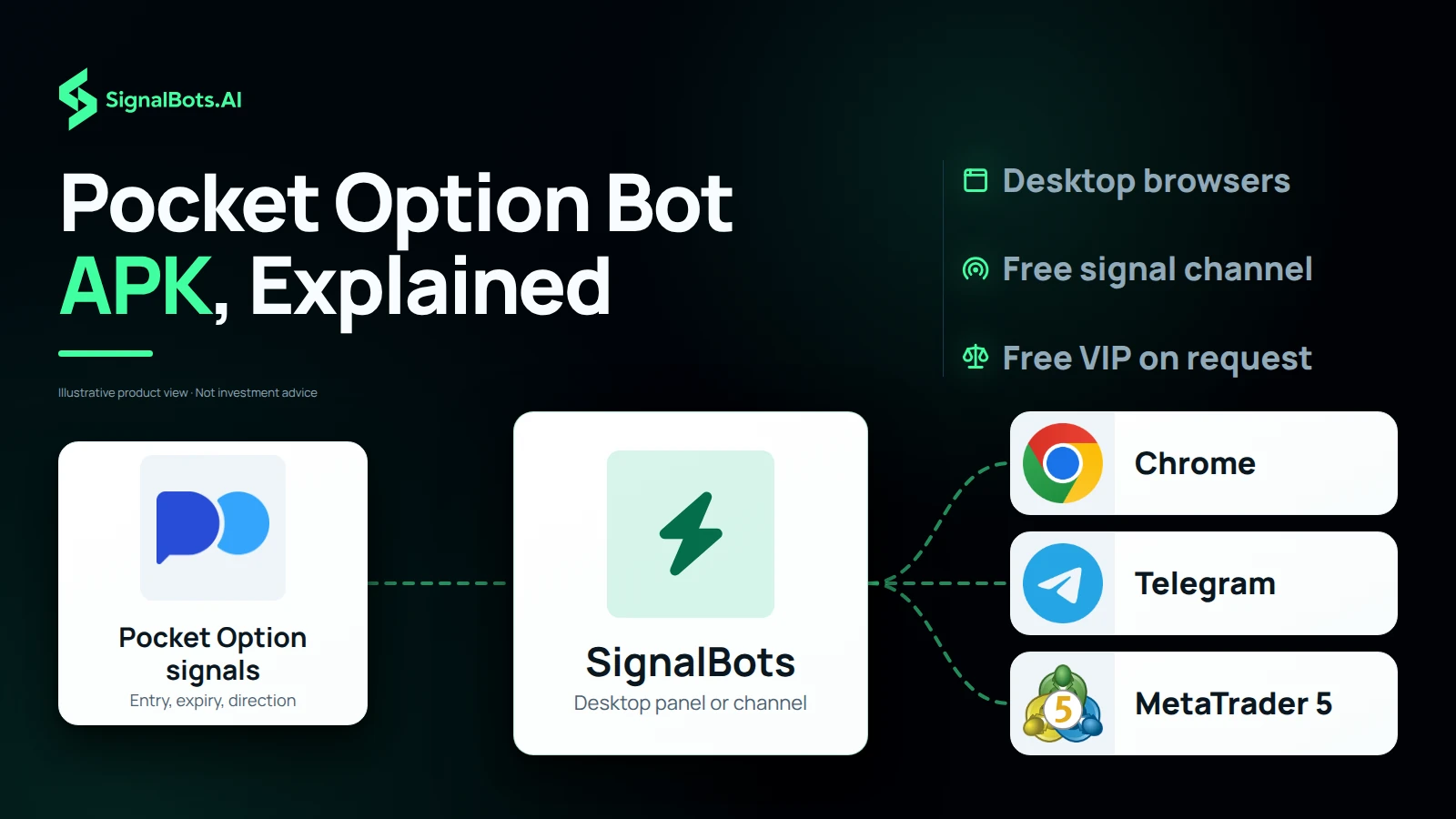
Two steps. Install the extension from the Chrome Web Store (this also covers Brave, Edge, Opera, and Vivaldi) or from Firefox Add-ons, then open Pocket Option in the same browser and activate it with your SignalBots license key. The bot auto-detects your Pocket Option tab and starts streaming signals — no broker password, no separate app to install.
Yes. The extension defaults to Demo Mode on first install, so you can let it run against the demo balance before risking real funds. Switch to Live from the popup once you're ready.
Yes. Demo Mode is unlocked from the moment you install — the bot runs against the demo balance until you buy a license. Demo Mode locks a subset of assets, timeframes, and strategies, so the live experience opens up the full configuration once activated.
End-to-end signal-to-click latency stays under 10ms on a normal broadband connection. The bot evaluates the setup locally in your browser before placing the order, so reaction time doesn't depend on a round-trip to our servers.
One-time. You pay once for a lifetime license that activates the extension on your Pocket Option account — there is no monthly fee, no recurring charge, and no subscription to cancel. Updates ship to the installed extension automatically.
From the popup. Pick Fixed Amount (dollars per trade) or Percentage of Balance, set your value, and the bot sticks to it for every Auto-Trade order. Change it any time without losing your session.
A floor on Pocket Option's per-asset payout — the bot skips any signal where the broker is paying below your floor. Default is 80%. Raising it improves expectancy at the cost of fewer trades; lowering it does the reverse.
M1, M5, M15, M30, H1, and H4 on Pocket Option — selectable per session from the popup. Most scalpers run M1 or M5 for signal frequency; the longer timeframes filter for higher-conviction setups.
Yes. Open the popup and toggle the Pocket Option assets you want the bot to act on — anything you leave off is ignored. The same applies to timeframes and strategies.
No. This is the default (non-OTC) Pocket Option extension — Pocket Option OTC instruments are handled by a separate, dedicated OTC extension. Run the matching extension for the market you're trading; the two are independent installs.
Each license is bound to one Pocket Option account. Trading a different Pocket Option account in the same browser triggers an Account Mismatch block and the bot refuses to fire until you switch back to the licensed account. To run a second Pocket Option account in parallel, activate a separate license for it.
Chrome and Chromium-based browsers (Brave, Edge, Opera, Vivaldi, Chromium) share the Chrome build. Firefox and modern Firefox forks (LibreWolf, Waterfox, Floorp, Zen Browser) share the Firefox MV3 build via AMO. Runs on Windows, macOS, and Linux.
No — desktop browsers only. The Chrome Web Store and Firefox Add-ons don't support full content-script extensions on mobile Pocket Option, so the bot is desktop-only for now.
Pocket Option can't onboard traders from the 36 countries and territories below. If yours isn't listed, you're set — add the SignalBots extension and start trading.
No countries match your search.
Live Signals
Entry 1.0845
SL 1.0820
Entry 1.2550
SL 1.2680
Access institutional-grade signals, automated execution
tools, and performance-driven strategies all in one unified
platform.
Want to use the bot without paying? Message our 24/7 support team via Telegram, WhatsApp, or Viber. Our experts will guide you step-by-step on how to unlock your free lifetime license through our exclusive broker partnership program.
Replies usually arrive within minutes during business hours.