Gate.io Charts inside MetaTrader 5

See Gate.io's Spot and Futures markets on real MT5 charts, analyse them with your own indicators and templates, and get our live signals right on the chart, streamed from public market data, with no API key and no access to your exchange account.

This is not the official Gate.io application; it is an unofficial application developed by SignalBots.

Step-by-Step Setup

Get the Gate.io MT5 connector in 3 steps

Follow the steps in order: open an eligible account the right way, then unlock your free connector license, then see how to read our live signals on MetaTrader 5.

Step 1 of 3

Gate.io Sign Up

Which describes you?

Already have an account? Move your referral

Switch your existing Gate.io account under our partner ID by changing its referral, no need to close it. The guide shows each step so your account qualifies for the free connector license.
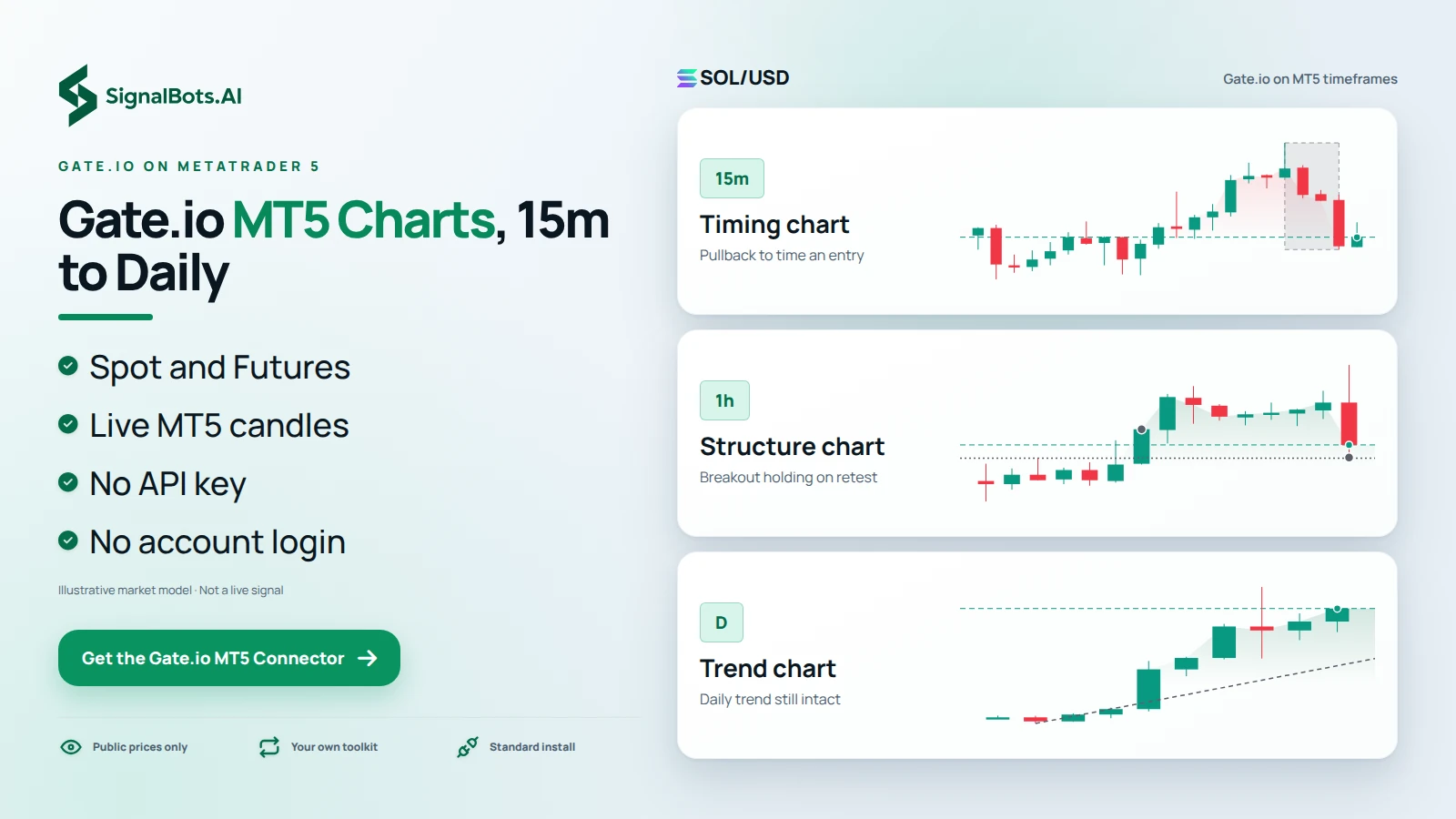
GATE.IO ON METATRADER 5

Gate.io MT5 Charts From 15 Minutes to Daily Candles

Typing gate.io mt5 usually means one thing: you want Gate.io prices on the MetaTrader charts you already know. The connector streams Gate.io's public Spot and Futures prices into a standard MetaTrader 5 build as live candles, so one pair can sit on a 15-minute chart for timing, a 1-hour chart for structure and a daily chart for trend. Your indicators, templates and Expert Advisors read those candles, and our signals plot on the same screen for you to weigh, since trading carries risk of loss. It needs no API key or account login, and it is not the official Gate.io application.

One SOLUSD long plan read on three rungs of Gate.io candles, 15-minute for timing, 1-hour for structure and daily for trend, showing the same pair across MT5 timeframes.
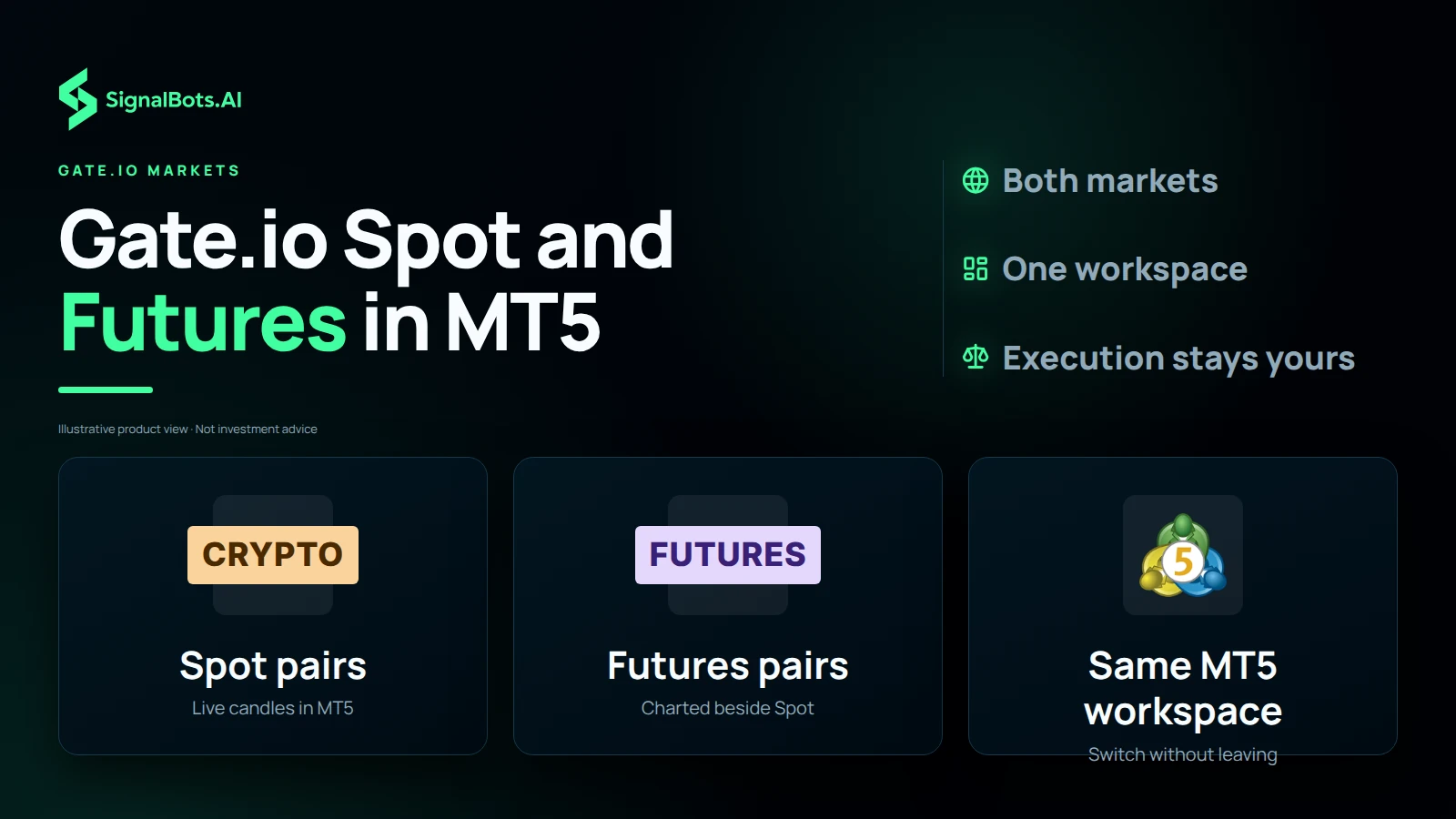
Three tiles show Gate.io Spot pairs, Gate.io Futures pairs and the single MT5 workspace where a trader switches between them without leaving the terminal.

GATE.IO MARKETS

Switch Between Gate.io Spot and Futures Without Leaving MT5

Gate.io Spot and Futures pairs both render as live MetaTrader 5 candles, so moving from one market to the other means opening another chart rather than another app. Keep a Spot chart and a Futures chart side by side in the same MT5 workspace, apply one template to both, and compare how each market is moving before you decide where to act. The charts are there for analysis only: execution stays on Gate.io, and the choice of market, like the risk of loss, stays your call.

Multi-symbol Screener

Filter Every Gate.io Pair by Market and Timeframe

Our signals stream onto the Gate.io charts in MT5, but no one can watch every pair at once, which is where the multi-symbol Screener comes in. It lines up every Gate.io pair's latest signal and filters them by market and timeframe: choose Futures and the 4-hour view, for instance, and the list shrinks to the pairs that fit how you trade. Open those charts, check each against your own levels and indicators, and pass on the rest. Treat each signal as a lead to examine, not a decision made for you, because trading carries risk of loss.

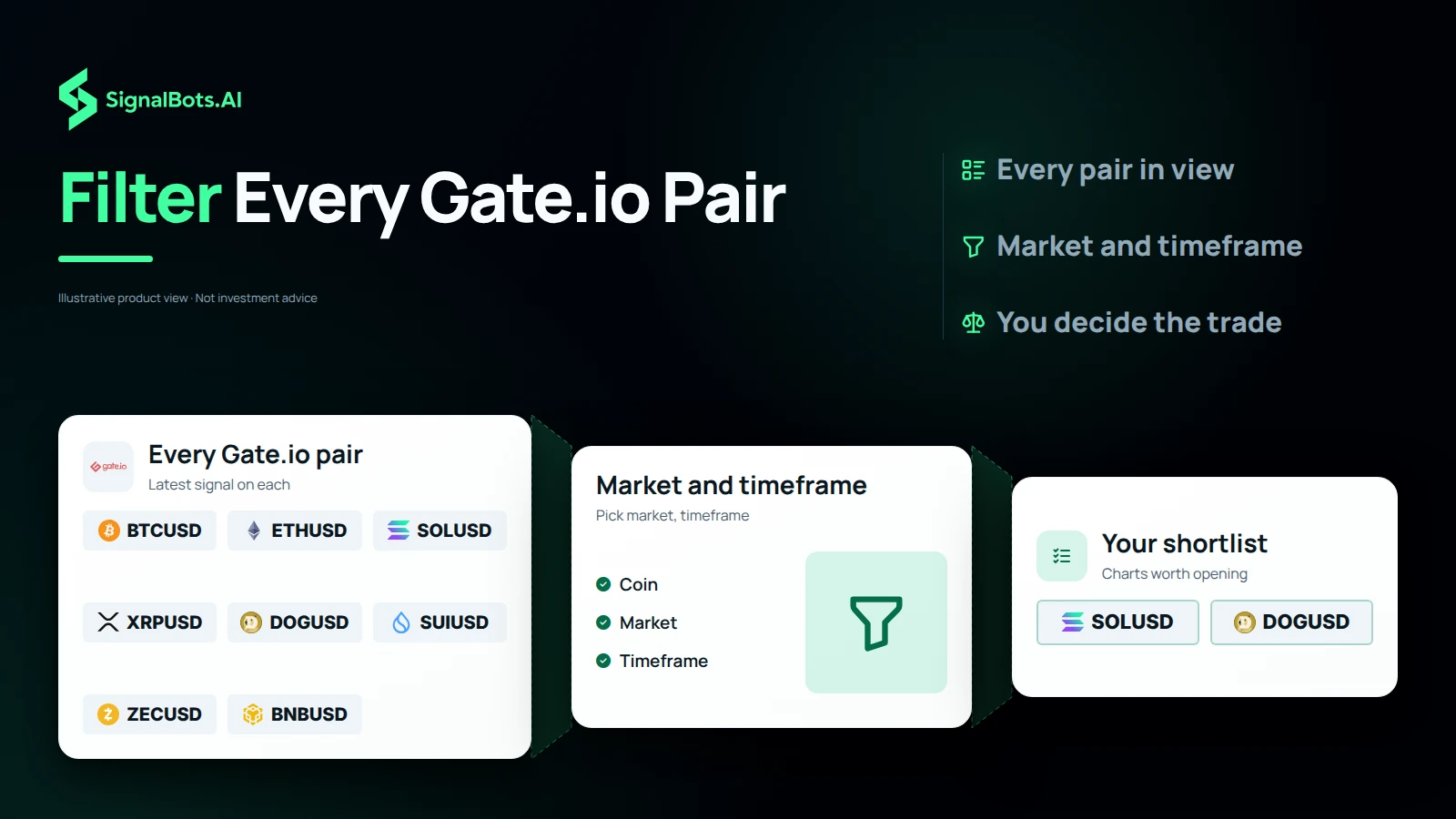
A watchlist of eight crypto pairs is filtered by coin, market and timeframe and narrows to a two-pair shortlist, showing the multi-symbol Screener cutting every Gate.io pair down to the charts worth opening.
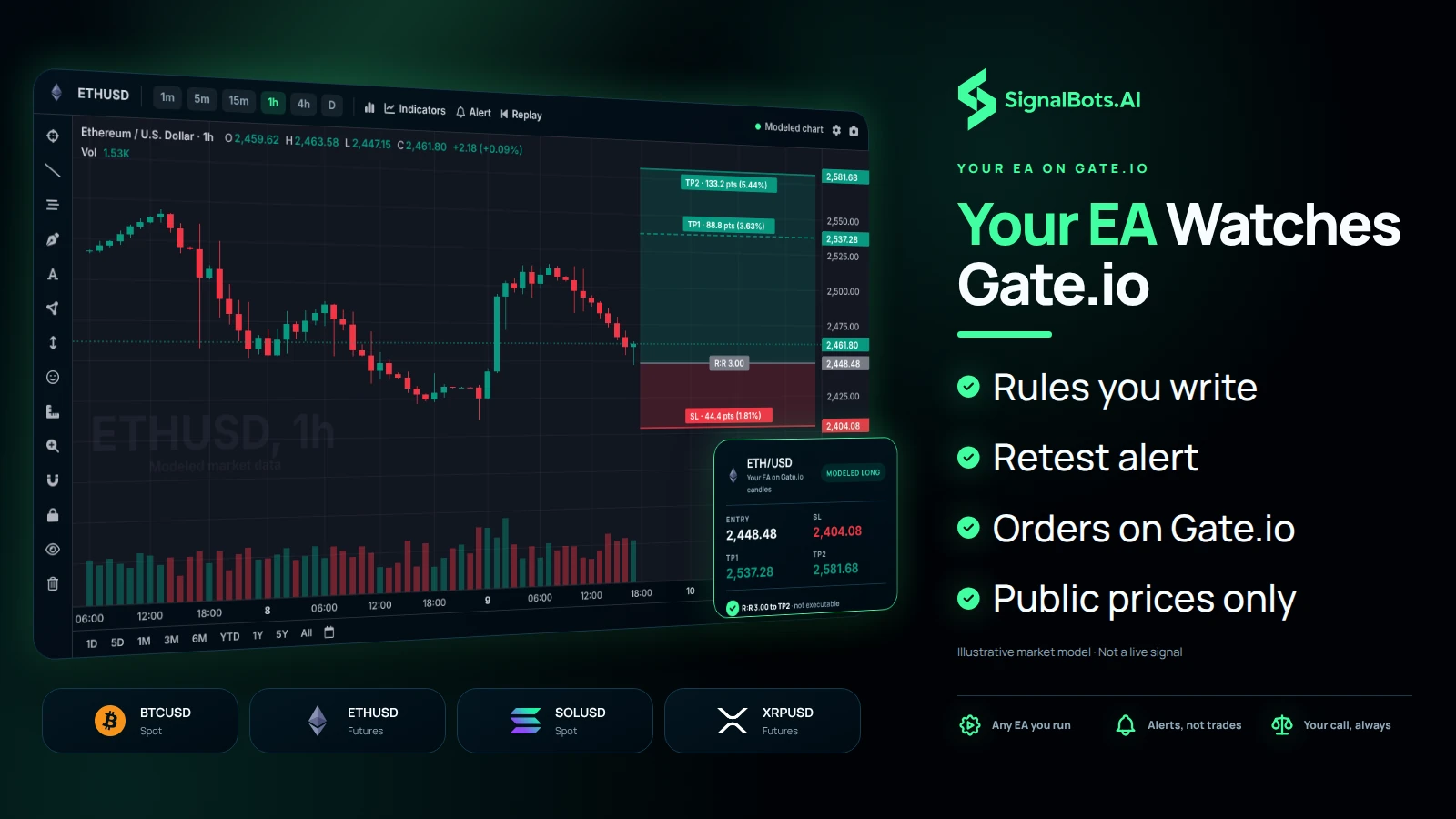
A desktop MT5 terminal showing an ETHUSD chart from the Gate.io feed with a long plan, beside four market cards for Gate.io Spot and Futures pairs, as an EA watches the feed for the trader's rules.

YOUR EA ON GATE.IO

Load an Expert Advisor on Gate.io Candles to Watch Your Rules

Any Expert Advisor you already run in MetaTrader can sit on a Gate.io chart and watch the feed for your rules. Say your plan is a breakout that retests the old range on the 15-minute chart: the EA checks each new candle against those conditions and alerts you the moment they line up, so you are not staring at the screen waiting. What it does not do is trade. The connector carries public prices only, execution stays on Gate.io and stays your call, and every order you place there carries risk of loss.

BACKTEST BEFORE GATE.IO

Backtest Gate.io Setups on MT5 History Before You Place an Order

Before you commit money to a Gate.io idea, replay it. The MT5 Strategy Tester runs your setup over past Gate.io candles, so you can see how a short at a rejected level would have played out, where the stop sat, how far the target was and how often the rules fired. If the plan only works on one lucky stretch, you find that out on history instead of on your balance. Backtests show the past only and prove nothing about the next trade; trading carries risk of loss, so read the Risk Warning, then size and place the order on Gate.io yourself.

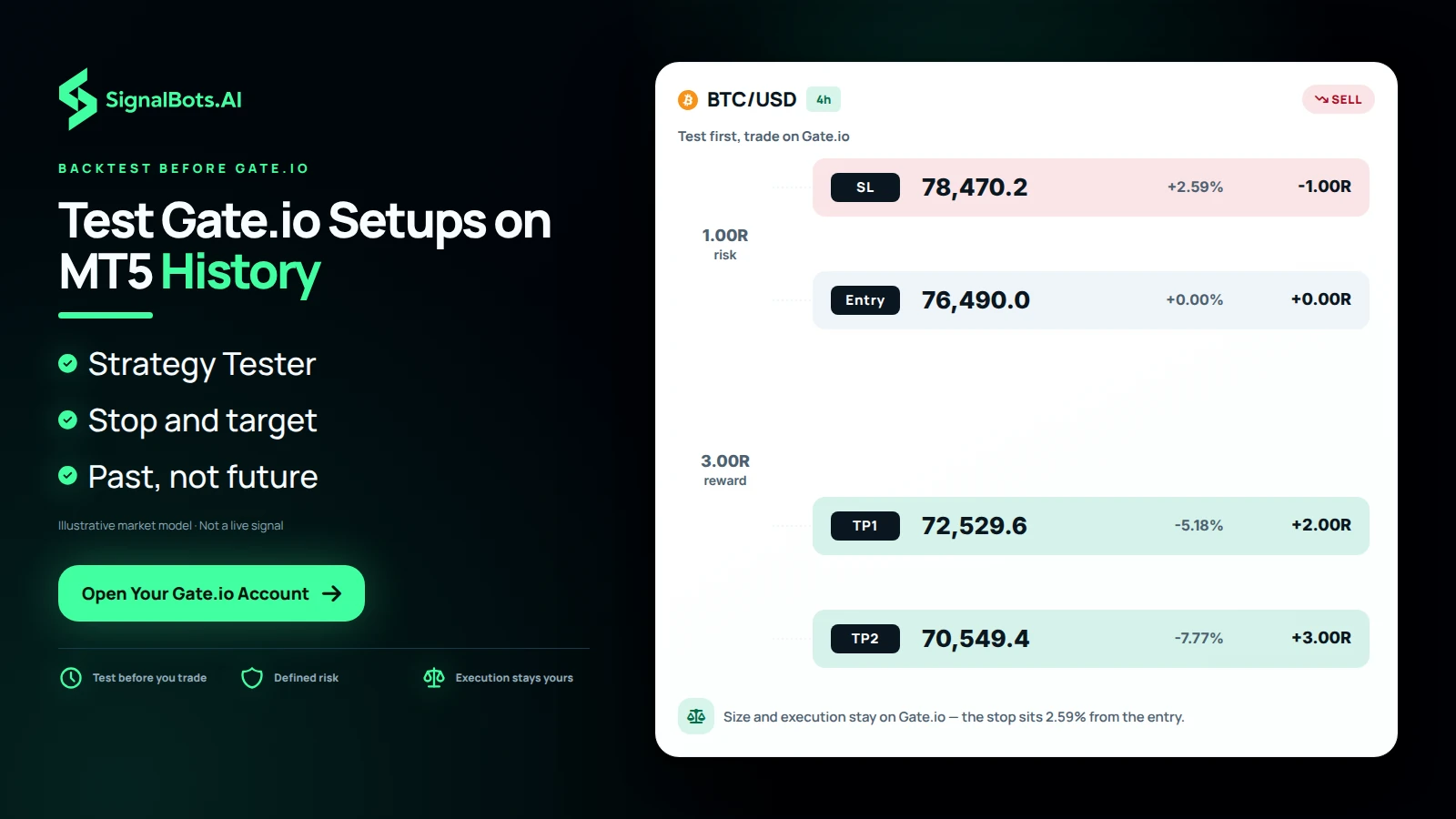
One BTCUSD 4-hour short at a rejected level drawn to true scale with entry, stop and two targets, presented as a plan replayed on past Gate.io candles, with a note that size and execution stay on Gate.io.

How it works

Your Gate.io markets,
live on a real MT5 chart

The connector streams Gate.io's public Spot and Futures prices into MetaTrader 5 as live candles: chart and analyse them with the full MetaTrader toolkit, and read our signals on the same screen. There's no API key and no account connection: it reads public market data only, so your funds and keys never leave Gate.io.

  1. Live prices in

    Gate.io's public Spot and Futures prices stream into MetaTrader 5 as live candles, no API key, no account login required.

  2. Analyse with your toolkit

    Read the Spot and Futures charts with your own indicators, templates and Expert Advisors, and watch our signals plot alongside them. MT5 is for charting; you trade on Gate.io.

  3. Your account stays yours

    We never connect to your Gate.io account, only public prices flow in. Your balance, keys and withdrawals stay entirely in your hands.

No API key, no account access: the connector reads public Gate.io market data only, so it can never trade or move your funds. Trading carries risk; read the Risk Warning.

Why bridge to MT5

Your MT5 toolkit, plus our signals, on Gate.io crypto

  • Our signals on your chart

    Our live trading signals plot straight onto Gate.io Spot and Futures charts in MetaTrader 5. Read them right next to your own analysis.

  • A Screener for every symbol

    A built-in Screener lists our latest signals across every Gate.io pair at once: filter by coin, market and timeframe to find the setup you want.

  • Pro charting

    Multi-timeframe MT5 candles, drawing tools and templates on every Gate.io Spot and Futures pair.

  • 50+ indicators

    Run your full MetaTrader indicator stack (moving averages, RSI, custom builds), straight on crypto.

  • Run your EA on crypto

    Load an Expert Advisor onto Gate.io candles to scan setups and alert you the moment your rules line up.

  • Backtest before you risk

    Use the MT5 Strategy Tester on Gate.io history to validate a setup before you trade it on the exchange.

  • One EA, every exchange

    Connect more exchanges and a single EA reads them all from one MT5 terminal, no per-venue rebuild.

  • 24/7 coverage

    Crypto never closes: keep charting and running alerts on Gate.io around the clock.

Gate.io connector

Frequently Asked Questions

Does the Gate.io connector trade for me?

No. It streams Gate.io Spot and Futures into MetaTrader 5 for analysis; execution stays on Gate.io and stays your call.

Are your signals part of the Gate.io connector?

They are. Our live signals stream onto the Gate.io charts in MT5, and the multi-symbol Screener filters every pair by market and timeframe.

Can SignalBots withdraw from Gate.io?

No. We never link to your Gate.io account; the connector carries public prices only, so trades and withdrawals are simply not possible for us.

What Gate.io markets appear in MT5?

Spot and Futures pairs, rendered as live MetaTrader 5 candles for your charting tools.

Can an EA run on Gate.io candles?

Yes, load any Expert Advisor onto the Gate.io chart and it watches the feed for your rules.

Is backtesting Gate.io history supported?

Yes. Replay Gate.io candles in the MT5 Strategy Tester before committing. Backtests show the past only; read the Risk Warning.

Does Gate.io stream 24/7?

It does. Crypto never closes, so your Gate.io charts and alerts keep running non-stop.

Which MetaTrader version do I need?

A standard MetaTrader 5 build is all it takes. Our support team links it to the Gate.io feed.

How much does the Gate.io connector cost?

It's free for life. Message 24/7 support to activate your license in minutes.

Can Gate.io run with other exchanges in one EA?

Yes. Connect more venues and a single MetaTrader EA reads Gate.io and them together.

SignalBots Partner Program

They trade.
You earn: 40% for life.

Give your audience the free Gate.io MT5 connector: every signal it copies to their platform is a trade that pays you, month after month.

  • 40% lifetime
  • Paid monthly
  • No caps
Become a Partner 2-minute signup · keep your own brand
Estimate your commission Recurring
25 × X estimated recurring monthly commission

X = your commission from one baseline trader ($500 deposit, $50k monthly volume). Illustrative only: your real payout scales with the broker’s IB rate and your referrals’ actual trading.

SignalBots operates as an Introducing Broker and Master IB. Commission is paid on your referrals’ trading activity, not on recruitment. Trading carries substantial risk. See our Risk Warning.