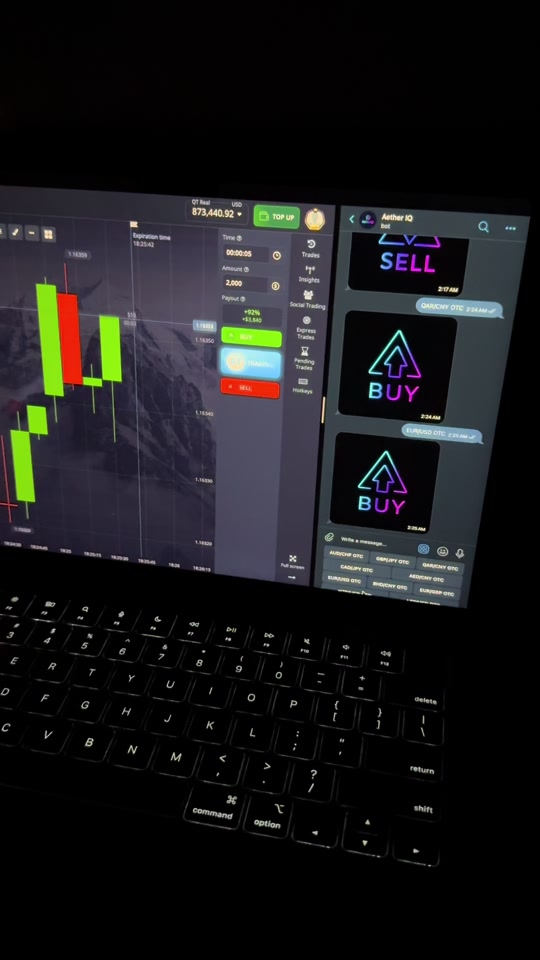
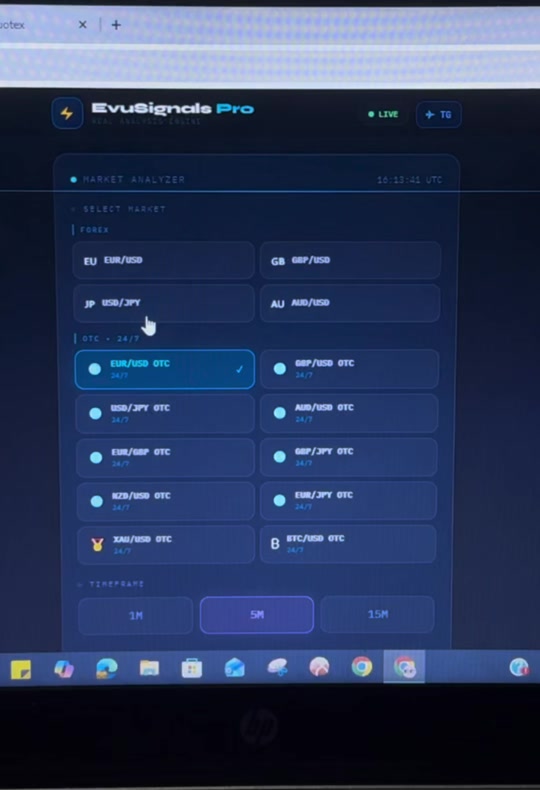
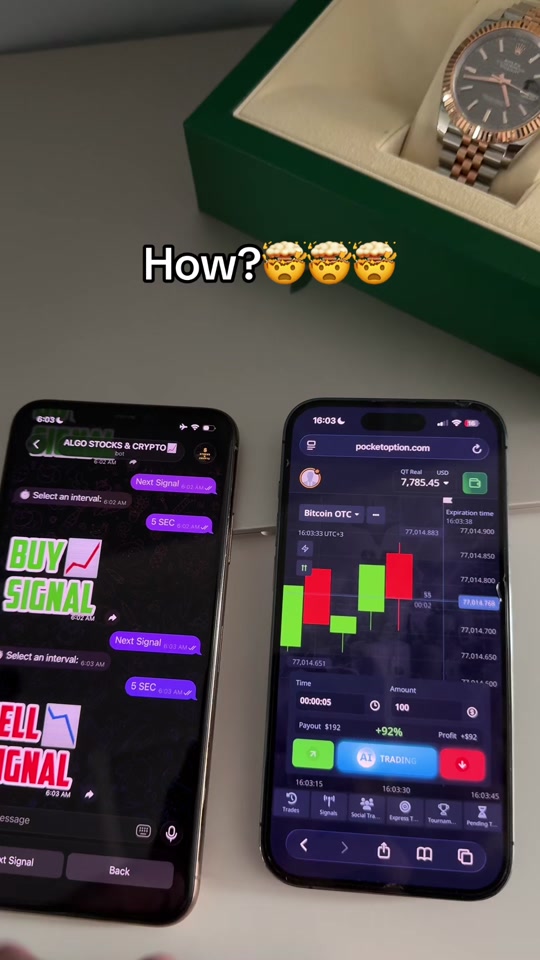
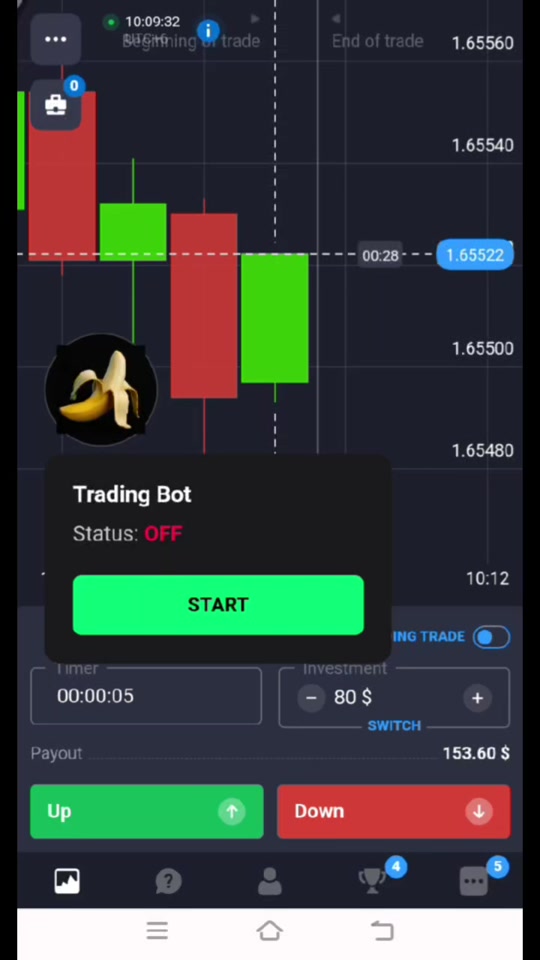
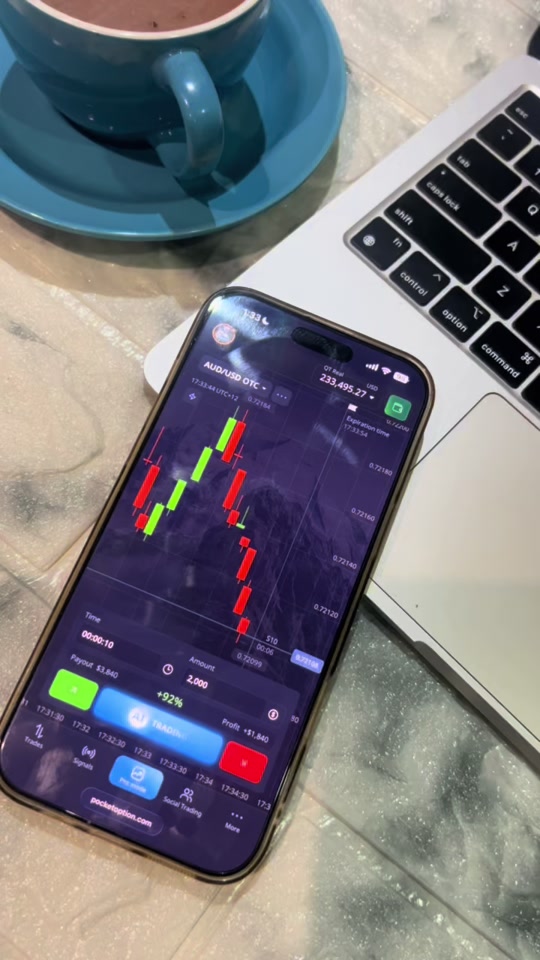
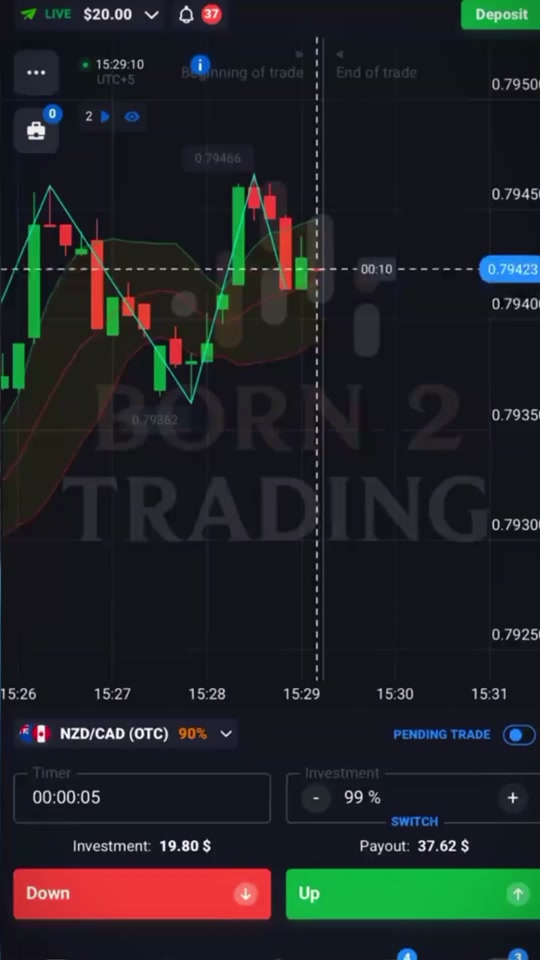
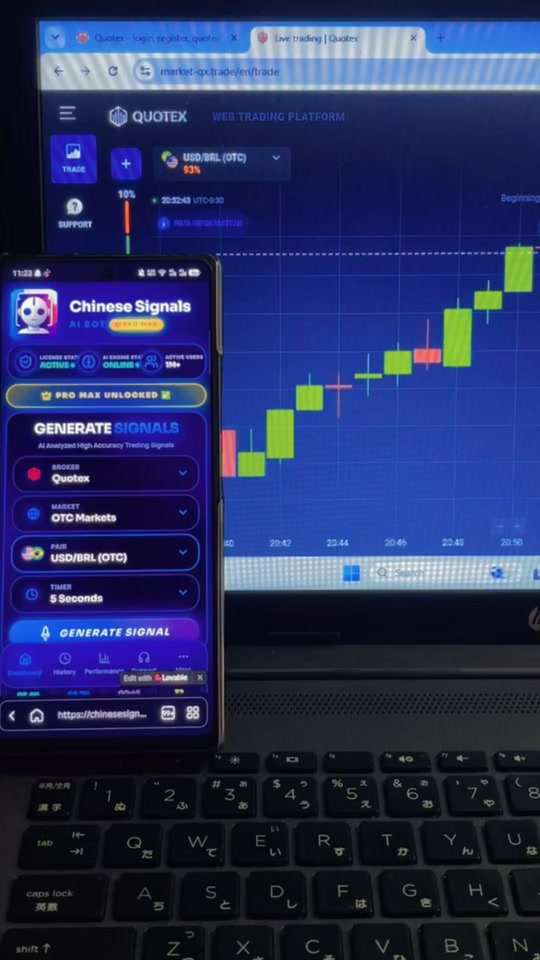
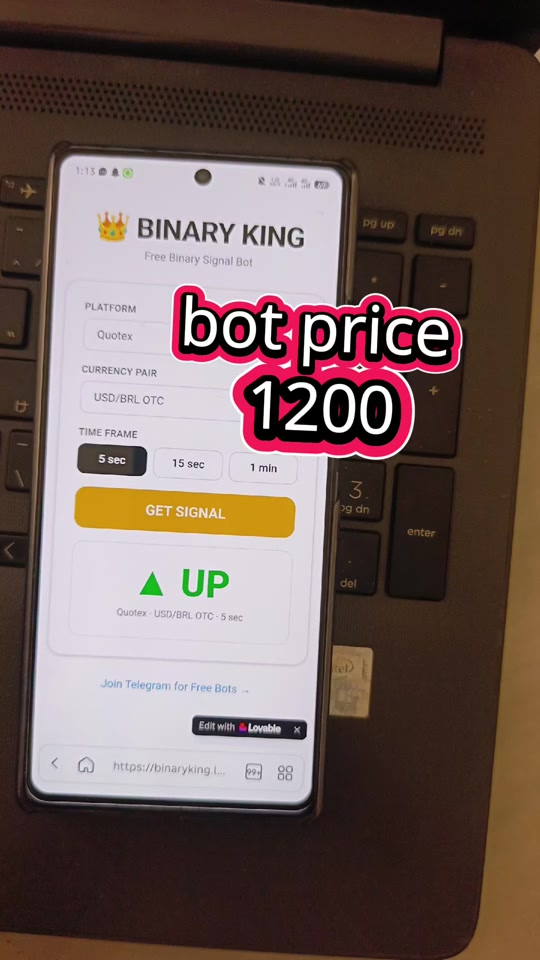
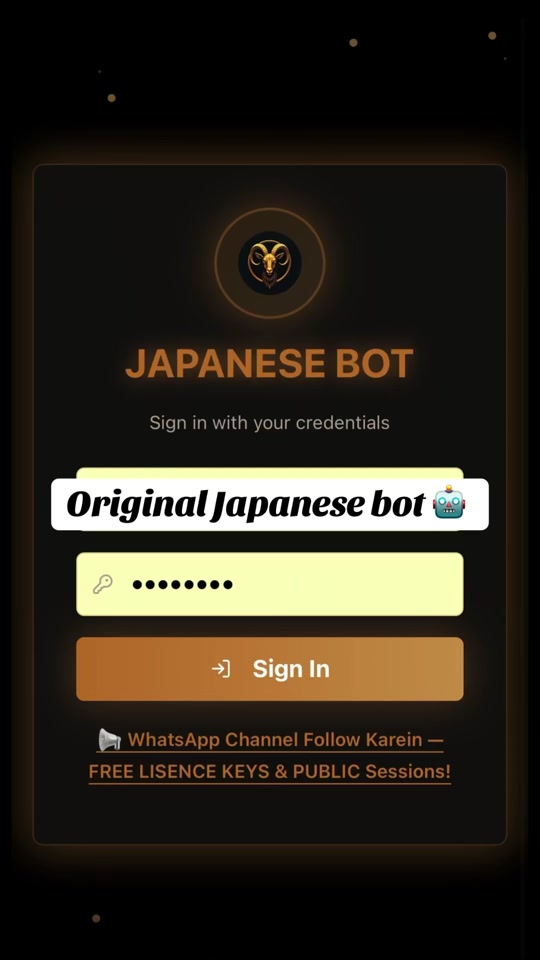
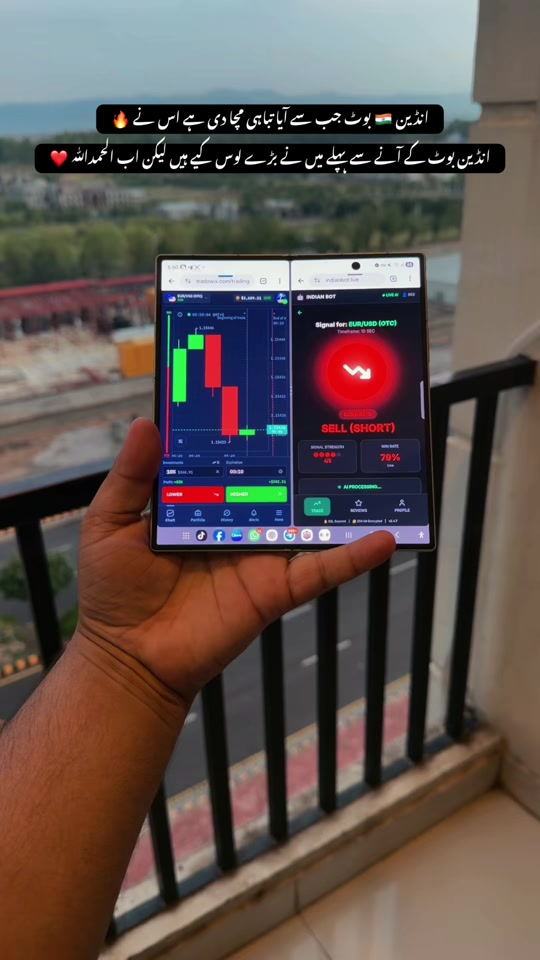
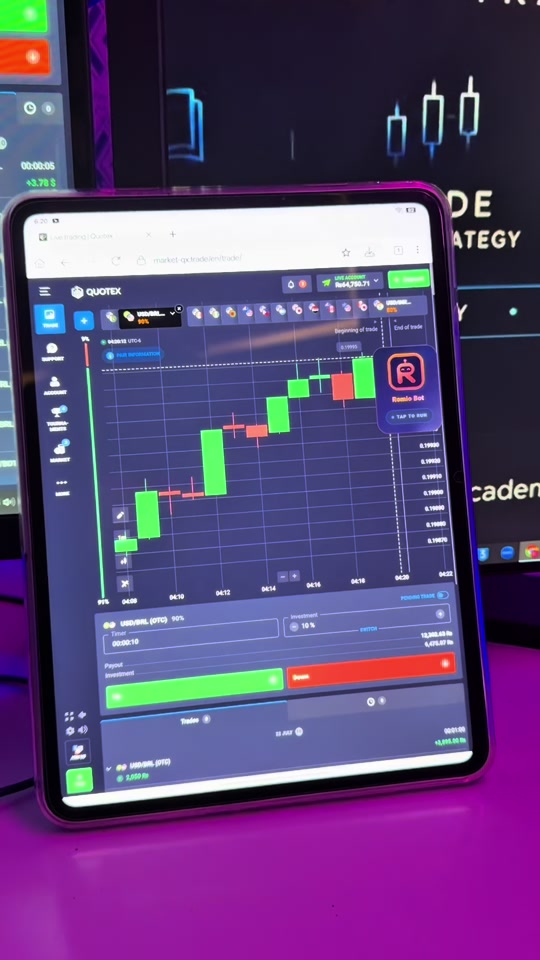
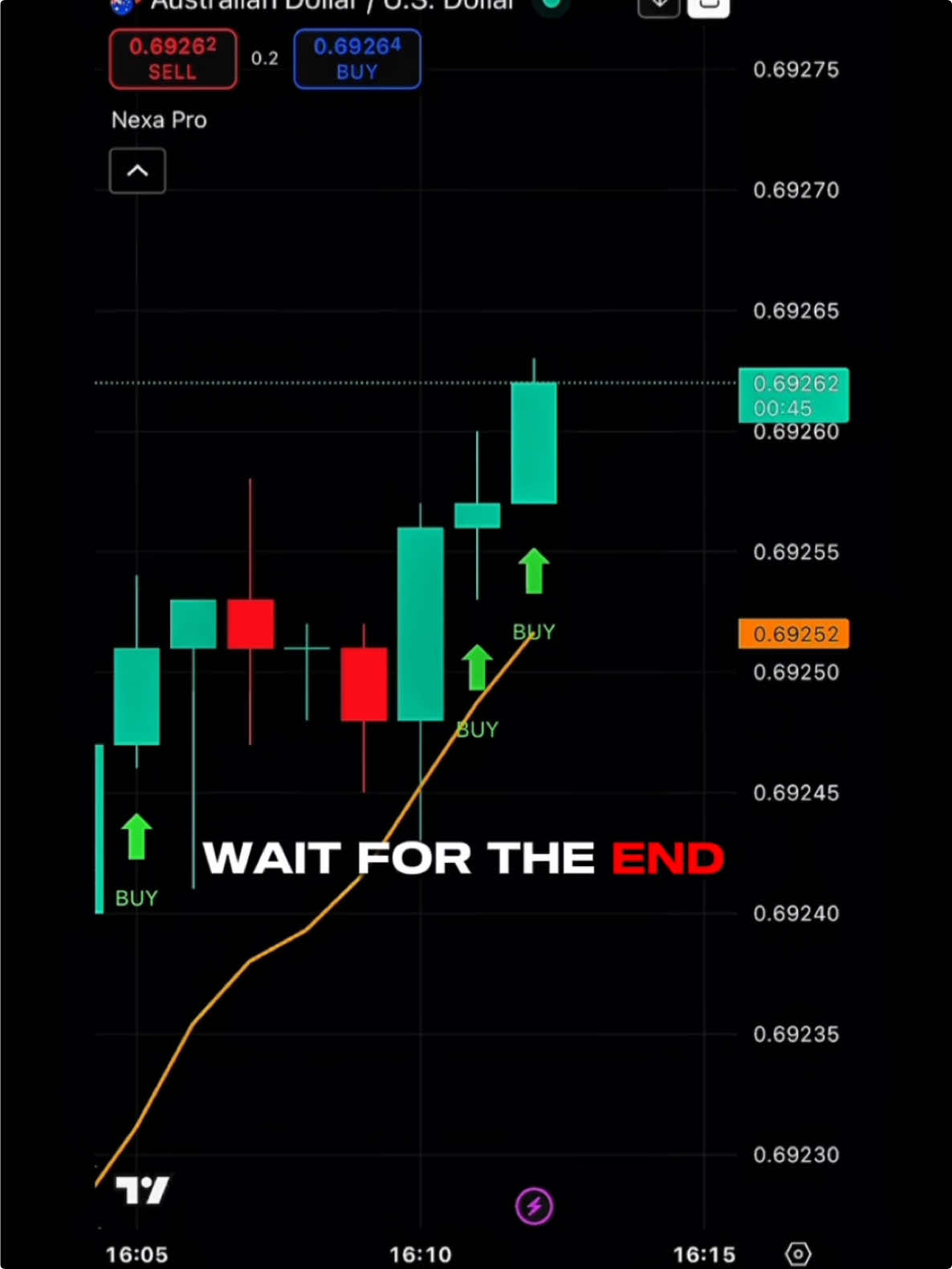
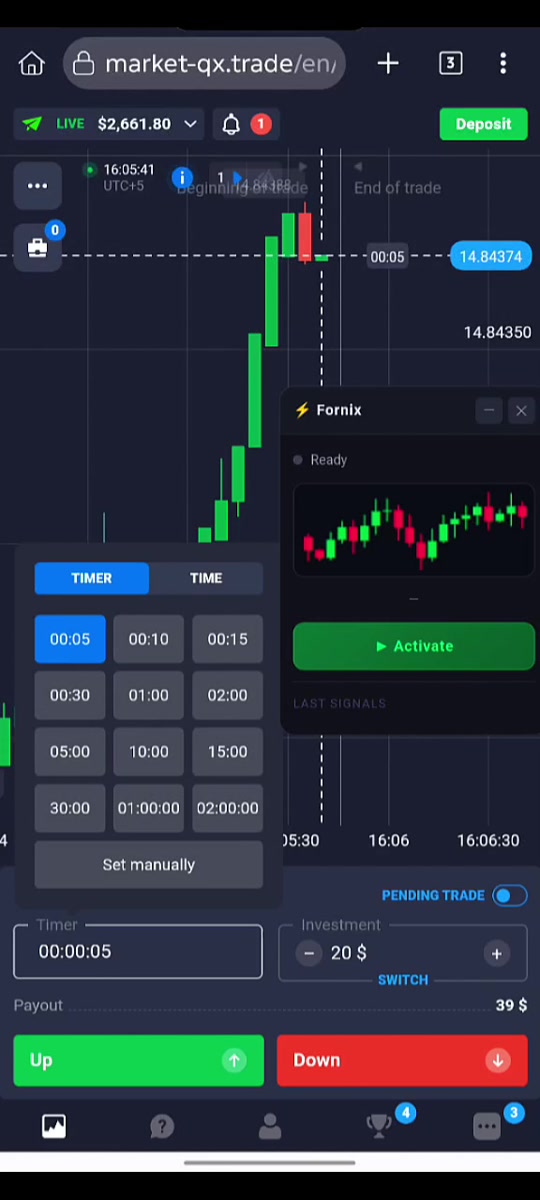
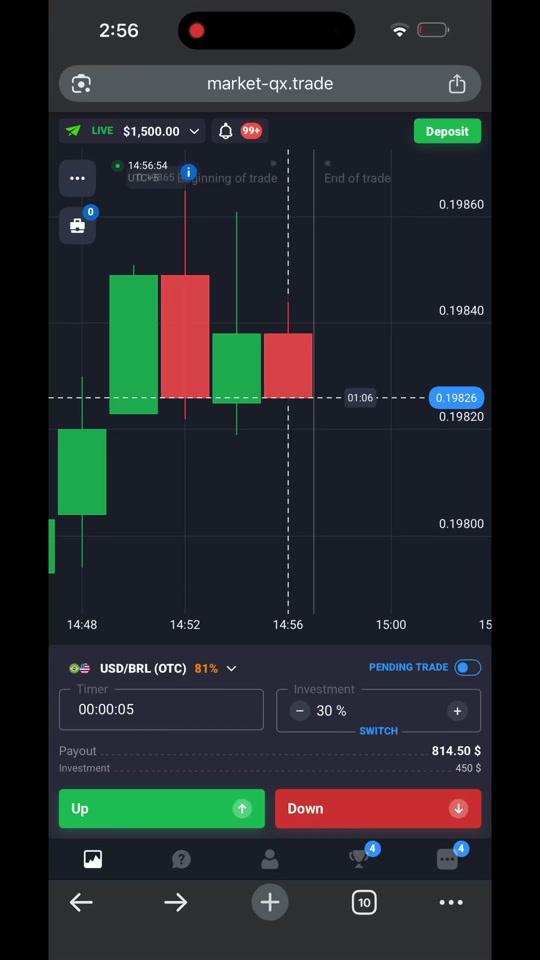
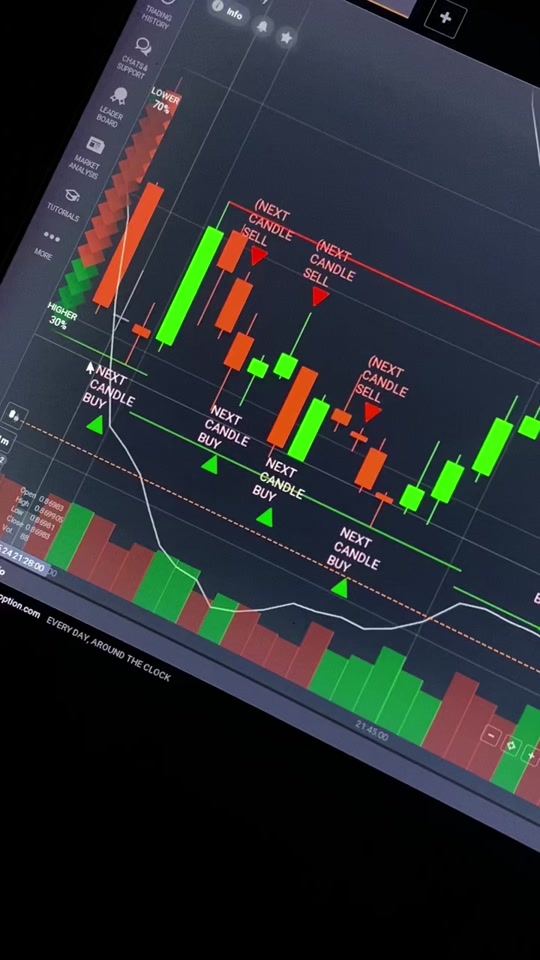
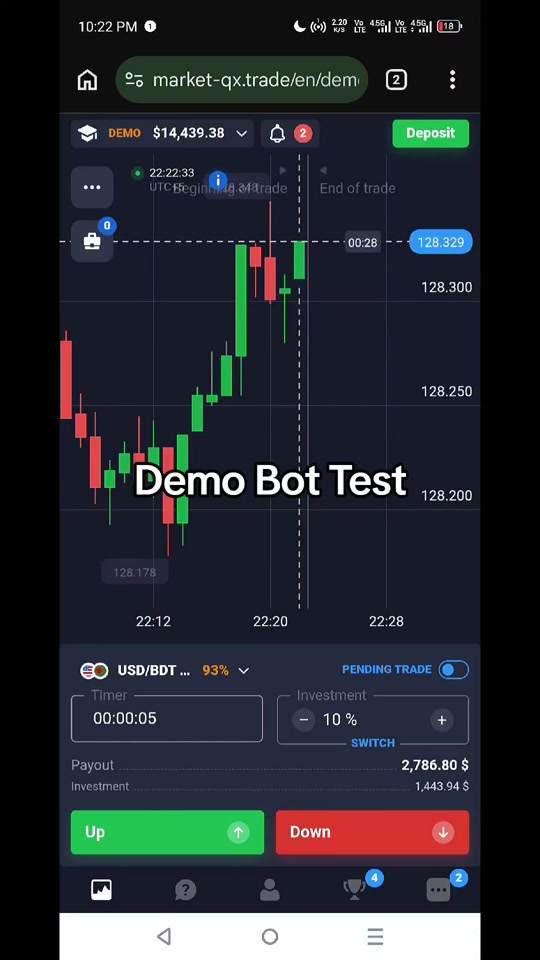
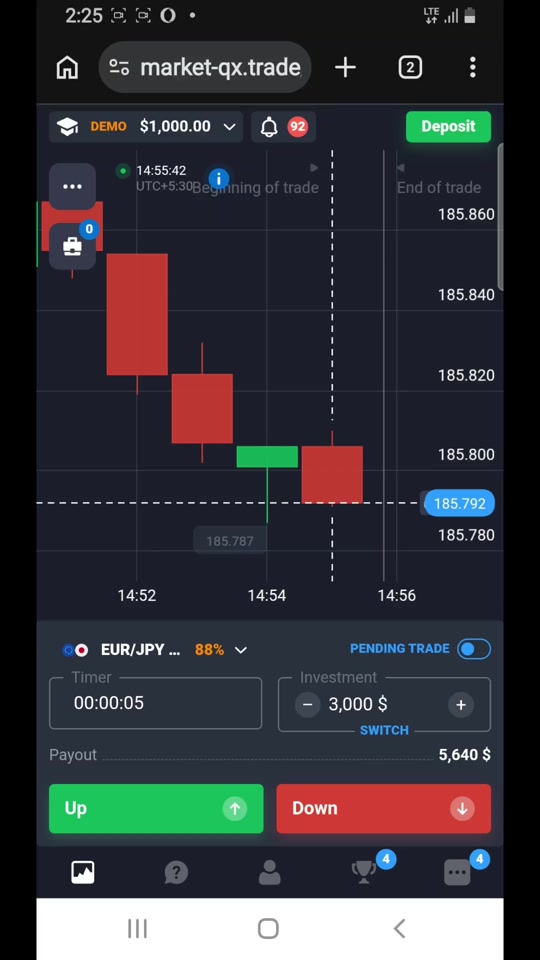
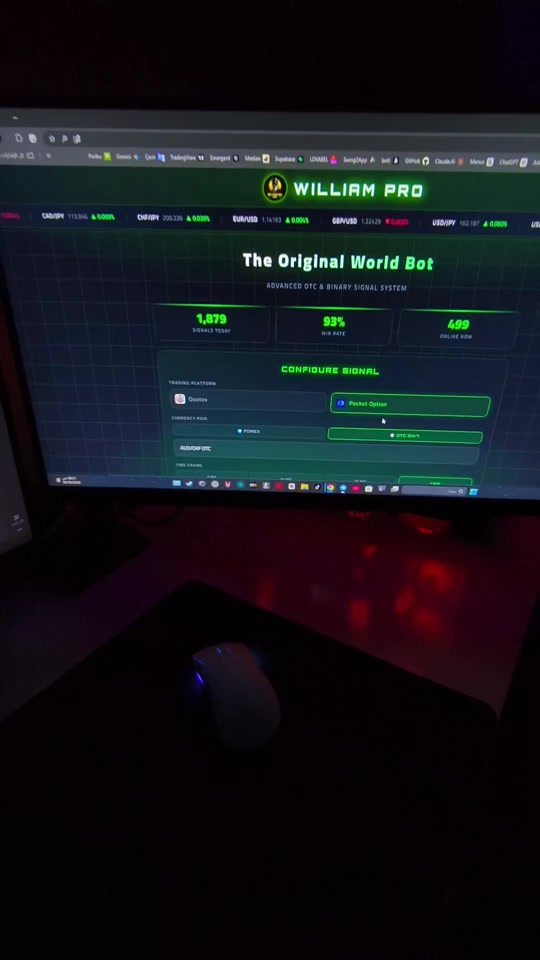
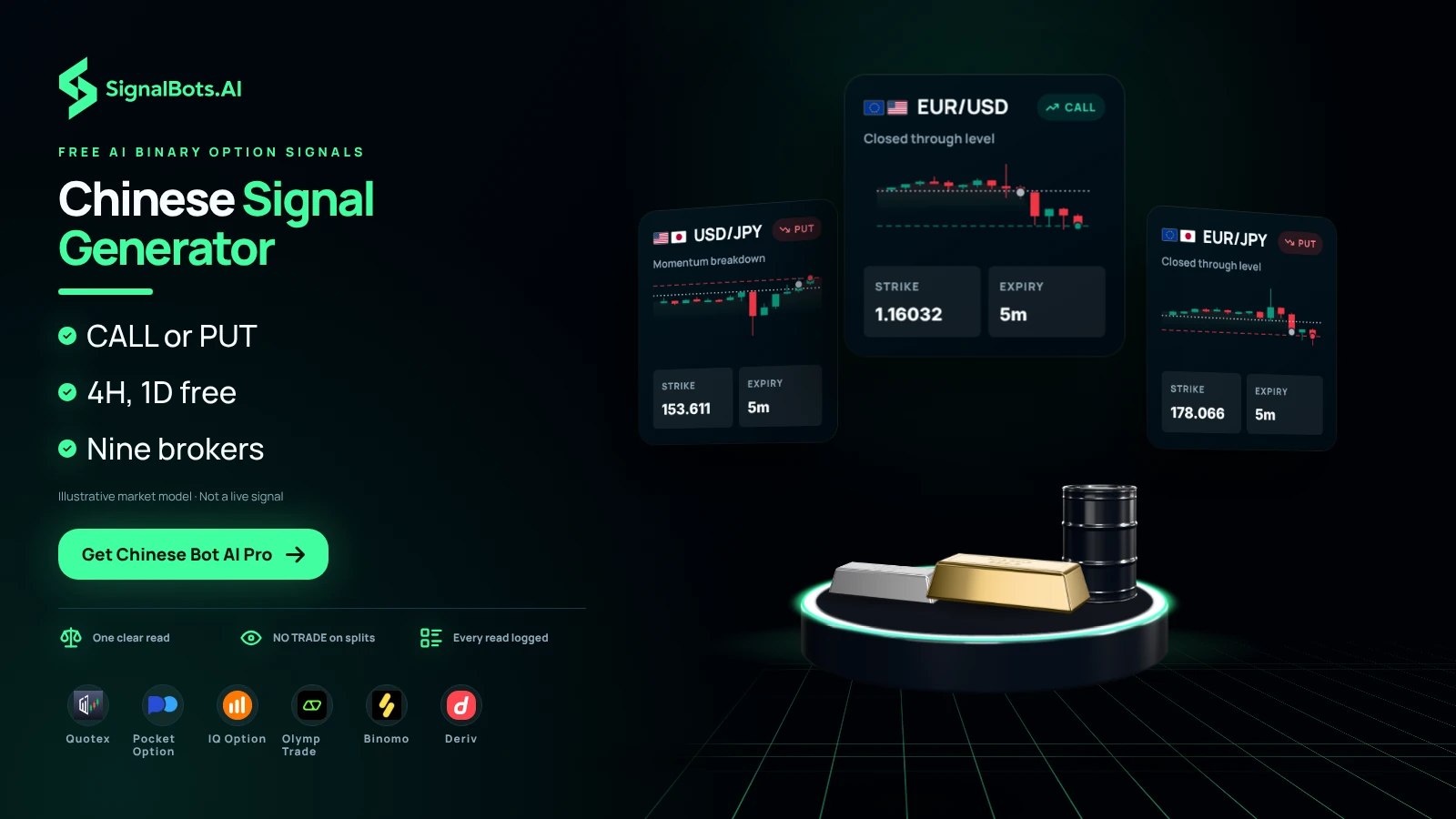
Chinese Bot AI Pro is an AI signal generator for binary options. It scans short-expiry
price action (trend, momentum and volatility) and returns one clear call:
CALL, PUT or NO TRADE. It works the same on
Quotex, Pocket Option and every major binary options broker. You may know it as the
Japanese Bot AI Pro or the Indian Bot AI Pro: same AI engine, different names.
Neural engine live · scanning 60+ marketsWorks with Pocket Option, Quotex, IQ Option, Olymp Trade, Binomo, Exnova, Bubinga, Deriv & Alpari.
AI Signal Engine · Setup
Set up your AI read
Choose your broker, pair and candle speed. The AI engine analyzes that exact combination. Mirror the same broker, pair and timeframe on your platform.
1BrokerRequired
2Market typeReal market
Real-market pairs follow the live cash market in its open hours; OTC pairs are your broker's round-the-clock weekend & after-hours quotes.
3Currency pairRequired
4Timeframe4H
Timeframes below 4H are a Premium feature: activate your license to unlock fast intraday reads.
Premium is active for this broker: every intraday timeframe down to 5S is unlocked.
No account, email or API key needed for free reads. Always trade the same broker, pair and candle length you select here.
Pick a broker & pair to start
Choose your broker and a currency pair on the left: the AI engine analyzes that combination and returns a read here. No account required.
The real market is closed
Cash-market pairs are shut for the weekend, so the AI won't read them right now. Switch to OTC to get round-the-clock reads on your broker's weekend pairs.
AI analyzing the market...
Scanning trend, momentum and volatility.
EUR/USD4H candle read
AI read
CALLBuy / Up
AI confidence-
Trend
-
Momentum
-
Volatility
-
Next read in00:00
AI-generated read for education, not financial advice. A historical edge never guarantees the next trade. Size your risk and read the risk warning first.
Premium
Unlock every intraday timeframe from 5S to 2H plus instant Telegram alerts the moment the AI fires a setup.
A guided tour: what each control does to your read
Four controls on the left, one card on the right. Each control tells the engine what to analyze; the card is the answer for that exact combination, and nothing else.
It answers one question before you place a trade: on this broker, this pair and this candle length, which way does the AI read the market, and how strongly? Most people open it at one of three moments.
Before the next entryTo get a second opinion on the direction, on the same candle length you are about to trade.
When the cash market is shutTo switch to your broker’s weekend book and read the pairs that are still quoting.
When a faster candle is temptingTo see what the free daily and four-hour reads say before deciding whether the intraday speeds are worth unlocking.
The screenshots are this page’s own tool, captured at the settings each step names. Anything a step does not name stays where the page loads it: real-market pairs, the 4H candle, no broker or pair chosen. Four marks tell you what to look at.
The one control this step changes
A part of the card that answers to it
A control that stays exactly as it was
In step 1, a numbered part of the card, explained in the list under the picture
The pictures show one moment, your screen shows yours
The direction, the confidence and the three meters are computed when you pick the combination, and they change with the market. So the numbers in these pictures are the read that existed at capture time, not one you should expect to see. What does not change is where each answer appears and what it means.
1
Before you touch anything
Read the card from the top down
The card after a broker and a pair are chosen, on the 4H candle. Seven parts, in the order they are meant to be read.
The card is one answer, not seven: the parts under the verdict say how much of an answer it is.
What was analyzed (EUR/USD, 4H candle read · Quotex). The pair, candle length and broker the read belongs to. If it does not match the ticket you are about to place, the read below is about a different trade.
The verdict (CALL, PUT or NO TRADE). The direction the engine reads for the current candle. NO TRADE is a real answer, not a failure: the conditions it looks for are not there.
AI confidence. How strongly the signals it weighs agree with each other on this read. It is a measure of agreement, never a probability that the trade wins.
Trend. Which way the candles have been leaning on this timeframe.
Momentum. How much force is behind that lean right now.
Volatility. How wide the candles are. Wide candles move faster in both directions, so the same verdict is a rougher ride.
Next read in. Time left on the current candle. At zero the engine reads the new one and the card refreshes itself.
What this means for you: read line 1 before the verdict. The most common mistake with a signal tool is acting on a read that was computed for another pair, another candle length or another broker’s prices.
2
Control: broker
Pick the broker you actually trade, because the read is stamped with it
Broker chosen. The card header now carries that broker’s name beside the candle length.
Broker tag
RequiredQuotex
Card header
4H candle read · Quotex
What it is. The platform whose prices are read. Every broker quotes the same pair slightly differently, and weekend books differ more than live ones.
What choosing it does. It picks the feed, prints itself into the card header so a read can be traced back, and decides which pairs the next control offers.
What this means for you: set this to the platform you are about to trade on, not the one you read about. A read from another broker’s feed is a read of another market.
3
Control: market type
Switch to OTC and you are reading a different market, not the same one after hours
Market type moved from Real market to OTC. The pair list is replaced and the card returns to its starting prompt.
Market tag
Real marketOTC
Pair tag
EUR/USDRequired
Broker
Quotexunchanged
What it is. Real-market pairs track the live cash market in its open hours. OTC pairs are your broker’s own round-the-clock quotes for weekends and after hours.
What switching it does. The pair list is rebuilt from the other book, so your choice cannot carry over and the tag drops back to Required. The card returns to its empty prompt until you pick from the new list: the tool refusing to show a read that belongs to the market you just left.
What this means for you: match this to the book your ticket will be filled on. If the cash market is closed and you are trading weekend quotes, a real-market read is not a slower version of the same thing, it is the wrong instrument.
4
Control: currency pair
The pair is what turns the card on
A pair chosen from the OTC list. The engine analyzes that combination and the card fills in.
Pair tag
RequiredGBP/USD
Card header
GBP/USD OTC
Candle length
4H candle read · Quotexunchanged
What it is. The instrument to read, from the list your broker and market type allow. OTC entries carry OTC in their name, so the header always says which book answered.
What choosing it does. It completes the combination, so the engine runs and the card switches from prompt to verdict. Nothing else you set changes.
What this means for you: read one pair at a time and trade that pair. A read is not transferable to a correlated pair, however similar the two charts look.
5
Control: timeframe
The candle length changes the question, not just the speed
Timeframe moved from 4H to 1D. The header and the countdown follow it.
Timeframe tag
4H1D
Card header
1D candle read · Quotex
Next read in
hours, not minutes
What it is. The candle the engine reads. 4H and 1D are free on every broker; everything faster is Premium, which step 6 covers.
What changing it does. It re-reads the same pair on a different candle, so the verdict, confidence and meters are recomputed and can disagree with the shorter candle. The countdown stretches, because it now counts the candle you are on.
What this means for you: set this to the expiry you are about to buy. Reading a daily candle and buying a five-minute option is the most common way a good read produces a losing ticket.
6
The locked chips
Everything under four hours asks for a licence first
The intraday chips carry a padlock. Selecting one opens the licence panel instead of switching the read.
Free on every broker
4H and 1D
Behind a licence
every chip from 5S to 2H
What it is. The faster reads are the Premium half of the tool, and a licence is scoped to the broker you activated it through.
What happens when you click one. The chip does not select and the timeframe tag stays on 4H; the licence panel opens instead. Nothing you set is lost, so you can close it and carry on with the free reads.
What this means for you: judge the engine on the free candles first. Run the 4H and 1D reads against your own results for a couple of weeks, and let that decide whether the faster speeds are worth having.
A short routine before the next trade
In this order, it takes about twenty seconds.
Match the platform
Choose the broker you are logged into, and the market type your ticket will be filled on.
Match the instrument
Pick the same pair on both screens. On a weekend that means the OTC entry, with OTC in its name.
Match the expiry
Set the candle length to the expiry you are about to buy, not to the fastest chip you can reach.
Read the card, top down
Header first, then the verdict, then confidence and the three meters. Treat NO TRADE as an answer and sit that candle out.
Size the trade yourself
The card does not know your balance. Decide the stake before you act on the read, and use the compounding calculator to see what that stake does over a run of trades.
Every read here is what the engine computed for the combination you chose, for education rather than advice. A historical edge never settles the next trade, so size your risk and read our risk warning first.
Also as a Browser Extension
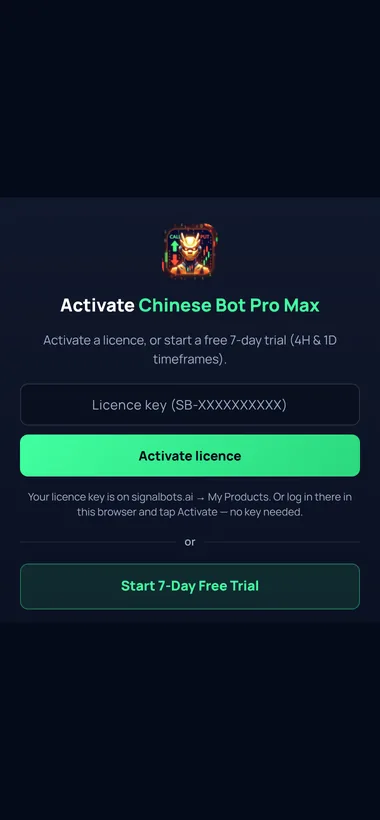
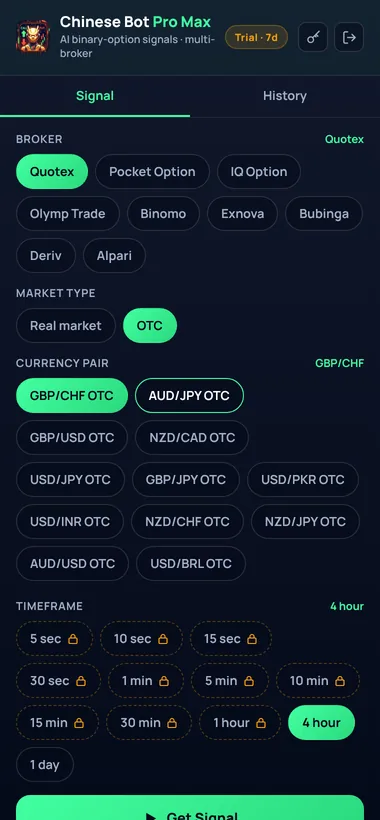
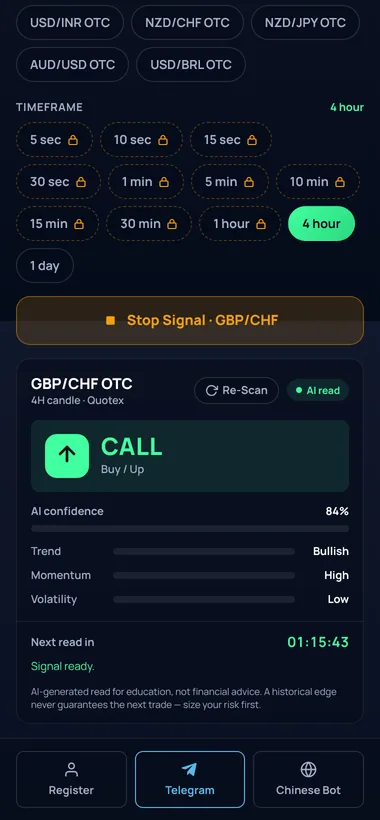
Chinese Bot Pro Max, Browser Extension
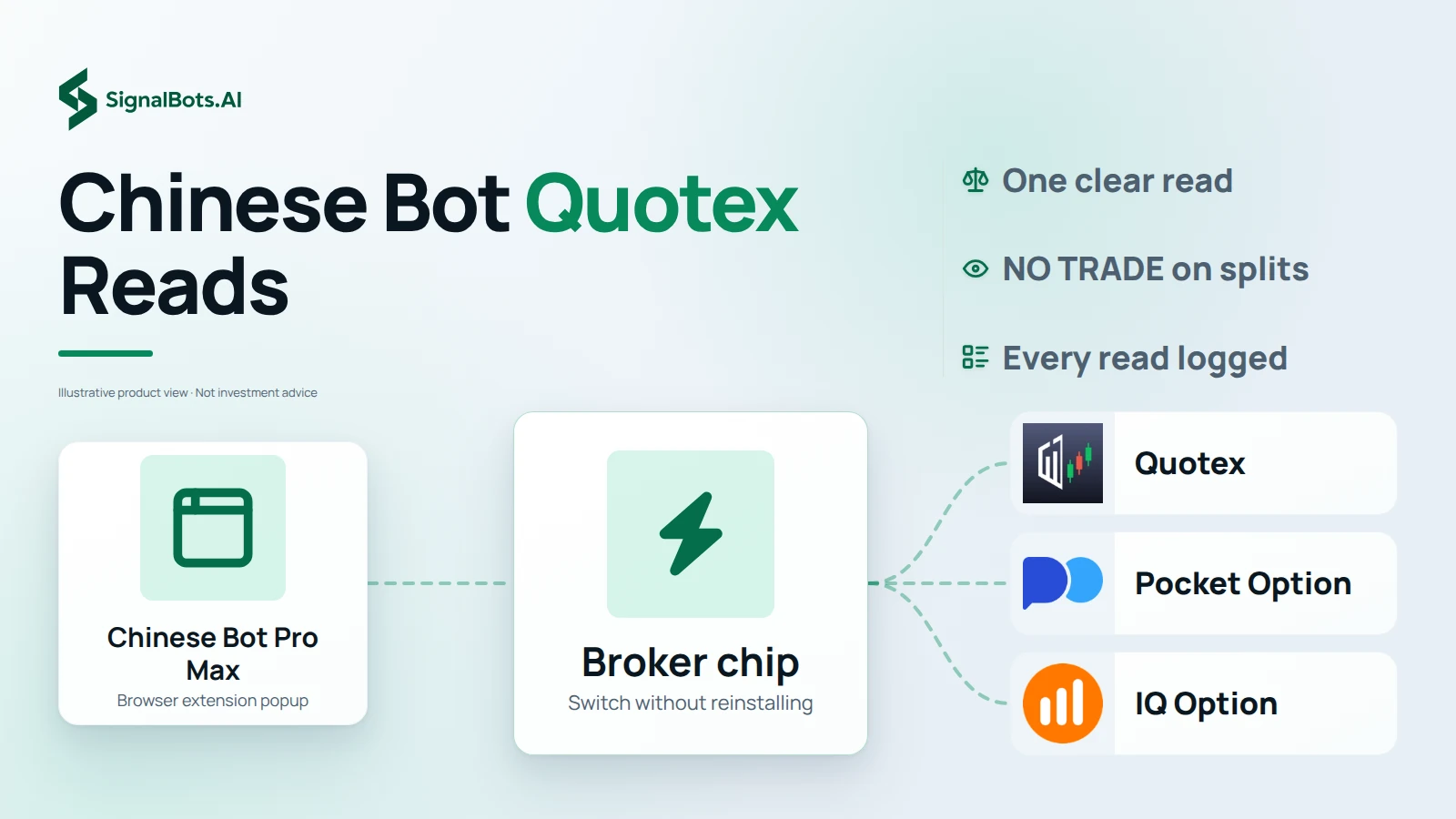
Everything above also runs as a lightweight browser extension: the same AI reads, pinned to your Quotex, Pocket Option, IQ Option or Olymp Trade tab so you never leave the trade to check a signal.
The same three-vote AI engine
Trend (EMA), momentum (RSI) and volatility (ATR) are scored the instant you tap Get Signal: the identical read this page gives, without leaving your broker's tab.
Nine brokers, one popup
Flip between Quotex, Pocket Option, IQ Option, Olymp Trade, Binomo, Exnova, Bubinga, Deriv and Alpari: the broker chip switches instantly, no reinstalling.
Free 7-day trial, then free for good
The trial unlocks every timeframe down to 5-second reads. After it ends, 4H and 1D stay free forever: the same free tier as the web tool.
Every read, logged
Each CALL, PUT or NO TRADE call is saved to a scrollable History tab, so you can check back on a signal after the candle closes.
Free with an eligible Olymp Trade account: the same licence unlocks the web tool and Telegram Mini App too.
Real screenshots from the Chinese Bot Pro Max extension.
Step-by-Step Setup
Get Chinese Bot AI Pro in 4 steps
Follow the steps in order. Open an eligible broker account the right way, pick how you want to run the bot (extension, Mini App or web), activate your free licence, then learn how to read the AI signals.
Step 1 of 4
Sign Up
Your broker
Which describes you?
Why your account is created through our link
Chinese Bot AI Pro is free because our Quotex partnership funds it: the broker pays us a referral, so the licence costs you nothing.
That only works when the account is opened through our partner link. Open it here and support activates your free licence in minutes.
Open your Quotex account the right way
Open your Quotex account in about two minutes through our partner link, so it qualifies for your free Chinese Bot AI Pro licence.
Nothing is lost, and your new Quotex account unlocks the free Chinese Bot AI Pro licence.
Already on Quotex? Reset it first
Withdraw your balance, close your current Quotex account, then reopen it through our link so it qualifies for the free licence. The guide shows the safe, no-data-lost way.
Nothing is lost, and your new Pocket Option account unlocks the free Chinese Bot AI Pro licence.
Already on Pocket Option? Reset it first
Withdraw your balance, close your current Pocket Option account, then reopen it through our link so it qualifies for the free licence. The guide shows the safe, no-data-lost way.
Nothing is lost, and your new Olymp Trade account unlocks the free Chinese Bot AI Pro licence.
Already on Olymp Trade? Reset it first
Withdraw your balance, close your current Olymp Trade account, then reopen it through our link so it qualifies for the free licence. The guide shows the safe, no-data-lost way.
Nothing is lost, and your new IQ Option account unlocks the free Chinese Bot AI Pro licence.
Already on IQ Option? Reset it first
Withdraw your balance, close your current IQ Option account, then reopen it through our link so it qualifies for the free licence. The guide shows the safe, no-data-lost way.
Chinese Bot AI Pro also runs as a browser extension: the same free licence unlocks it alongside the Telegram Mini App and this web tool, so you can read signals right inside your broker tab without switching apps.
Prefer the web app on this page? Message our team with your account and they activate your free licence. The fast timeframes unlock on the next refresh.
Step 4 of 4
How to Use
How you'll run it
Which describes you?
New to trading? Read your first signal
Brand new to binary options? See how to read Chinese Bot AI Pro in the Telegram Mini App. Pick a broker, pair and timeframe and follow the CALL, PUT or NO TRADE call.
Already trading? Put it to work
Already trading binary options? See how to run Chinese Bot AI Pro in the Telegram Mini App alongside your broker and act on each AI read fast.
New to trading? Read your first signal
Brand new to binary options? See how to read Chinese Bot AI Pro in the web app. Pick a broker, pair and timeframe and follow the CALL, PUT or NO TRADE call.
Already trading? Put it to work
Already trading binary options? See how to run Chinese Bot AI Pro in the web app alongside your broker and act on each AI read fast.
Similar Tools
Built from studying the competition
Plenty of tools out there promise valuable signals for binary options brokers: the accounts below are a sample of them. We studied how each one actually works under the hood, kept what genuinely helps a trader read the market, and built a professional-grade engine around it.
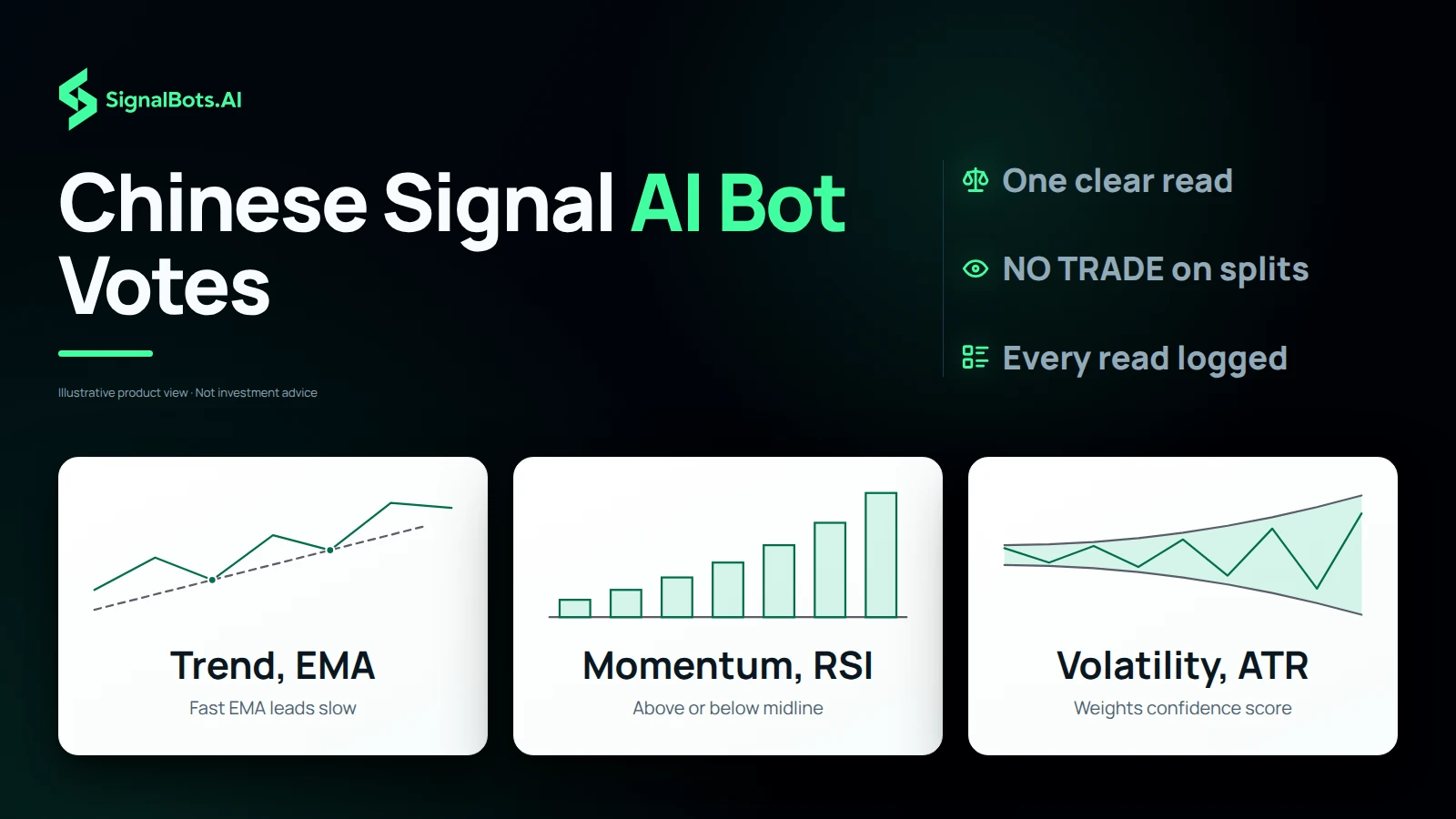
The engine pulls real cash-market candles for your pair and timeframe, then scores three classic indicators: the same ones traders track on TradingView. Each one casts a vote for up, down or neutral; the engine tallies the votes into a single consensus and shows how strongly they agree as the AI confidence score. When the votes split, it returns NO TRADE instead of guessing.
1
Trend: EMA crossover
A fast and a slow Exponential Moving Average (EMA), as defined by TradingView, are compared. When the fast EMA leads the slow one and price holds above it, the trend votes CALL; the mirror image votes PUT. This sets the directional bias of the read.
The Average True Range (ATR), TradingView's volatility gauge, compares the current range to its recent baseline. It weights the verdict: a clean trend in steady volatility earns more confidence than one firing in a choppy, erratic market.
Market clock
Trade when your pair is awake
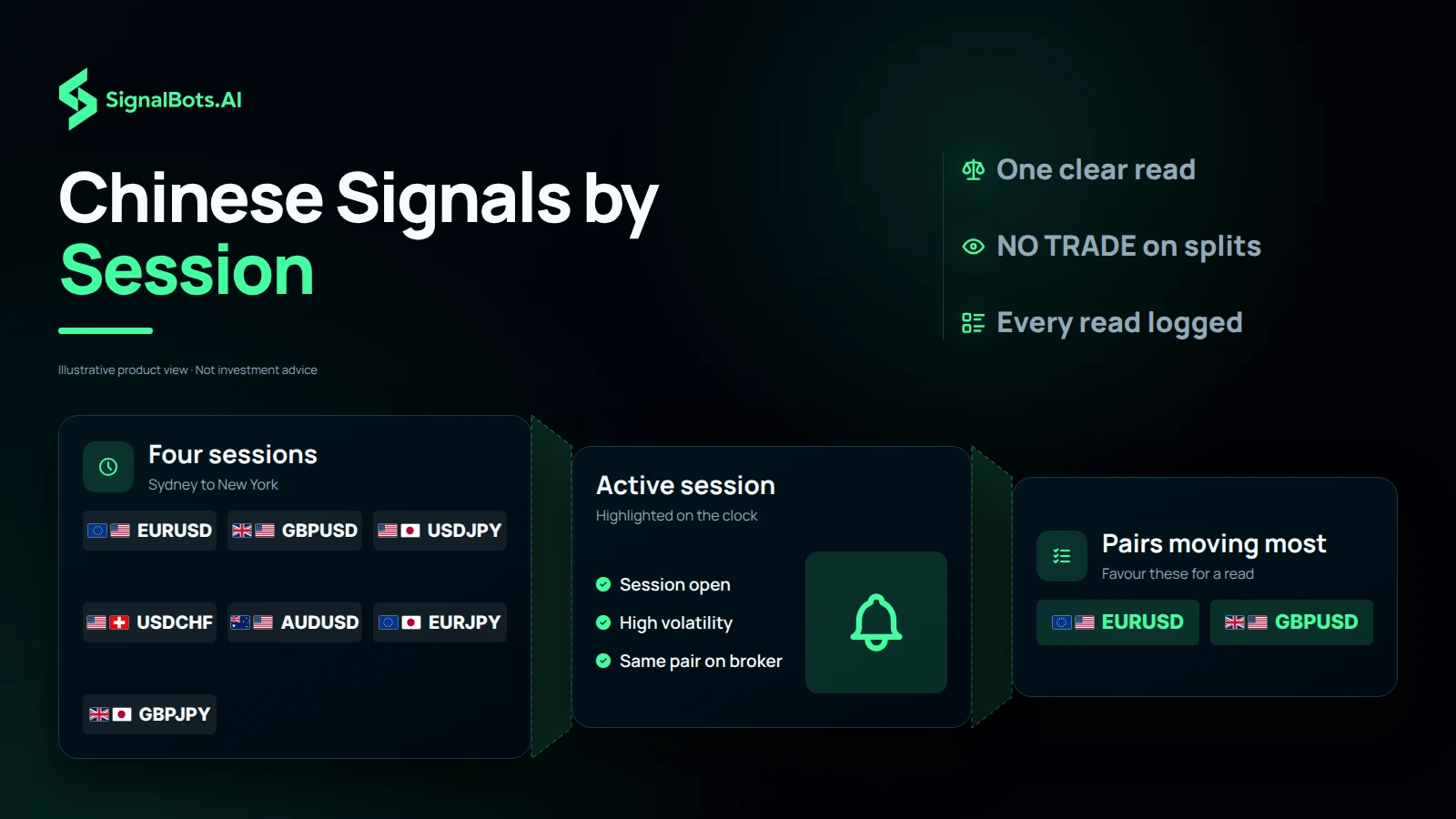
AI reads sharpen when the underlying pair is in its active session. The clock below highlights the session running right now so you favour the pairs moving most.
Checking the active session…
Sydney21:00–06:00 UTC
VolatilityLow
AUD/USDNZD/USDAUD/JPY
Tokyo23:00–08:00 UTC
VolatilityMedium
USD/JPYEUR/JPYGBP/JPY
London07:00–16:00 UTC
VolatilityHigh
EUR/USDGBP/USDEUR/GBP
New York12:00–21:00 UTC
VolatilityHigh
EUR/USDUSD/CADUSD/CHF
Chinese Bot AI Pro Premium
Let the AI run at full speed
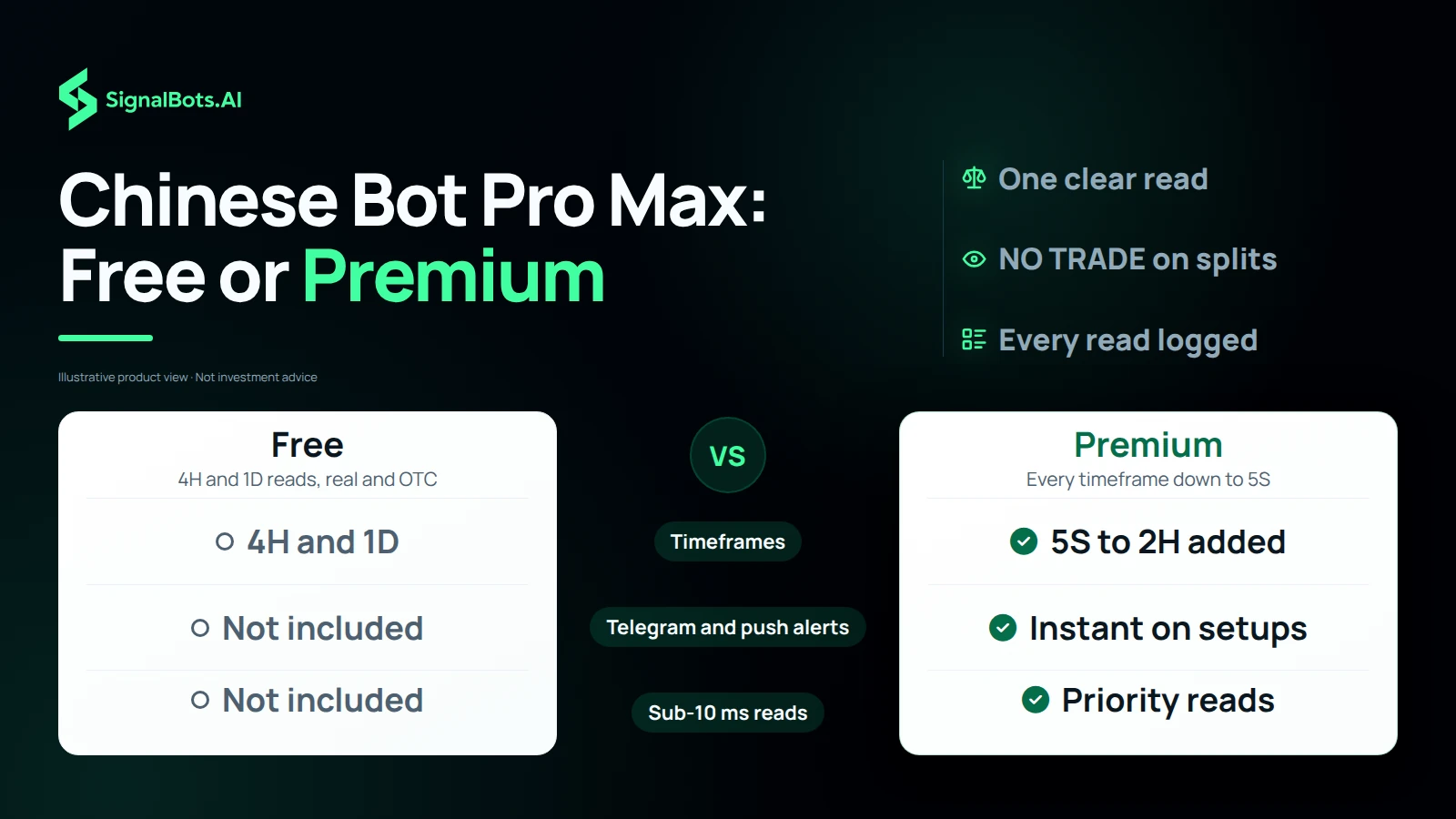
Free gives you AI reads on the 4H and 1D candles, on real-market and OTC pairs alike. Premium unlocks every faster timeframe, all the way down to 5S, plus sub-10 ms reads and instant Telegram alerts on every setup. Message our team and we'll activate your license.
It is an AI binary options reader. You pick a broker, currency pair and candle length, and the engine returns one direction (CALL (up), PUT (down) or NO TRADE), with an AI confidence score. It is not a broker and never touches your funds.
Is this Japanese Bot AI Pro or Indian Bot AI Pro?
Yes, Japanese Bot AI Pro and Indian Bot AI Pro are alternative names for the same tool. Whichever name you arrived with, the AI engine, the pairs and the read you see here are identical.
Why are the faster timeframes locked?
The 4H and 1D reads are free for everyone. Every faster timeframe, from 2H all the way down to 5S, runs on our priority AI scanning queue, so it is a Premium feature. To unlock them, message support to activate your license.
Which brokers does it work on?
It works on most mainstream short-expiry brokers (Pocket Option, Quotex, IQ Option, Olymp Trade, Binomo, Exnova, Bubinga, Deriv and Alpari) with no broker treated as special. Pick your broker on the left so the AI scopes the read, and mirror the same pair and candle length on your platform.
Does it work on Quotex and Pocket Option?
Yes. Chinese Bot AI Pro works the same on Quotex, Pocket Option and every major binary options broker. Pick your broker on the left so the AI scopes the read, then mirror the same pair and timeframe on your platform.
Does it give OTC binary signals?
Yes. Switch the bot to OTC in the controls and it reads the weekend OTC binary options markets, so you get a CALL, PUT or NO TRADE read on OTC pairs too.
Is it available on Telegram?
Yes, it runs as a Telegram Mini App. Open @chinese_ai_pro_bot in Telegram to get the exact same AI reads inside the app, on desktop or mobile.
Is this the latest version?
Yes. This page always runs the current version: every update ships to this page and the Telegram Mini App at the same time, so there is no newer build to chase.
What does AI confidence mean?
It is how strongly the engine's signals agree on the read: higher means trend, momentum and volatility line up. It is a confidence gauge, not a promise; treat a high score as a cleaner setup, never a sure thing.
Why does it sometimes say NO TRADE?
When the read is too mixed to favour either side, the engine says NO TRADE instead of guessing. Skipping low-quality setups is part of the edge: sitting out a coin-flip protects your account.
How often does the read refresh?
The read is stable for the length of the current candle and refreshes when that candle closes: the countdown on the card shows exactly when. You can also force a fresh AI scan with the Re-scan button.
Is binary options trading risky?
Yes, short-expiry trading carries a substantial risk of loss and is not suitable for everyone. Chinese Bot AI Pro is an educational AI read, not financial advice. Only risk what you can afford to lose and read our risk warning.
How do I get a license?
Message our team to activate it: contact support with your account details and they set up your license in minutes.
Is there free trial access?
Yes. The 4H and 1D timeframes are free for everyone, so you can test the bot's performance on real-market and OTC pairs before activating Premium for the faster timeframes.
Can I download this bot?
No download needed to use it here on this page or inside the Telegram Mini App. If you'd rather have it docked in your broker tab, Chinese Bot Pro Max also ships as a free browser extension for Chrome and Edge.
Is there an Android APK version?
There is no separate Android APK to install. Use the web version on this page or the Telegram Mini App, both run on mobile with no app to download.
Free AI read
Chinese Signal Generator With One CALL, PUT or NO TRADE Read
The Chinese signal generator most traders search for is Chinese Bot AI Pro, also known as Japanese or Indian Bot AI Pro: a free AI signal generator for binary options. You choose a broker, a market type, a currency pair and a timeframe, and it scans short-expiry price action for trend, momentum and volatility, then returns one clear call: CALL, PUT or NO TRADE. Real-market pairs follow the live cash market in its open hours, while OTC pairs are your broker's round-the-clock quotes. Mirror the same broker, pair and timeframe on your platform before acting, and remember a read is not a promise: trading carries risk of loss.
Three-vote engine
Chinese Signal AI Bot Votes on EMA Trend, RSI Momentum and ATR
Each read starts from real cash-market candles for your pair and timeframe. The Chinese signal AI bot then scores three indicators traders already track on TradingView, and each casts a vote for up, down or neutral. Trend compares a fast and a slow EMA: the fast line leading with price holding above it votes CALL, and the mirror image votes PUT. Momentum uses RSI, backing CALL above its midline and PUT below it. Volatility uses ATR against its recent baseline to weight the verdict. The votes become one consensus with an AI confidence score, and when they split you get NO TRADE instead of a guess.
Chinese Bot Quotex Reads Pinned to Your Broker Tab
Searches for Chinese Bot Quotex usually want the read right beside the trade, and that is what the Chinese Bot Pro Max browser extension does. It runs the same three-vote engine as the web tool, pinned to your Quotex, Pocket Option, IQ Option or Olymp Trade tab, so you tap Get Signal without leaving your broker's tab. A broker chip in the popup flips between nine brokers, adding Binomo, Exnova, Bubinga, Deriv and Alpari, with no reinstalling. Every CALL, PUT or NO TRADE call is saved to a History tab, so you can check back on a read after the candle closes.
Chinese Signals Sharpen When Your Pair's Session Is Open
AI reads sharpen when the pair you picked is in its active session, so the clock matters as much as the chart. The Sydney session runs 21:00 to 06:00 UTC with low volatility on AUD/USD, NZD/USD and AUD/JPY. Tokyo runs 23:00 to 08:00 UTC with medium volatility on USD/JPY, EUR/JPY and GBP/JPY. London, 07:00 to 16:00 UTC, and New York, 12:00 to 21:00 UTC, both bring high volatility, with EUR/USD active in each. The market clock highlights the session running now, so you favour the pairs moving most before asking for Chinese signals.
Chinese Bot Pro Max Free Tier Versus Premium Timeframes
Chinese Bot Pro Max gives you AI reads on the 4H and 1D candles for free, on real-market and OTC pairs alike. Premium unlocks every faster timeframe from 5S to 2H, sub-10 ms priority reads, instant Telegram and push alerts and a priority AI scanning queue; you message the team and they activate your licence. The extension for Chrome, Edge or Firefox opens with a free 7-day trial covering every timeframe, then keeps 4H and 1D free for good. It is also free with an eligible Olymp Trade account, and that same licence unlocks the web tool and the Telegram Mini App.
Premium License
Unlock the fast timeframes
Premium unlocks every intraday timeframe, from 5 seconds up to 2 hours. Activating takes three quick steps; our support team sets it up for you:



 Add to Chrome
 Add to Edge
 Add to Firefox