

Pocket Option
Real Market
OTC Market
Live CALL and PUT signals delivered to a VIP Telegram channel for each broker, with every outcome, win or loss, posted in full inside the channel. Read the proof, then pick your broker.
9 brokers covered, each with a VIP channel for the real market, and a second channel for the weekend OTC board where the broker offers one. Read the channel's own page, or open the channel itself.








Our binary options signals call CALL and PUT setups straight off the chart, so they work the same whichever broker you trade on. Whatever platform below is your home, you can follow along from our VIP Telegram channel.







They're VIP Telegram channels that post live CALL and PUT signals for a specific binary options broker, scored by the SignalBots AI. Each broker has its own channel, and every signal's outcome (win, loss, or tie) is posted in full inside the VIP channel so you can read the track record for yourself.
Pick your broker above to open its channel page. The VIP channel is our premium signal product, and there are two ways in: a monthly subscription if you'd rather pay direct, or free when you open a broker account through our partner link and make your first deposit. Each broker page walks you through both routes.
Yes. Every VIP signal's outcome (win, loss, or tie) is posted in full inside the VIP channel seconds after the trade closes. Scroll back as far as you like and judge the track record yourself. We never edit or delete outcomes, and past performance does not guarantee future results.
Pocket Option, Quotex, IQ Option, Olymp Trade, and Binomo. Most run both a weekday channel and a separate weekend OTC channel; Binomo is weekday-only for now. Pick a broker from the grid above to jump to its channel page.
The weekday channel trades the broker's live markets during normal trading hours. The OTC channel trades the broker's synthetic "over-the-counter" markets, which stay open 24/7, including weekends, when real markets are closed. OTC markets behave differently, so we keep them on a separate channel with its own signals.
No. The Telegram channels work on their own. Read each post and place the trade on your broker by hand in a few taps. The browser extension is optional: it reads the same VIP signals and clicks them onto the broker for you, for traders who'd rather not place each one manually.
Each post spells out the asset, the direction, and the expiry. Open your broker, pick the same asset, match the timeframe and expiry, then tap CALL if the post says BUY or PUT if it says SELL, with your usual stake. The channel runs on Telegram, so signals reach your phone or desktop the instant they post.
On any binary trade, the most at stake is what you put on that one trade. It either pays out at expiry or loses in full. No signal channel removes that risk, and past results don't guarantee future ones. Read the Risk Warning and only trade money you can afford to lose.
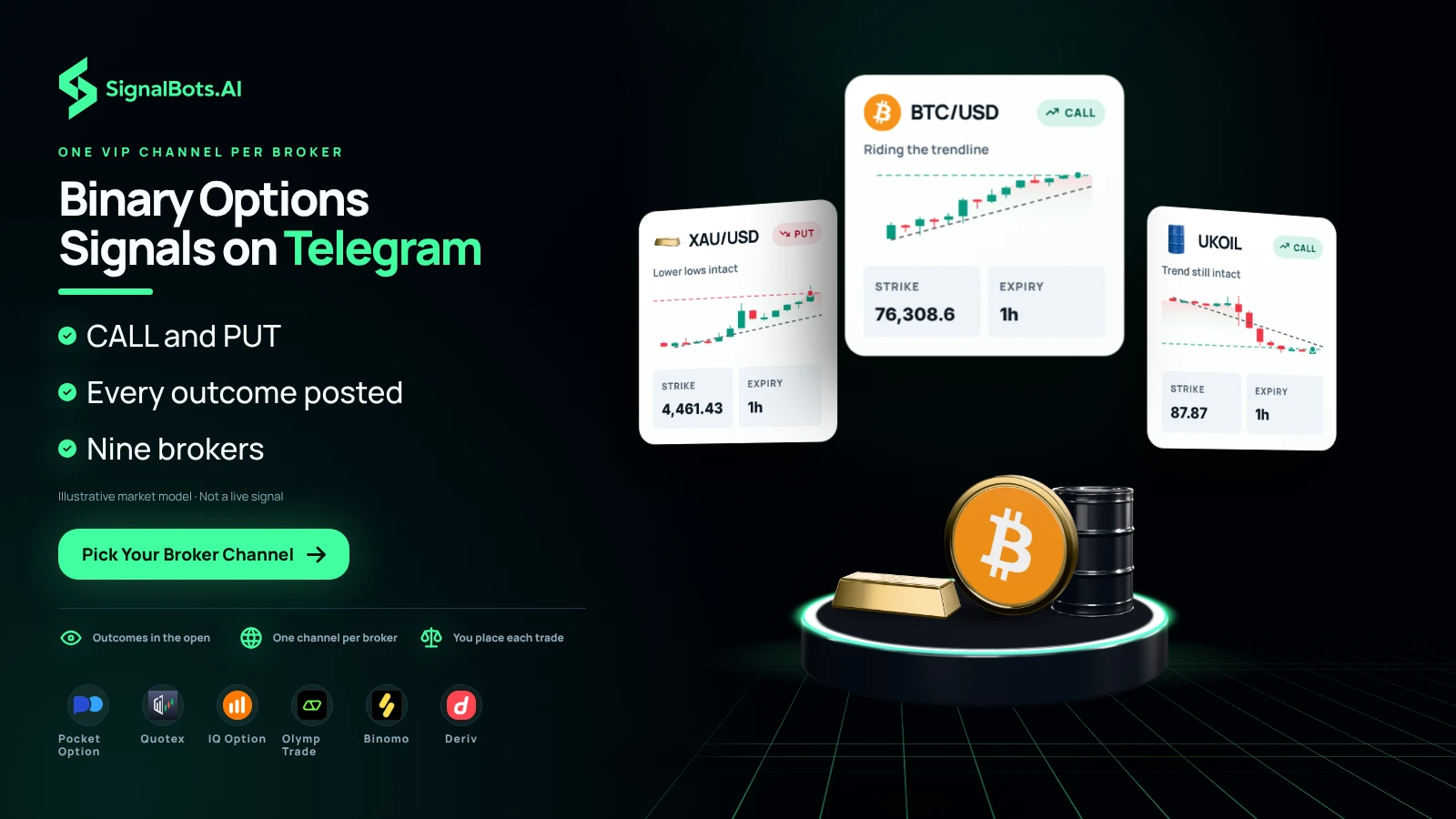
Our binary options signals Telegram channels give each broker its own VIP Telegram channel, so you follow CALL and PUT calls in a channel named for the platform you already use. The SignalBots AI scores every call, and each post spells out the asset, the direction and the expiry, short enough to copy onto your broker in a few taps. When the trade closes, its outcome, win, loss or tie, is posted in full inside the same channel, so the record builds in front of you. You place every trade yourself, and each one carries a risk of loss.
Pick Your Broker Channel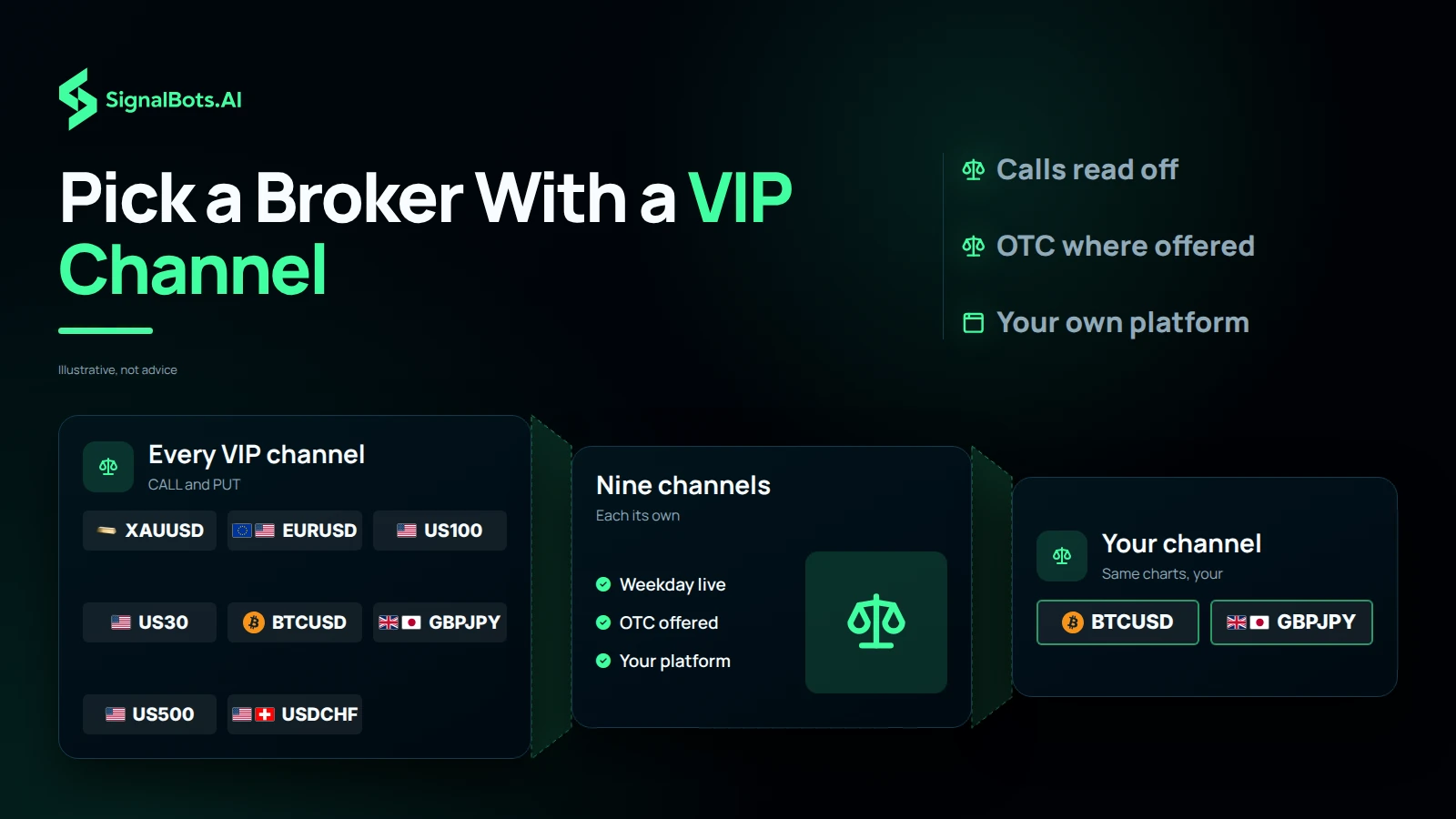
Start from the broker you already use. Nine brokers have their own VIP weekday channel: Pocket Option, Quotex, IQ Option, Olymp Trade, Binomo, Exnova, Bubinga, Deriv and Alpari. Four of them, Pocket Option, Quotex, IQ Option and Olymp Trade, also run a weekend OTC channel. The calls are read straight off the chart, so they work the same whichever broker you trade on, and if your platform has no channel of its own, from ExpertOption to Nadex, you can still follow along from a VIP channel. If your broker is on the grid, pick its channel and jump straight to it.
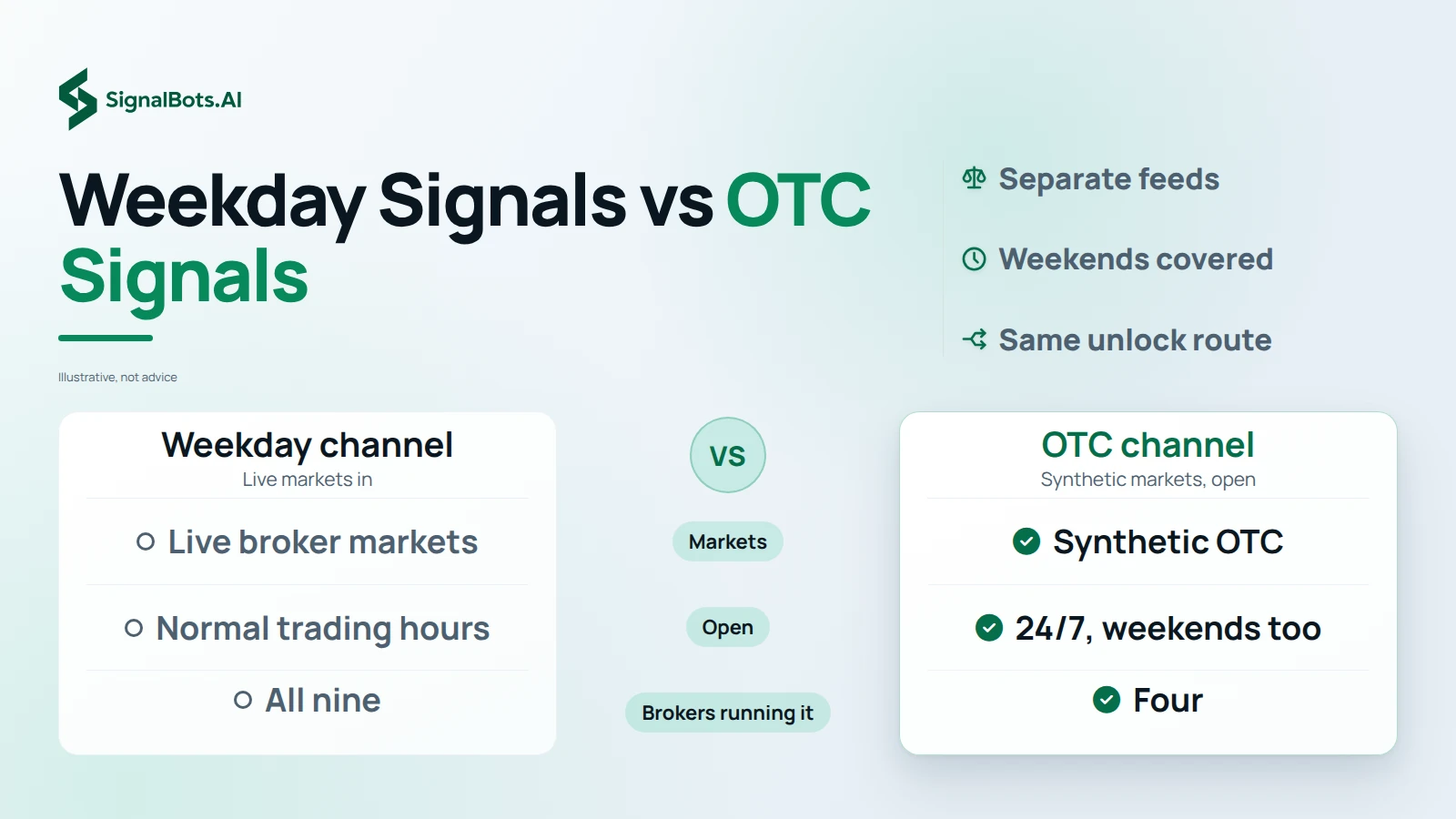
The weekday channel trades a broker's live markets during normal trading hours, so its calls follow real currency pairs, commodities and indices while those markets are open. The OTC channel trades the broker's synthetic over-the-counter markets, which stay open 24/7, including weekends when real markets are closed. OTC markets behave differently, so their calls sit on a separate channel rather than mixing into your weekday feed. If you mainly trade on Saturdays and Sundays, choose a broker that offers both, such as Pocket Option, Quotex, IQ Option or Olymp Trade, since the other five brokers run a weekday channel only.
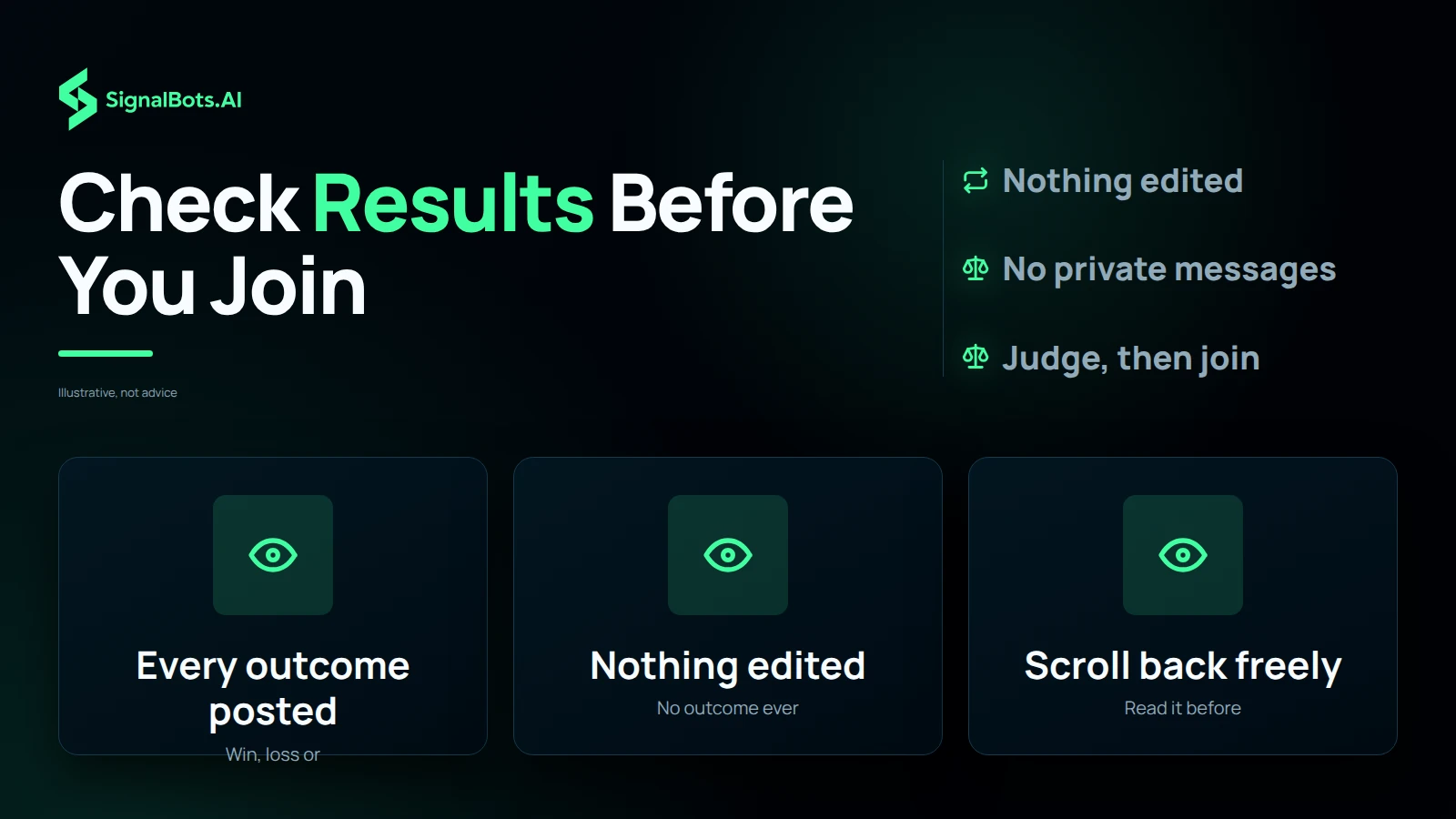
Binary signal channels on Telegram often lean on edited screenshots and a VIP manager in your direct messages. Ours works the other way. Every VIP signal's outcome, win, loss or tie, is posted in full seconds after the trade closes, and outcomes are never edited or deleted, so you can scroll back as far as you like and judge the track record before you pay or deposit anything. You join from the channel page, never from a private message, and there are no hidden tiers. Past performance does not predict future results, and every binary trade carries risk of loss.
Start from the platform you already trade on. Every channel below belongs to one broker board, so its calls name assets and expiries you can take there without translating anything. If you trade on weekdays, take the broker's real-market channel. If your trading happens on Saturday and Sunday, go to its OTC channel instead. Read what a channel covers, then open it.
The Pocket Option channel posts CALL and PUT signals read straight off the weekday charts, on the currency pairs, commodities and indices the broker lists while the real markets are open. Each post names the asset, the direction, the expiry and a confidence score, so you can check the setup against your own chart before you place anything.
When the candle closes, the result is posted in the same channel, win, loss or tie, and it is never edited away. This is also the one broker where the SignalBots browser extension can place the call for you instead of you tapping it in. You still size every trade yourself, and a binary trade can lose its whole stake.
Open the Telegram channel Read the Pocket Option channel page
The OTC channel covers Pocket Option's over-the-counter board, the synthetic pairs, gold, oil, indices and Bitcoin that keep trading through Saturday and Sunday when the real markets are shut. It runs as its own feed so weekend calls never mix into the weekday channel you are reading on a Tuesday.
OTC prices are quoted by the broker rather than an open market, so the calls are scored against that board's own behaviour. Wins, losses and ties are posted the same way as on the weekday side. Treat the weekend book as a different market, not an extension of the weekday one, and start small.
Open the Telegram channel Read the Pocket Option OTC channel page
The Quotex channel focuses on the pairs the broker pays best on during the trading week, and each post says which expiry the setup was read for. A call written for a one-minute expiry is not the same trade at five minutes, so the expiry is part of the signal rather than a detail you guess at.
Every closed trade is posted back to the channel, so the record builds in public rather than in a screenshot someone sends you. The channel page explains how to rehearse the same calls on a Quotex demo balance first, and how the browser extension places them if you would rather not click each one.
Quotex keeps an OTC board open at the weekend, from exotic currency pairs to crypto, and this channel is where those calls go. Each one carries its expiry and its confidence score exactly like the weekday feed, and nothing is sent to you privately.
There is one public channel and no hidden tier above it: you read the same posts every other member reads. If you mainly trade on Saturdays and Sundays, this is the Quotex feed to follow, and the weekday channel is the one to mute. Past results do not predict future ones.
IQ Option lists forex pairs, stocks and crypto side by side, and the channel carries calls across all three in one feed. Because a single feed can move fast, every post is scored, so you can set a confidence floor for yourself and simply skip anything below it.
The channel page shows how to filter the feed down to the assets you actually trade, and how the auto-trading extension can place the calls for you on the weekday board. Outcomes are posted in full after each expiry, so the track record is readable before you subscribe or deposit.
The IQ Option OTC channel trades the broker's weekend board, from EUR/USD OTC to BTC/USD OTC. These are synthetic instruments: they carry familiar names but they are priced by the broker, and they can behave quite differently from the live pairs of the same name.
Keeping them on their own channel is deliberate, so nobody takes a Sunday OTC call as a read on Monday's real market. The posts, the confidence scores and the closed results follow the same format as the weekday feed. Every binary trade risks the full stake.
Open the Telegram channel Read the IQ Option OTC channel page
The Olymp Trade channel is written for someone placing a first fixed-time trade: the post says the asset, the direction and the expiry in plain terms, with nothing left to interpret. You choose the confidence floor you are willing to act on and leave the rest.
Olymp Trade gives every account refillable demo funds, so the channel page walks through rehearsing a week of calls on demo before any real money is at stake. Closed results are posted for every signal, winners and losers alike, so the practice run has a record to check itself against.
Saturdays and Sundays move to the Olymp Trade OTC board: synthetic currency pairs, metals and composite indices, usually on short expiries. The channel posts the calls it reads there and, just as often, says nothing at all when the board gives no setup worth taking.
Silence is a real answer in this channel rather than a gap to fill with filler posts. The channel page also explains how an account opened through our broker partnership switches VIP access on at no cost to you, which is the same route the weekday channel uses.
Open the Telegram channel Read the Olymp Trade OTC channel page
Binomo is a phone-first platform, and the channel is built around that: each post is short enough to read on a lock screen and place in a few taps on iOS, Android or the web app. The calls are sorted by confidence score so you can act on the strongest ones only.
There is no OTC sibling here, so this one channel covers everything Binomo signals get. Binomo's refillable demo balance makes it straightforward to follow the feed for a while before committing real funds, and every closed outcome stays posted for you to scroll back through.
The Exnova channel runs from FX majors through to crypto, and it is timed for a platform that executes quickly on both web and mobile. Each call names its expiry, because a fast platform is only an advantage if you know how long the trade is meant to stay open.
Exnova has no separate weekend board, so this channel is the whole feed. The channel page covers opening an account, rehearsing on the demo balance and the two ways VIP access is unlocked. Start with the smallest stake the platform allows.
Bubinga pays out at very different rates depending on the asset, and the channel calls the lower-payout instruments as readily as the headline ones when that is where the setup is. Filtering the feed down to the assets you trade is part of the channel page's setup guide.
Bubinga does not accept traders from every country, so check the restricted-country list on the channel page before you plan around it. As on every other channel, each trade's closed result is posted in full and left there.
Deriv carries forex, crypto and its own synthetic indices, and this channel covers all of them on one-minute and five-minute expiries. The synthetic indices run continuously, which is why the feed does not stop dead at the weekend the way a pure weekday channel does.
Each post is short by design, roughly three taps from reading it to placing it. VIP access comes either by monthly subscription or through a Deriv account opened via our partner link, and the channel page lays out both routes.
Alpari calls its fixed-expiry product Fix-Contracts, so this channel explains how a BUY or SELL post becomes a CALL or PUT Fix-Contract before it gives you the calls. The coverage spans the forex and multi-asset markets Alpari lists for that product.
The signals are scored by the same engine behind the other broker channels, and each closed contract's outcome is posted for anyone to read. Access is free with an eligible Alpari account, and the channel page shows what counts as eligible.
Every channel posts its closed outcomes in full, wins and losses alike. Past performance does not predict future results, and a binary trade can lose its whole stake. Read our risk warning before you act on any of them.
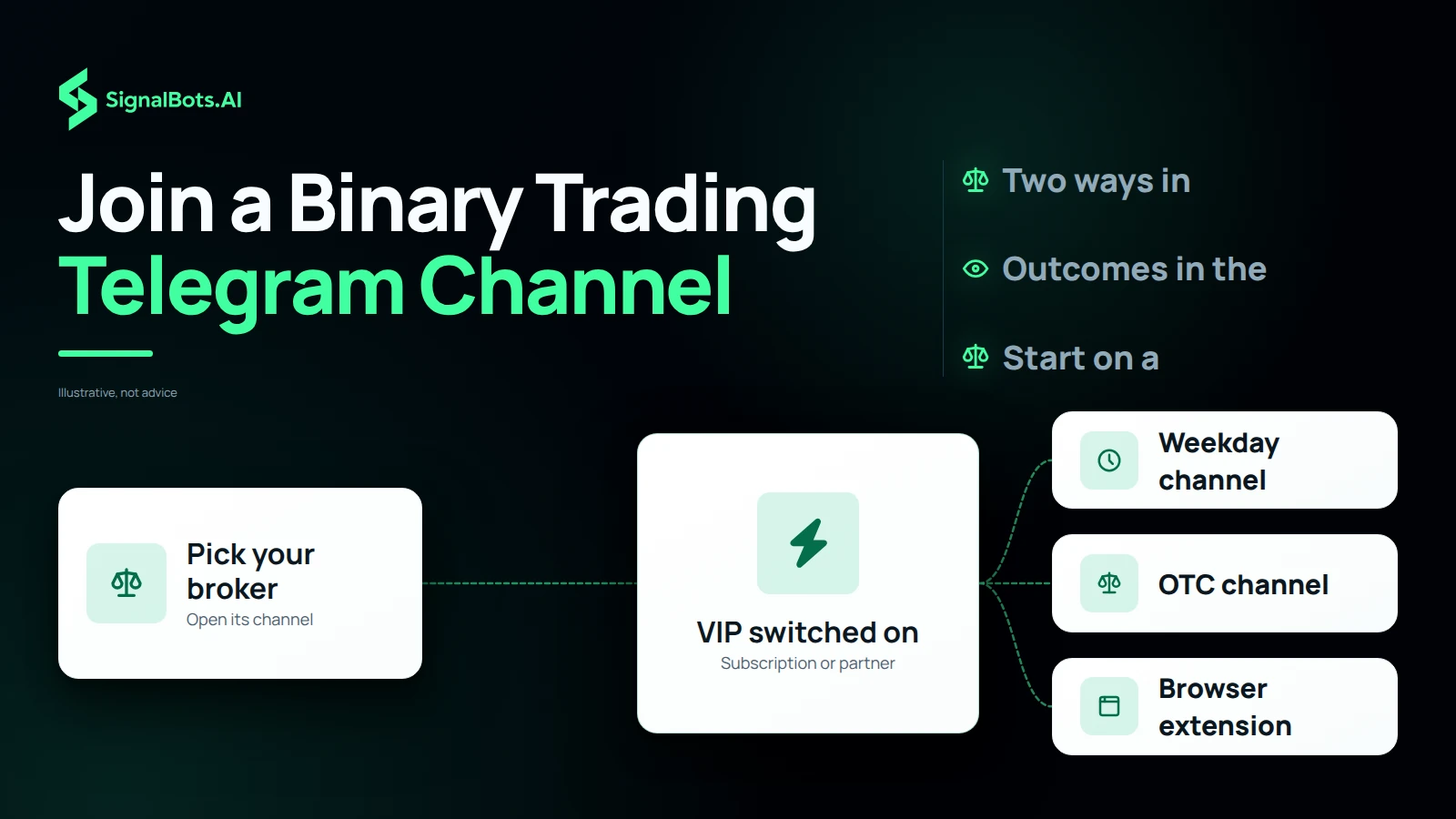
Joining starts with your broker: open its channel page from the grid and choose how you want VIP. A monthly subscription suits you if you would rather pay direct. The free route is a broker account opened through our partner link: make your first deposit, the broker partnership pays us, and VIP access is switched on at no cost to you. Either way you land in that broker's VIP channel, and on Pocket Option, Quotex, IQ Option and Olymp Trade the OTC channel opens the same way. The browser extension is optional, since every channel works on its own. Start small, because one binary trade can lose its whole stake.
Message our 24/7 support team via Telegram or Viber. They’ll walk you through both VIP unlock routes (a monthly subscription, or free lifetime VIP via our broker partnership) and send your channel invite the moment you’re ready.
Replies usually arrive within minutes during business hours.