Multi-asset · Binary · VIP access

ICT Liquidity Pool AI Signals

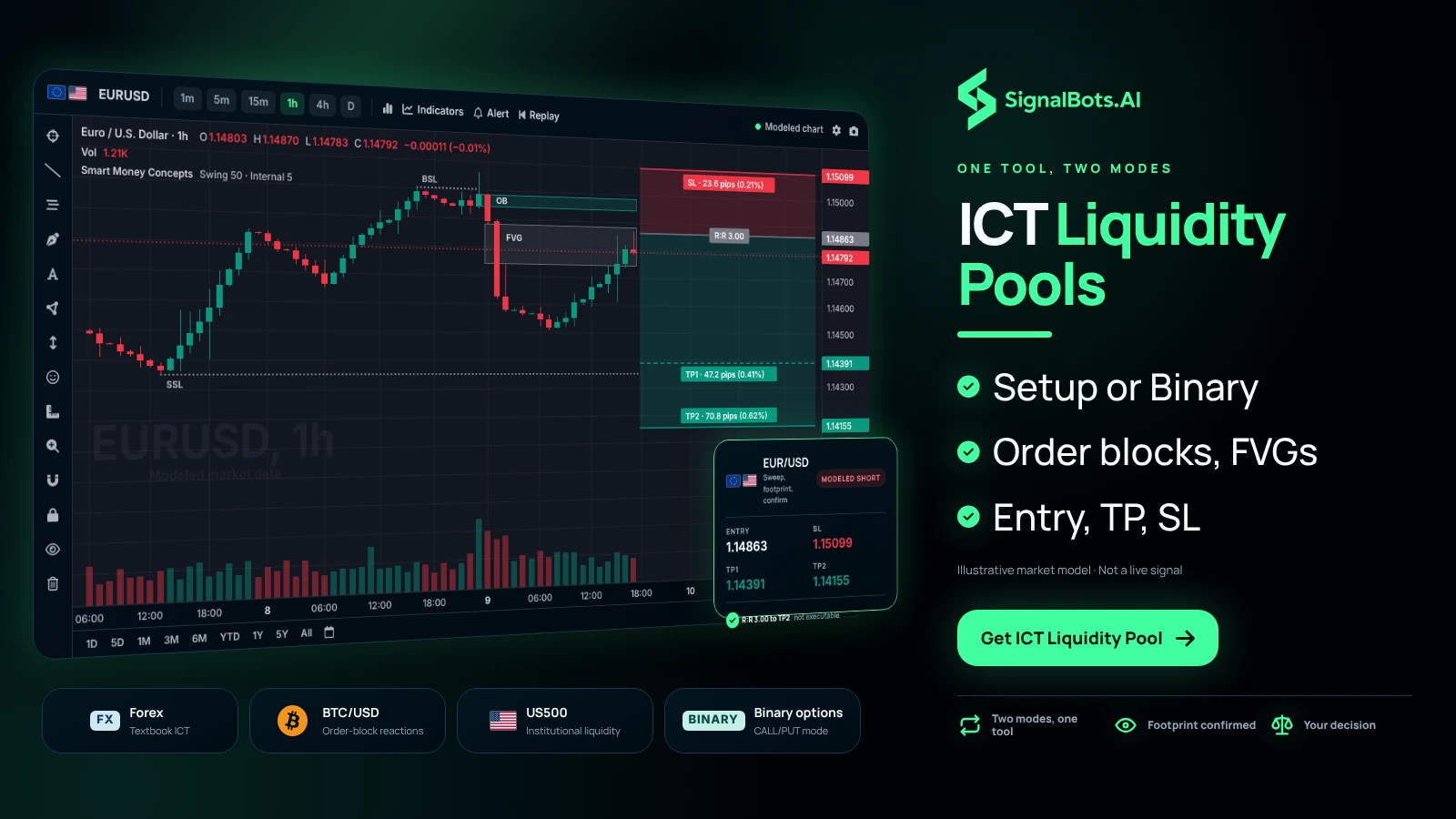
Order blocks, FVGs and liquidity — one tool, two modes

Reads the order blocks, Fair Value Gaps and liquidity pools at the heart of ICT, and outputs either a full trade setup or a binary signal depending on the mode you pick.

View on TradingView

461 community boosts · $48.88/mo on TradingView — free or discounted for SignalBots members.

On the chart

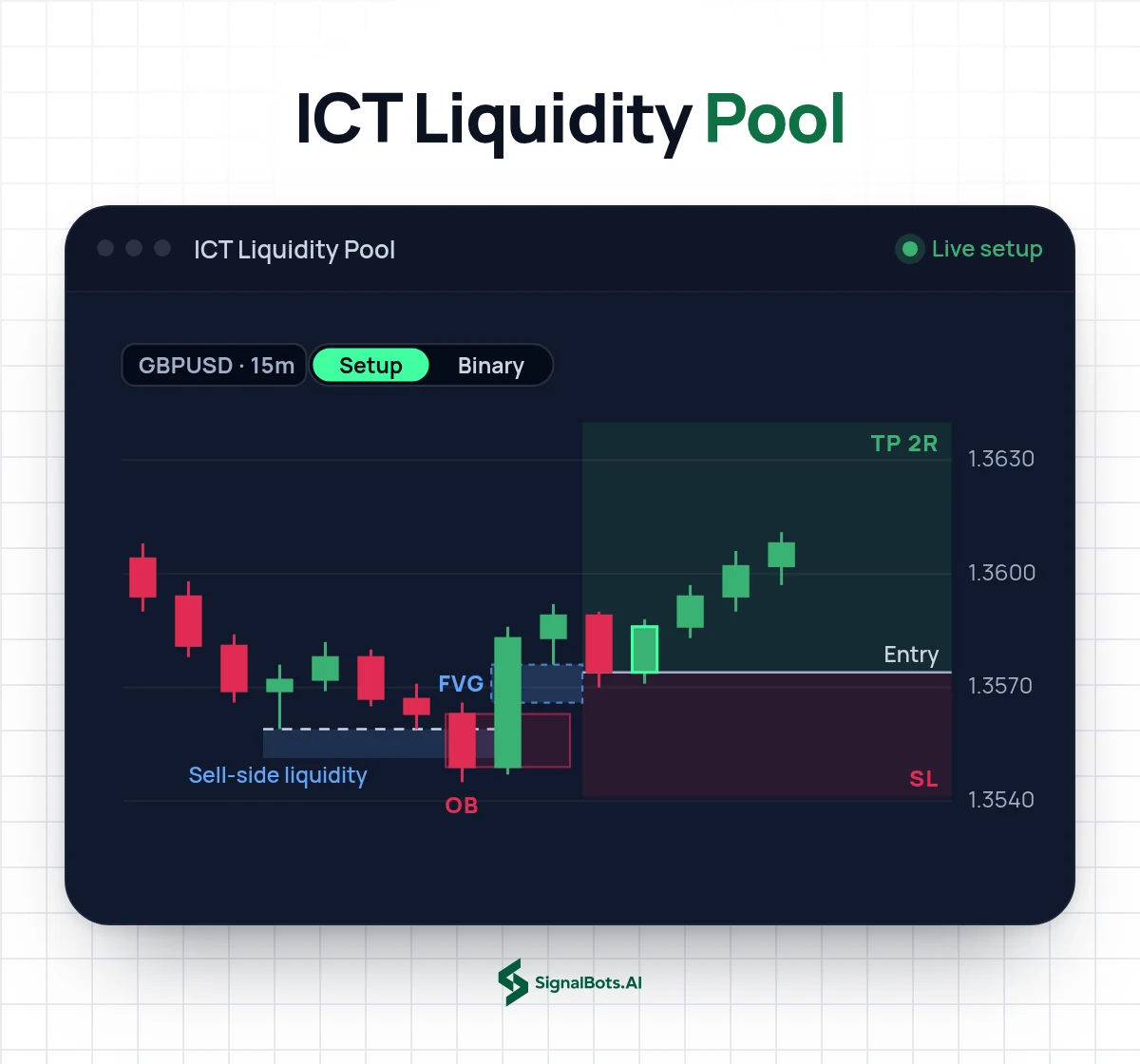
ICT Liquidity Pool in action

Live chart from ICT Liquidity Pool on TradingView.
How it works

What ICT Liquidity Pool does

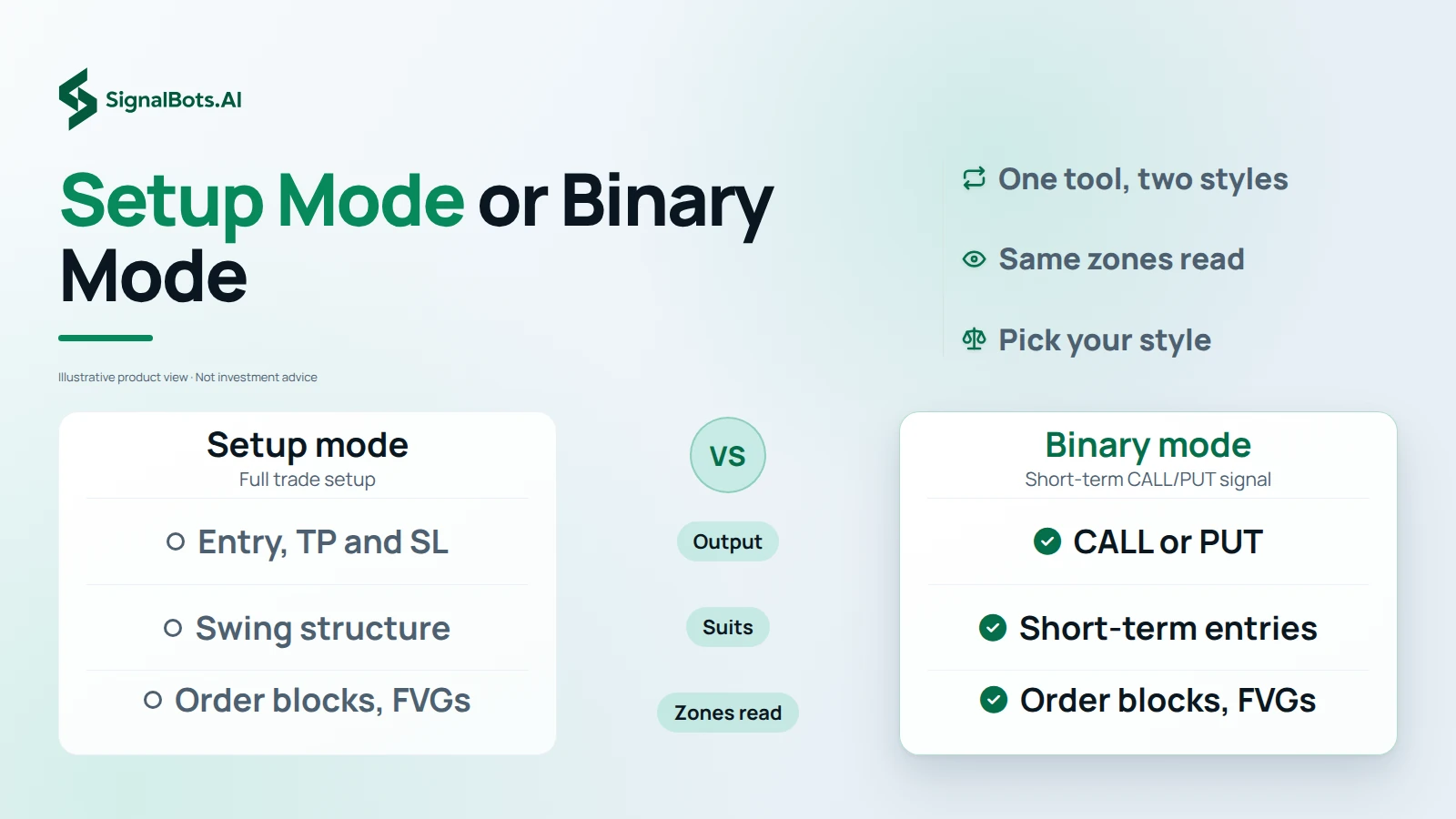
Institutions accumulate where liquidity pools. This indicator finds those zones, waits for a sweep and a candle confirmation, and frames the reversal — with a Setup mode for swing structure and a Binary mode for short-term entries.

  1. 1

    Price descends into sell-side (or rises into buy-side) liquidity.

  2. 2

    An order block or Fair Value Gap confirms the institutional footprint.

  3. 3

    A confirmation candle triggers the entry, with TP and SL framed for you.

Why traders use it

What you get out of it

  • Spot or binary

    One tool serves both styles — switch modes instead of buying two.

  • Only the strong zones

    Filters random moves and fires only at high-probability liquidity reactions.

  • Entry, TP & SL

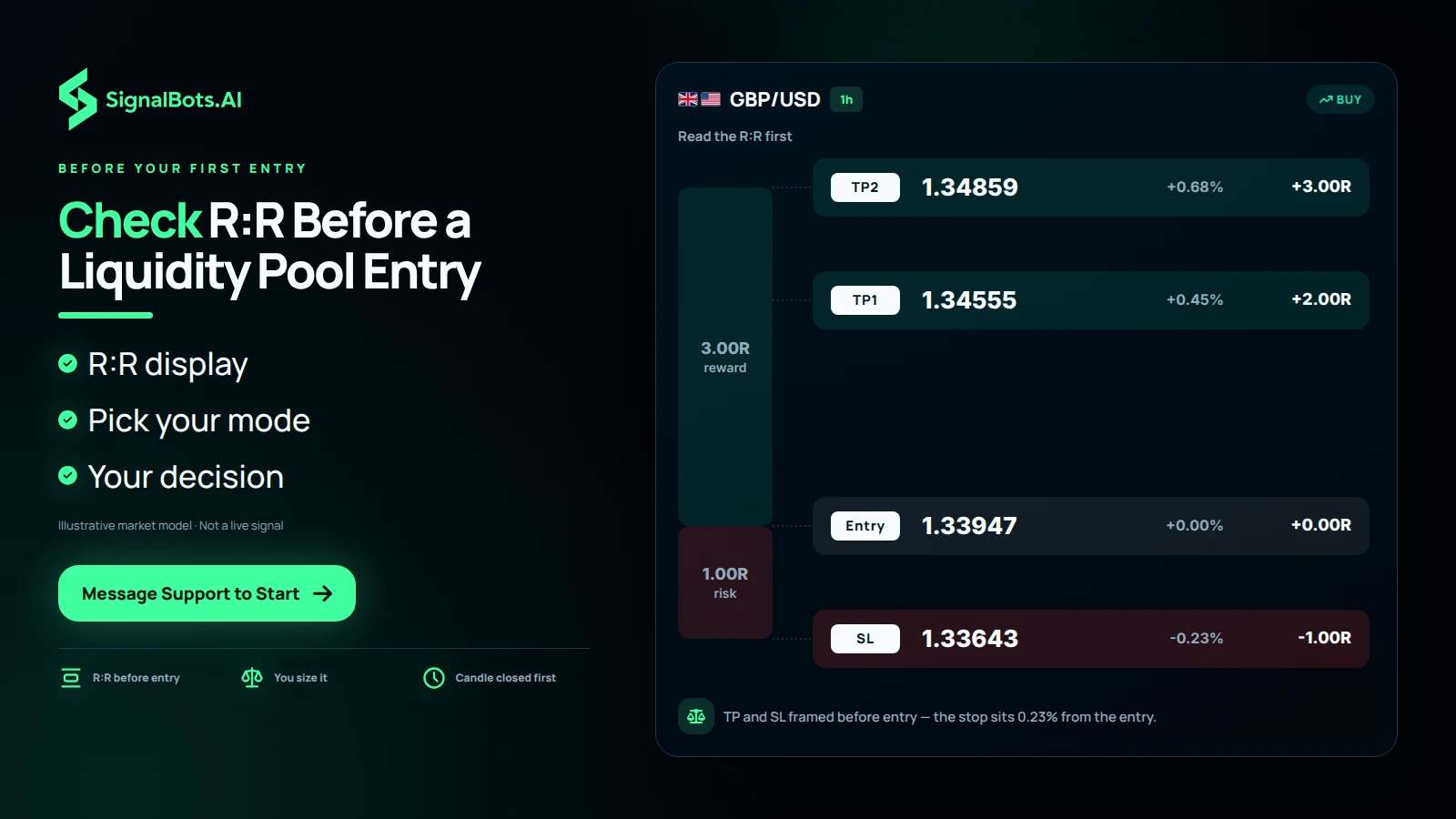
    Every signal ships with price, take-profit and stop already framed.

Where it works

Markets it's built for

  • Forex Majors where ICT concepts are textbook.
  • Crypto Liquid coins with clean order-block reactions.
  • Indices Index charts with institutional liquidity.
  • Binary options Binary mode outputs short-term CALL/PUT signals.

Each market routes to its own partner broker — support pairs the right one to the indicator you pick, so you're never sent to the wrong market.

Is it for you?

Who it's for, and what's inside

Best for

  • ICT traders
  • Traders who want spot + binary in one
  • Order-block & FVG traders

Timeframes

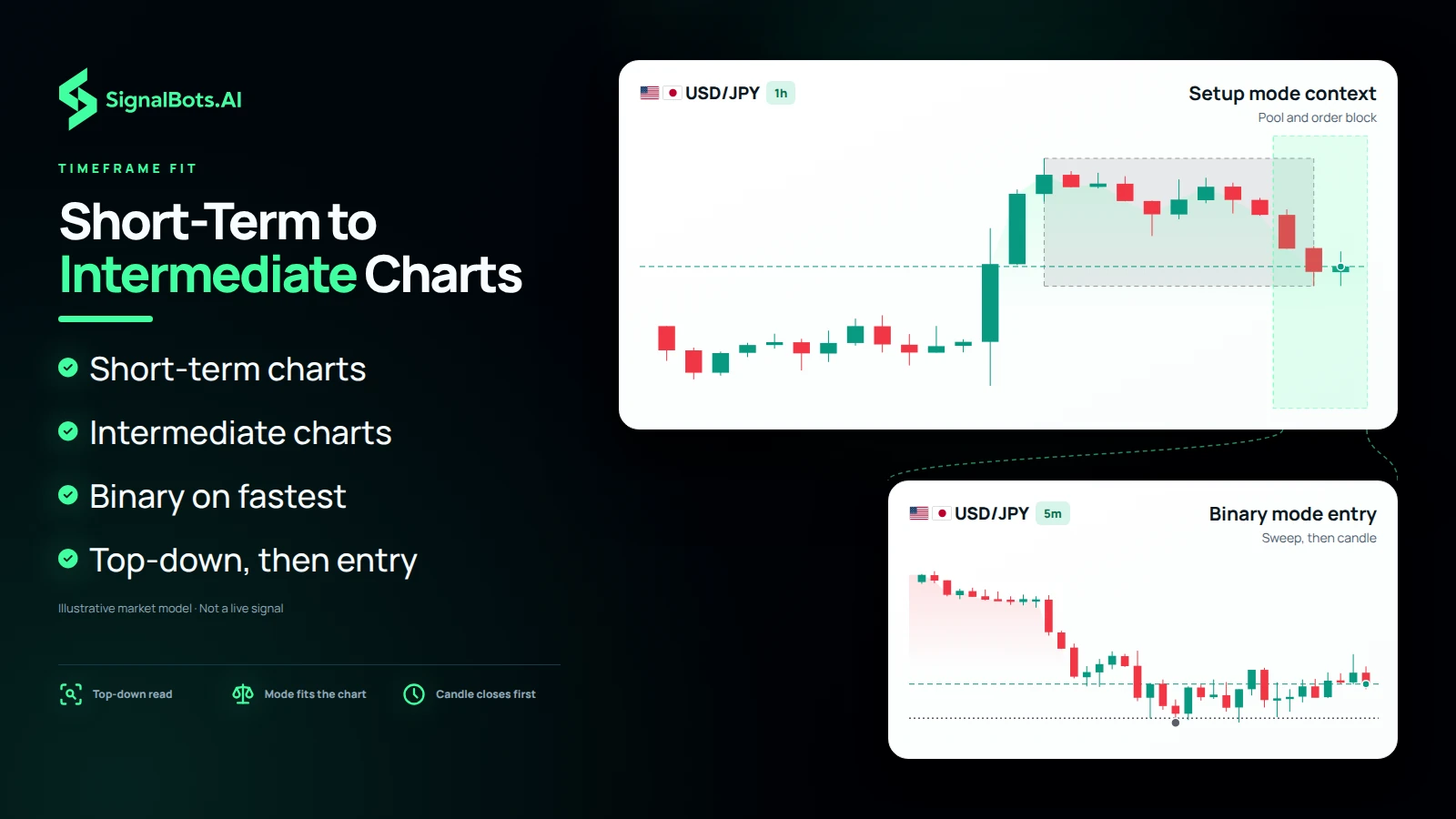
Short-term to intermediate — Binary mode suits the fastest charts.

What's inside

  • Setup & Binary modes
  • Order blocks + FVGs
  • R:R display
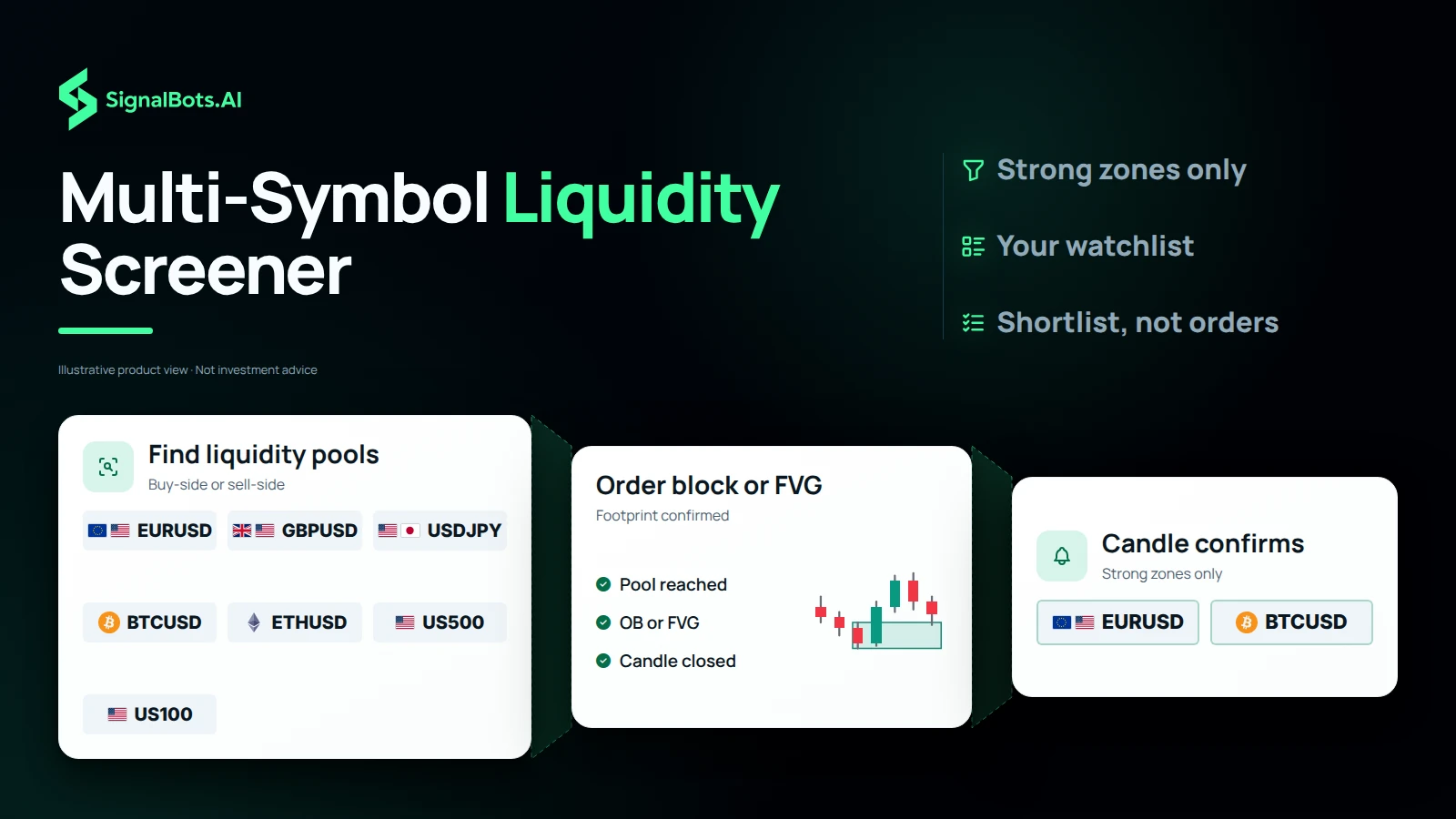
  • Multi-symbol screener

No cost to you

How to get ICT Liquidity Pool free

  1. 1

    Tell support what you trade

    Message our 24/7 team with the indicator or market you want. They reply in your own language and pick the right broker partner for it.

  2. 2

    Open your partner account

    Register at that broker through our link and fund it — the broker pays us a partner commission, which is what lets us hand you the tools at no cost.

  3. 3

    Trade with it on TradingView

    Share your TradingView username and we add you. The scripts appear in your Favorites, ready on the chart you already use.

Good to know

ICT Liquidity Pool — your questions

Is it the same tool as on TradingView?

Yes — ICT Liquidity Pool is the exact invite-only script from our TradingFinder space, nothing watered down.

How much does it cost?

On TradingView the space lists at $48.88/mo. With SignalBots you get it two ways: a discounted subscription, or free once you trade as a VIP member through our broker partnership. Support sets up either route.

How do I get access?

Message our 24/7 support. They set up either route for you — a discounted subscription, or free VIP access once you trade with a partner broker — then add you on TradingView.

Which markets does it cover?

Forex, Crypto, Indices, Binary options.

Which timeframes does it work on?

Short-term to intermediate — Binary mode suits the fastest charts.

Does it place trades for me?

No. It's a chart indicator that flags setups; every trade decision stays yours.

Do I need to install anything?

No. It runs inside the TradingView chart you already use — no install, no Pine editing.

Do I need a TradingView account?

A free TradingView account is enough — we add the script to your username.

Is performance guaranteed?

No. All results are historical and backtested, and trading carries risk — read the Risk Warning first.

Trade with ICT Liquidity Pool — free

Message support, open your partner account, and get added on TradingView — usually within minutes.

Indicators flag setups; they don't place trades. Past results are historical and backtested — trading carries risk. Read the Risk Warning.