




Open an Olymp Trade Account
Sign up in 30 seconds, or attach an existing account to SignalBots. Get 5–10 free trades on us to test the extension.
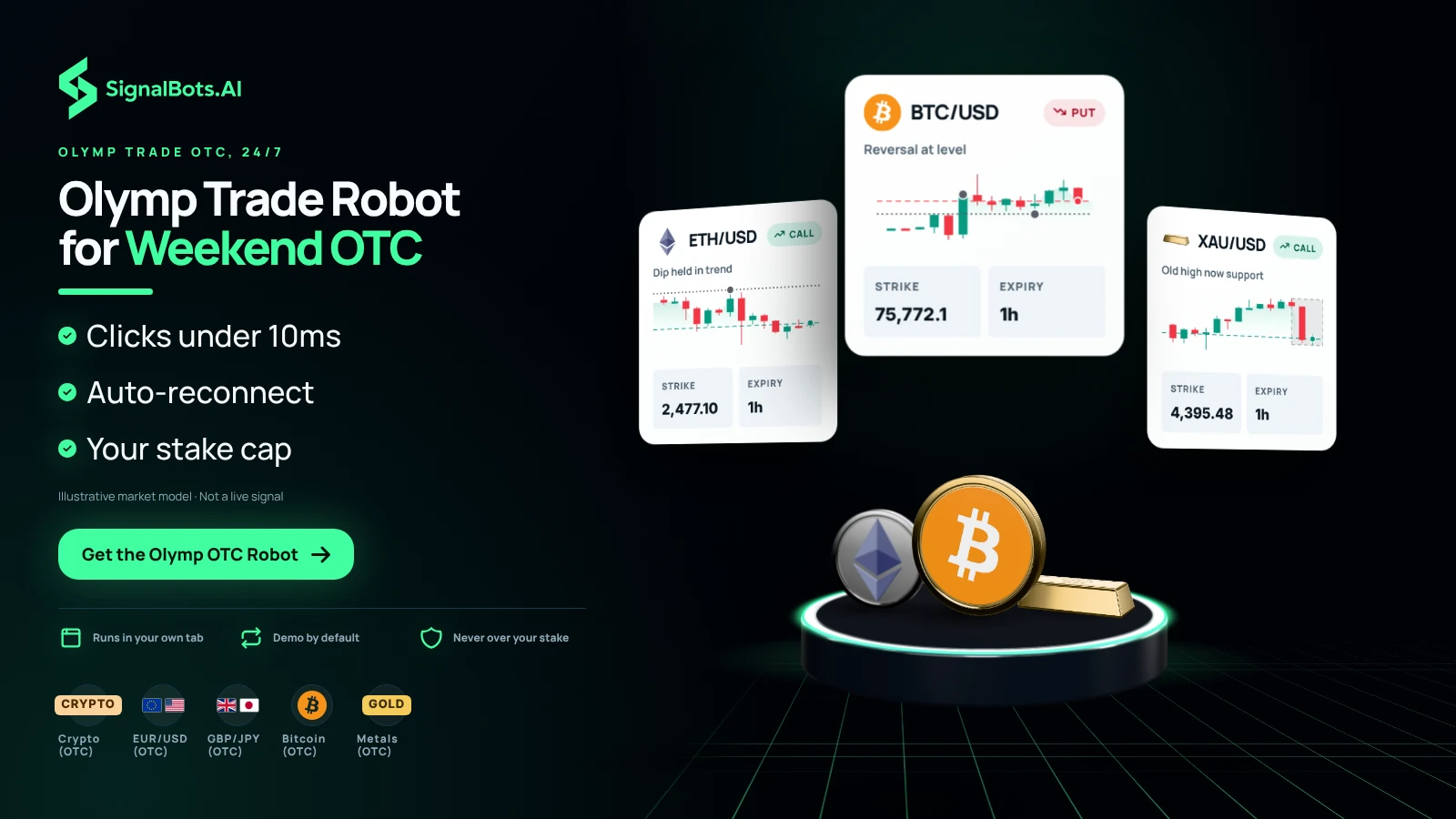
Short Olymp Trade trades only work if you click fast. The AI bot clicks in under 10 milliseconds — much faster than any human. If your Wi-Fi drops, the bot reconnects on its own and keeps trading.
You decide how much to risk on each trade, and the bot never goes over that amount.
This is the exact control panel the Olymp Trade OTC AI Scalper docks into your Olymp Trade OTC tab. Flip the switches, pick your strategies and timeframes, and watch live signals stream in — no install and no license needed.
Waiting for the next setup…
Simulated preview for illustration only. The signals, payouts and balances shown here are generated in your browser and are not trading advice. Trading involves risk.
No manual configuration, no broker switching, no credit card.
Just three quick taps and the Olymp Trade OTC bot starts streaming live signals straight into your Olymp Trade OTC tab.
Sign up in 30 seconds, or attach an existing account to SignalBots. Get 5–10 free trades on us to test the extension.
One-click install from the Chrome Web Store or Firefox Add-ons. Desktop browsers only.
Chat with our 24/7 support team — they'll activate your free lifetime license in minutes.
Every signal comes from Olymp Trade's 24/7 OTC feed — its synthetic composite indices, FX majors and crosses, top crypto, and metals. Filter the list below to see what fits your strategy.
No markets match your search.
Every choice in this panel — from a free Demo subset to a side-by-side weekday + OTC workflow — is built around protecting the Olymp Trade OTC trader through the weekend, not just feeding them signals. Eight things that turn a stream of OTC signals into a discipline.
Olymp Trade's OTC instruments keep printing through every weekend — the panel reacts within ten milliseconds whatever the feed serves. Local browser evaluation, no API call sitting between you and the trade.
Spend a Saturday on the Olymp Trade OTC demo, watch how the bot handles the synthetic feed, then promote it to live Sunday with a single toggle. Same strategies, same risk caps, same signal log.
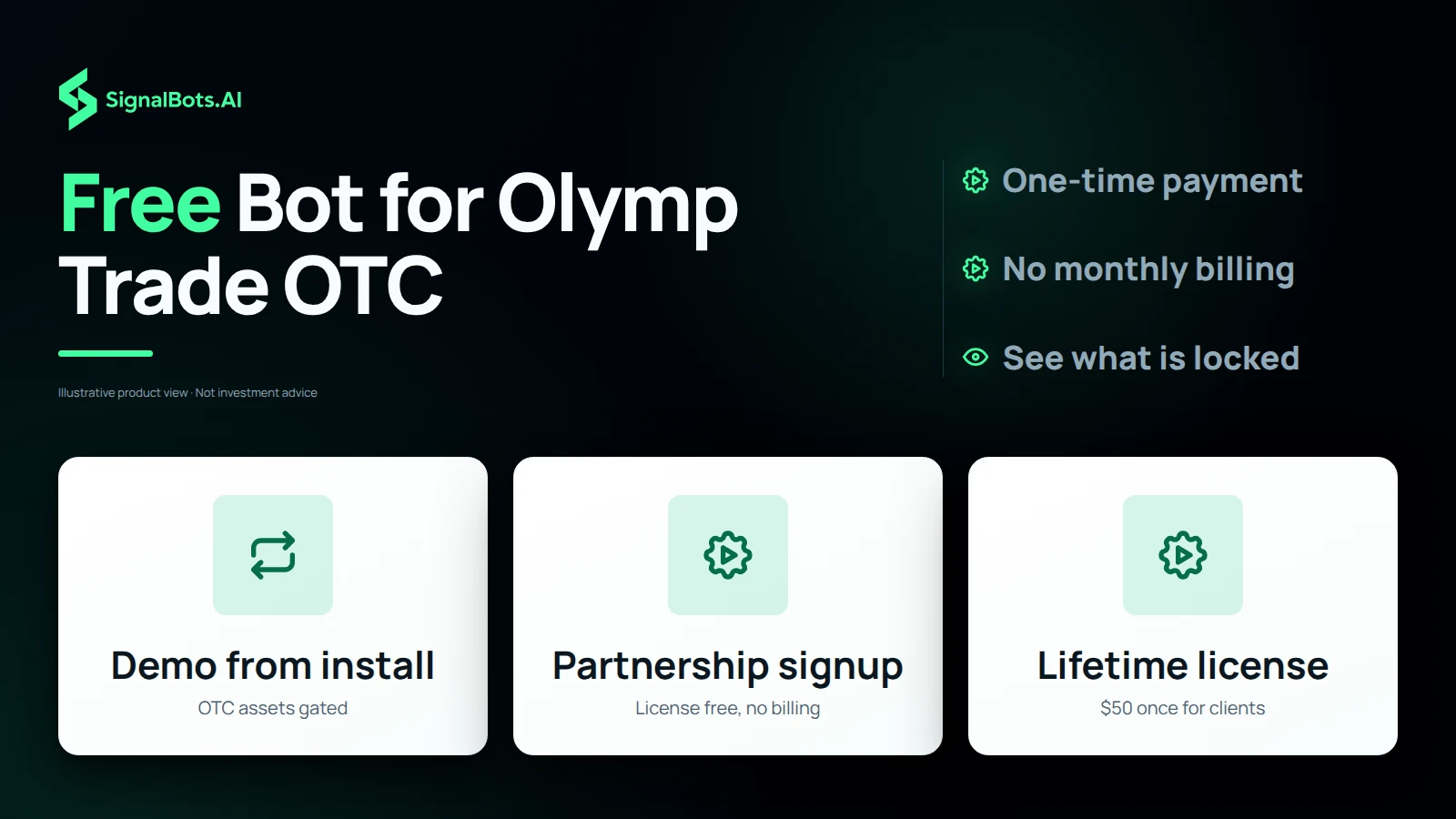
Sign up to Olymp Trade through our partnership and the OTC extension is free, no monthly billing. Already a client? Pick up the lifetime license for $50 — same extension, same updates.
Three strategies retuned for Olymp Trade's OTC feed: Fast Trades for scalps inside the synthetic noise, Turbo Breakout for the bursts that survive a quiet weekend, Master AI for everything in between.
Olymp OTC Demo Mode runs from the moment you install. A slice of -OTC assets, timeframes, and strategies stays gated until you activate a license — you see exactly what's locked, decide whether to unlock.
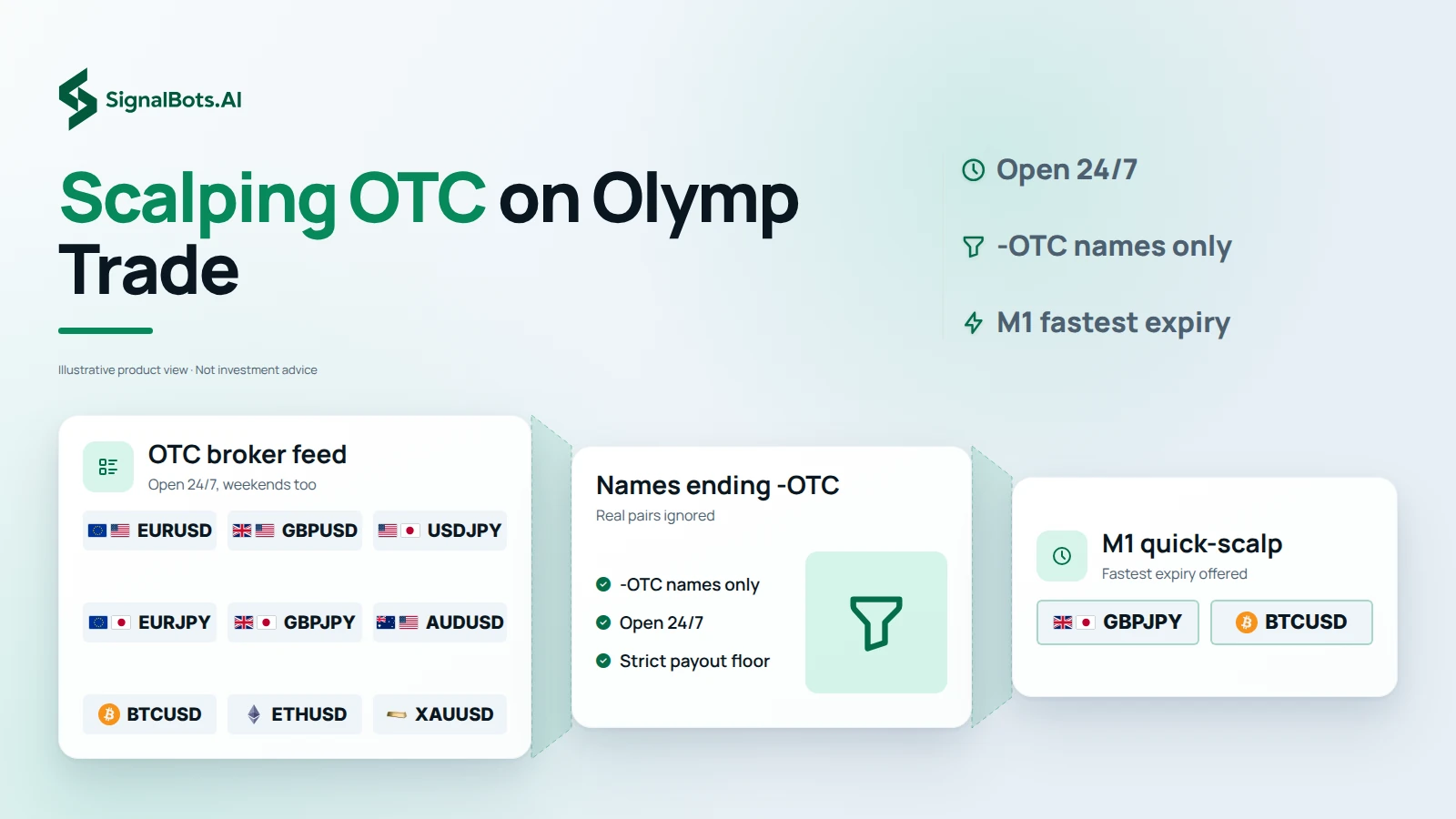
M1 is the fastest expiry the Olymp OTC extension supports — highest signal frequency, tightest cool-downs, the most shots-per-hour on the OTC build. Pair it with a strict payout floor for a disciplined weekend scalper.
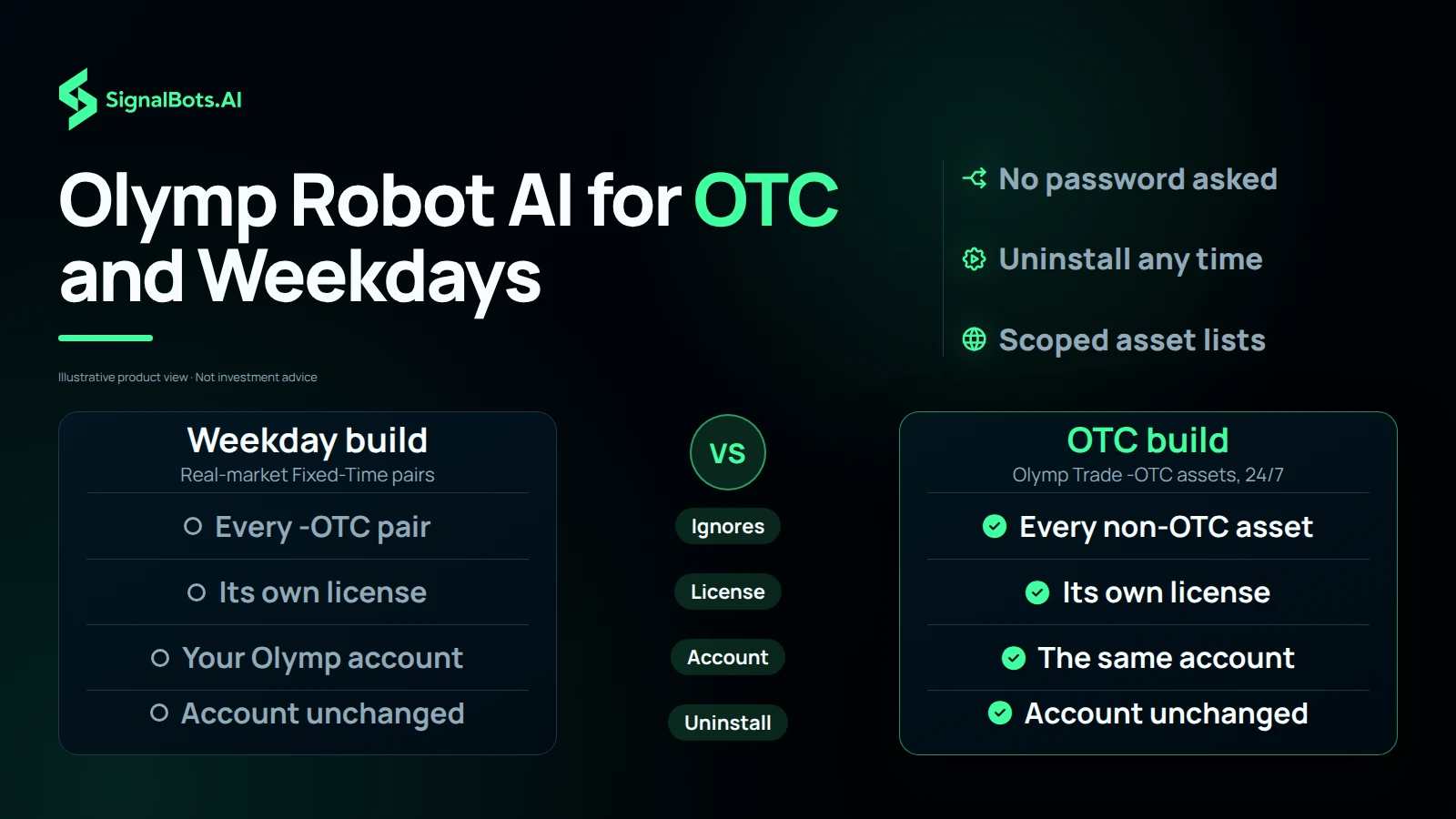
Two separate extensions, two separate licenses, but they share your single Olymp Trade account without ever stepping on each other. The weekday build ignores every -OTC pair; the OTC build ignores everything else. Both tabs open, both panels live, zero overlap.
The extension is an independent layer on top of your Olymp Trade account. It doesn't ask for your password, doesn't change your broker terms, doesn't talk to the broker's servers. Uninstall it any time and your Olymp account is exactly where you left it.
Past performance is not indicative of future results. Trading binary options involves substantial risk; review the full Risk Warning before enabling any automated execution.
Only Olymp Trade's OTC Fixed-Time instruments — assets whose name ends in -OTC. The bot ignores every non-OTC asset on Olymp Trade, including all real-market Fixed-Time pairs. Run the weekday Olymp Trade extension for those — the two installs don't overlap.
Yes — that is the entire point. Olymp Trade OTC instruments stay open 24/7, including Saturday and Sunday when real markets are closed. The extension streams signals and trades them the same way the weekday extension does on the real-market board.
Yes. The extension never asks for your Olymp Trade password and only interacts with pages you have open in your own browser, exactly the way you would. It doesn't bypass any platform rule, doesn't tamper with the broker's OTC feed, and runs entirely on your machine.
Yes. The OTC extension defaults to Demo Mode on first install — you can let it run against Olymp Trade's OTC demo balance before risking real funds. Switch to Live from the popup once you're ready.
Both modes are first-class. With Auto-Trade OFF, OTC signals stream into the panel and you click to take them. With Auto-Trade ON, the bot places trades for you on -OTC instruments using your configured size and filter. Flip between them any time from the popup.
The extension runs only while your Olymp Trade tab is open. Closing the tab or shutting your laptop pauses OTC signal delivery and any auto-trading; everything resumes the moment you reopen the tab and reconnect.
No. You log into Olymp Trade the normal way in your own browser tab, and the extension activates with a SignalBots license key — never a broker password. Your broker credentials stay between you and Olymp Trade.
End-to-end signal-to-click latency stays under 10ms on a normal broadband connection. The bot evaluates each OTC setup locally in your browser before placing the order, so reaction time doesn't depend on a round-trip to our servers.
Yes. OTC Demo Mode is unlocked from the moment you install — the bot runs against the OTC demo balance until you buy a license. Demo Mode locks a subset of OTC assets, timeframes, and strategies, so the live experience opens up the full configuration once activated.
Yes — they are independent installs that share the same Olymp Trade account. Each one is scoped to its own asset universe (the weekday build skips -OTC assets, the OTC build skips everything else), so they don't fight over the same signals. You need a separate license per extension.
From the popup. Pick Fixed Amount (dollars per trade) or Percentage of Balance, set your value, and the bot sticks to it for every Auto-Trade order on -OTC instruments. Change it any time without losing your session.
One-time. You pay once for a lifetime license that activates the OTC extension on your Olymp Trade account — no monthly fee, no recurring charge, no subscription to cancel. Updates ship to the installed extension automatically.
OTC Fixed-Time options on olymptrade.com — the bot is scoped to the OTC Fixed-Time surface only.
Configurable per session from the popup — toggle the Olymp Trade OTC timeframes you want the bot to act on, plus the -OTC assets and strategies.
A floor on the AI's historical win-rate per OTC signal — the bot skips any Olymp Trade OTC setup whose modelled win-rate falls below your floor. Default is 70%. Raise it for fewer, higher-conviction trades on the synthetic feed.
Yes — the OTC license is bound to a specific Olymp Trade account, so if you switch to a different one in the same browser the panel raises an Account Mismatch alert and blocks the bot until you switch back. This makes a wrong-account OTC trade impossible by accident.
Yes. Every Olymp Trade OTC signal the bot evaluates streams into the panel in real time — executed, filtered, or skipped — with the reason it landed where it did. A 'Clear all signals' button resets the list when you want a fresh view.
Yes. The popup shows a Connecting / Connected / Disconnected banner and the extension retries automatically when the Olymp Trade OTC feed drops. You don't have to re-login manually if the connection briefly hiccups.
No — desktop browsers only. The Chrome Web Store and Firefox Add-ons don't support full content-script extensions on mobile Olymp Trade, so the OTC bot is desktop-only for now.
Olymp Trade generates them in-house. Every broker offering OTC Fixed-Time builds its own synthetic feed, so the prices you see on an Olymp Trade -OTC chart are not drawn from the real EUR/USD interbank market and will not match what Pocket Option, IQ Option, or Quotex are quoting for their version of the same pair. The bot reads only what the Olymp Trade OTC panel is showing — which is why an OTC strategy that works on one broker is not guaranteed to behave the same way on another.
Olymp Trade can't onboard traders from the 31 countries and territories below. If yours isn't listed, you're set — add the SignalBots extension and start trading.
No countries match your search.
Live Signals
Entry 1.0845
SL 1.0820
Entry 1.2550
SL 1.2680
Access institutional-grade signals, automated execution
tools, and performance-driven strategies all in one unified
platform.
Want to use the bot without paying? Message our 24/7 support team via Telegram, WhatsApp, or Viber. Our experts will guide you step-by-step on how to unlock your free lifetime license through our exclusive broker partnership program.
Replies usually arrive within minutes during business hours.