




Open a Pocket Option Account
Sign up in 30 seconds, or attach an existing account to SignalBots. Get 5–10 free trades on us to test the extension.
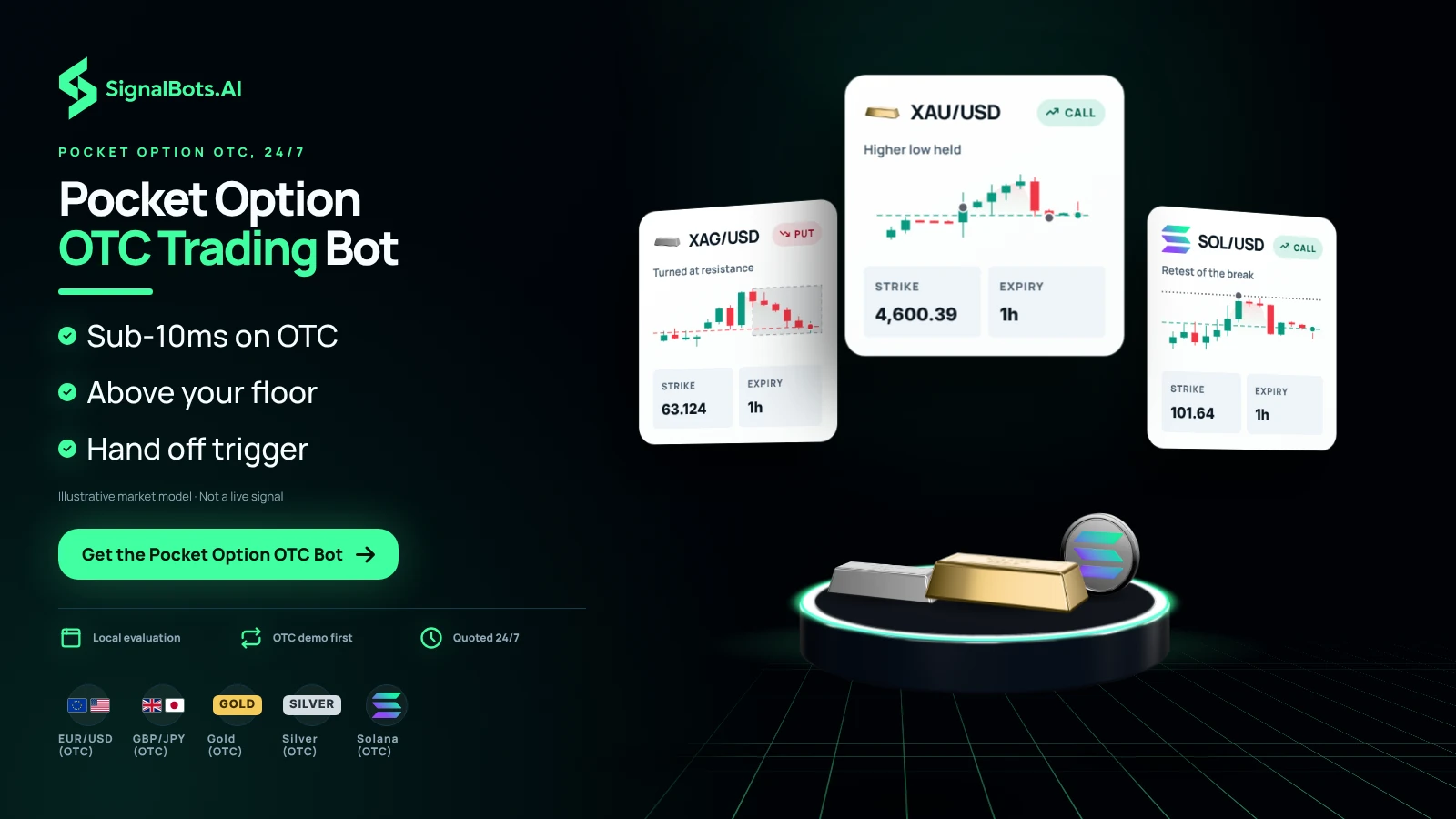
Trade Pocket Option with the same discipline on a Saturday afternoon as on a Tuesday morning. The Live AI scans the OTC board in real time, surfaces only the CALL and PUT setups that beat your payout floor, and reacts in under 10 milliseconds. Trade them yourself, or hand the trigger to the bot. Free lifetime license through our broker partnership.
This is the exact control panel the PocketOption OTC AI Scalper docks into your PocketOption OTC tab. Flip the switches, pick your strategies and timeframes, and watch live signals stream in — no install and no license needed.
Waiting for the next setup…
Simulated preview for illustration only. The signals, payouts and balances shown here are generated in your browser and are not trading advice. Trading involves risk.
No manual configuration, no broker switching, no credit card.
Just three quick taps and the Pocket Option OTC bot starts streaming live signals straight into your PocketOption OTC tab.
Sign up in 30 seconds, or attach an existing account to SignalBots. Get 5–10 free trades on us to test the extension.
One-click install from the Chrome Web Store or Firefox Add-ons. Desktop browsers only.
Chat with our 24/7 support team — they'll activate your free lifetime license in minutes.
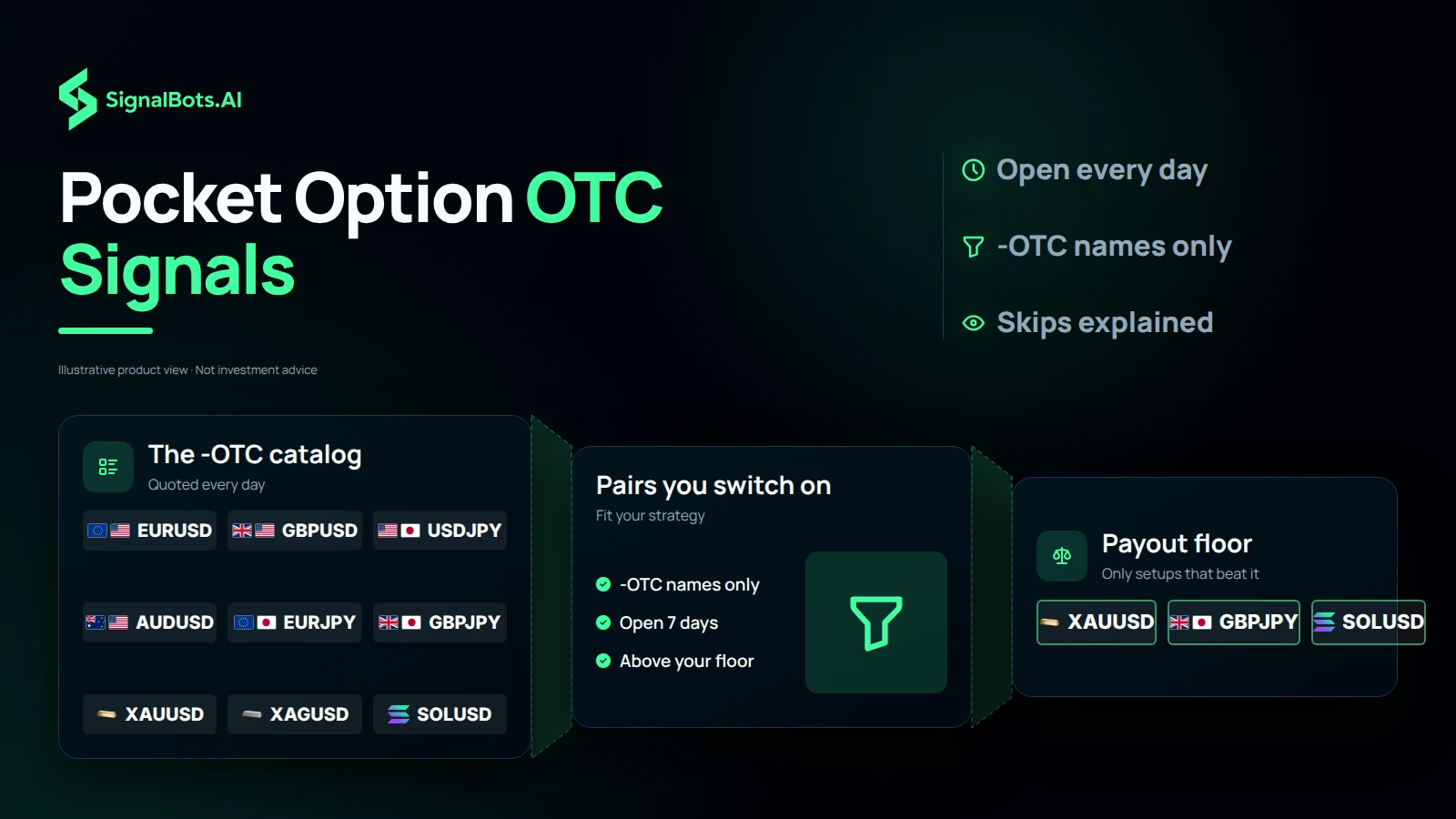
Every signal comes from Pocket Option's 24/7 OTC feed — Forex majors and crosses, gold and silver, and top crypto pairs. Filter the list below to see what fits your strategy.
No markets match your search.
Same panel as the weekday board, retuned for the always-on OTC market. Eight things that turn Pocket Option's 24/7 synthetic feed into a disciplined weekend session.
Pocket Option's OTC feed never sleeps, and neither does the panel. From synthetic tick to CALL/PUT order, evaluation runs locally in your browser — the same sub-10ms reaction time as the weekday board, on a market that prints 24/7.
Sandbox a new OTC setup on Pocket Option's demo balance during a quiet Saturday, then flip to live on Sunday once you trust it. Same strategies, same guard rails, zero re-configuration between the two.
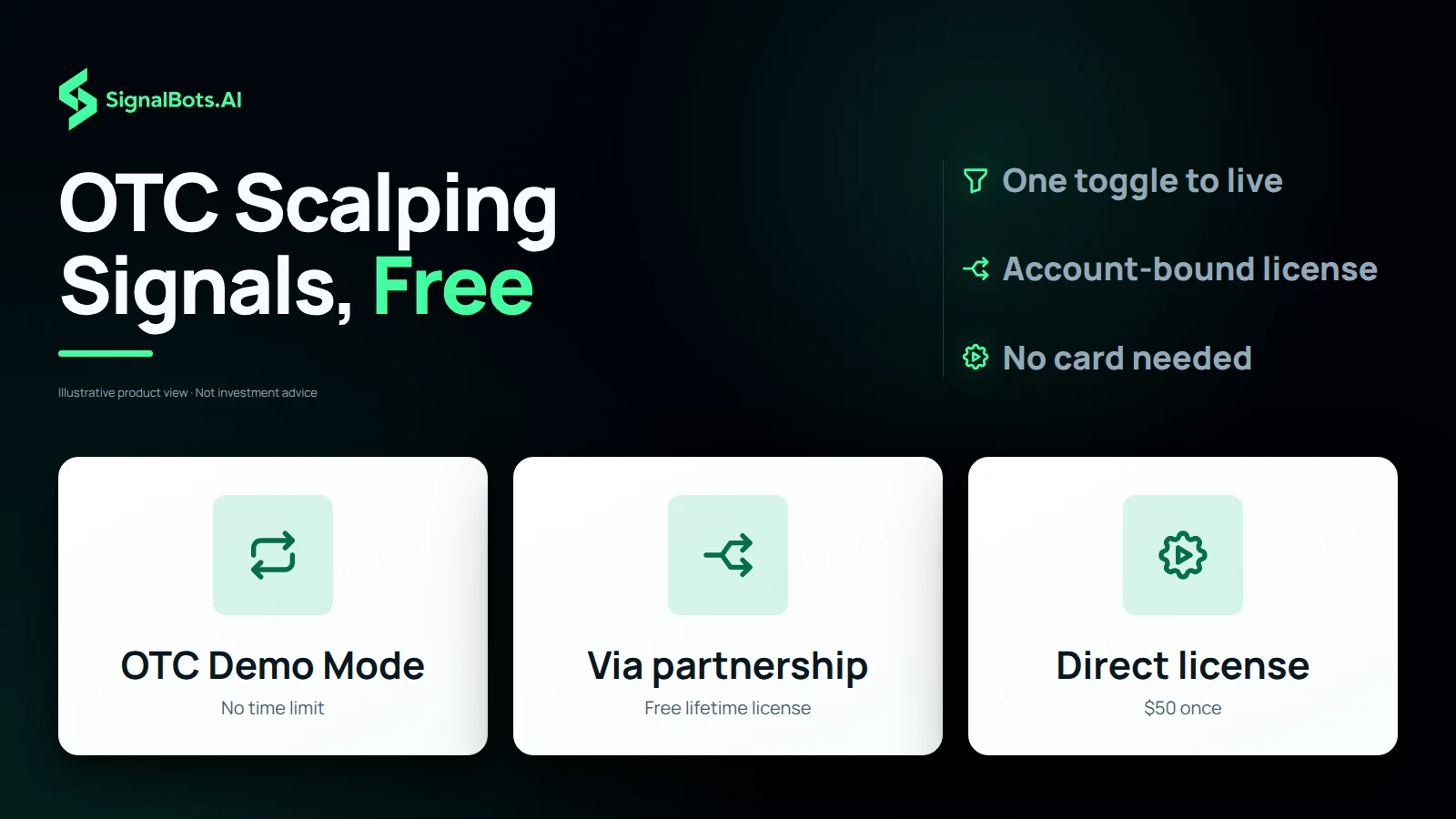
The OTC extension ships free for anyone who opens Pocket Option through our broker partnership — no card, no monthly fee. Buy the lifetime license direct for $50 if you already trade through a different referral.
Fast Trades for OTC scalps, Turbo Breakout for the synthetic-feed momentum bursts, Master AI for adaptive mode. Each one carries a backtested OTC fit score — swap mid-session without restarting the panel.
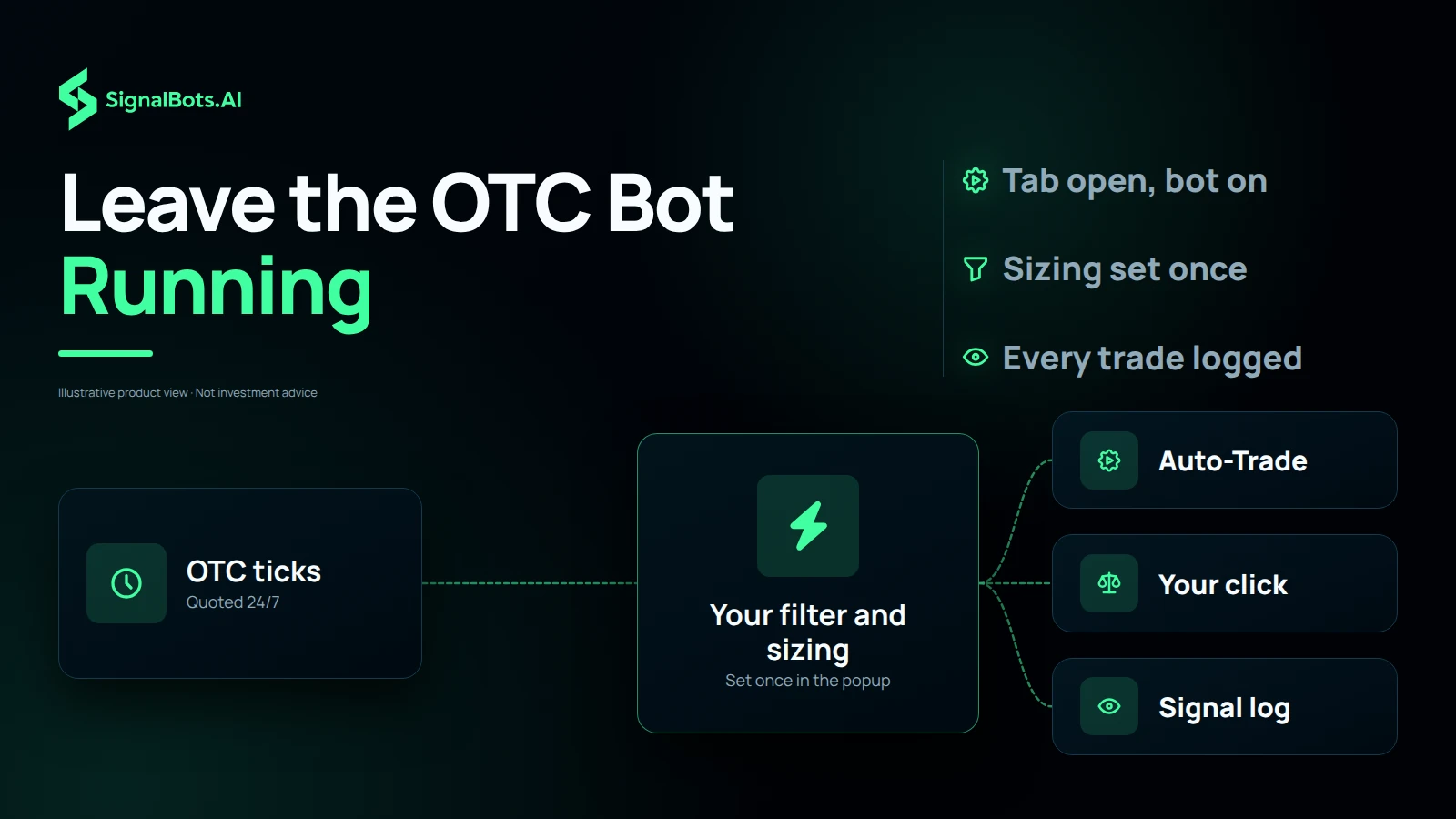
Click each Pocket Option OTC signal yourself, or let the bot fire every confirmed setup hands-off across the weekend — one toggle, no re-configuration.
Stake a fixed dollar amount per OTC trade, or a percentage of your balance — pick once and risk stays consistent through every Saturday and Sunday order.
Pocket Option's -OTC catalog stays open every day of the week. The bot prints setups on Sunday afternoon the same way it does mid-week.
From 1-minute scalps to 4-hour swings — tap the window that fits the move you want to ride.
Past performance is not indicative of future results. Trading binary options involves substantial risk; review the full Risk Warning before enabling any automated execution.
Yes — the OTC build runs the same sandboxed model as the weekday extension. It never asks for your Pocket Option password, doesn't bypass any broker rule, and only ever touches pages already open in your own browser. The only difference on OTC is which assets it acts on; the security model is identical.
Never on a clock. Pocket Option OTC instruments are quoted 24/7 and so is the bot — Saturday, Sunday, midnight Wednesday, all the same. The only things that stop it are closing your Pocket Option tab, hitting your Demo session limit, or flipping Auto-Trade off yourself.
That is the use case the OTC build was sized for. Set your filter, set your sizing, leave the tab open with Auto-Trade on, and check back when you want. The signal log captures every executed and skipped OTC trade with its reason so a Sunday-night recap takes about a minute.
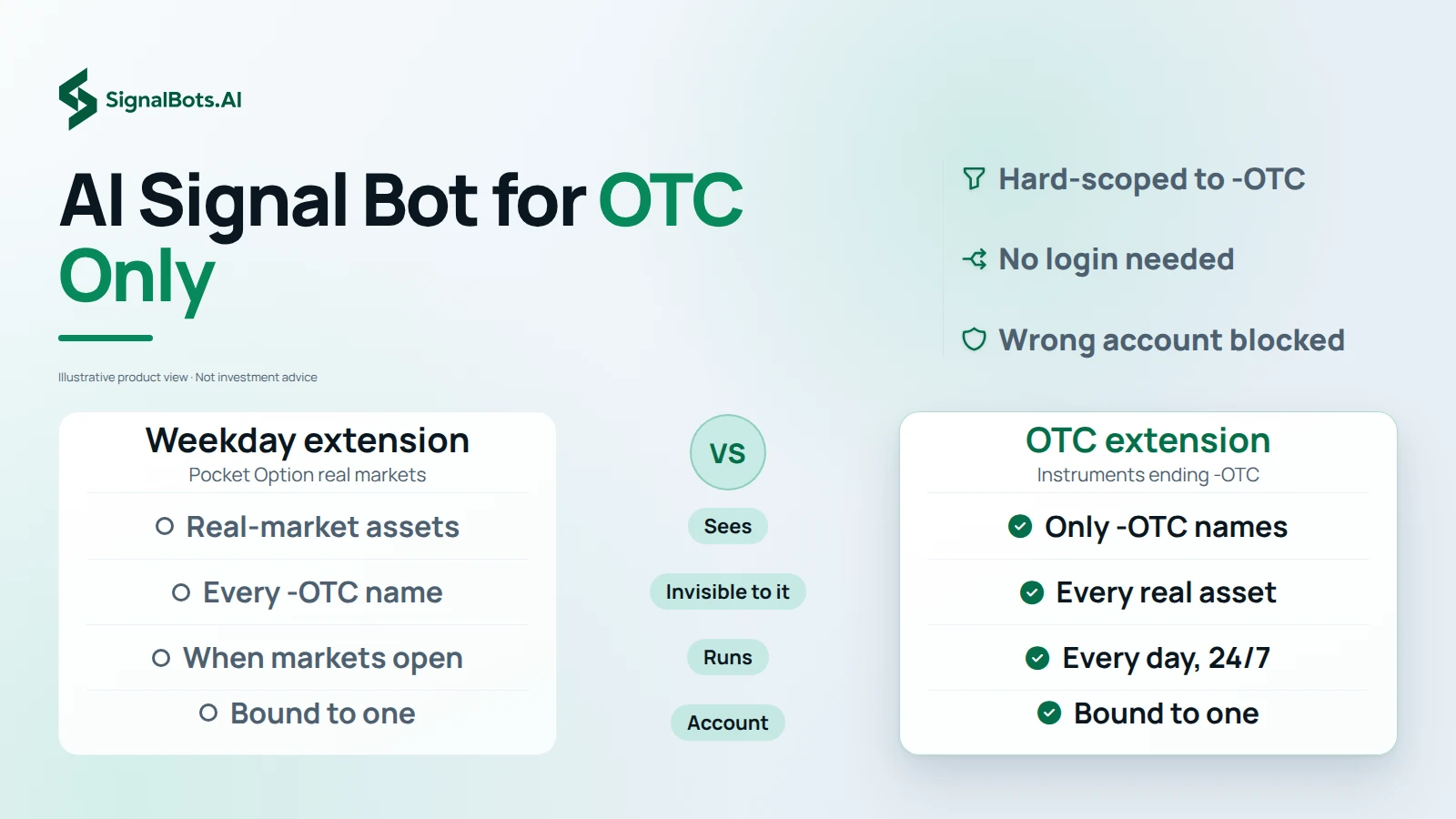
Not by design. The OTC extension's asset universe is hard-scoped to instruments ending in -OTC — EUR/USD-OTC, GBP/JPY-OTC, BTC-OTC, the lot. Anything else on the Pocket Option board is invisible to it. The weekday build does the reverse, so the two can sit side by side on the same account without ever overlapping.
No, and it would refuse it anyway. You log into Pocket Option the normal way in your own tab; the OTC extension reads what the tab already shows, the same way you would. Activation is a SignalBots license key — not a broker credential.
Under 10ms from signal-to-click on a normal broadband line. The evaluation happens locally in your browser before the order is sent, so a sudden Pocket Option OTC payout jump doesn't trigger a slow round-trip to our servers — the bot is already armed with the latest payout when it fires.
As long as you want, inside Demo. OTC Demo Mode is unlocked from the moment you install and runs against Pocket Option's OTC demo balance with no time limit. A subset of -OTC assets, timeframes, and strategies is gated until you activate a license, but everything you need to judge whether the bot earns the license is there from day one.
No — the OTC license is account-bound, the same way the weekday license is. The moment you switch to a different Pocket Option account in the same browser, the panel raises an Account Mismatch alert and the bot refuses to send orders. Activate a second OTC license for the second account if you want both running.
Yes. The OTC extension and the weekday extension are separate installs with separate popups, so their trade-size settings live in different places. A common pattern is a lower fixed stake on OTC because the synthetic feed is choppier, and a normal Percentage-of-Balance setting on the weekday side.
Forever. One-time payment for a lifetime license — no monthly fee, no annual renewal, no subscription to manage. Updates to the OTC extension keep arriving in your browser automatically as long as the install stays put.
Yes — they share the same Pocket Option account and never fight over the same signal because their asset universes do not overlap. The weekday build ignores every -OTC pair; the OTC build ignores everything else. You need a separate license per extension, but you can leave both tabs open on the same machine.
M1, M5, M15, M30, H1, and H4 — the full Pocket Option OTC expiry range, with the selector in the popup so you can scope a session to whichever subset you like. Weekend OTC scalpers usually live on M1 and M5; the longer expiries skew towards higher-conviction setups when the synthetic feed quiets down.
Same logic, different reality. The filter is a floor on Pocket Option's per-asset OTC payout and the bot skips anything below it — but OTC payouts swing harder than the weekday board, so the default 80% gets raised by most users to 82–85% on a weekend session. Skipped trades show 'Payout below floor' in the signal log.
Yes — toggle off every other -OTC asset from the popup and only the two stay armed. Same for timeframes and strategies. A two-asset OTC session is a common opening setup; people add more as they get comfortable with how the synthetic feed prints over the weekend.
Yes, and that is a feature worth knowing about. The OTC license is bound to one Pocket Option account — the moment you log into a different one in the same browser, the OTC panel raises an Account Mismatch alert and blocks every order until you switch back. A wrong-account weekend trade becomes impossible by accident.
Inside the OTC popup. Every OTC signal the bot evaluated streams in with its outcome (executed, filtered, or skipped) and the reason it landed there. A Sunday-night skim is enough to audit a weekend; a 'Clear all signals' button resets the list when you want a fresh view.
No — desktop browsers only. Mobile Chrome and mobile Firefox don't support full content-script extensions, and the Pocket Option mobile app isn't a browser at all. If you want the OTC bot on the go, the only realistic option is a desktop browser on a small laptop.
Yes — same browser support, same install flow, separate package. Chrome and all Chromium-based browsers (Brave, Edge, Opera, Vivaldi, Chromium itself) run the Chrome build; Firefox and modern Firefox forks (LibreWolf, Waterfox, Floorp, Zen Browser) run the Firefox MV3 build via AMO. Windows, macOS, and Linux all work.
Because Pocket Option mints its own OTC feed in-house. Every broker that offers OTC instruments generates them internally, so Pocket Option's EUR/USD-OTC is synthesized by Pocket Option — not pulled from the real interbank EUR/USD, not the same as Quotex's EUR/USD-OTC, and not the same as the live EUR/USD that runs on the Pocket Option weekday board. The bot reads only what the Pocket Option OTC panel is currently quoting, which is the only price that matters for the trade it is about to send.
The popup shows a 'Demo session limit reached' notice and pauses OTC Auto-Trade. Your manual trading on Pocket Option is untouched — you can still place trades by hand from the broker UI, and signals keep streaming into the panel for review. Activating a license clears the cap and the bot resumes on the next OTC setup.
Pocket Option can't onboard traders from the 36 countries and territories below. If yours isn't listed, you're set — add the SignalBots extension and start trading.
No countries match your search.
Live Signals
Entry 1.0845
SL 1.0820
Entry 1.2550
SL 1.2680
Access institutional-grade signals, automated execution
tools, and performance-driven strategies all in one unified
platform.
Want to use the bot without paying? Message our 24/7 support team via Telegram, WhatsApp, or Viber. Our experts will guide you step-by-step on how to unlock your free lifetime license through our exclusive broker partnership program.
Replies usually arrive within minutes during business hours.