



Crypto Exchanges → MetaTrader 5

Every Crypto Exchange's Markets
in one MetaTrader 5 workspace

Stop juggling ten exchange tabs. Bridge each exchange's Spot and Futures markets onto MT5 charts, analyze them with one toolkit, and run a single Expert Advisor across every connected exchange, from public market data, no account access.

Spot + Futures No account access One EA, every exchange
Browse crypto connectors

Pick your platform

Pick your exchange. Each connector brings that exchange's Spot + Futures markets into MetaTrader 5 from public market data, no API key needed.

Connectors stream price data for analysis only; trading still carries substantial risk. Review our Risk Warning before you start.

SPOT AND FUTURES, ONE WORKSPACE

MetaTrader 5 Crypto Charts From Every Exchange in One Place

MetaTrader 5 crypto charting ends the habit of juggling exchange tabs. Each connector bridges one exchange's Spot and Futures markets onto real MT5 charts, and every exchange you connect, from Binance, OKX and Bybit to KuCoin, Kraken and Gate.io, sits in a single MetaTrader 5 workspace. The feed is built from public market data, so no API key is needed and there is no access to your exchange account. You analyze every market with one toolkit: the same indicators, templates and Expert Advisors on each chart.
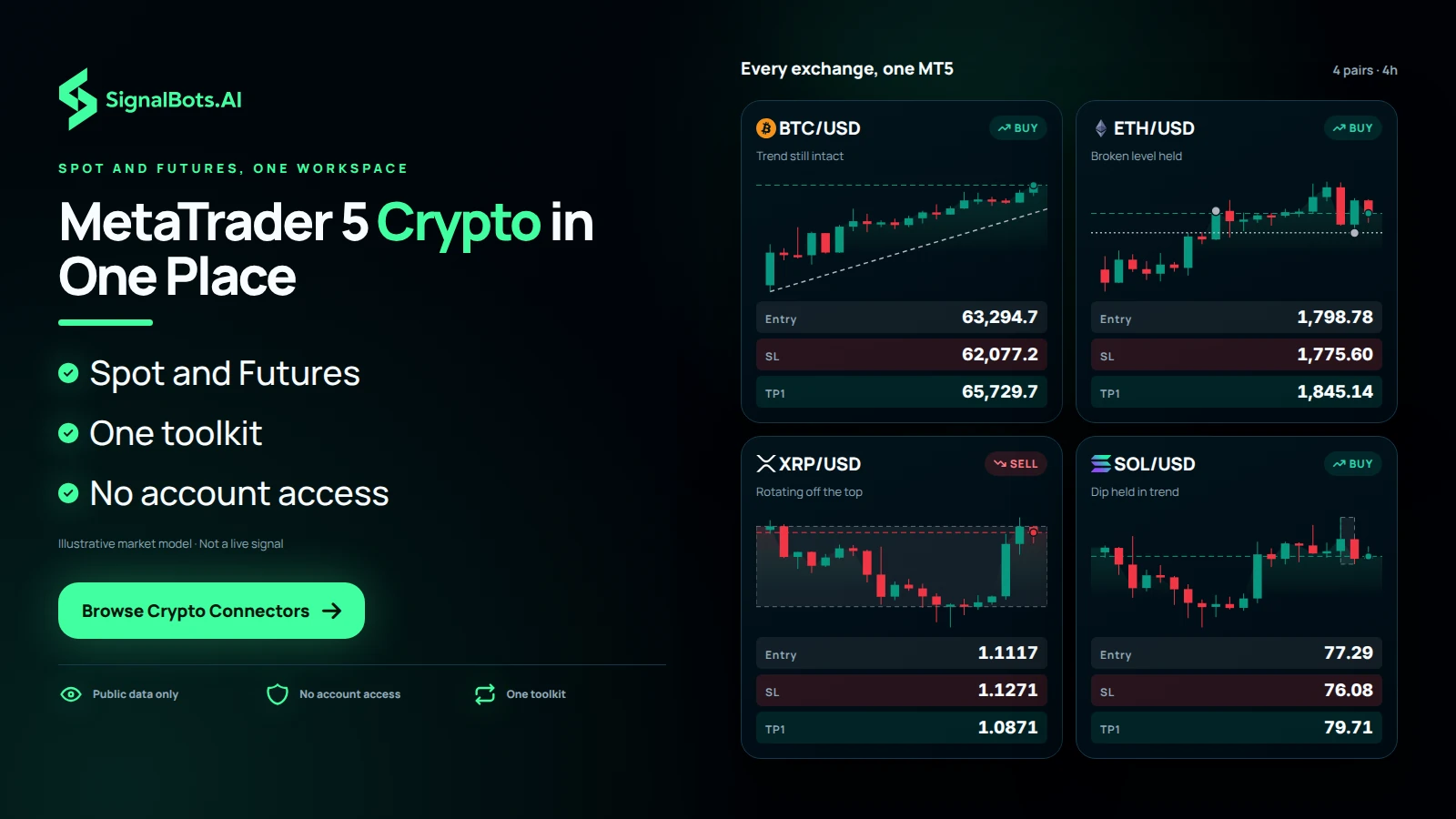
A board titled Every exchange, one MT5 with four 4h crypto charts (BTCUSD, ETHUSD, XRPUSD, SOLUSD), each read as the trader's own analysis, showing several exchange markets sitting in one MT5 workspace instead of separate exchange tabs.
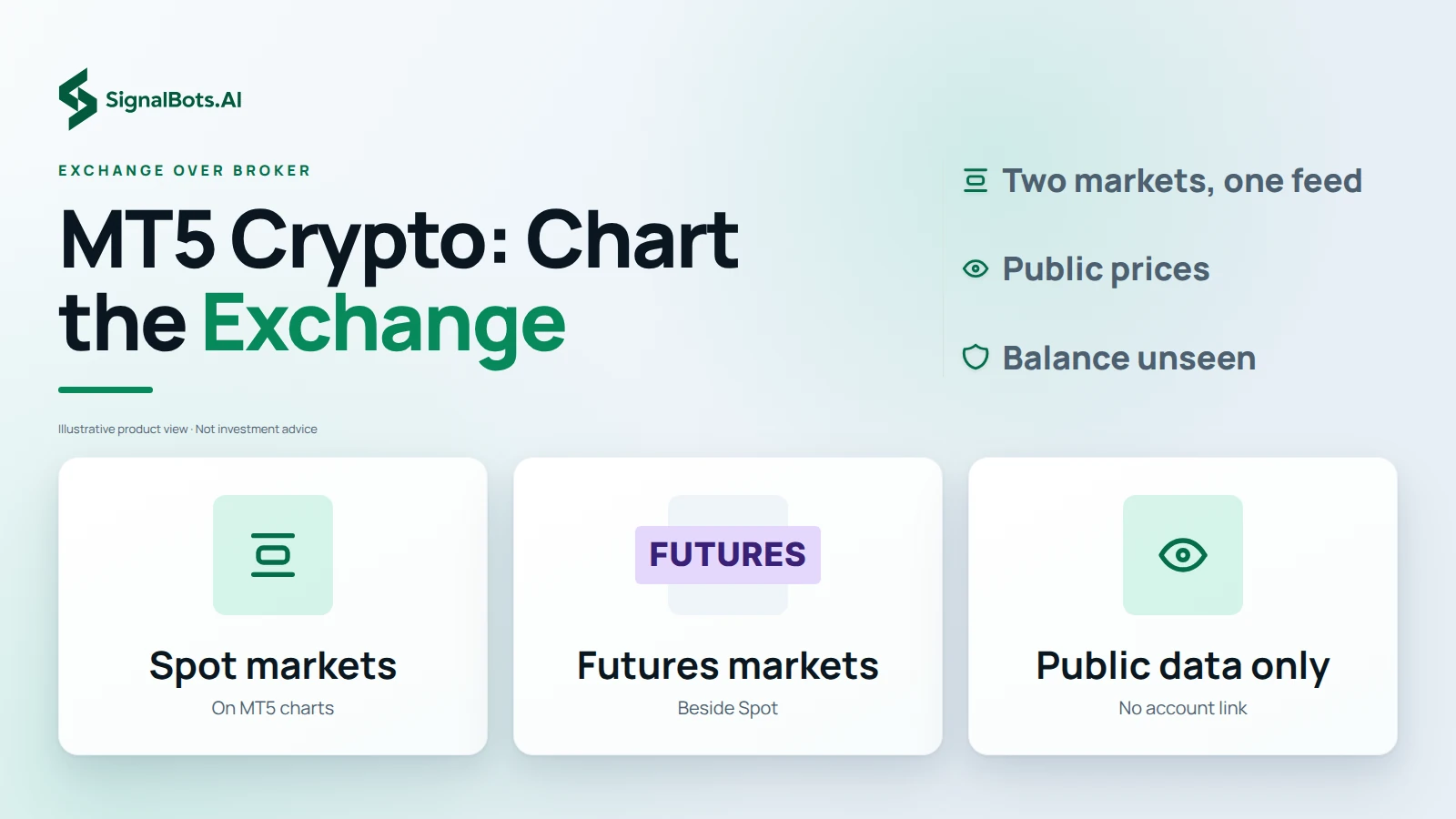
Three tiles, Spot markets, Futures markets and Public data only, each with a short detail, answering that an exchange's own markets come onto MT5 charts side by side from public prices.

Exchange over broker

Looking for MT5 Crypto Brokers? Chart the Exchange Itself

If you searched for MT5 crypto brokers because you want crypto prices inside MetaTrader, a connector gives you the exchange's own markets instead. Each exchange's Spot and Futures markets stream onto MT5 charts side by side, so you can switch between them without leaving MetaTrader. Everything comes from public prices, which means the connector never connects to your exchange account: it cannot trade, withdraw or even see your balance. You still choose the exchange you actually use, and read its markets with your normal charting setup.

One EA, many exchanges

Run One Expert Advisor Across Every Connected Crypto Exchange

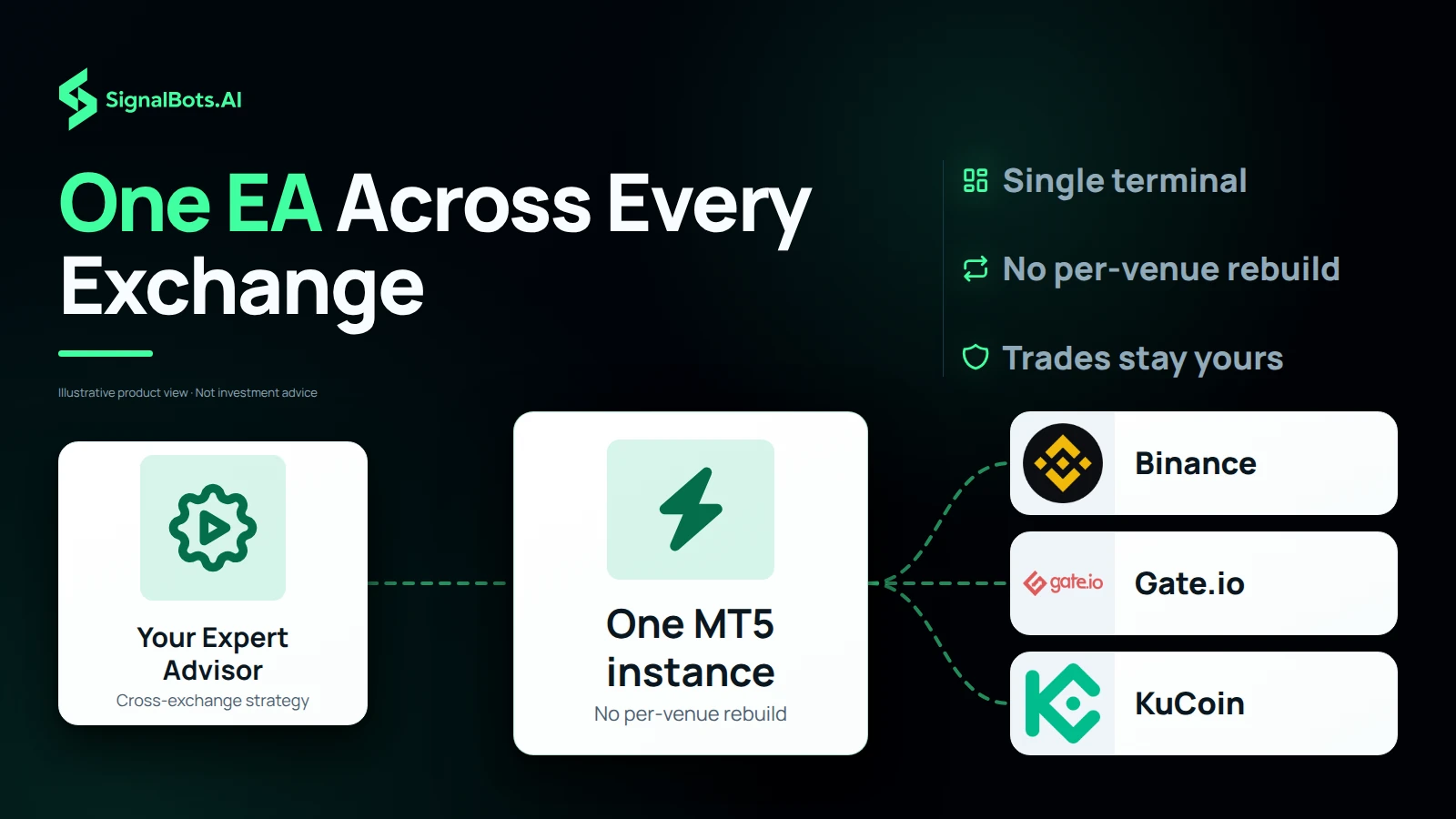
A single Expert Advisor can read every exchange you have connected, so a cross-exchange strategy runs from one MT5 instance instead of a row of browser tabs. Connect Binance, then add OKX and Bybit, and the same EA reads all of them with no per-venue rebuild, even though each exchange keeps its own connector. Because every connector streams public Spot and Futures prices only, the EA analyzes and alerts while trades stay with you on each exchange. Trading carries a risk of loss, whichever exchange you place the order on.

Your Expert Advisor as the source, one MT5 instance as the hub, and Binance, Gate.io and KuCoin logos as destinations, showing one EA reading several exchange feeds with no rebuild per venue and no order routing.
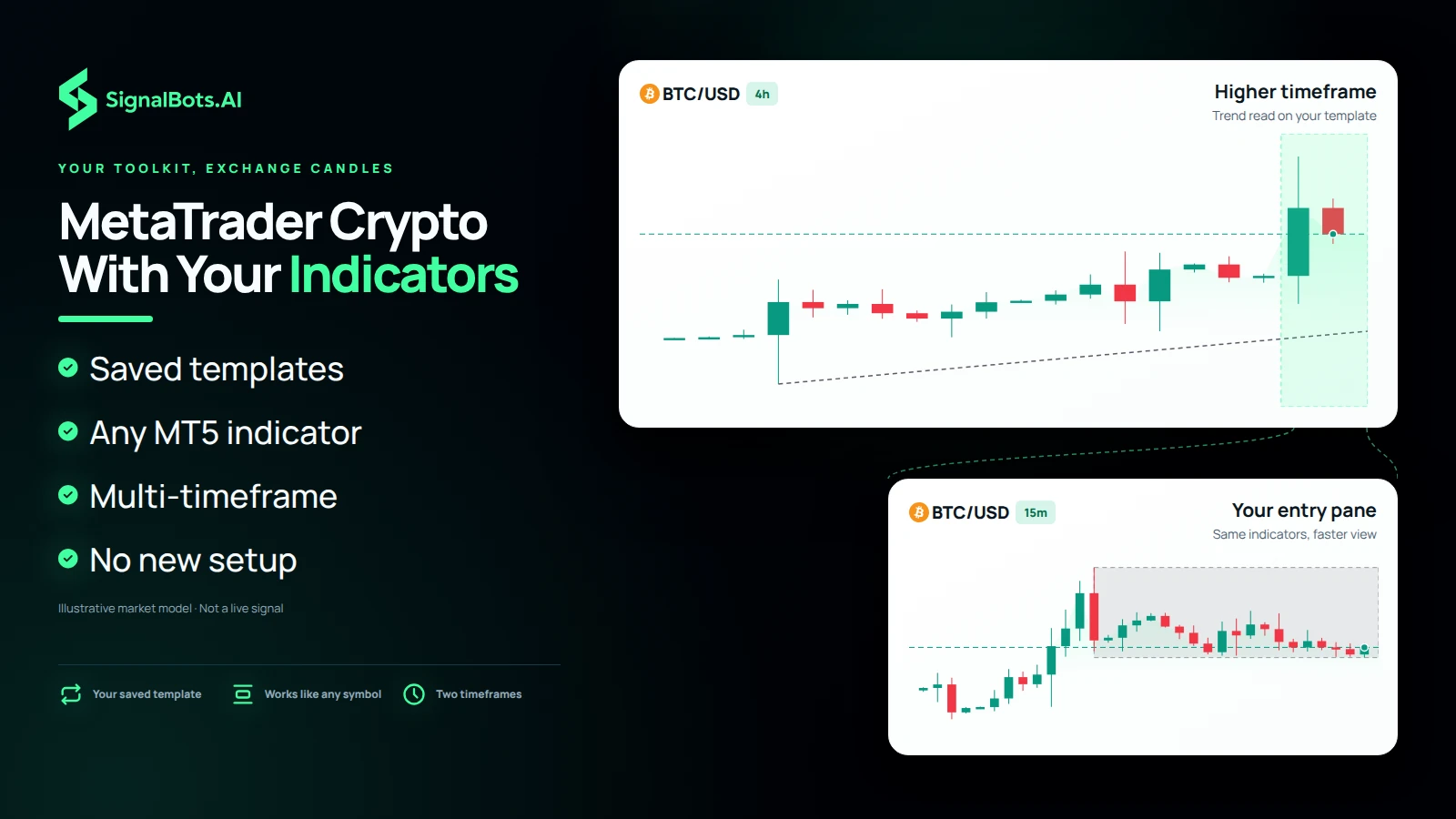
A BTCUSD 4h context pane with a bracket opening into a 15m pane, both drawn with the trader's own indicators and template, showing the same multi-timeframe workflow carried onto an exchange feed.

YOUR TOOLKIT, EXCHANGE CANDLES

MetaTrader Crypto Charting With the Indicators You Already Use

Every MT5 indicator, template and EA works on the exchange feed exactly as it does on any other symbol, so MetaTrader crypto charting starts from the setup you already have. Load a saved template, read the trend on a higher timeframe, then drop to a faster pane to time an entry, all on candles built from the exchange's live data. Moving averages, custom indicators and your drawing tools carry straight over, and the multi-timeframe workflow you use elsewhere works on every connected market. Trading carries a risk of loss.

MT5 PLUS ONE CONNECTOR

How to Get an Exchange Connector for MT5 Crypto Trading

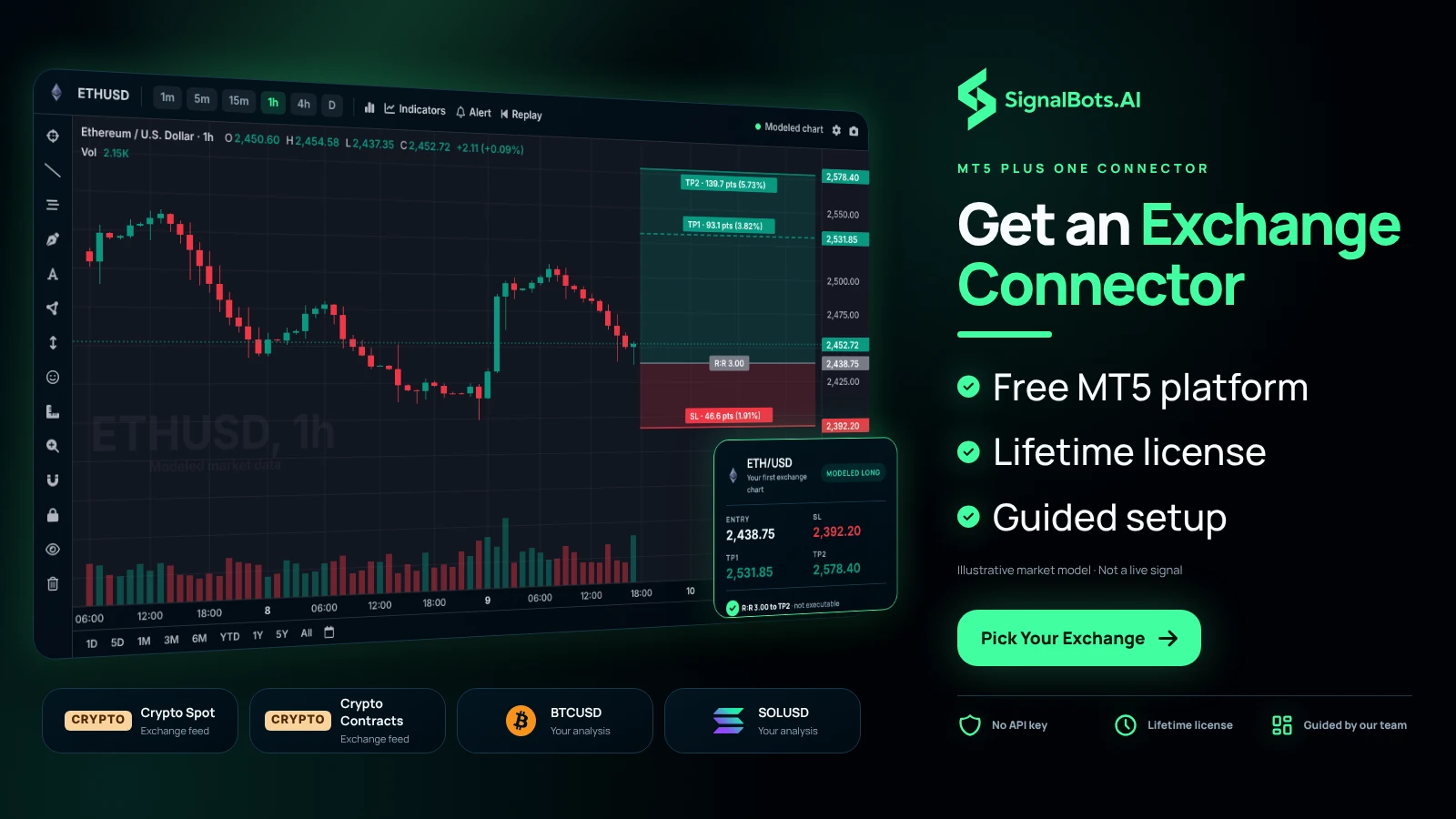
Getting a connector takes two moves on your side. Install MetaTrader 5, which costs nothing from MetaQuotes or any MT5 broker, then pick the exchange you trade: Binance, OKX, Bybit, KuCoin, BingX, XT, Kraken, CoinEx, MEXC, Gate.io or Crypto.com. Every connector comes with a free lifetime license, so you message our 24/7 team and they get you set up. From then on the exchange's live data feeds your charts, your MT5 crypto trading decisions start on a chart you know, and orders are still placed on the exchange. Read our Risk Warning first, because trading carries a risk of loss.

An MT5 terminal with one ETHUSD 1h chart read as the trader's first analysis, beside four cards for exchange markets (Crypto Spot, Crypto Contracts, BTCUSD, SOLUSD), showing the result of installing MT5 and adding a connector.

Frequently Asked Questions

Which exchanges are supported?

Binance, OKX, Bybit, KuCoin, BingX, Kraken, CoinEx, MEXC, Gate.io and Crypto.com, ten major exchanges, each with its own MT5 connector.

Do I get Spot and Futures?

Both. Each exchange's Spot and Futures markets stream onto MT5 charts side by side, so you can switch between them without leaving MetaTrader.

Is my exchange account safe?

Yes. The connector never connects to your exchange account. It streams public Spot and Futures prices only, so it can't trade, withdraw or even see your balance.

Can one EA read every exchange?

Yes. A single Expert Advisor can read every exchange you've connected, so cross-exchange strategies run from one MT5 instance instead of ten browser tabs.

Can I chart with my own indicators?

Every MT5 indicator, template and EA works on the exchange feed exactly as it does on any other symbol: your charting setup carries straight over.

Do I need MetaTrader 5 installed?

Yes. MT5 is free from MetaQuotes or any MT5 broker; the connector feeds your charts from the exchange's live data.

How do I get a connector?

Each connector ships with a free lifetime license: message our 24/7 team and we'll get you set up. Trading carries risk; read our Risk Warning first.