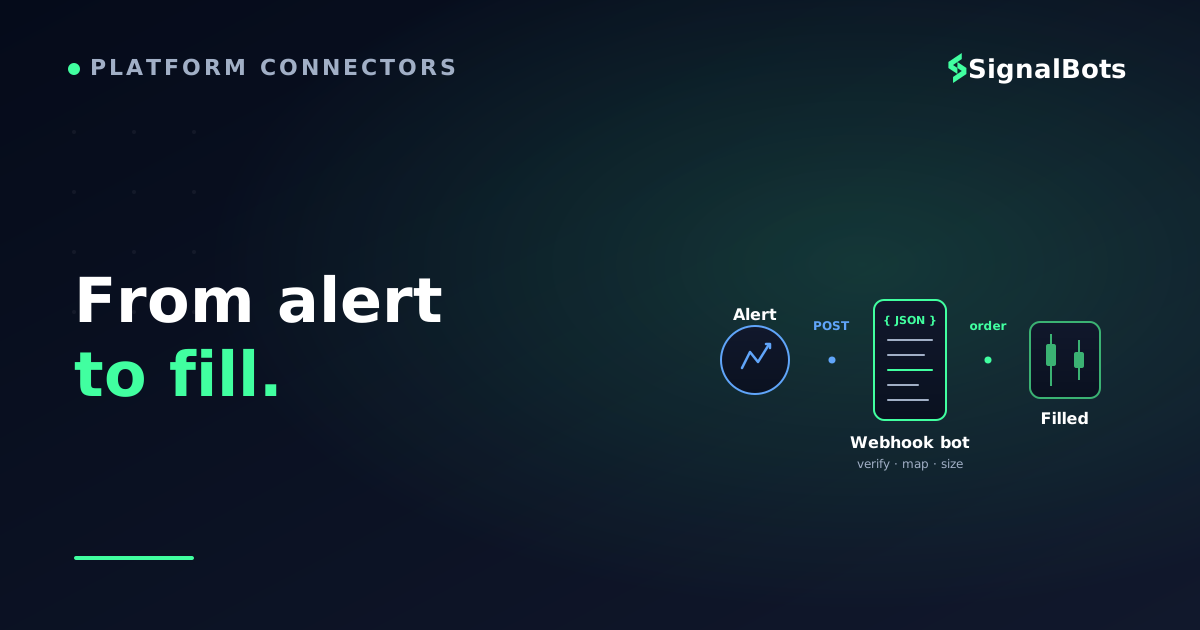
A TradingView webhook turns a triggered alert into an HTTP POST that a bot places at your forex broker — TradingView decides when, the bot decides how.
The alert message should be JSON carrying a private secret, symbol, action, and your risk rules (risk %, stop, target) — never a password, never a hard-coded lot.
Symbol mapping and risk-based sizing are where most setups silently fail: the bot must translate TradingView's symbol to the broker's and size each lot from risk, not a fixed lot.
Prove the whole chain on a demo account for a week — one alert, one trade, right pair, right size — before any real capital enters the pipe.
Table of Contents (20 min read)Contents
The gap between a good alert and a placed trade
You have an indicator on TradingView that fires at the exact moment you want to be in the market. The arrow prints, the alert pops, your phone buzzes — and by the time you've unlocked it, switched to your broker, and typed in a lot size, the move you were early to is already halfway done. The signal was right. The execution was human, and human is slow.
That gap is the whole problem this page solves. TradingView is a superb place to decide — it is not where your forex order gets filled. What closes the distance is a TradingView alert webhook: instead of only buzzing your phone, a triggered alert quietly fires an HTTP request carrying your trade instruction to a listener that places the order at your forex broker for you, in the same second, whether you are at the screen or asleep.
This is a mid-level trader's how-to. You already read charts and manage risk; you do not want a bot to invent a strategy, you want your strategy's alerts to reach your broker without your thumbs in the loop. Below is exactly how that pipe is built, what the alert has to say, where trades die silently, and how to prove the whole chain works before you let it trade real money.
The execution path
sequenceDiagram
    autonumber
    participant TV as TradingView
    participant Bridge as Webhook Bot
    participant Broker as Forex Broker
    TV->>Bridge: POST alert JSON
    Note over Bridge: Verify secret, map symbol,
size the position
    alt Payload valid
        Bridge->>Broker: Place market order
        Broker-->>Bridge: Fill confirmation
        Bridge-->>TV: 200 OK
    else Bad secret or symbol
        Bridge-->>TV: Reject, no order sent
    end
The alert never touches your broker directly — a webhook bot in the middle authenticates it, translates the symbol, sizes the trade, and only then places the order.
What each piece of the chain actually does
Four things sit between your indicator and a filled forex position. Understanding what each one is responsible for is what lets you debug the chain later instead of staring at it.
The Pine strategy or indicator decides when. It is your logic — an RSI reversion, a session breakout, a moving-average cross — and it is the one thing on this list you do not outsource. If the logic is bad, faster execution just loses money faster.
The alert decides what to say. TradingView turns a trigger into an outbound message; the body of that message is the trade instruction. Get this wrong and the fastest pipe in the world delivers garbage.
The webhook decides where to send it. It is a one-way HTTP POST from TradingView's servers to a URL you control. TradingView only sends; it never waits for a trading result, and it gives up if your endpoint takes longer than about three seconds to answer.
The webhook bot decides how to execute. This listener receives the POST, checks it is genuine, converts the TradingView symbol to your broker's symbol, applies your position sizing, and calls the broker — MT4/MT5 or a REST API — to place the order.
Only the first piece is your edge. The other three are plumbing, and plumbing either works or it doesn't. The rest of this guide is about making the plumbing boring and reliable.
Step 1 — Write an alert that carries a real instruction
A trading signal that a machine can act on is not "RSI oversold on EUR/USD." A machine needs structured, unambiguous fields: which pair, which direction, how big, and proof the message is really from you. On TradingView, that structured instruction lives in the alert's message box — and the smart way to fill it is with JSON.
TradingView lets you drop placeholders into the message that get replaced with live values the instant the alert fires. {{ticker}} becomes the symbol, {{close}} becomes the bar's close, {{strategy.order.action}} becomes buy or sell for a strategy order. You write the shape once; TradingView fills in the numbers every time.
Paste this into the alert's Message box. TradingView swaps the placeholders for live values at fire time and posts the whole object to your webhook URL.
Two lines on that snippet earn their place. The secret (line 2) is a private string only you and your bot know — it is the difference between "my strategy placed this trade" and "anyone who guessed my URL placed this trade." And risk_pct, sl_pips, tp_pips (lines 6–8) are your risk rules travelling with the signal, so the bot sizes the position instead of blindly firing a fixed lot. This is the webhook payload — the contract between TradingView and your bot. If a field the bot expects isn't in here, the trade won't place; keep the two in lockstep.
A note on TradingView itself: webhook alerts are a paid-tier feature, and TradingView requires two-factor authentication on your account before it will send them. If the "Webhook URL" box is missing from your alert dialog, that is why — it is an account-level gate, not a mistake in your setup.
Step 2 — Stand up the listener that receives the alert
The URL you paste into the alert has to lead somewhere that is awake 24 hours a day. This is the part new automators underestimate: your home laptop closing its lid at midnight is a broker that stops taking your trades at midnight. There are two honest ways to host the listener.
Run it yourself on a VPS. A small always-on virtual server beside your MT4/MT5 terminal runs a tiny web server that catches the POST, validates it, and hands the order to an Expert Advisor on the chart. You own every layer — and you maintain every layer.
Use a managed bridge. A hosted service gives you a webhook URL, does the receiving and broker-calling for you, and you configure rather than code. Less control, far less to break at 3 a.m.
Either way, three constraints come straight from TradingView and are not negotiable: it will only POST to ports 80 or 443, it abandons the request after about three seconds, and it sends from a fixed set of its own IP addresses. Practical consequence: your listener must answer fast and answer on a standard web port. Do the slow work — the actual broker call — after you've already replied 200 to TradingView, or the connection dies mid-trade.
End to end
How a TradingView alert becomes a forex order
1
Alert fires on your rule
Your Pine strategy or indicator hits its condition and TradingView triggers the alert.
2
Webhook POSTs the JSON
TradingView sends your message payload as an HTTP POST to your listener URL, on port 80 or 443.
3
Bot verifies and sizes
The listener checks the secret, maps the symbol to your broker, and turns risk_pct into a real lot size.
4
Order hits the broker
The bot places the market order via MT5 or the broker API and logs the fill for you to reconcile.
Four hops, one second. The bot — not TradingView — is where authentication, symbol mapping, and position sizing happen.
Step 3 — Make symbols and lot sizes agree
This is where more automated forex setups quietly fail than anywhere else, so it gets its own step. TradingView and your broker rarely spell a pair the same way. Your chart might say EURUSD; your broker's server might list it as EURUSD.r, EURUSD-ECN, or EURUSD.i. If your bot passes TradingView's spelling straight through, the broker replies "unknown symbol" and the trade never opens — with no error on your chart to tell you why. Symbol mapping is a small translation table in your bot: for every pair you trade, TradingView's name on the left, the broker's exact name on the right.
Position sizing is the second silent breaker. The alert should carry a risk, not a lot. If you hard-code 0.10 lots into every alert, a 25-pip stop and a 60-pip stop risk wildly different amounts of your account. Instead, send risk_pct and a stop distance, and let the bot compute the lot from your live balance so every trade risks the same slice — the discipline you'd struggle to hold by hand at 2 a.m. Here is the arithmetic your bot runs, and you can feel it yourself:
Try the numbers
Lot size from risk %, stop, and balance
Lot = (balance x risk%) / (stop in pips x pip value per lot). The bot runs this every alert so each trade risks the same fraction, not the same lot.
Account balance
$
Risk per trade
Stop-loss distance
pips
Pip value per 1.00 lot
$
Risk amount
—
Lot size the bot should send
—
Move the risk slider and stop distance: the lot the bot should place changes with them. Hard-coding a fixed lot throws this discipline away.
If sizing forex positions from risk is new to you, the standalone forex position size calculator walks the same math with pip-value handling built in — useful for sanity-checking what your bot will send.
Step 4 — Prove the chain before it trades real money
Never point a fresh webhook at a live account. The failure modes here are not "small loss" — they are "the bot fired forty trades in a loop because it re-read the same alert," and you want to discover that on a demo. Test the chain in the same order the trade travels, so a break tells you which hop failed.
Fire a test alert into a request inspector first. Point the webhook at a URL that just shows you what arrived, and confirm the JSON is well-formed with your placeholders filled in.
Switch to the bot on a demo account. Same alert, real listener, fake money. Confirm one alert makes exactly one trade, on the right pair, in the right direction.
Check the symbol and the size, not just that it opened. A trade that opens on the wrong broker symbol or at ten times your intended lot is a "success" that would have hurt.
Forward-test for a week before going live. Let it run on demo across real sessions. Watch for duplicate fills, missed alerts, and the signal latency between the alert firing and the fill landing.
Only after a clean week does real capital belong in the pipe. And even then, a webhook can only be as reliable as its weakest hop — a dropped internet connection, a broker in maintenance, or TradingView's three-second cutoff can all swallow a signal, so build a kill switch you can hit and reconcile the bot's log against your broker's history regularly.
Pre-flight
Before you point the webhook at real money
0 / 8
Alert message is valid JSON with placeholders filled at fire time
A private secret is in the payload and the bot rejects any alert missing it
Every traded pair has a TradingView-to-broker symbol mapping
The bot sizes the lot from risk %, not a hard-coded lot
One test alert produces exactly one trade, no duplicates or loops
Listener answers well within three seconds, on port 80 or 443
Ran clean on a demo account across a full week of live sessions
You have a kill switch and reconcile the bot log against broker history
★
Checklist complete — you’re cleared to proceed.
Every box is something you can verify yes or no. An unticked box is a way this silently loses money.
Where DIY ends and a managed pipeline begins
Building this yourself is entirely doable — the same six-stage process covered in how to build an automated forex system — and for a single strategy on a single pair it is good practice, since you learn exactly where the trade can die. The cost shows up when you scale: every broker adds a new symbol-mapping quirk, every pair needs its own sizing, and the VPS, the EA, and the listener all become things you keep alive at 3 a.m. when a signal is worth catching.
That is the seam SignalBots is built for. Rather than hand-wire TradingView to MT5 and babysit the bridge, our forex signal delivery and MT4/MT5 connectors do the receiving, symbol-mapping, and sub-10ms delivery as a maintained product — so the only thing you own is the strategy, which is the only thing that should be yours to own. Whether you build or buy, the principle is identical: the alert decides, a verified bot executes, and no trade opens that you couldn't reconstruct from the log.
FAQ
Do I need a paid TradingView plan to use webhooks?
Yes. Webhook alerts are a paid-tier feature, and TradingView also requires two-factor authentication on your account before it will send them. On the free plan the "Webhook URL" field simply won't appear in the alert dialog.
Can TradingView place the forex trade by itself?
No. TradingView sends a one-way message and never waits for a trading result — it does not connect to your broker's order system on its own. A separate webhook bot has to receive that message and call the broker. TradingView decides when; the bot decides how.
Why did my alert fire but no trade opened?
Almost always a symbol or a size problem. If the pair name TradingView sends doesn't exactly match your broker's symbol, the order is rejected with nothing shown on your chart. Check your symbol-mapping table first, then confirm the payload carried a valid action and a sizeable risk field.
Is putting my broker password in the alert message safe?
Never put a password or login in the alert body — webhook payloads should carry a trade instruction and a private secret only. Your bot holds the broker credentials locally; the secret in the payload just proves the alert is genuinely yours before the bot acts on it.
How fast is webhook execution really?
Fast enough for most retail forex strategies, but not instant. TradingView allows your endpoint up to about three seconds to respond, and real latency depends on your listener, your VPS location, and the broker. Reply 200 immediately and do the broker call after, and measure the true delay on a demo before you trust it live.
What happens to a signal if my server is down?
It is lost. TradingView fires the webhook once and moves on — there is no retry queue on your behalf. That is the strongest argument for an always-on VPS or a managed bridge, plus reconciling the bot's log against your broker history so you catch any signal that never became a trade.
Sources & Further Reading
Want to go deeper? These independent, authoritative sources shaped this guide — each one is worth reading in full:
The Forex Desk is the SignalBots editorial team responsible for our currency-market coverage. We research and write the guides, explainers and reference articles on how the majors, minors and crosses actually trade — sessions, spreads, swaps and the macro releases that move price.



Discussions 0
Leave a comment